November 21, 2026
Figma Dictation on Windows: Design Comments in 2026
Pin the concern to the design, speak the explanation, then check the comment before posting.
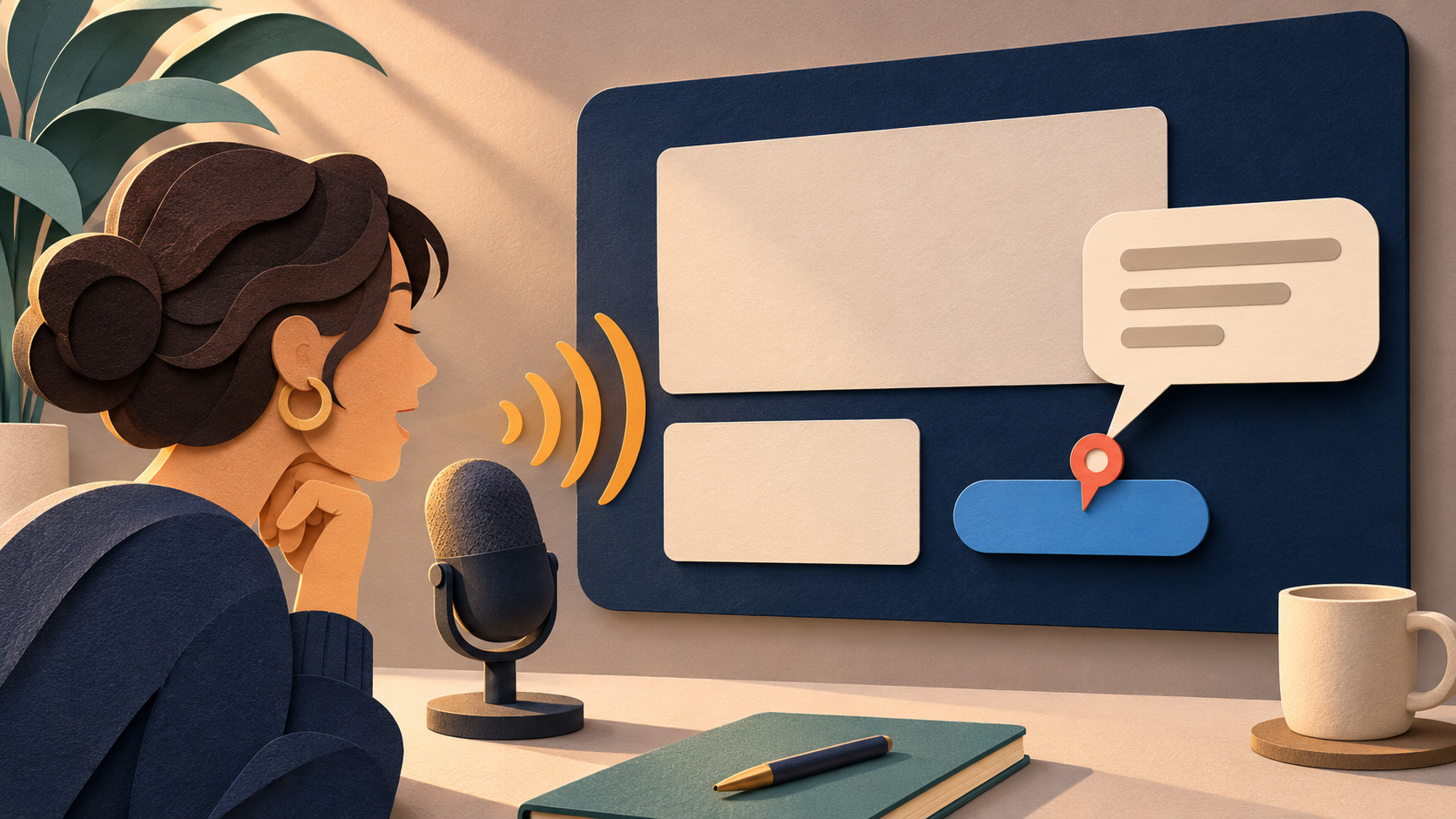
To try Figma dictation on Windows, open a comment field in your design file, click inside it, and press Windows + H. Wait for the listening indicator, then say a short comment. Stop the microphone and check the draft before posting. Use Figma's controls to choose where the comment is pinned and who to notify. Dictation enters the words, but it doesn't choose those details for you.
This guide covers written design feedback on Windows 11. It doesn't cover creating designs with voice prompts or transcribing a design review call. It describes a setup you can try in your browser or desktop app. We haven't tested every Figma and Windows configuration.
Open the comment before starting the microphone
Selecting a frame won't let you edit a comment. In Figma's comment workflow, press C to enter comment mode, then click a spot or drag over an area. Click the message field and check that you can type regular text. Delete the test text before recording.
Microsoft's voice typing guide says you need a working microphone, an internet connection, and a cursor in a text box. Start with a throwaway comment in a practice file. Dictate one sentence, stop listening, and check where the words appear. Don't try it for the first time during a client review with notifications waiting.
Keep the first trial small enough to review. If the draft is wrong, fix it before using the send control. A voice tool can recognize a sentence correctly even when you've selected the wrong design. Check the location as carefully as the text.
Describe the visible problem without rewriting the brief
Here's a fictional practice comment: 'At the narrow mobile width, the delivery estimate wraps below the checkout button. Could we test a shorter label before reducing the body text size?' Pin it to the relevant area. The comment shows the designer what's happening and what to check, without claiming a usability study proved anything.
Check that sentence against the canvas. Does the estimate actually wrap at the width you're viewing? Is shortening the label a suggestion or an approved requirement? Speech cleanup can make tentative feedback sound more certain. Keep words such as 'could' when they reflect your intent.
Explain the issue by voice, but type exact design values. Copy the component name, color token, URL, or measurement from its source. "The small button" might make sense when you're looking at the screen, but a week later, someone reading the comment may not know which one you mean. Name the state or screen where the issue can be reproduced.
Keep unrelated observations in separate recordings. A spacing issue on checkout and a missing error state should go in different places. Longer dictation helps when you need room to explain your reasoning, but it shouldn't obscure the action the designer needs to assess.
Handle mentions and final posting in Figma
A colleague's spoken name stays as plain text until you select a real mention. Figma documents the steps: type @, find the collaborator, then choose them from the suggestion list. You may not have access, depending on your permissions. Don't assume that saying 'at Maya' notified anyone. Select the right person and check that the mention appears correctly before you post.
Stop listening before you open a menu or move to another comment. Check the draft against its anchor, then post it deliberately. Check the thread afterward. Keeping recognition, placement, and posting separate means a failure at one step won't send you back to change microphone settings.
If your review work moves into code, see our GitHub pull-request comment guide. The Discord voice typing guide covers another risk: entering chat text you can edit without mixing up recording and sending.
When Windows voice typing isn't enough
If the built-in option handles your feedback with little correction, keep using it. Consider a dedicated app when the same project names keep coming up in design comments, email, issue trackers, and chat. The developer dictation buying guide compares that broader workflow without promising a special Figma integration.
DictaFlow's setup guide explains how to use hold-to-talk: press and hold your configured shortcut, speak, then release it to insert text. Add recurring terms to Custom Vocabulary to help recognition. This won't verify design tokens or select collaborators. The product facts say DictaFlow uses clipboard insertion by default, with optional character-by-character Typing Mode. If a field won't accept normal insertion, test each output method with harmless text.
If nothing appears, dictate the same sentence in Notepad. If it fails there too, the input tool or microphone may be the problem. If it works in Notepad but not in Figma, check focus or insertion behavior. Reopen the comment and confirm you can type. Don't record the whole paragraph again until you've checked for delayed text, or you may create duplicates.
DictaFlow has native apps for Windows, Mac, iPhone, iPad, and Android. The Free plan includes 2,000 cloud words every 30-day cycle. Direct Consumer Pro costs $9/month or $84/year, which works out to $7/month with annual billing. It includes unlimited personal dictation, subject to fair use. Store offers may differ. DictaFlow uses cloud by default. Local Offline needs setup on supported devices, and cloud cleanup still requires a connection. Check the current comparison and test your actual field before paying.
Frequently asked questions
Can I dictate Figma comments on Windows without a plugin?
Try Windows + H with the cursor in the comment message field. This uses Windows voice typing, not a Figma plugin. You need a working microphone and internet connection. Check that text appears in your actual browser or desktop app before relying on it.
Does dictation select the location of a Figma comment?
No. Use Figma's comment controls to select a location or region, then dictate your message in the message field. Check the text and anchor before you post.
Will speaking a colleague's name create a Figma mention?
Not by itself. Type @, then choose the collaborator from Figma's suggestions. A name in plain text doesn't count as a confirmed mention.
Can this voice workflow change the design itself?
This guide covers only how to enter written feedback. Comments don't change layout values or edit a component. Use Figma's design controls to make those changes.
Start with the Free plan and test one short draft in the app you use.