Developer Voice Recognition Tools Compared (2026)
Updated September 2, 2026
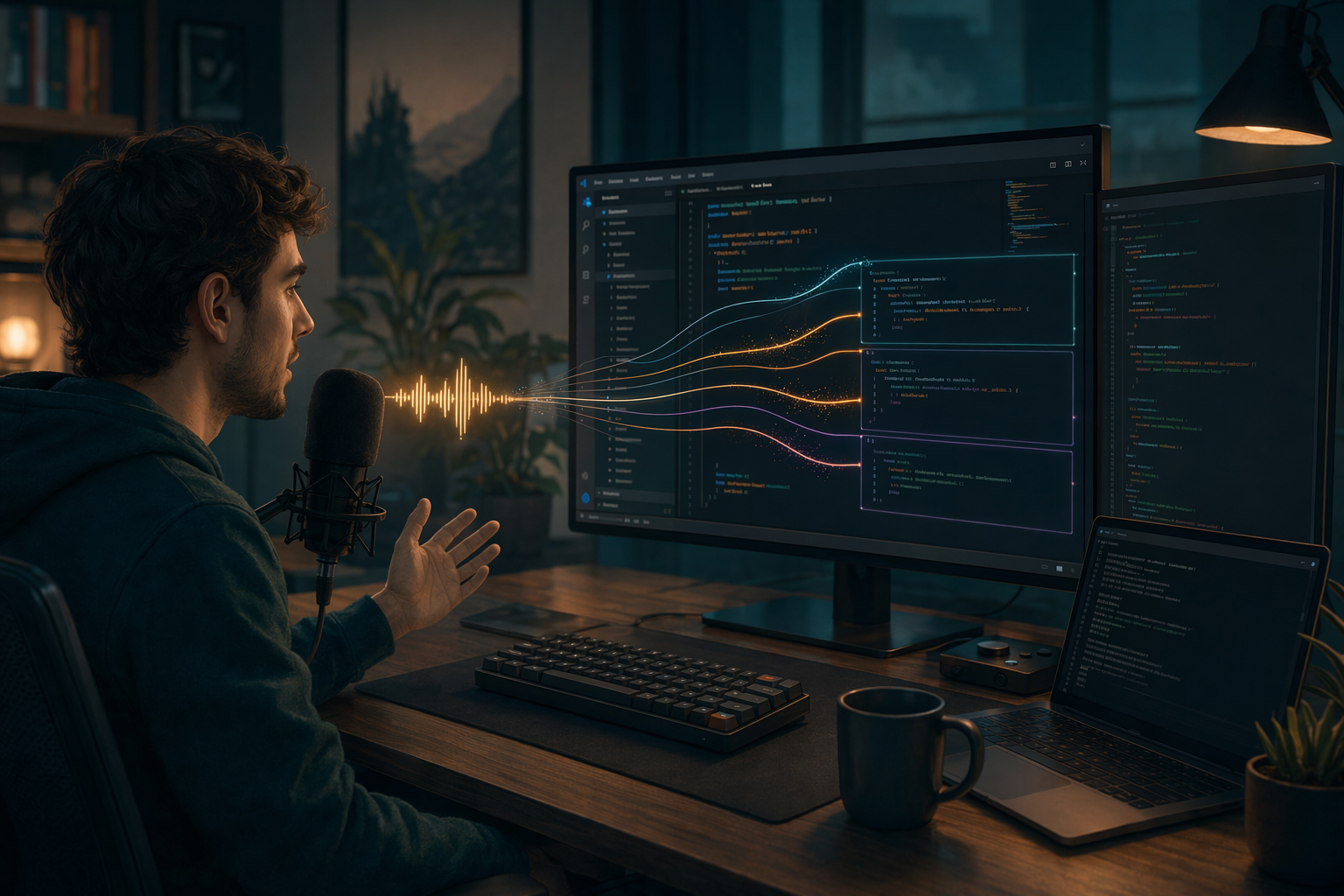
Dictation for developers has to do more than regular note-taking. It should work in your IDE, terminal, browser, Slack, and GitHub without making you switch to another editor. This guide compares four practical options based on app coverage, technical vocabulary, platform support, control, and price.
No voice recognition tool works best for every developer. Your choice depends on what matters most to you: built-in convenience, local processing, support across platforms, or precise hold-to-talk control.
Why developers need dictation that works everywhere
The key thing about developer dictation is that it has to work in any app, not just one IDE. You're jumping between your editor, the terminal, a browser for docs, Slack for the standup, and GitHub comments. A tool that only works in one place is kinda limited.
You also need to dictate naturally without accidentally triggering transcription in the wrong window, mid-compile, or during a test run. Hold-to-talk, where you press and hold a hotkey and speech only transcribes while you're holding it, makes that a lot easier. You stay in control of when transcription happens.
And if you make a mistake mid-sentence, you want to fix it without reaching for the keyboard. The best dictation tools let you correct in voice, without breaking your flow.
DictaFlow
DictaFlow works well for developers who switch between Mac and Windows or dictate into Cursor, Claude Code, terminals, browsers, and chat apps. It also offers native iPhone and iPad apps. Android users can install the native app from Google Play.
The hold-to-talk workflow suits people who want deliberate input instead of an always-on microphone. App-Aware prompting adjusts cleanup for the app you're using. Custom vocabulary helps with library names, commands, acronyms, and proper nouns. Actually Override lets you correct words mid-sentence, though modern dictation apps now offer similar features.
Consumer Pro costs $7/month or $69/year, which works out to $5.75/month with annual billing. A limited free tier is also available. See the dated product facts for the current platform, pricing, and processing details.
Wispr Flow
Wispr Flow works across desktop and mobile, with apps for both. Its official pricing page lists Pro at $15/month, with a lower monthly rate when you pay yearly. Developers who need wide device support and automatic cleanup may prefer it.
Before buying, check Wispr Flow's official site for the latest downloads and pricing. Plans and supported devices can change.
Superwhisper
Superwhisper works on macOS, Windows, and iOS. Its official site lists offline and cloud speech recognition, support for more than 100 languages, and custom modes. It may be a good fit if you care more about local processing or flexible workflows than getting the cheapest subscription.
Check Superwhisper's official download page for current operating-system requirements.
Windows Voice Typing and Apple Dictation
Windows Voice Typing and Apple Dictation are good free places to start. Microsoft says Windows Voice Typing can enter text anywhere on a PC and recognizes spoken punctuation commands. Apple includes standard Dictation on Mac, plus a separate Voice Control feature for wider voice-based control.
Built-in tools may cover occasional prompts and messages. Paid options make more sense if you need custom vocabulary, the same setup across devices, cleanup for specific apps, or a dedicated hold-to-talk workflow.
What to actually look for
A developer voice tool is only as reliable as the workflow around it. Don't judge it by one accuracy claim. Compare these points:
- Hold-to-talk: You need to control exactly when transcription starts. A hotkey on your mouse side button is ideal. No accidental dictation.
- App coverage: Does it work in your terminal, IDE, browser, Slack, and remote desktop?
- Technical vocabulary: Can you teach it library names, commands, acronyms, and project terms?
- Platforms: Does it support every computer and phone you actually use?
- Processing options: Do you need transcription to work locally without an Internet connection, cloud cleanup, or both?
- Price: Are the free built-in tools enough, or does a paid workflow save enough correction time to be worth the cost?
The bottom line
Start with the free dictation tool included with your operating system. If it understands your terminology and works across the apps you use, stick with it.
Pick DictaFlow if you need hold-to-talk input, App-Aware cleanup, custom vocabulary, Mac and Windows support, or typing through Citrix and RDP. Choose Wispr Flow if you prefer its cross-platform experience and automatic cleanup. Choose Superwhisper if local processing and configurable modes matter most.
The best test uses your own setup. Dictate the same technical paragraph into an IDE, terminal, browser, and chat app. Then compare how much time you spend correcting errors instead of relying on a generic accuracy percentage.
Related DictaFlow pages
More comparisons and demos for developers.