Why Your AI Dictation Fails in Citrix (And How to Fix It in 2026)
February 28, 2026
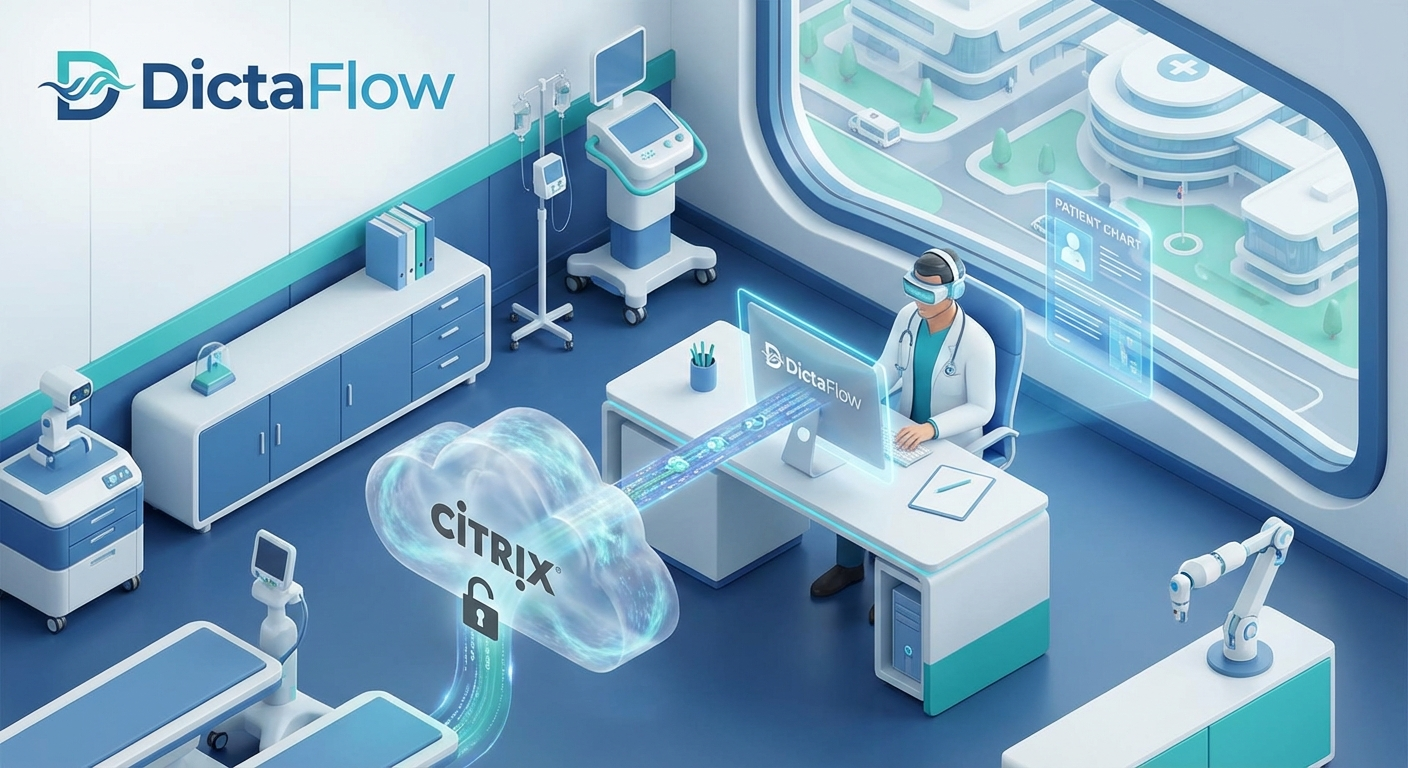
If you work in a hospital or a large law firm, you probably spend half your life inside a Citrix or RDP window. It’s a necessary evil for security and centralized records, but for anyone trying to use modern AI tools, it’s a productivity killer.
You try to dictate a note, and there’s that agonizing half-second lag. The cursor jumps. The transcription misses the first three words of every sentence because the "virtual" audio driver couldn't wake up fast enough. By the time the text appears on the screen, you’ve already lost your train of thought.
In 2026, we’re seeing a massive shift toward "Agentic Input"—tools that don't just wait for you to type, but actually understand the context of your workflow. But these agents are only as good as the data they receive. If your input is laggy, your output is garbage.
The VDI Wall
Most AI dictation apps are built for web browsers or MacBooks. They work great when you’re sitting in a coffee shop. But the moment you drop them into a locked-down Windows VDI environment, they crumble. They rely on webhooks and cloud-processing delays that get compounded by the network latency of your remote desktop session.
This is where "local-first" vs. "Windows-native" becomes a critical distinction. You don't need a tool that runs in a browser tab. You need a tool that lives at the driver level of the machine you’re actually touching.
Enter DictaFlow: The VDI Bypass
DictaFlow wasn't built for casual bloggers; it was built for doctors and lawyers who are stuck in the Citrix trenches. Because it’s a Windows-native application, it doesn't fight the VDI; it bypasses the typical audio-redirection lag that plagues other tools.
1. Hold-to-Talk (PTT) that Actually Works
In a high-stakes environment, "Always Listening" is a privacy nightmare and a battery drain. DictaFlow uses a true Push-to-Talk (PTT) mechanic. You hold the key, you speak, you let go. The audio is captured locally and piped into the remote session with zero "wake-up" delay.
2. Deepgram Nova-3 Medical/Legal Accuracy
We use the most advanced models available—Deepgram’s Nova-3 series. Whether you’re dealing with complex pharmacological terms or obscure legal citations, the accuracy isn't just "good enough"—it’s professional grade.
3. "Actually Override"
The most frustrating part of AI dictation is when the model tries to be too smart. It "corrects" a term you actually meant to say. DictaFlow features an "Actually Override" mode that lets you force mid-sentence corrections without breaking your flow.
The 2026 Workflow
The future of professional work isn't about escaping the tools we have to use—like Citrix—it's about making them usable. When your dictation tool feels like a part of your physical keyboard rather than a laggy plugin, you stop thinking about the tech and start thinking about the patient or the client.
If you’re tired of fighting your remote desktop just to get a sentence on the page, it’s time to move to a Windows-native solution.
Try DictaFlow at https://dictaflow.io/
Related DictaFlow Guides
Explore the pages built for the exact workflows these posts keep touching: Windows dictation, Citrix/VDI, medical documentation, legal drafting, and side-by-side comparisons.
Ready to stop typing?
DictaFlow is the only AI dictation tool built for speed, privacy, and technical workflows.
Download DictaFlow Free