June 20, 2026
I Tried a $30 USB Foot Pedal for Dictation for a Week - Here's What Happened
I bought a $30 USB foot pedal for dictation and used it for a week with DictaFlow. The surprise wasn't the hand relief - it was how much my dictation flow improved.
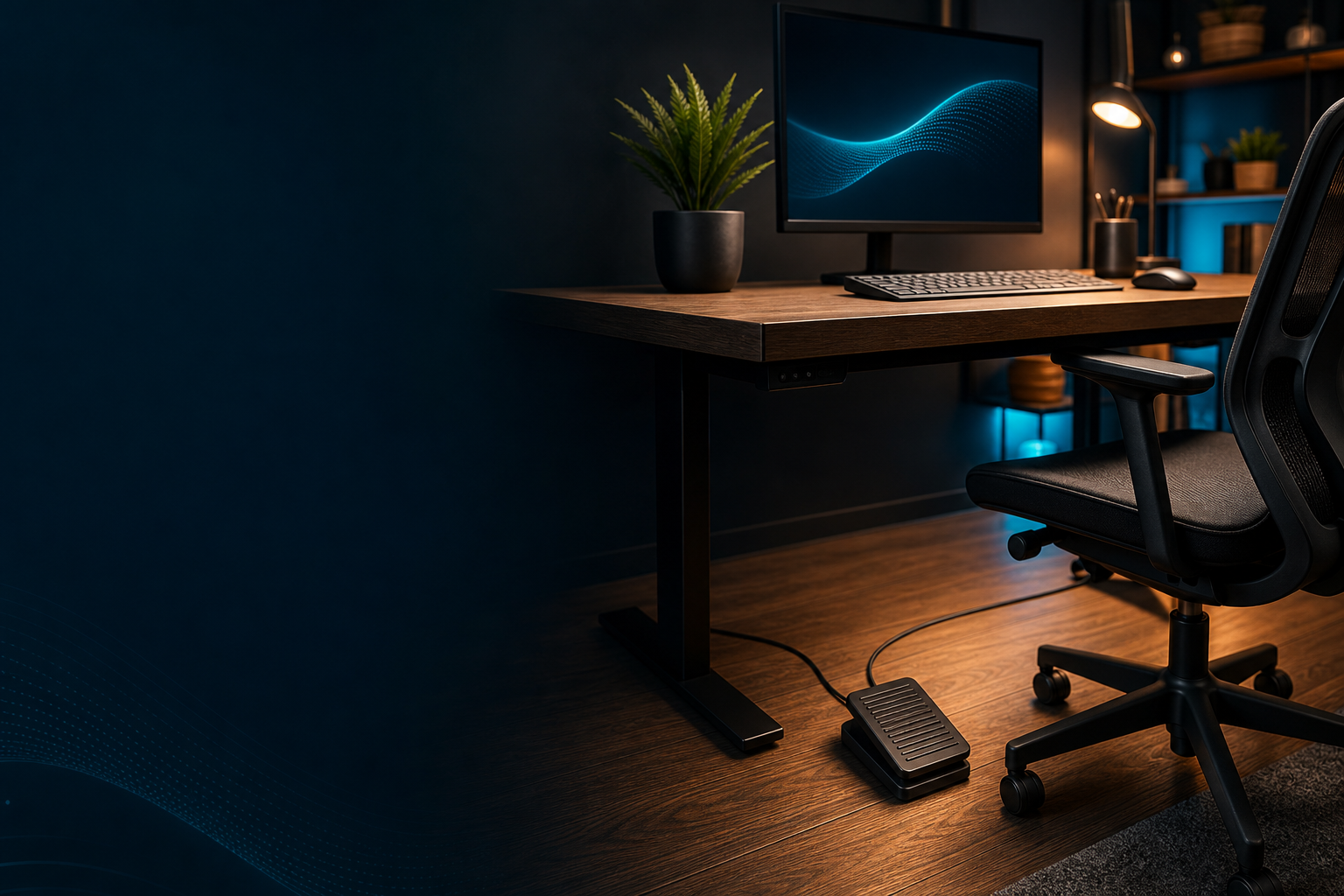
I bought a $30 USB foot pedal on Amazon because my left hand was starting to hurt. I've been using dictation tools for years, DictaFlow, Apple Dictation, Wispr Flow, but I always started them with a keyboard shortcut.
After long stretches of dictating emails and docs, my pinky would ache from holding down the Ctrl key. The pedal seemed like the obvious fix.
Use your foot instead of your hand. Simple enough. I was wrong about what would actually change.
The Setup
I got a three-pedal USB unit, the kind transcriptionists have used for decades. Left pedal for rewind, middle for play/pause, right for fast-forward.
That's the default setup for audio transcription software. But DictaFlow lets you remap each pedal to whatever you want.
I set the middle pedal to push-to-talk. Press it, speak, release. I mapped the other two pedals to Actually Override, for mid-sentence correction, and to switch between apps.
Setup took about five minutes. Plug it in, open DictaFlow's settings, click "Add trigger," press the pedal.
Done. No driver install, no config files.
Days 1-3: I Kept Stepping On It By Accident
The first three days were rough. I'd rest my foot on the pedal without thinking and accidentally trigger dictation mid-sentence.
Twice I dictated half a thought into a Slack message I didn't mean to send. I also found out that foot pedals are loud.
Mine makes a sharp click every time you press it. In a quiet room, it sounds like someone tapping a pen over and over.
My partner asked me to go back to the keyboard by day two. But around day four, something clicked, literally and figuratively.
Days 4-7: My Brain Stopped Fighting It
Muscle memory kicked in. I stopped resting my foot on the pedal. I figured out a position where I could reach it without thinking about it.
The clicking faded into the background. And then I noticed something I didn't expect. When you trigger dictation with a keyboard shortcut, your hands stay in typing position.
Your brain stays in keyboard mode. You're half-thinking about where your fingers are, what the next key is, whether you need to undo something.
With a foot pedal, my hands just rest. They're out of the picture entirely. I found myself speaking more naturally, longer sentences, fewer filler words, better flow.
The split between "foot = talk, hands = edit" made more sense than "hands = talk AND edit." It's hard to measure, but I'd say my dictation speed improved by maybe 15 to 20% after the first week.
Not because the pedal is faster than a keypress, but because I stopped tripping myself up.
What I'd Change
The $30 pedal works. But if I were buying again, I'd get a silent one. The click is genuinely annoying if you share a workspace.
I'd also skip the three-pedal model. I only use two of them, talk and correction. The third pedal just sits there.
A single or dual pedal would be cleaner and cheaper.
Things It Doesn't Fix
A foot pedal doesn't make dictation more accurate. It doesn't help with custom vocabulary or technical terms.
If your dictation app struggles with your voice or your terminology, a pedal won't save it. What it does fix is the physical fatigue of holding a hotkey for hours.
And that turned out to be a bigger deal than I thought. After a week, my hand doesn't hurt anymore. That alone was worth $30.
Bottom Line
I'm keeping the pedal. For long dictation sessions, emails, document drafts, notes, it's genuinely better than a keyboard shortcut.
For quick one-liners and code comments, I still use the keyboard. If you dictate for more than 30 minutes a day, a foot pedal is the cheapest ergonomic upgrade you can make.
DictaFlow supports them natively without any config, just plug it in, map the pedal, and you're done.
But if you're happy with a hotkey and your hands feel fine, skip it. The pedal is an ergonomic tool, not a magic productivity boost.
For me, the real win wasn't the hardware. It was figuring out that separating "talk" from "type" into two different limbs made my dictation flow better than I expected.
Want the simple setup?
The DictaFlow USB Foot Pedal is the boring compatible option: a programmable USB foot switch for triggering dictation without moving your hands.