Suki Dictation for Epic and Meditech: 2026 EHR Guide
September 02, 2026
What Suki launched, where native EHR integration helps, and how to run a useful pilot.
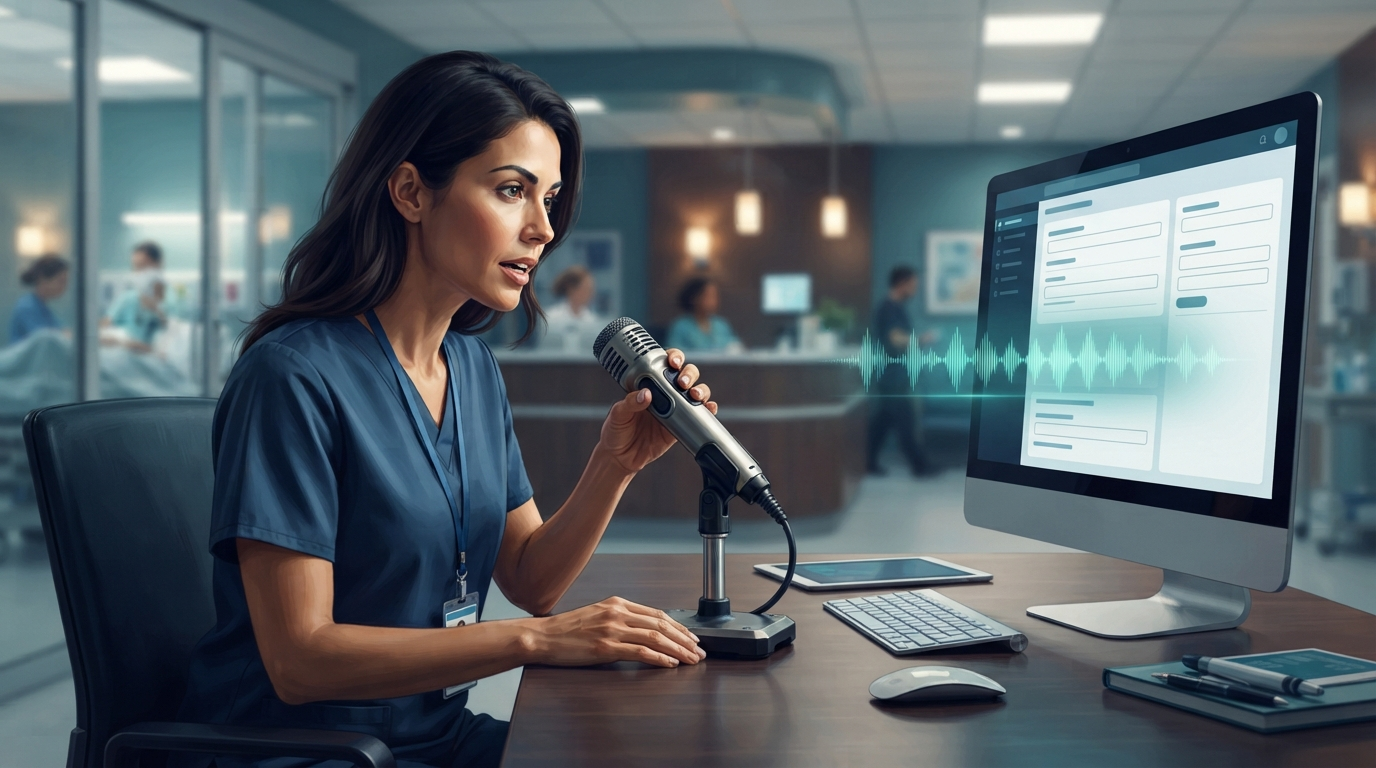
Suki Dictation for Epic and Meditech launched in late August 2026. That matters because healthcare buyers can now consider Suki as a dedicated dictation product, not just an ambient scribe.
That may sound like a small product change, but it isn't. Dictation and ambient documentation serve different needs. A surgeon describing an operative finding may want exact, controlled speech-to-text. A family doctor may prefer an ambient draft after a routine visit. Many clinicians need both on the same day.
Here's what Suki launched, where it fits, and what a clinic should test before signing a contract.
What Suki Dictation launched in 2026
Suki says in its official product update that clinicians can dictate wherever the cursor is in Epic and Meditech. It connects with Epic through SMART on FHIR and with Meditech through mSpeech. It also supports professional microphones, push-to-talk controls, auto-texts, and custom voice commands.
The recognition system learns a clinician's vocabulary over time. Suki says it also removes filler words and adapts to medication names and clinical terms. Clinics still need to test those claims against the vocabulary used in their specialty, but they target a real weakness in general voice typing.
Healthcare Dive reported that Suki Dictation can run on its own or alongside Suki's ambient documentation tool. That distinction matters. Hospitals can use ambient capture and direct dictation separately instead of putting them into one bundled workflow.
Suki has also described future features such as streaming recognition, spoken editing, procedure-note generation, chart questions, and task automation. These features are on the roadmap. Buyers should distinguish between what works in a current pilot and what appears in a product preview.
Dictation and ambient scribing are different jobs
Ambient software listens to a patient encounter and creates a summary afterward. Direct dictation turns the clinician's chosen words into text at a specific cursor position.
The distinction matters most when the wording, sequence, or coding details aren't safe to infer. Operative notes, procedure findings, diagnosis details, medication instructions, and brief chart corrections often work better with direct control. Ambient tools may be a better fit for conversational visits, when the clinician wants a draft built from the full encounter.
Suki's launch confirms that enterprise buyers still need traditional dictation as ambient clinical AI expands. Healthcare Dive reported that Suki is positioning verbatim dictation for complex procedures and medical codes, where precision affects documentation and reimbursement.
A clinic shouldn't ask, "Do we want dictation or an ambient scribe?" It should ask which encounters and fields fit each workflow.
Where the Epic and Meditech integration helps
Native EHR integration can make deployment easier within a supported charting environment. Clinicians can dictate in the charting system they already use, control the microphone as usual, and avoid moving text between windows.
That advantage matters most for health systems standardized on Epic or Meditech. It matters less for clinics whose daily work spans several systems. Patient messages may be handled in one portal, referrals prepared in Word or Outlook, and billing notes, secure chat, browser forms, and remote desktop fields may sit outside the EHR.
This is the key difference between an EHR-integrated product and a system-wide dictation layer. The first can work more deeply inside supported systems. The second follows your cursor across regular apps and awkward hosted environments.
Before buying, list every place clinicians type during a typical week. Don't limit the pilot to the cleanest note field in the main EHR.
Suki Dictation vs system-wide medical dictation
Suki Dictation is a good fit for hospitals that need native Epic or Meditech deployment, support for existing professional microphones, and an enterprise rollout. It also gives them a path to Suki's ambient and agentic features. Suki's public launch materials don't list self-serve pricing, so buyers should request a quote and clarify implementation, support, training, and contract terms before comparing costs.
DictaFlow Medical uses a controlled hold-to-talk dictation layer for Windows, Mac, and iOS. It types at the active cursor and works with Citrix, RDP, VMware Horizon, EHR fields, email, notes, and other apps. Medical Pro costs $39 per user each month for one to four seats, or $29 per user each month for teams of five or more. A BAA comes standard.
That doesn't make either product better for everyone. Suki has the stronger case for native Epic and Meditech integration. DictaFlow Medical is a better fit when you need consistent speech-to-text across several apps, remote desktops, or fields that block clipboard input.
General tools such as Apple Dictation and Windows Voice Typing are free, but they lack medical controls, team deployment features, and dependable support for hosted workflows. Dragon Medical One is another enterprise option for organizations already using Nuance or Microsoft clinical tools.
For a broader category comparison, see the DictaFlow dictation software comparison.
A practical pilot for a clinic or health system
Run the pilot on real work, but don't use patient information until the security review, vendor agreements, access controls, and BAA are complete.
Use a synthetic test set that includes:
- 20 specialty terms and medication names that general dictation often misses
- one short progress note and one long procedure note
- a correction made halfway through a sentence
- an Epic or Meditech field inside the real hosted setup
- one patient message, referral, email, and browser form outside the EHR
- one Citrix, RDP, or VMware Horizon session if staff use remote access
Measure correction time, not just raw word accuracy. A transcript that looks accurate but takes two minutes to fix may be worse than one with a slightly lower first pass score that's faster to correct.
Test the failure states too. Turn off the network, revoke microphone permission, switch audio devices, and let the session expire. Clinicians need to know whether the app is recording, processing, finished, or blocked.
Finally, compare the effort needed for training and rollout. Native integration may justify a longer implementation at a large health system. A smaller practice may benefit more from a tool that starts quickly and works outside the EHR.
Who should shortlist Suki Dictation
Suki belongs on the shortlist for Epic and Meditech organizations that want direct dictation alongside ambient documentation. It's especially useful for procedural specialties, surgical documentation, coding-heavy notes, and health systems that need professional microphone support.
A system-wide tool belongs on the shortlist when clinicians regularly move between the EHR, Outlook, Teams, browser portals, documents, and hosted desktops. In that setting, cursor-level insertion and typing-mode support matter more than deep integration with a single EHR.
If the second workflow sounds closer to your clinic, the DictaFlow getting-started guide walks you through the hold-to-talk setup and first test. Start with synthetic notes, test the hard fields first, and choose based on correction time over the whole day.
Suki's launch helps clarify the buying decision. Ambient capture isn't replacing dictation. A better medical documentation stack gives clinicians the right way to enter information for each note.