Meta Muse Spark and the Rise of Practical AI Input at Work
April 11, 2026
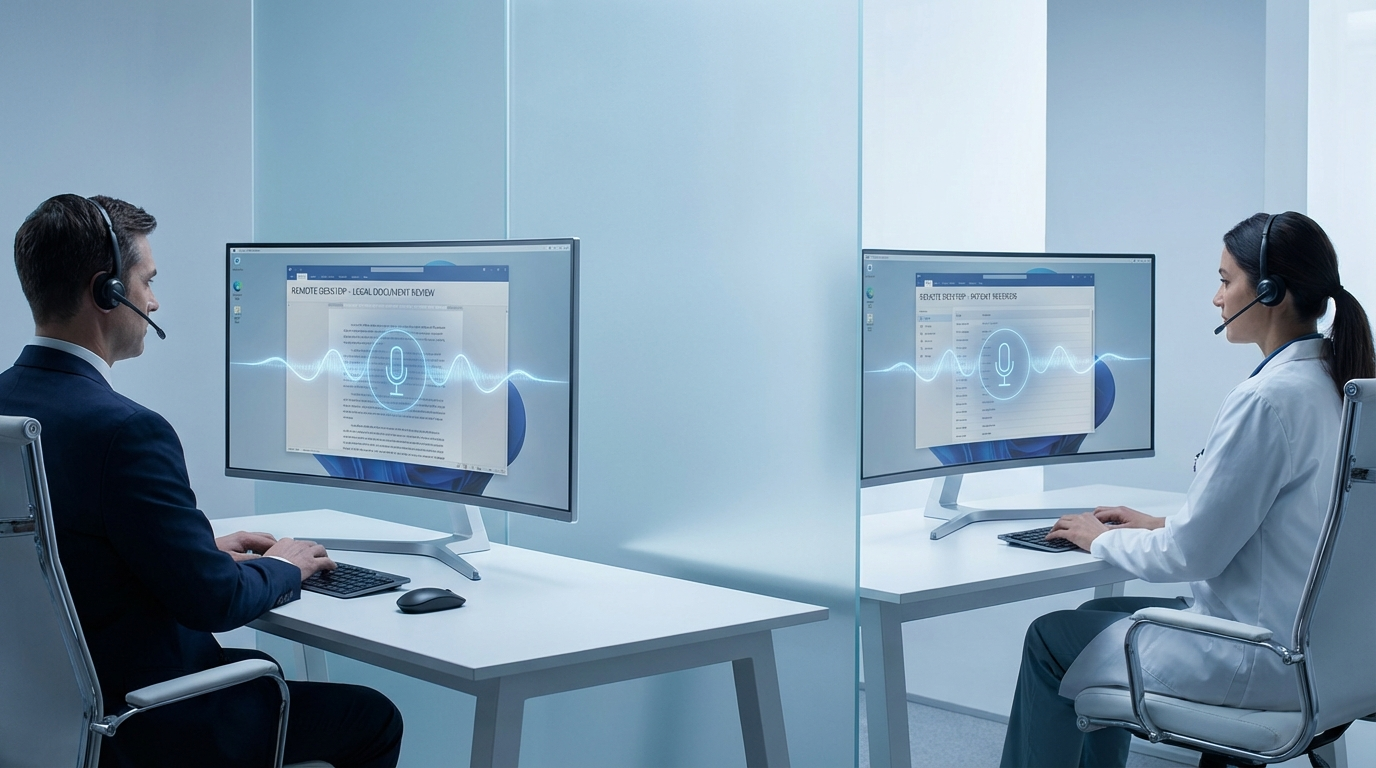
The recent launch of Meta's Muse Spark on April 8 marks a turning point in how the technology industry approaches artificial intelligence. Previously, the focus was largely on building massive, compute-intensive systems aiming to answer any possible question. Muse Spark represents a shift toward small, fast, and practical deployment. It is designed to perform exceptionally well within everyday products, bypassing the heavy infrastructure requirements of previous generations. For professionals relying on computers and mobile devices to get work done, this news is highly relevant. It signals a move away from flashy demonstrations toward quiet, reliable features that simply work in the background. As developers adopt these agile models, the software we use daily will become noticeably more responsive.
The Shift from Massive to Practical
When we think about artificial intelligence in a business context, conversations often revolve around complex data analysis or generating extensive reports. While those specific use cases are undoubtedly valuable, they represent only a fraction of what most professionals actually need on a daily basis. The introduction of models like Muse Spark shows that major technology companies are recognizing the inherent limits of massive systems. Extremely large models require significant processing power, which directly translates to high latency. When you are simply trying to write an email or format a standard document, waiting for a remote server to provide a response is incredibly disruptive to your workflow.
Practical AI focuses entirely on speed, efficiency, and seamless integration. By training significantly smaller models to handle bounded tasks exceptionally well, software developers can integrate these robust capabilities directly into the core tools we already use every single day. The technology transforms into an invisible assistant rather than a completely separate destination. Instead of opening a separate browser tab to ask a simple question, the necessary intelligence is baked directly into your workflow and input methods. This highly practical approach will drive sustainable adoption among busy professionals who prioritize getting their work done quickly over experimenting with the latest novelties.
What This Means for Everyday Professionals
For individuals using Windows, Mac, and iOS devices in corporate environments, the pivot toward practical AI brings immediate, tangible benefits. Most professionals operate within established ecosystems and strict IT policies, making the introduction of entirely new platforms challenging. When software vendors update existing Windows, Mac, or iOS apps with lightweight AI capabilities, users gain the benefits without the friction of learning a new system.
Imagine your applications providing relevant suggestions without draining your laptop battery or causing your fan to spin loudly. Because smaller models require less computational overhead, they run far more efficiently. This is crucial for mobile professionals using iOS devices. A fast model ensures that when you are working on a tablet or smartphone, responsiveness remains crisp, allowing you to maintain productivity anywhere.
Furthermore, efficiency often translates to better security and data privacy. Massive models typically require sending all data to a centralized server, but smaller models open the door for localized processing and significantly reduced data transmission. For professionals handling sensitive client information, this makes new technology much easier to justify to corporate IT teams.
Bridging the Gap in Complex Environments
The benefits of lightweight AI become even more pronounced in complex corporate infrastructure, specifically remote desktop and virtual desktop infrastructure environments. Many organizations rely on these setups to provide secure, centralized access to critical business applications. Introducing latency-sensitive technologies into a virtualized environment is notoriously difficult. Heavy applications requiring constant communication with external servers often struggle when routed through a virtual desktop session.
When developers prioritize fast performance and minimal resource consumption, their software becomes much more resilient in these virtual setups. For professionals spending their entire workday logged into a remote desktop, the tools they use must be optimized for that specific reality. If an application lags or drops inputs because it is trying to process a massive request, productivity plummets.
Tools designed with these constraints in mind make a massive difference. If you are integrating advanced voice input into a virtualized workspace, you need solutions built specifically to handle those precise challenges. You can learn more about how efficient dictation software operates in these setups by reviewing the resources available for DictaFlow on Citrix. By focusing on optimized delivery, practical AI ensures that users in heavily managed environments experience modern capabilities without frustration.
How Practical AI Transforms Dictation Workflows
One of the most immediate applications for fast, practical AI is in voice-to-text technology. Dictation has often been plagued by frustrating delays and accuracy issues. When you speak, you expect the transcribed words to appear on your screen instantly. If there is a noticeable delay while the software processes your voice through a sluggish, oversized model, it breaks your concentration entirely.
The transition toward highly optimized models changes this dynamic completely. Voice recognition is a specific task that benefits immensely from speed and focused accuracy. Dictation software needs a model that excels at understanding phonetics and specialized industry vocabulary in real time. As these streamlined models become standard, professionals relying on dictation for drafting detailed reports or logging meeting notes will see dramatic improvements.
DictaFlow serves as an excellent example of practical AI input software. Rather than trying to be everything to everyone, it focuses entirely on providing a highly responsive dictation experience across the diverse devices professionals use. When the underlying technology prioritizes speed and practical application, the result is a reliable tool that gets completely out of your way. You just speak naturally, and your words are captured accurately.
Core Benefits of Performance-Focused AI Input
The distinct shift toward focused, practical applications brings several clear advantages for overall workflow management. When evaluating new software tools for your team, keeping these core benefits in mind can help you choose solutions that genuinely improve productivity rather than creating new bottlenecks.
- Reduced input latency ensures text appears exactly as spoken, preserving your train of thought.
- Optimized resource management prevents battery drain, essential for professionals on mobile devices.
- Consistent reliability across operating systems guarantees smooth workflows on Mac, Windows, and iOS.
- Streamlined data handling requires less bandwidth, making software robust on restrictive corporate networks.
Looking Ahead to Practical Productivity
The broader technology industry's fascination with massive, overly complex systems is steadily giving way to a much more mature focus on everyday performance and genuine utility. The timely introduction of models like Meta's Muse Spark clearly indicates that future innovation will be increasingly measured by how seamlessly new technology integrates into our existing professional routines. For busy professionals juggling fast-paced workloads across various devices, this is highly welcome news. The future of enterprise work software is about invisible, highly reliable enhancements that make our current tools work significantly better.
The most successful tools moving forward will be those prioritizing your valuable time. Whether drafting a comprehensive proposal or capturing fleeting thoughts through voice, the underlying technology should quietly support your efforts without demanding you change how you work. For teams looking to optimize their daily text input and communication processes, exploring dedicated, high-performance tools like DictaFlow is a logical next step in building a more efficient workspace.
Related DictaFlow Guides
Explore the pages built for the exact workflows these posts keep touching: Windows dictation, Citrix/VDI, medical documentation, legal drafting, and side-by-side comparisons.
Ready to stop typing?
DictaFlow is the only AI dictation tool built for speed, privacy, and technical workflows.
Download DictaFlow Free