Google Search AI agents are cool, but dictation still has the real bottleneck
May 20, 2026
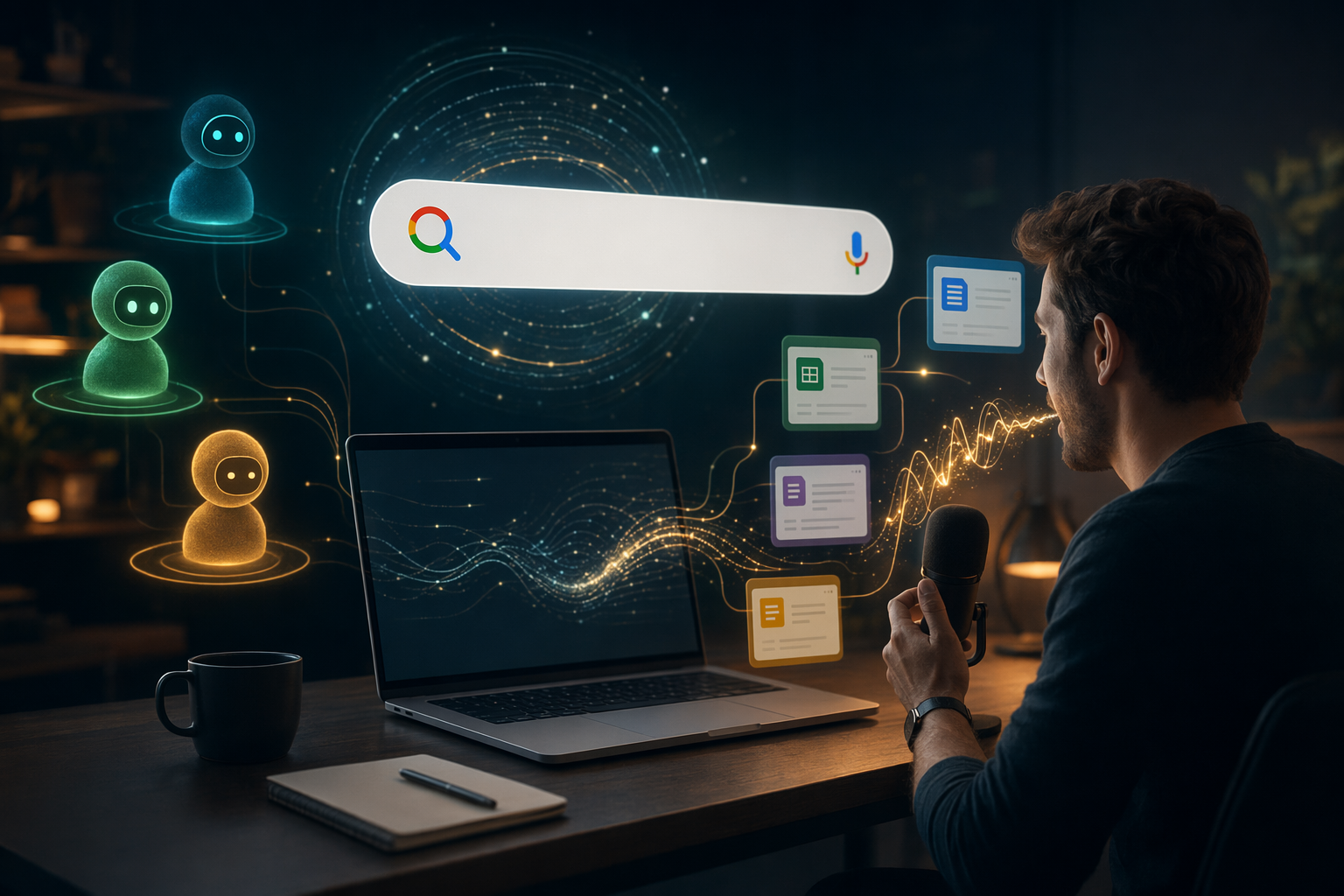
Google just made Search feel a lot more conversational at I/O 2026. It is rolling Gemini 3.5 Flash into AI Mode, adding AI agents, and making the search box easier to use for longer, more natural queries. That is a real shift. People do not want to wrestle with a tiny box when they already know what they are trying to ask.
But the annoying part is not really the query box. It is the cleanup.
When you type, you get a little time to think between words. When you speak, your thoughts move faster than your hands can keep up, and the tool either stays with you or gets in the way. That is why most dictation still feels oddly behind the times. It handles the easy part and fumbles the part that actually matters.
What Google is fixing, and what it is not
The new Search experience is clearly trying to match how people already talk. Longer queries, more conversational input and agents that can do some of the work for you make sense. Search should not feel like a museum exhibit from 2005.
Still, a smarter search bar does not fix the mechanics of voice input. If you are writing in Gmail, Notion, Cursor, Slack, an EHR, or some locked-down remote desktop, the hard part is not saying the words. It is getting them into the right place without breaking your flow.
That is where most tools fall apart. They miss punctuation. They miss custom terms. They make you stop and clean up the mess with your mouse. And once you leave the keyboard, the whole thing should get easier, not more annoying.
Why dictation breaks in the real world
Most people do not need dictation for a polished demo. They need it when they are tired, distracted, and trying to move fast.
That is when the small failures start to pile up.
One sentence lands with the wrong punctuation. A product name gets mangled. A correction turns into a mini repair job. You stop talking, grab the keyboard, and spend ten seconds fixing what should have taken one. That is not a productivity tool. That is a tax.
The annoying part is that the tool usually looks great in the first minute. It is the longer sessions that expose the cracks. Cleanup gets slower, custom vocabulary gets worse, and your brain ends up doing the boring work the software was supposed to handle.
What good dictation should do
Good dictation should do three things without making you think about them.
First, it should type where your cursor already is. No copy and paste dance. No weird app-specific workaround. No guessing whether the text will show up in the right field.
Second, it should let you correct yourself while you are still moving. If you say the wrong thing, you ought to be able to fix it and keep going without reaching for the mouse or starting over.
Third, it should stay out of the way. Hold to talk, speak, release, move on. That is the cleanest workflow because it puts you in control instead of turning dictation into background noise.
That is the bar DictaFlow is built around. It is not trying to be a clever chatbot wrapped around a microphone. It just types clean text into whatever app you are already using, on Mac, Windows, iPhone, and Android. If you want the deeper breakdown, the DictaFlow comparison page lays out how it stacks up against the usual suspects.
Why the boring details matter
This is the part most product demos skip. They show the first sentence and stop before the messy part.
The ugly part is where the real work lives. Citrix. Remote desktop. A locked-down clinical app. A browser tab that hates clipboard pastes. A developer tool that needs exact punctuation. A long note that starts out clean and then drifts off the rails after ten minutes.
That is why I keep coming back to the same idea. Dictation is not won by sounding futuristic. It is won by surviving boring workflows.
If you are in healthcare, the problem shows up fast in medical dictation and Epic EMR workflows. If you work in a locked-down environment, Citrix dictation matters a lot more than another flashy AI feature. If you are writing contracts or briefs, legal dictation is less about hype and more about not making you redo the same paragraph three times.
The bottom line
Google making Search more conversational is good. It is the right direction. But for most people, the real bottleneck is still the same old one: getting spoken words into the right place, cleaned up enough to trust without killing your momentum.
That is the job DictaFlow is meant to do.
If you already know the words and just want them on screen without fighting the interface, try DictaFlow free and see how much friction disappears.
Related DictaFlow Guides
Explore the pages built for the exact workflows these posts keep touching: Windows dictation, Citrix/VDI, medical documentation, legal drafting, and side by side comparisons.
Ready to stop typing?
DictaFlow is the only AI dictation tool built for speed, privacy, and technical workflows.
Download DictaFlow Free