Why Developers Are Ditching the Keyboard Mid-Prompt
April 21, 2026
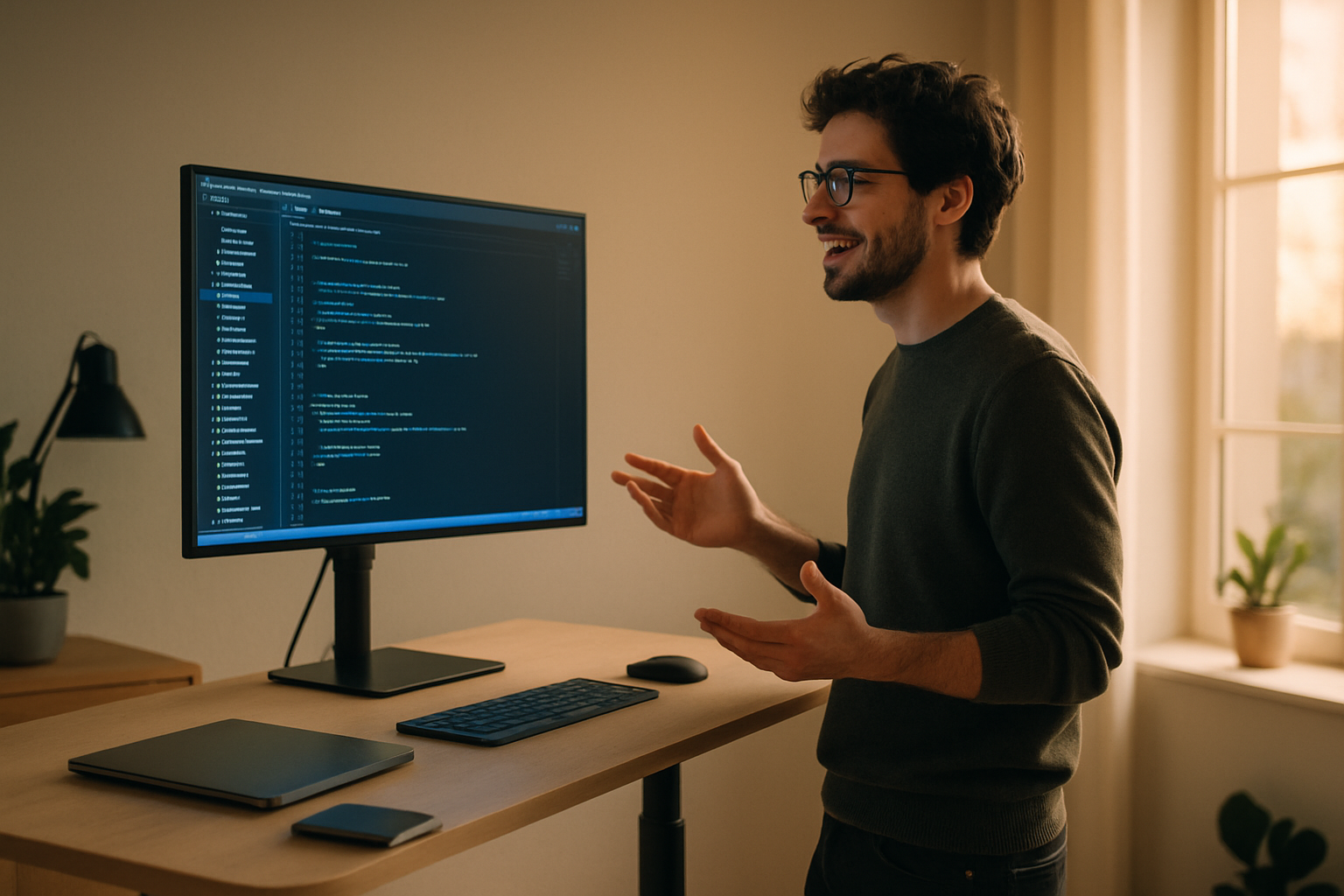
The best AI coding tools out there, Cursor, Claude Code, Windsurf, all share one thing: they run on prompts. You tell them what you want, and the AI builds it. What comes back depends almost entirely on how well you can explain yourself.
And that's the bottleneck nobody talks about — you can think faster than you can type.
You know exactly what you want the AI to do. You know the context, the edge cases, the constraints. But by the time your fingers catch up with your brain, you've shaved it down to a four-word prompt that leaves half the story out. The AI guesses. You correct it. You iterate. Ten minutes disappear into something that should've taken thirty seconds.
Typing at 50 to 60 words per minute will do that to you.
The speed gap is real
Speaking runs at 150+ words per minute, which is roughly three times faster than the average developer types. Voice dictation tools for VS Code, Cursor, and other AI-first IDEs are taking off for exactly that reason. When you can describe a function out loud the way you'd explain it to a teammate, you get better prompts, fewer back-and-forths, and a smoother flow.
A 2026 survey from JetBrains found that 74% of developers worldwide had already adopted specialized AI tools for daily work. The AI isn't the limiter anymore — the interface is. Getting your thought into the prompt box quickly, accurately, and completely is the real bottleneck.
What voice dictation does for developer workflows
The benefits show up in a few places:
Prompting AI editors. In Cursor or Claude Code, you're basically writing natural language instructions all day. Voice turns that from a typing task into a thinking task. You explain what you're building, why it matters, and what constraints apply. The AI gets your actual intent instead of your shortened version of it.
Writing commit messages and PR descriptions. These are the kinds of docs most developers put off or half-do because they're annoying once you've been deep in code for hours. Talking through what changed takes seconds. The result is actually useful to future you.
Documentation in general. Everyone knows docs fall behind. Voice cuts enough friction that writing a docstring while the code is still fresh doesn't feel like extra work anymore.
Slack, email, code review comments. These aren't coding tasks, but they eat a big chunk of the day. Dictating replies is faster than typing them, and you stop switching mental gears every time one pops up.
The hold-to-talk pattern
There's one workflow that works especially well for developers: hold-to-talk. Press a key, say your prompt, release, and the text appears where your cursor is. No mode switching, no hunting for a text field, no accidental transcription while you're still thinking. You stay in control of when the mic is on.
That's the model DictaFlow uses. Hold a hotkey, whatever you've bound it to, dictate your Cursor prompt or PR comment or Slack reply, release, and it appears. It works in any app on Mac, Windows, or iOS, so the same workflow carries through your whole day, not just one tool.
One feature worth calling out is what DictaFlow calls "Actually Override." If you're mid-sentence and say something wrong, you say your correction keyword and it deletes back to the mistake, then keeps going. No reaching for the mouse, no stopping the dictation session. It's a small thing, but it makes voice feel like a real input instead of something you abandon the second you stumble.
At $7 a month, DictaFlow is a lot cheaper than Wispr Flow at $15, and it covers Mac, Windows, and iOS, so you're not stuck on one platform.
Does it actually work in an IDE?
The short answer is yes, because good voice dictation tools don't care what app you're using. They inject text wherever your cursor is, using keystroke simulation instead of clipboard tricks. You can be in Cursor, the terminal, a GitHub PR comment box — it doesn't matter.
The longer answer is that it takes a few days to adjust. Your first instinct when you misspeak is to stop and fix it by hand. The "Actually Override" correction keyword takes some getting used to. But most developers who stick with it for a week say they stop thinking about it — it just becomes part of how they write prompts.
There's a Forbes piece from April 2026 making the case that "vibe coding is just the start," and voice is the natural next layer on top of AI-assisted development. The logic is pretty simple: if the AI is doing more of the implementation, your job is increasingly to describe intent. Voice is better at that than typing is.
Getting started
If you want to try it, the setup is pretty minimal. Install DictaFlow, bind a hotkey to something you can hold comfortably — a mouse side button works well for this — and try dictating your next Cursor prompt instead of typing it. Be specific, say the function name, the expected behavior, the edge cases you care about. See if the AI gives you a better first pass.
It probably will. Not because voice is magic, but because you actually said what you meant.
Try DictaFlow free and see if the speed difference changes how you prompt.
Related DictaFlow Guides
Explore the pages built for the exact workflows these posts keep touching: Windows dictation, Citrix/VDI, medical documentation, legal drafting, and side-by-side comparisons.
Ready to stop typing?
DictaFlow is the only AI dictation tool built for speed, privacy, and technical workflows.
Download DictaFlow Free