Apple’s AI App Store Moment Could Expose an Even Bigger Bottleneck: Input
March 30, 2026
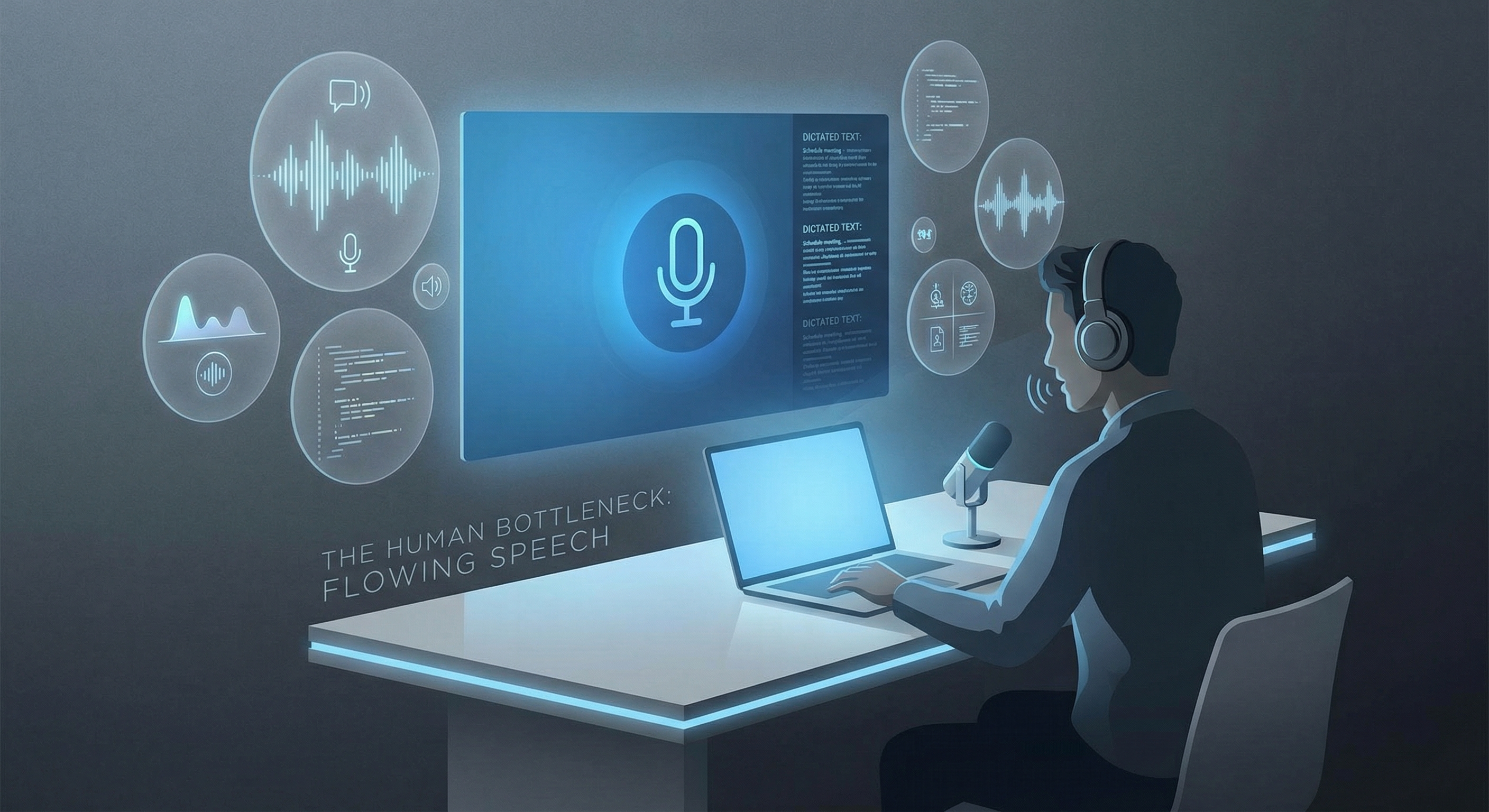
Apple’s latest reported AI move is not just another model story. According to recent reporting highlighted by The Verge on March 29, Apple is preparing deeper third-party Siri extensions that could create something close to an AI App Store. If that happens, users will not just have one assistant in one place. They will have AI features woven across writing, scheduling, research, support, and daily productivity workflows.
That sounds exciting, but it also exposes the same problem that keeps showing up every time AI gets more capable: people still have to feed it.
Why Apple’s AI App Store idea raises the stakes for input
The practical bottleneck is not always the model. It is the input layer.
As AI gets embedded into more tools, professionals are going to spend more of the day prompting, correcting, clarifying, and reshaping language. That is fine when the request is one sentence long. It breaks down when the real work involves patient notes, legal edits, follow-up emails, sales summaries, project handoffs, or multi-step instructions with nuance. The smarter the assistant becomes, the more expensive slow input starts to feel.
Typing is the hidden tax.
The AI workflow bottleneck is still typing
Most people can think much faster than they can type. They can explain a workflow out loud in seconds, then lose momentum translating the same thought through a keyboard. That gap gets worse in the exact environments where AI could help the most: remote desktops, VDI stacks, Citrix sessions, and tightly controlled enterprise setups where lag and compatibility issues turn every interaction into friction.
This is why the next wave of AI adoption will not just be about which assistant wins shelf space. It will be about which workflows let people move at the speed of thought.
If Siri becomes a hub for third-party AI tools, the pressure on input quality goes up immediately. Users will need a fast way to move between commands, notes, edits, and follow-up prompts without constantly stopping to type everything from scratch. In other words, an AI App Store does not remove friction by itself. It can actually reveal how much friction was hiding in the act of writing to the machine.
Why speech-to-text matters more as AI gets embedded everywhere
Speech-to-text becomes more important in that world, not less.
But generic dictation is still not enough. Traditional dictation often falls apart when a workflow gets technical, when background noise creeps in, or when the user needs to correct a phrase mid-thought without breaking flow. The problem is even worse inside Citrix and remote desktop environments, where many voice tools feel delayed, flaky, or unusable.
That is where a practical tool matters more than a flashy demo.
DictaFlow is built for the real input bottleneck that shows up once AI moves from novelty to infrastructure. It is Windows and Mac native, designed for Hold-to-Talk control so you are not spraying accidental text into every field, and built to bypass VDI and Citrix friction where other dictation tools tend to fail. It also supports Actually Override, which means you can correct yourself mid-sentence without derailing your train of thought.
If your workflow lives in remote sessions, DictaFlow’s Citrix dictation workflow and remote desktop dictation guide show why standard voice tools break down in those environments.
What this means for professionals using AI every day
That combination matters because the future of AI work is not just asking better questions. It is maintaining flow while you think, revise, and move across tools all day.
If Apple’s reported Siri expansion pushes more people into assistant-driven workflows, the winners will not just be the platforms with the most integrations. The winners will be the people who can feed those systems quickly, cleanly, and without input lag.
That is the part of the stack too many AI headlines still ignore.
If you want a practical way to keep up, try DictaFlow. It gives you a faster path from thought to text, especially in the environments where ordinary dictation breaks down.
Related DictaFlow Guides
Explore the pages built for the exact workflows these posts keep touching: Windows dictation, Citrix/VDI, medical documentation, legal drafting, and side-by-side comparisons.
Ready to stop typing?
DictaFlow is the only AI dictation tool built for speed, privacy, and technical workflows.
Download DictaFlow Free