July 07, 2026
Why Whisper Struggles With Children’s Speech in 2026
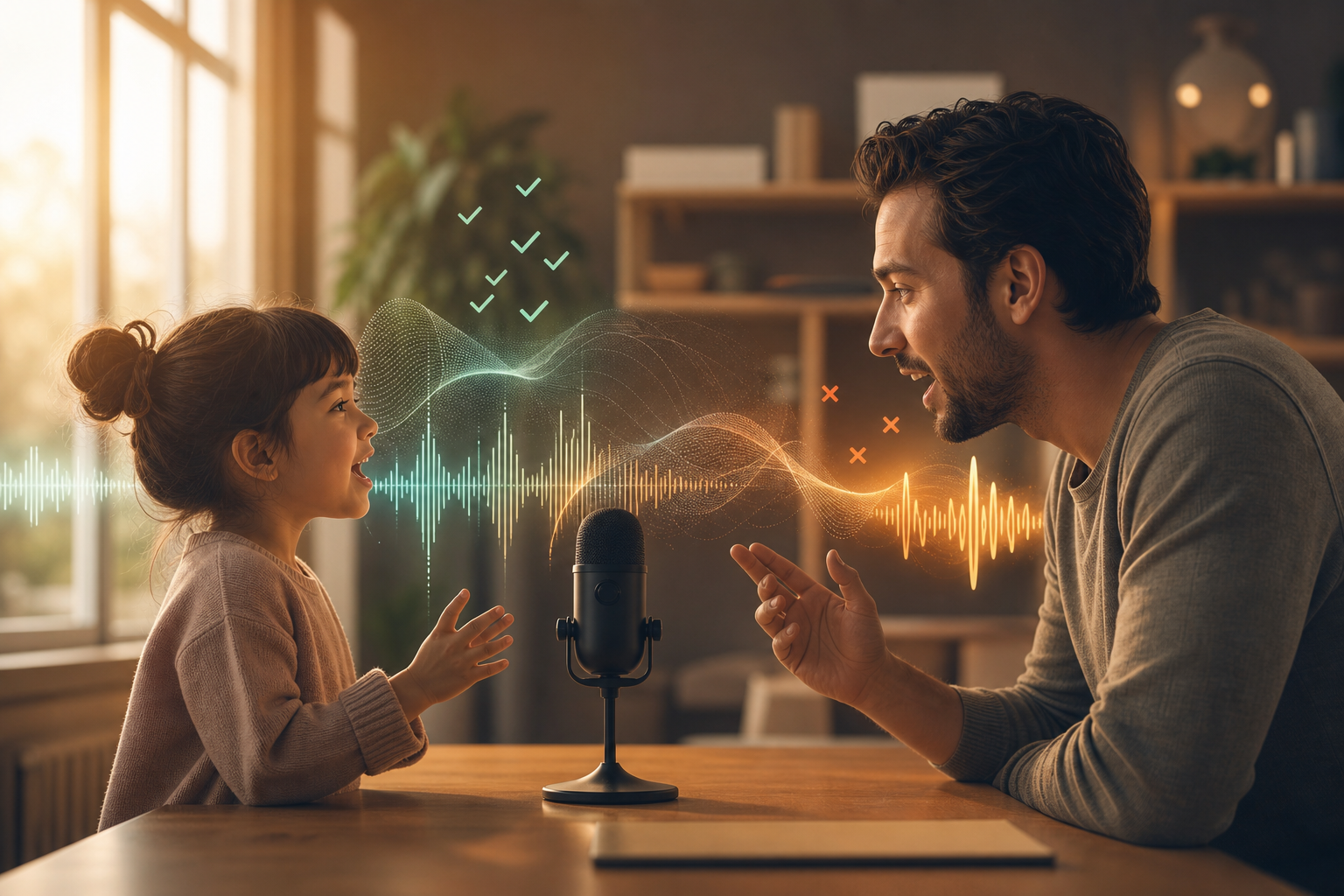
Pain point logged: Whisper struggles with children’s speech and younger speakers.
Whisper is impressive, but it is not magic. One pain point that keeps coming up is children’s speech. Younger speakers can be harder for speech-to-text systems to handle because their voices, pronunciation, pacing, and background context differ from the adult speech most tools are optimized around.
That matters beyond kids. It is a reminder that dictation accuracy is not one number. A tool can look great on clean adult speech and still fall apart with quiet speakers, accents, code-switching, noisy rooms, domain-specific terms, or unusual names.
If you rely on voice input for real work, the edge cases are not edge cases. They are your day.
Why children’s speech is harder
Children often speak with different pitch, rhythm, articulation, and sentence structure than adults. They may pause in odd places, restart phrases, use partial words, or speak farther from the microphone. A model that handles polished adult speech can miss those patterns.
The same dynamic appears with soft-spoken users, multilingual speakers, technical vocabulary, and names that are not common in the model’s training data. The problem is not only the base model. It is the mismatch between generic training and the speaker’s real context.
That is why a generic “accuracy percentage” does not tell you enough. You need to know whether the tool handles your vocabulary, your microphone, your environment, and your workflow.
Dictation needs context, not just transcription
For daily work, accuracy comes from more than the first transcript. A useful dictation system needs vocabulary memory, correction habits, and cleanup that respects the user’s intent.
If the tool keeps missing the same name, acronym, medication, legal term, product name, or project label, the user should not have to correct it forever. Repeated language should become easier over time.
That is where DictaFlow is useful for professionals. Custom vocabulary and Knowledge Base support help the system handle the terms that matter in your actual work, not just generic speech samples.
What this means for choosing a dictation tool
Do not evaluate dictation with one perfect sentence in a quiet room. Test the phrases you actually say. Use the names, shortcuts, acronyms, and domain terms that usually break. Try a few different speaking speeds. Test the environment you really work in.
If the tool is for a clinic, school, family workflow, or any setting with varied speakers, test those speakers too. A model that only performs well on one voice is not enough.
The goal is not perfect speech recognition in the abstract. The goal is dependable text in the places you work.
The bottom line
Whisper struggling with children’s speech is a useful warning sign. Speech-to-text accuracy depends heavily on speaker, context, and vocabulary.
If your dictation tool keeps failing on the same real-world language, you need more than a model swap. You need a workflow that remembers your terms and inserts clean text where you need it.
That is the practical reason to try DictaFlow. It is built for daily dictation in real apps, with the vocabulary and workflow support that generic speech-to-text often misses.
Related pages
Useful next stops if you want setup help, comparisons, or nearby workflow guides.