July 07, 2026
Medical Transcription Software 2026: Clinic Buying Guide
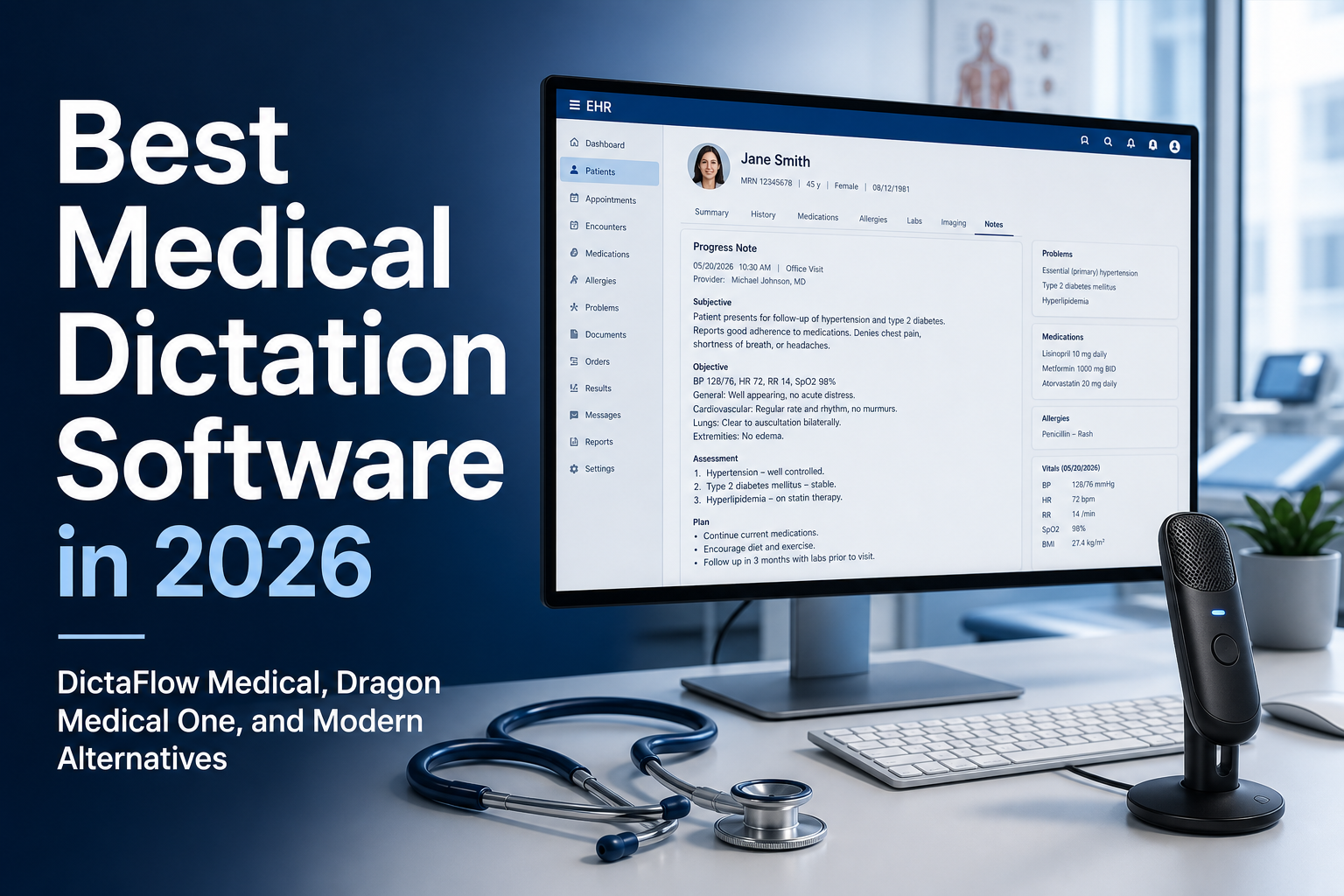
Medical transcription software in 2026 should be judged by what happens after the words are captured. A clinic doesn't just need a transcript. It needs accurate clinical text in the right EHR field, with the medical vocabulary intact, corrections handled fast, and a workflow clinicians will actually use every day.
Free medical transcription software can be a good way to start testing, but a clinic should not pick it based on price alone. Try it first with synthetic or non-PHI text. Then see whether it handles medical terms, corrections, EHR fields, Citrix or RDP, retention, access controls, and the clinic's BAA requirements. DictaFlow Medical Pro is not free. It costs $39/user/month for 1-4 seats or $29/user/month for 5+ seats and fits clinics that need controlled hold-to-talk dictation into Mac or Windows EHR workflows.
Short answer: if you're comparing medical transcription software, split it into three categories before you buy. Traditional transcription turns recordings into documents later. Ambient scribes listen to visits and draft notes afterward. Controlled medical dictation lets the clinician press, speak, release, review and insert text directly into Epic, Cerner, Jane, Accuro, referrals, inbox replies, or patient messages.
That third workflow is where DictaFlow Medical Pro fits. It’s built for clinics that want controlled dictation instead of a heavy transcription queue or an always-listening visit recorder.
What medical transcription software usually means
Traditional medical transcription is an asynchronous workflow. A clinician records audio, sends it to a service or system, waits for the text, reviews it, and then puts it into the chart. That still works fine for long reports, specialist letters, operative notes, and teams that already have transcription staff.
The problem is that a lot of day-to-day clinic tasks are smaller and faster than that. A refill note, assessment line, patient instruction, referral sentence or inbox reply doesn’t need a full transcription workflow. It needs text now, right in the field where the clinician is already working.
That’s why clinics often start by looking for medical transcription software, then realize they actually need medical dictation software. The search term is old, but the workflow problem is still very much here, too much clinical text still gets typed by hand.
Transcription vs dictation vs ambient scribe
Transcription works best when the audio already exists and the output can wait. Dictation is best when the clinician knows what to say and wants it inserted right away. Ambient scribes are best when the visit itself should be turned into a draft note.
Those jobs aren’t interchangeable. A great ambient scribe can still be the wrong tool for quick chart edits. A transcription service can still be too slow for patient message replies. Browser voice typing can still fail inside a locked down EHR or remote desktop session.
For doctors comparing medical transcription software, the practical question is simple: are you trying to convert recordings later, or are you trying to stop typing clinical text during the day? If it’s the second one, controlled dictation usually makes more sense.
The EHR workflow test
The easiest mistake is testing a tool in a blank demo box. Medical text doesn’t live in a blank demo box. It lives in Epic, Cerner, Meditech, Jane, Accuro, browser EHR fields, referral portals, Outlook, Teams, PDFs and patient-message systems.
If the clinic uses Citrix, RDP, VMware Horizon, or some other VDI setup, the test gets harder. Clipboard tools can get blocked. Browser extensions may not reach the right field. Audio redirection can be awkward. And a transcript sitting in a separate web app still leaves the clinician copying, pasting, correcting and reformatting.
DictaFlow Medical Pro is built around direct field entry. Its typing mode can send text as keystrokes for stubborn EHR, Citrix, RDP, and VDI fields, so it belongs on the shortlist for clinics that need medical transcription software but want a lot less typing.
What to compare before buying
Start with clinical vocabulary. If a tool misses medication names, anatomical terms, specialty abbreviations, procedure names or provider names, you’re stuck cleaning it up later. Custom vocabulary and a clinic knowledge base matter because every practice has terms generic speech systems just don’t know.
Then test correction speed. Clinicians should be able to fix a phrase without breaking the flow. Hold-to-talk control matters here because the user decides exactly when audio is captured and where the text goes.
Finally, compare total cost. A quote-based enterprise rollout can make sense for a large hospital that already has procurement, IT support, and vendor approval. A smaller clinic may care more about clear monthly pricing, fast setup, Mac and Windows support, and whether the tool works in the actual EHR.
Can free medical transcription software work for a clinic?
Free medical transcription software is usually enough to check basic accuracy on sample text. It may also work for students, personal study notes, or non-clinical recordings with no patient information. That still doesn't make it ready for real charting.
Before a clinic uses any free tool with patient information, it should check the full data path. Find out who gets the audio, where the text is stored, how long the data stays there, whether access is logged, and whether the required BAA covers every service involved. Also test the exact EHR, browser, Citrix, RDP, or VMware Horizon workflow. A free tool can produce a clean transcript in a demo box and still fail when a clinician needs text inside a locked-down chart field.
DictaFlow Medical Pro is a paid option, not free medical transcription software. It fits better when a clinic needs controlled hold-to-talk dictation, medical vocabulary, direct EHR field entry, Mac and Windows support, Citrix/RDP/VDI typing, and BAA-oriented workflows. Pricing is $39/user/month for 1-4 seats or $29/user/month for 5+ seats. Use a free tool for a low-risk test. Use a clinic product when patient information, workflow reliability, and support matter.
Where DictaFlow Medical fits
DictaFlow Medical Pro is best for clinics that want controlled medical dictation rather than a full transcription department or a visit-wide ambient scribe. It supports native Windows and Mac workflows, medical vocabulary, Citrix/RDP/VDI typing, EHR fields, SOAP notes, referrals, patient instructions, and inbox replies.
Pricing is straightforward: $39/user/month for 1-4 seats, or $29/user/month for 5+ seats. It is built for BAA-oriented medical workflows, but clinics should still use it according to their own privacy, security, and documentation policies.
It is not the right fit if the clinic only wants outsourced human transcription, multi-speaker visit recording, or a hospital-standard enterprise vendor already mandated by procurement. In those cases, a transcription service, ambient scribe, or Dragon Medical One style rollout may be the better organizational match.
A simple clinic decision rule
Choose transcription if recordings need to become documents later. Choose an ambient scribe if the main pain is summarizing full visits. Choose controlled medical dictation if the real pain is typing clinical text into the EHR all day.
For many clinics, the answer is not one tool forever. It is matching the workflow to the task. The fastest system is usually the one that lets clinicians control when they speak, where the text lands, and what enters the chart.
Medical transcription software FAQ
What is the best medical transcription software for clinics?
The right choice depends on the job. Use traditional transcription for recordings processed later, an ambient scribe for full-visit draft notes, and controlled medical dictation for direct EHR field entry. DictaFlow Medical Pro fits clinics that need hold-to-talk dictation, custom vocabulary, Mac and Windows support, and Citrix/RDP/VDI typing. It costs $39/user/month for 1-4 seats or $29/user/month for 5+ seats. Clinics should use it according to their privacy policies and BAA requirements.
What is medical transcription software?
Medical transcription software converts clinical speech or recordings into text. Clinics should distinguish delayed transcription from controlled medical dictation and ambient scribes before buying.
Is medical transcription software the same as medical dictation software?
No. Transcription usually converts recordings into documents later. Medical dictation inserts clinician-spoken text directly into notes, EHR fields, referrals, and patient messages.
What should clinics compare before choosing medical transcription software?
Compare EHR compatibility, Citrix/RDP behavior, medical vocabulary, correction speed, platform support, privacy workflow, training time, and total monthly cost.
Can free medical transcription software work for a clinic?
Free medical transcription software can work for testing with synthetic or non-PHI text. Before you use any tool with patient information, check its BAA coverage, how it routes audio and text, retention, access controls, medical vocabulary, and how it behaves in the clinic's real EHR or Citrix/RDP workflow. DictaFlow Medical Pro is paid at $39/user/month for 1-4 seats or $29/user/month for 5+ seats.
When is DictaFlow Medical a good alternative?
DictaFlow Medical Pro is a good fit when clinics want controlled hold-to-talk medical dictation, direct EHR field entry, custom vocabulary, Mac and Windows support, and Citrix/RDP/VDI support at $39/user/month for 1-4 seats or $29/user/month for 5+ seats.
Related pages
Useful next stops if you are comparing clinical documentation tools.