June 30, 2026
Clinical Documentation Software 2026: Dictation vs Scribes
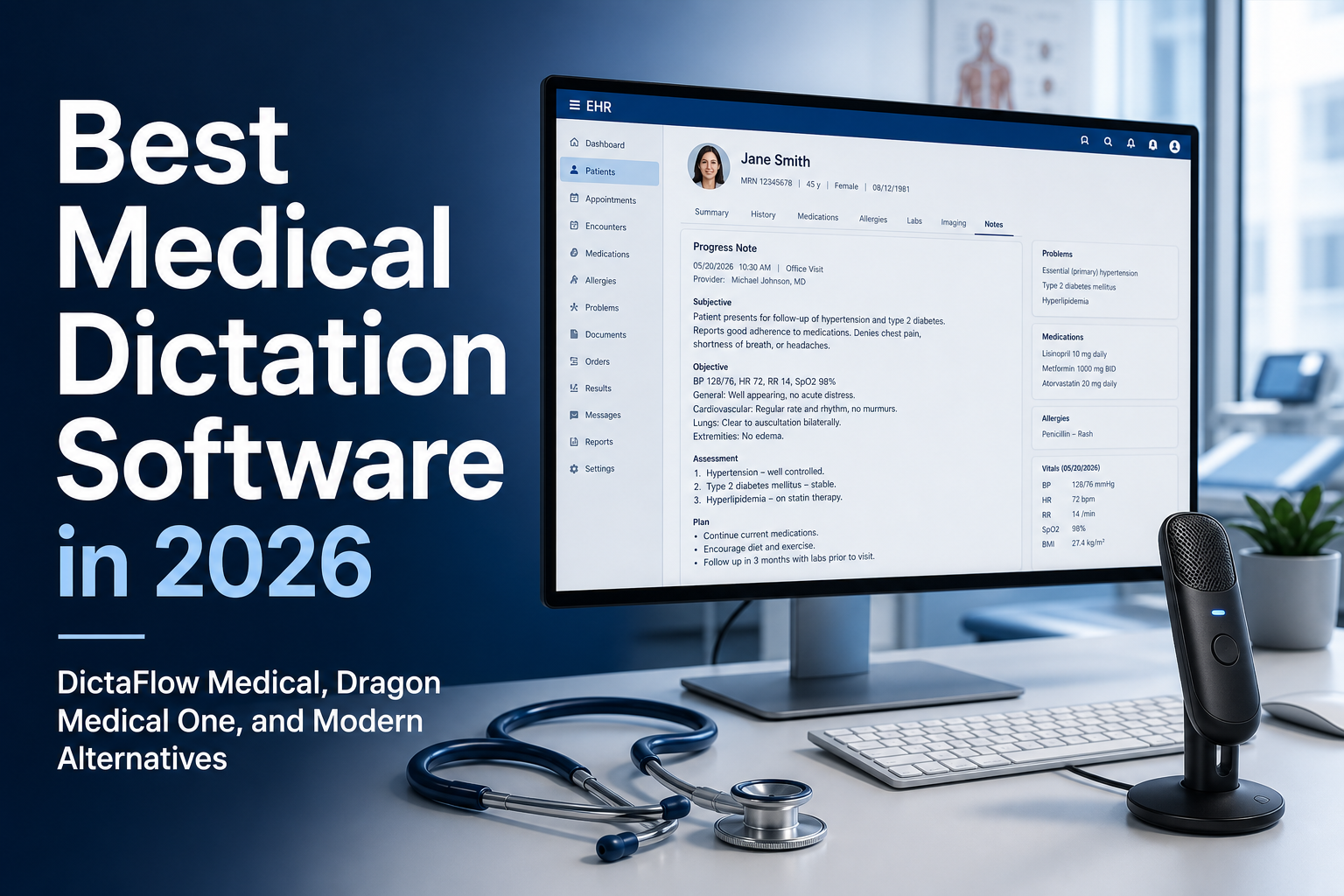
Clinical documentation software usually does one of three jobs: controlled dictation into an EHR, ambient note drafting for full visits, or enterprise voice recognition. For clinics comparing these options, the right pick depends on where clinicians need text, whether Citrix or remote desktop is part of the setup, and how the organization handles PHI, BAAs, and review before chart entry.
DictaFlow Medical Pro is a good fit for clinics that want hold-to-talk dictation plus an optional Ambient Scribe, with clinician review still built into the process. It types into Epic, Cerner, Meditech, browser EHRs, referrals, patient messages, and SOAP notes. It works on Mac and Windows, Citrix, RDP, and VMware Horizon, and it costs $39/user/month for 1-4 seats or $29/user/month for 5+ seats. Use it according to your clinic's privacy and BAA requirements.
Pick Dragon Medical One when the organization already has an approved Nuance deployment, needs a specific EHR integration, and has IT support for an enterprise rollout. Pick a dedicated ambient scribe when the main goal is to capture full visits and create note drafts. Pick DictaFlow Medical Pro when clinicians need direct EHR typing, short-form documentation during the day, or both controlled dictation and optional reviewed note generation in one product.
What clinical documentation software has to handle
A medical dictation tool is only useful if it survives the messy parts of the day. Clean demo boxes are easy. Real clinical work jumps between SOAP notes, referrals, inbox replies, patient instructions, billing notes, letters, and browser forms.
The software has to understand terms that normal dictation often mangles: medication names, anatomical language, specialty abbreviations, provider names, local clinic terms, and patient-specific phrases. It also has to make corrections fast, because a single wrong word in a clinical note can change meaning.
The best clinical dictation software also respects workflow control. Many clinicians do not want an always-on recorder listening to everything in the room. They want hold-to-talk dictation: press, speak, release, review, and move on.
The EHR and remote desktop test
This is where many tools fail. It is not enough to produce a good transcript in a separate box. The question is whether the text gets into Epic, Cerner, Meditech, Jane, Accuro, a referral portal, or a patient-message field without breaking the clinician's flow.
If a clinic uses Citrix, RDP, VMware Horizon, or another locked-down virtual desktop, clipboard-based tools can be fragile. Paste may be blocked. Audio redirection may be awkward. Browser extensions may not reach the field where the clinician is actually working.
DictaFlow Medical uses a typing-mode approach for these stubborn fields. Instead of depending only on paste, it can send text as keystrokes, which is why it is a strong fit for clinics evaluating Citrix dictation, remote desktop dictation, and EHR dictation software.
Clinical dictation software vs ambient scribes
Ambient scribes and clinical dictation solve related but different problems. An ambient scribe listens to a full visit and generates a note draft afterward. That can be useful when the visit is long and the clinician wants a structured summary.
Clinical dictation is more direct. The clinician chooses the field, speaks the sentence, and the text appears where it belongs. It is better for targeted documentation: assessment text, plan edits, refill notes, referral letters, inbox replies, patient instructions, and quick corrections.
A lot of clinics will use both. The practical question is not whether ambient AI is good or bad. It is whether the clinic still needs a fast input layer for the dozens of smaller writing moments that happen outside the full visit summary. Usually, yes.
How to compare pricing without missing the real cost
Clinical dictation pricing is not just the monthly subscription. The real cost includes setup, training, platform fit, EHR testing, support time, and whether clinicians actually keep using the tool after week one.
Dragon Medical One can be the right fit for large organizations that already have Nuance or Microsoft procurement, approved vendors, and an IT team ready to manage deployment. But many smaller clinics do not need a heavyweight rollout just to speed up notes.
DictaFlow Medical Pro is clearer for clinic teams that want a controlled dictation layer: $39/user/month for 1-4 seats, or $29/user/month for 5+ seats. It supports Mac and Windows workflows, clinical vocabulary, Citrix/RDP/VDI typing, SOAP notes, referrals, patient-message fields, and BAA-oriented medical workflows. For a clinic PHI review, use the HIPAA compliant dictation software guide to check the real data path and BAA-oriented setup.
When DictaFlow Medical is the right fit
DictaFlow Medical is best for clinics that want controlled, real-time medical dictation rather than a full ambient scribe platform. It fits family medicine, psychiatry, therapy, allied health, specialists, and admin teams that spend too much time typing clinical text.
It is especially strong when the clinic has mixed Mac and Windows users, EHR fields that reject normal paste, or remote desktop workflows where ordinary dictation breaks. It also makes sense when custom vocabulary and clinical phrasing matter more than generic voice typing.
It is not the best fit if the clinic only wants meeting-style recording, multi-speaker visit capture, or a hospital-standard vendor already mandated by procurement. In those cases, an ambient scribe or Dragon-style enterprise deployment may be the better organizational choice.
A simple clinic checklist
Before choosing clinical dictation software, test it in the real workflow, not in a blank note. Dictate into the actual EHR, a referral, a patient message, a remote desktop field, and a Mac or Windows device if your team uses both.
Then ask the boring questions that decide adoption: did it save time, did corrections feel easy, did medical terms survive, did it work in locked-down fields, and did the clinician stay in control? If the answer is yes, the tool is worth a deeper trial.
Related pages
Useful next stops if you are comparing clinical dictation tools.