July 06, 2026
HIPAA Compliant Dictation Software 2026: Clinic Guide
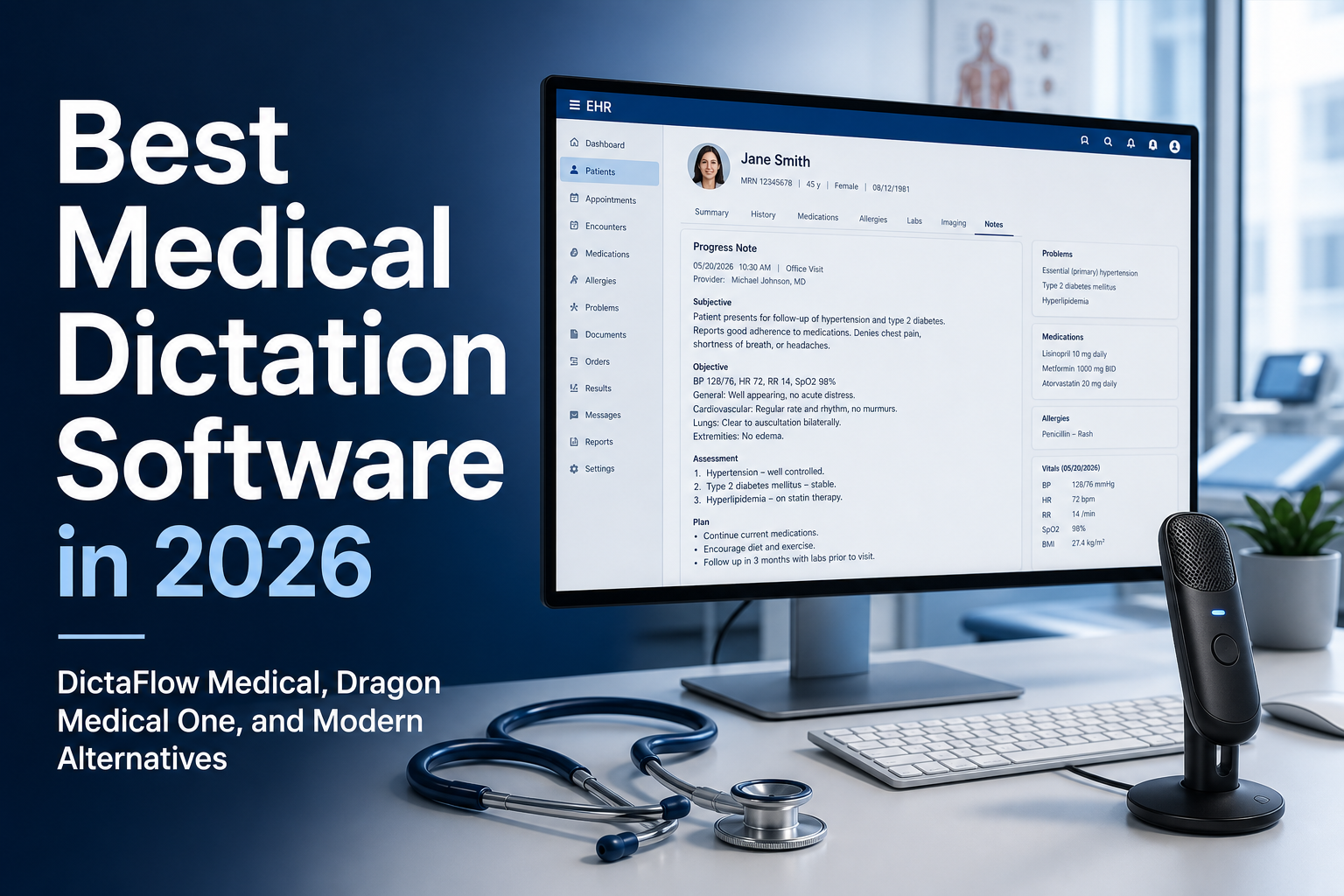
When clinics compare HIPAA compliant dictation software, they should first review how PHI is handled. Check whether the vendor offers a BAA for the medical product, where it processes audio and text, what it stores, who can access support data, and whether clinicians can type directly into the real EHR field.
DictaFlow Medical Pro is built for BAA-oriented clinical workflows. It supports controlled hold-to-talk dictation and an optional Ambient Scribe. Clinicians review the content before anything enters the chart.
The regular DictaFlow Pro plan is not the PHI product. Medical Pro supports Mac and Windows workflows, Epic, Cerner, browser EHRs, Citrix/RDP/VMware Horizon typing, and custom medical vocabulary. It costs $39/user/month for 1-4 seats or $29/user/month for 5+ seats.
Start with the PHI path
A dictation tool can touch PHI in a few places: the microphone capture, the transcription provider, any AI cleanup step, the app that receives the text, support logs, and stored history. A serious clinic review should map each step before a trial goes live.
That does not mean every clinic needs a massive procurement process for every small tool. It does mean the vendor has to be clear about which product tier is meant for clinical work, what agreements are available, what processing path is used, and whether consumer plans are kept separate from medical workflows.
For DictaFlow, the key line is that regular DictaFlow Pro is not the PHI product. DictaFlow Medical Pro is the medical option to look at when a clinic needs BAA-oriented controls, medical vocabulary, and EHR workflows.
What HIPAA compliant dictation software should do
The best HIPAA-compliant dictation software should make the compliant path the easiest one. If clinicians have to dictate in one app, copy the note, paste it into another, clean it up, then move it again, mistakes and workarounds creep in.
A clinic-ready tool should handle short, controlled dictation bursts, HPI lines, assessment text, plan edits, referral letters, patient instructions, inbox replies, and billing notes. It also needs to handle corrections fast, because clinical documentation is unforgiving when one word changes meaning.
Medical vocabulary matters here. Names, medications, abbreviations, anatomy, specialty phrases and local clinic terms shouldn’t have to be fixed from scratch every time. Custom vocabulary and Knowledge Base support aren’t nice-to-have features in a clinical environment. They’re part of making dictation safe enough to trust.
The EHR, Citrix, and remote desktop test
A lot of medical dictation tools look fine until they run into the actual clinic stack. Epic, Cerner, Meditech, Jane, Accuro, referral portals, browser EHRs, Citrix, RDP, and VMware Horizon all create little failure points.
Clipboard-only workflows can break in locked-down fields. Browser extensions may not reach the right app. Audio redirection inside a virtual desktop can be unreliable. A tool that gives you a clean transcript in a separate window still fails if the clinician has to wrestle the text into the chart.
DictaFlow Medical is built around controlled hold-to-talk dictation and typing into the active field. For stubborn EHR and remote desktop workflows, its typing mode can send text as keystrokes instead of relying only on paste. That’s why it matters for clinics comparing Citrix dictation, remote desktop dictation and EHR field entry.
Dictation is not the same as an ambient scribe
A lot of HIPAA software searches now blur dictation and ambient scribes together. They’re related, but they solve different problems.
An ambient scribe listens to a full patient encounter and generates a draft note afterward. That can be useful for visits where the clinician wants a broad summary. Controlled dictation is different: the clinician decides when to speak, where the text goes, and what enters the chart.
For many clinics, the winning setup is not one or the other. Ambient tools can help with visit summaries, while controlled dictation handles the dozens of smaller writing moments that happen before, after, and between visits.
How DictaFlow Medical fits
DictaFlow Medical Pro is best for clinics that want controlled medical dictation rather than always-on recording. It is strongest when clinicians need to type into EHR fields, referrals, patient messages, SOAP notes, Outlook, browser forms, or remote desktop systems without breaking flow.
It works with Mac and Windows workflows, medical vocabulary, hold-to-talk capture, Citrix/RDP/VDI typing, and BAA-oriented clinical use. Pricing is straightforward: $39/user/month for 1-4 seats, or $29/user/month for 5+ seats.
It is not the right fit if the organization only wants visit recording, multi-speaker diarization, or a hospital-mandated enterprise vendor. In those cases, an ambient scribe or a Dragon Medical One style deployment may be a better procurement fit.
What to ask before buying
Before choosing HIPAA compliant dictation software, test the tool in the real workflow. Dictate into the actual charting field. Try a referral. Try a patient-message reply. Try a Citrix or RDP session if your clinic uses one. Try both Mac and Windows if your team has mixed devices.
Then ask the questions that expose real fit: is PHI routed through the right medical product tier, is a BAA available, do clinicians stay in control of capture, does text land in the right field, does medical vocabulary survive, and does the price still make sense after training and support?
That is the difference between generic voice typing and medical dictation software that can survive clinic reality.
HIPAA dictation software FAQ
What makes dictation software suitable for a HIPAA-regulated workflow?
A dictation tool is only one part of a HIPAA-regulated workflow. Before using any tool with patient information, clinics should verify the medical product tier, BAA availability, PHI routing and storage, support access, user controls, and EHR workflow.
Is regular DictaFlow Pro for PHI?
No. Regular DictaFlow Pro is for consumers and professionals. Clinics that handle PHI should evaluate DictaFlow Medical Pro and its BAA-oriented medical setup instead.
Does DictaFlow Medical work with Epic, Cerner, Citrix, and RDP?
Yes. DictaFlow Medical supports controlled hold-to-talk dictation and an optional Ambient Scribe, with clinician review before chart entry. It is designed for Epic, Cerner, browser EHRs, Citrix, RDP, and VMware Horizon. Typing Mode sends text as keystrokes when clipboard-based insertion is unreliable.
How much does DictaFlow Medical Pro cost?
DictaFlow Medical Pro costs $39/user/month for 1-4 seats and $29/user/month for 5+ seats. It is separate from regular DictaFlow Pro.
Related pages
Useful next stops if you are comparing medical dictation tools for a clinic.