July 01, 2026 · Updated November 13, 2026
Best medical dictation software for Mac doctors in 2026
Quick answer (updated November 13, 2026)
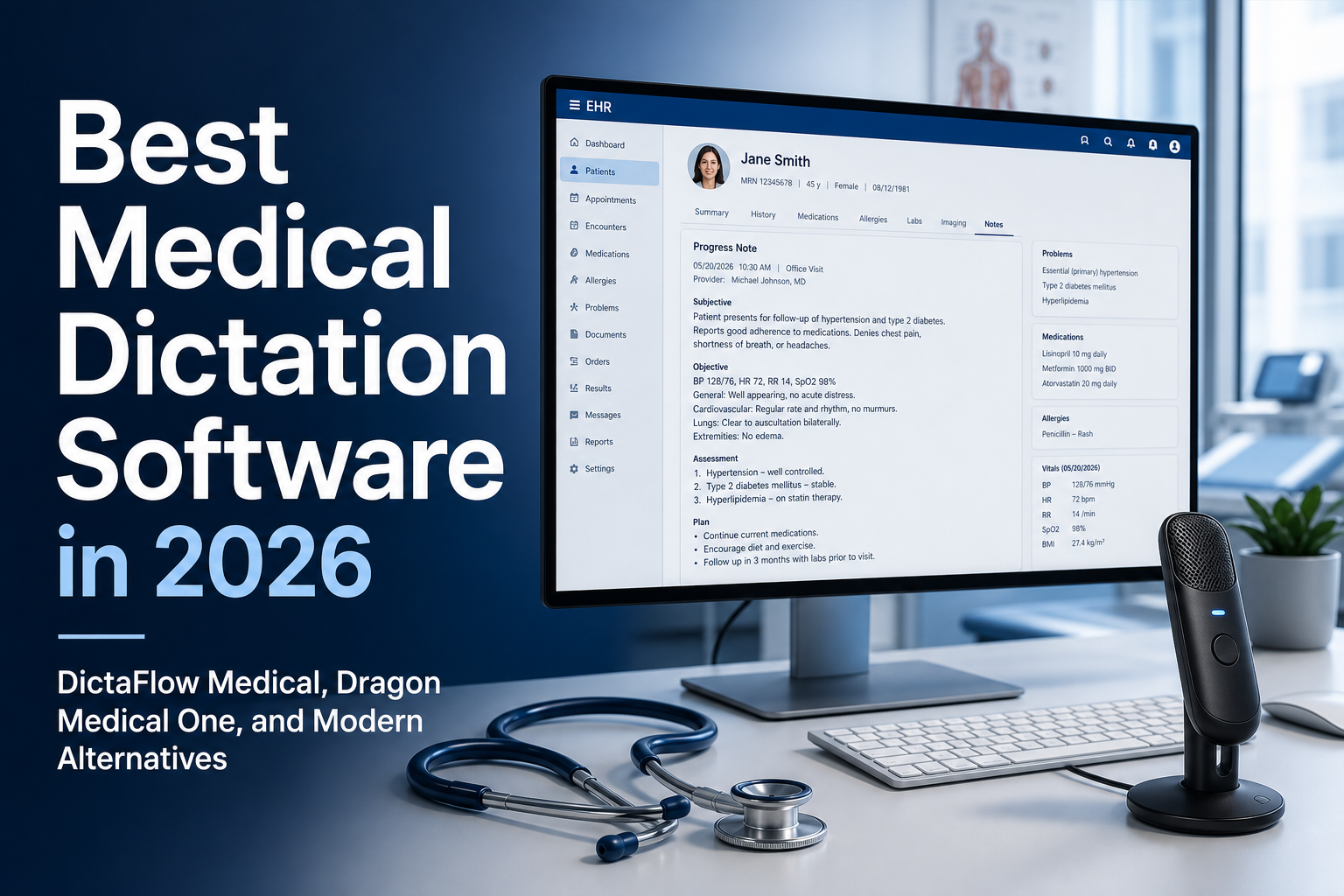
The best medical dictation software for a Mac doctor who wants to dictate into Epic, Cerner, or Citrix is DictaFlow Medical. It is a native Mac app with hold-to-talk dictation, custom medical vocabulary, and a Typing Mode for remote sessions. It costs $39/month or $389/year per user, and the free plan lets you test it. DictaFlow Medical also offers optional Ambient Scribe for encounter drafts. Review those drafts before transfer, and review direct dictation before saving or signing.
Medical dictation software for Mac doctors has to do more than turn clear audio into text. It needs to know medical terms, put text straight into EHR fields, work well on both Mac and Windows, and fit into Epic, Cerner, Jane, Accuro, Citrix, RDP, and VMware Horizon.
DictaFlow Medical Pro is worth testing if you want a native Mac app for hold-to-talk EHR dictation. It also offers optional Ambient Scribe for encounter notes. With direct dictation, the text appears in the active field when you release the shortcut. Review it before saving or signing. Ambient Scribe works differently: review the transcript and draft note before copying or typing the note into the EHR.
DictaFlow Medical Pro costs $39/user/month for 1-4 seats or $29/user/month for 5+ seats. It works on Mac and Windows, supports custom medical vocabulary, and can type into clinical text fields. Before using patient information, complete your clinic's vendor review and any required BAA. DictaFlow, the vendor, published this comparison as buying guidance, not as an independent clinical test.
Short answer
DictaFlow Medical is a hold-to-talk medical dictation app for Windows, Mac, iPhone, iPad, and Android. You hold a key, speak, and the text types into whichever field is active, including Epic, Cerner, Meditech, browser EHRs, and Citrix, RDP, and VMware Horizon sessions through Typing Mode. It is a separate product from consumer DictaFlow with its own BAA path. Medical Pro costs $39/user/month for 1-4 seats or $29/user/month for 5+ seats, and the free plan includes 2,000 words a month. It also has an optional Ambient Scribe for full visits, but it is built first as controlled dictation.
Plans and platforms at a glance
| Plan | Price | Platforms | Who it suits |
|---|---|---|---|
| Medical Free | $0, 2,000 words/month, no credit card | Windows 10 and 11, Mac (Apple silicon and Intel), iPhone, iPad, Android | Testing with non-PHI text in your real EHR fields |
| Medical Pro | $39/user/month for 1-4 seats | Same five platforms | Individual clinicians and small practices |
| Clinic Team | $29/user/month for 5+ seats | Same five platforms | Clinics standardizing on one tool; vendor review and BAA support |
How the main options compare on a Mac
| Option | What it is | Platforms and integrations (vendor sources) | Published pricing | Fits best when |
|---|---|---|---|---|
| DictaFlow Medical | Hold-to-talk dictation, optional Ambient Scribe | Windows, Mac, iPhone, iPad, Android; types into most fields, including Citrix, RDP, VMware Horizon | Free tier; $39/user/month (1-4 seats); $29/user/month (5+) | Small clinics and solo clinicians who want text in the current EHR field |
| Dragon Medical One | Enterprise clinical dictation | Windows app; Microsoft documents Mac access through a published virtual app or a Windows virtual machine (Microsoft docs) | Quote-based; see our cost guide for reseller-advertised terms | A health system already standardized on Nuance or Microsoft with IT support |
| Freed | Ambient AI scribe | Pushes notes to browser-based EHRs; EHR push is in its Premier tier (pricing page) | Plans start at $39/month (Starter, up to 40 notes/month); higher tiers cost more | A solo clinician who wants a draft note for each visit |
| Heidi | AI scribe | Desktop apps for macOS and Windows (Heidi) | Free tier with one seat and limited usage; paid and team tiers on its pricing page | Trying an ambient scribe at no cost first |
| Suki | Ambient assistant for health systems | Integrations with Epic, Oracle Health, athenahealth, and MEDITECH (Suki) | Contact sales | Larger organizations on one of those EHRs |
Competitor details come from each vendor's own site, checked October 26, 2026. They change, so confirm current terms before you buy.
For the wider field, see best medical dictation software in 2026 and the Dragon Medical One vs DictaFlow Medical comparison.
Why Mac medical dictation is a different problem
A lot of medical dictation advice is written as if every clinician were sitting at a managed Windows workstation. That’s not how a lot of clinics work anymore. Doctors use MacBooks at home, therapists chart in browser-based systems, private practices mix Apple laptops with Windows front desks, and specialists often move between the clinic, the hospital and remote admin time.
That leaves a real gap. A tool can be accurate and still be the wrong fit for the workflow if it only works well on one platform or needs a heavy IT rollout. Mac clinicians usually care about three things: quick setup, solid medical vocabulary, and text landing in the exact field they’re editing.
Apple Dictation is a free option for starting drafts that don't contain PHI. A clean result in TextEdit doesn't show whether it handles medical terms accurately, works in remote fields, or is approved for patient information. Check each of those separately during your clinic's review.
Dragon Medical One and the Mac question
Dragon Medical One is still a serious medical dictation tool, especially in larger organizations that already use Nuance or Microsoft healthcare software. If your hospital already offers Dragon Medical One and IT has it hooked into the EHR, using it may be the easiest option.
Dragon Medical One runs as a Windows app, not a native Mac app. Microsoft documents Mac access through a published virtual app or a Windows virtual machine. Its Windows VM setup does not support cursor dictation in native macOS apps. DictaFlow Medical Pro has a native Mac app for controlled EHR typing. Test the actual clinic workflow and complete the required BAA review.
If you're buying for a Mac, first decide where you need to dictate. Microsoft's published-application option runs Dragon Medical One in a remote environment. Its Windows virtual machine does not support cursor dictation in native macOS apps. If you work only in an approved hospital session, the hospital's existing Dragon setup may be simpler. If you also need to dictate into native Mac fields, include that in your comparison.
What to compare before choosing a Mac medical dictation tool
When you're evaluating medical dictation software for Mac, compare how well it fits your workflow before you worry about the brand name.
Start with these questions: does it support real Mac use, not just a browser fallback? Can it also run on Windows if the clinic has mixed devices? Can clinicians add specialty terms, medication names, clinic phrases and patient-instruction language? Does text go straight into the active field, or do users need to copy and paste? Can it handle Citrix, RDP, VMware Horizon, or browser-based EHRs? Does the product have a medical plan and a BAA-oriented workflow for PHI use?
Consumer DictaFlow Pro is for general professional dictation, not PHI. For clinical work, use DictaFlow Medical Pro after reviewing the clinic's privacy policies and BAA requirements.
Where DictaFlow Medical fits
DictaFlow Medical is built for clinicians who want to stay in control of what gets written. Hold a hotkey, speak, release, and DictaFlow types wherever your cursor already is. That could be a SOAP note field, a referral letter, patient instructions, an assessment, an inbox reply, or a browser EHR text box.
DictaFlow Medical offers hold-to-talk dictation and optional Ambient Scribe. With direct dictation, text appears in the destination field for the clinician to review. Ambient Scribe creates a transcript and draft note, which the clinician reviews before transfer. Neither workflow checks or signs the chart for you.
DictaFlow Medical has native apps for Mac, Windows, iPhone, iPad, and Android. On desktop, it inserts text at the cursor; mobile capture uses a different workflow. Test it on each device you plan to use. An EHR workflow may not work the same way across devices.
Set up the Mac workflow before buying
Install the Medical app from the signed Mac DMG and sign in with your clinic-approved email. In System Settings, go to Privacy & Security and enable Microphone and Accessibility for DictaFlow Medical. Set Domain to Medical & Clinical, as the Medical quick start recommends. If the app records but no text appears, check Accessibility again, quit and reopen the app, then try a fictional sentence in TextEdit before testing the EHR.
Start by testing Paste Mode in an approved test field. If a Citrix or RDP field will not accept pasted text, select Type characters in the Output setting and dictate the same short sentence again. If letters are skipped, increase Typing Delay. Test the remote field and local Mac field separately. These settings do not override your employer's restrictions or give you permission to use a personal device.
Best fit by clinic scenario
Choose DictaFlow Medical Pro if you want Mac medical dictation with hold-to-talk control, custom vocabulary, direct EHR typing, and clear clinic pricing. It is especially useful for smaller practices, mixed Mac and Windows teams, therapists, specialists, and clinicians who need to dictate into browser EHRs or remote desktops.
Choose Dragon Medical One if your organization already has a Dragon deployment, EHR integration, IT support, and procurement process. Dragon can be the right choice for large health systems that want the enterprise path and have the internal support to maintain it.
Use Apple Dictation for quick non-PHI personal notes or simple drafts, but do not expect it to replace a medical dictation workflow. It is free and built in, but it is not designed around medical terminology, clinic policy, or EHR field behavior.
Dictation vs ambient AI scribe: when each one fits
Dictation and ambient capture are separate modes, but one product can offer both. DictaFlow Medical offers both. With direct dictation, the clinician composes the text. Ambient Scribe captures the encounter and drafts a note for review. A microphone may pick up nearby speech in either mode, so hold-to-talk doesn't guarantee patient audio stays out of a recording.
| Question | Ambient AI scribe | Direct dictation in DictaFlow Medical |
|---|---|---|
| How it works | Records the conversation and drafts a note | You hold a key, speak, and release. Text types into the active field |
| Who writes the note | The scribe drafts it, you review and edit | You compose it by voice, field by field |
| Patient is recorded | Yes, so consent and local rules matter | As you dictate, the microphone captures audio that may include nearby patient speech. Stop capture when you're finished. |
| Best for | Long visits where a full draft note saves the most time | Referrals, letters, patient messages, orders, addenda, and quick chart edits |
| Where it works | Usually the vendor's app, then copy or integrate into the EHR | Editable fields that accept the chosen input method; test your actual EHR, Citrix, or RDP session |
Choose direct dictation for a short referral, addendum, or message you want to write yourself. Choose optional Ambient Scribe when you need a draft from an encounter. Review inserted text before saving or signing when using direct dictation. Review an Ambient Scribe draft before transferring it. Neither mode alone establishes consent, retention settings, or approval to use patient information.
Before buying, compare the two modes with a fictional encounter, not a real patient visit. For direct dictation, speak one instruction into a test field. Confirm capture has stopped before switching tasks. For Ambient Scribe, use a scripted conversation and review the separate draft before transfer. Ask your privacy lead to check consent, approved processing routes, and retention for the mode you plan to use. A successful test in TextEdit doesn't answer those questions.
Capture-mode guidance checked November 13, 2026 against the Medical quick start and Medical privacy policy. This is an evaluation checklist, not a measured clinical test or a statement that audio is never captured or retained.
Why clinicians who want Dragon-style dictation choose DictaFlow Medical
If you want to dictate into Epic, Cerner, or a Citrix session, DictaFlow Medical is built for that. It is a separate medical edition with hold-to-talk dictation, custom medical vocabulary, and a Typing Mode that sends keystrokes when a Citrix, RDP, or VMware Horizon field blocks paste. It runs on Windows, Mac, iPhone, iPad, and Android. It costs $39/month or $389/year per user. Clinic teams of five or more seats pay $29/user/month. There is a free plan with 2,000 words a month for testing with non-patient text in your real EHR fields.
Before you use patient information, complete your clinic's vendor review and sign any BAA you need. Review the Medical security page and the BAA information first. Dragon Medical One can still be the better choice for a large health system that already runs on Nuance or Microsoft, with IT support and procurement in place.
The bottom line for Mac doctors
For doctors searching medical dictation software for Mac, the best choice depends on whether you want enterprise infrastructure or controlled everyday dictation. Dragon Medical One is still the familiar enterprise name. DictaFlow Medical Pro is the lighter Mac-friendly option for clinics that want direct typing, medical vocabulary, Citrix/RDP support, and transparent pricing.
Start with the free Medical app and a fictional note in your intended field. Check the output, cursor position, and time spent correcting it. Keep using the hospital-approved tool until your Mac workflow and privacy review pass. The Medical quick start covers installation and output settings. The security overview and BAA information can support the clinic's vendor review.
Mac medical dictation FAQ
What is the best medical dictation software for Mac doctors?
DictaFlow Medical is a strong choice for Mac doctors who want to dictate into Epic, Cerner, or Citrix. It is a native Mac app with hold-to-talk dictation, custom medical vocabulary, and a Typing Mode for remote sessions. It costs $39/month or $389/year per user, with a free plan to test.
Is medical dictation the same as an AI scribe on Mac?
No. Direct dictation lets the clinician compose text in an active field. Ambient capture records an encounter and drafts a note. DictaFlow Medical offers both modes. Hold-to-talk limits when audio is captured, but nearby speech may still be included. Review direct dictation before saving or signing. Review an Ambient Scribe draft before transfer. Follow your clinic's consent, vendor-review, and BAA requirements.
What is DictaFlow Medical?
DictaFlow Medical is a hold-to-talk medical dictation app for Windows, Mac, iPhone, iPad, and Android. It types into the active EHR or remote desktop field, supports custom medical vocabulary, and has an optional Ambient Scribe. Medical Pro costs $39/user/month for 1-4 seats or $29/user/month for 5+ seats, and the free plan includes 2,000 words a month. Complete your clinic's vendor review and any required BAA before using it with PHI.
What is the best medical dictation software for Mac?
DictaFlow Medical Pro is a solid pick for Mac doctors who need controlled hold-to-talk dictation, custom medical vocabulary, direct typing into EHR fields, Citrix/RDP support, and optional Ambient Scribe. Clinics should use it with the right BAA and privacy policies.
What is the best Dragon Medical alternative for Mac doctors?
DictaFlow Medical Pro is a strong Dragon Medical alternative for Mac doctors who want controlled hold-to-talk dictation, custom medical vocabulary, direct typing into EHR fields, Citrix/RDP support, and BAA-oriented clinical workflows.
Does Dragon Medical One work on Mac?
Dragon Medical One runs as a Windows app, not a native Mac app. Microsoft documents Mac access through a published virtual app or a Windows virtual machine. Its Windows VM setup does not support cursor dictation in native macOS apps. DictaFlow Medical Pro has a native Mac app for controlled EHR typing. Test the actual clinic workflow and complete the required BAA review.
Is DictaFlow Medical an ambient scribe?
Yes. DictaFlow Medical offers optional Ambient Scribe alongside hold-to-talk dictation. Review the transcript and draft note before transfer. Direct dictation puts text in the active field, where you review it before saving or signing.
Can regular DictaFlow Pro be used for PHI?
No. Regular DictaFlow Pro is for general professional dictation. PHI workflows should use DictaFlow Medical Pro with the appropriate BAA-oriented setup and clinic policies.
How do I set up medical dictation on a Mac?
Install the Medical app, then enable Microphone and Accessibility in macOS Privacy & Security. Test fictional text in TextEdit, then test your approved EHR field. Start with Paste Mode. If the field rejects pasted text, switch to Type characters. If letters are skipped, adjust Typing Delay. Complete your clinic's vendor and BAA review before using PHI.
Sources checked October 23, 2026: Microsoft's Dragon Medical One Mac deployment guide and the DictaFlow Medical quick start. Current Medical plans appear on the Medical pricing page. These sources describe supported workflows, not a compatibility guarantee for every EHR or remote session.
Related DictaFlow pages
If you are comparing medical dictation tools, these pages go deeper on cost, EHR workflow, and remote desktop support.