June 30, 2026
Jane App Dictation in 2026: Better Therapy Workflow
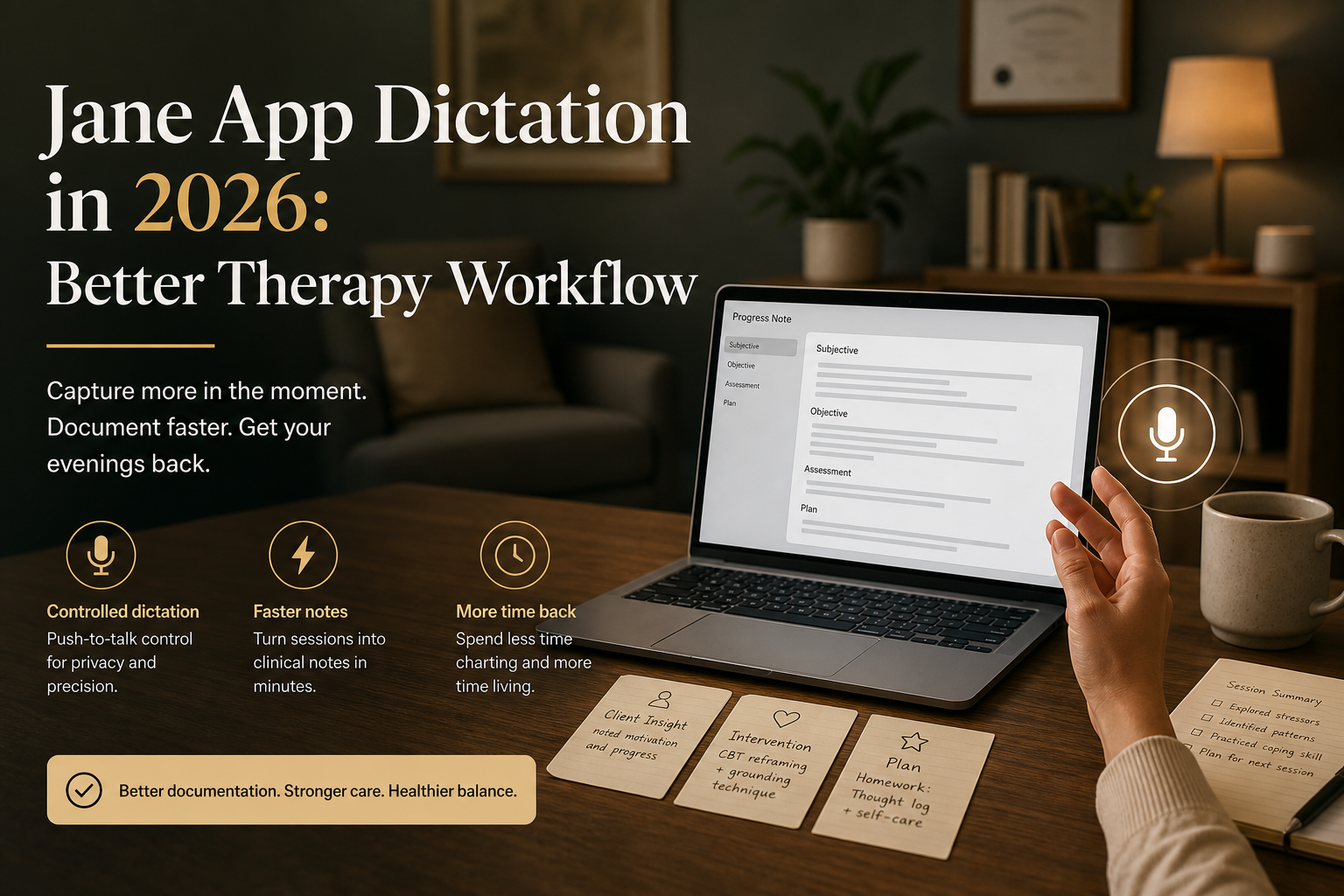
If you're a therapist using Jane, the tricky part isn't finding somewhere to write notes. Jane already gives you charting, documentation, forms, and optional AI support in one patient record. The real struggle is getting words into those fields fast enough so notes don't swallow the hour after a session.
That’s why Jane App dictation is a real workflow question in 2026. A lot of therapists aren’t looking for some giant new platform. They already have the practice software. What they want is a faster way to handle progress notes, treatment plan updates, secure message replies, intake summaries and all the little follow-up tasks that pile up between sessions.
The problem is that most free dictation options still feel like half measures. Windows Voice Typing works anywhere on a PC, which is handy, but it’s still just a generic speech tool. Browser tools like Dictation.io work in Chrome and can be fine for a quick paragraph, but therapy documentation rarely stays inside one neat browser box for long. You read the previous note, update a chart field, paste a billing code, answer a message, then jump back into the record. That’s where the friction starts.
Short version: if you only need occasional free voice typing, start there. If speed is a daily problem and you want something that feels built for real note-taking, DictaFlow is the better setup. It’s hold-to-talk, works on Mac and Windows, keeps the workflow under your control, and doesn’t fall apart when you leave one text field. If you’re using Jane for clinical or PHI workflows, use DictaFlow Medical Pro instead of consumer Pro, and complete your clinic’s BAA and privacy review.
Why Jane users still need a better dictation layer
Jane already gets a lot right. Its clinical documentation stack is built around customizable charting, intake forms and optional AI support. Jane’s AI Scribe page even says you can record live sessions or use dictation to create detailed chart notes. So this isn’t about Jane missing documentation features. It’s about the input layer sitting on top of them.
Therapists don’t just sit down and write one long note in one go. The actual day is messier than that. You finish a session and want to get the main note down while the details are still fresh. Then you realize you also need a short secure message, a diagnosis update, a task for the front desk, and maybe a tweak to the treatment plan before the next client walks in. That’s four short writing jobs, not one.
Generic dictation tools tend to do okay on the first one. They are worse on the second, third, and fourth because the workflow keeps changing shape. One field is a paragraph. The next is a short bullet list. The next needs client names, medication terms, or a very specific phrase you use in your own note style. The more often a tool makes you stop and correct the same thing, the less it feels like a speed boost.
Where the usual free options start to crack
Windows Voice Typing is the obvious baseline on Windows. Microsoft positions it as a way to convert spoken words into text anywhere on your PC. That is genuinely useful. But it still behaves like a general built-in tool. It is not tuned for therapist note structure, repeated clinical vocabulary, or fast start-stop note bursts between appointments.
Browser voice tools have a different weakness. Dictation.io is a good example. It is simple, free, Chrome-based, and supports voice commands for punctuation and new lines. That is enough to make it appealing for quick text entry. The catch is right there in the pitch: it is basically a browser dictation surface. Therapy documentation is not just one blank browser page. It is a whole sequence of small writing tasks across records, tabs, forms, and admin follow-up.
That is why Jane App dictation often feels worse in practice than it does in a five-minute test. The problem is not just recognition quality. It is flow. If the tool feels fragile every time focus shifts, if it drops out when you switch context, or if it turns every note into a cleanup pass, it is not really saving you time.
Why AI scribe is not the same thing as controlled dictation
This part matters because a lot of therapy software now pushes AI scribe features and treats them like the default answer.
AI scribe and controlled dictation solve different problems. An AI scribe is built to listen, summarize, and draft a note. Controlled dictation is for the therapist who already knows what they want to say and just wants to say it faster than they can type it.
Sometimes an AI scribe is the right fit. Sometimes it is overkill. A lot of therapists do not want every note to start from a recording-plus-summary workflow. They want a fast way to speak the assessment, the intervention, the plan, and a couple of next steps into the chart while they still remember the session clearly.
That is the gap DictaFlow fits better. It is not trying to replace your judgment or generate a whole new note style for you. It is an input layer. Press and hold, speak, release, review, move on. That sounds almost boring, but boring is good when you are doing notes all day.
What a better Jane dictation setup looks like
A better Jane setup starts with one rule: your dictation tool should follow your cursor, not force you into one app mode.
For therapists, that usually means:
- speak a progress note right after a session
- update a treatment plan line without breaking rhythm
- answer a secure message in a more natural tone
- handle names, acronyms, and recurring phrases without constant re-correction
- jump between Jane, email, calendar, and admin tools without changing how dictation works
It also helps if the tool uses hold-to-talk instead of always-listening behavior. Therapy documentation is bursty. Most people do not want an open microphone while they are reading, thinking, or toggling between records. They want short controlled bursts: speak one paragraph, stop, check it, then do the next one.
That is also why speed matters more than flashy AI language. If the tool starts fast, stops fast, and lands text where the cursor already is, you use it more. If it makes you think about the tool every time, you stop trusting it.
Why DictaFlow fits therapist notes better
DictaFlow is a better Jane App dictation setup because it behaves like a real cross-app input method, not a browser workaround.
The big win is control. Hold a hotkey, speak, release, and the text appears where your cursor already is. For therapists that means you can handle the note itself, the follow-up message, the scheduling comment, and the side admin task without changing tools every few minutes.
The second win is vocabulary. Therapy notes repeat the same language patterns, client names, medication names and discipline-specific shorthand. DictaFlow's Knowledge Base and custom vocabulary flow are a lot closer to what clinicians actually need than just hoping a generic tool eventually figures it out from context.
The third win is platform coverage. DictaFlow works on Mac, Windows, and iPhone, with native Android app support. That matters more than it sounds. Plenty of therapists work on one main laptop, then need to capture something quickly from another device later.
For clinical or PHI workflows, DictaFlow Medical Pro costs $39/user/month for 1-4 seats or $29/user/month for teams of 5+. Regular DictaFlow Pro is for professional dictation that doesn’t involve PHI.
When the free option is still enough
Not everyone needs another paid tool.
If you write a few short notes a day, stay on one Windows machine, and mostly want occasional voice typing, Windows Voice Typing may be enough. If your note work stays in one Chrome flow and you are fine with a browser-first tool, Dictation.io may be enough too.
That is the honest place to start. Use the free option first. Then pay attention to where it breaks. If the pain is not recognition but friction, context switching, cleanup, and repeated corrections, that is when a dedicated dictation layer starts making sense.
Bottom line
Jane App dictation in 2026 is not really about whether therapists can speak into a microphone. Of course they can. The real question is whether the tool keeps up once note writing spills into the rest of the day.
That is where generic voice typing starts to feel thin and where DictaFlow fits better. It gives therapists a controlled, hold-to-talk workflow for notes, follow-ups, and admin writing without forcing everything into one browser-shaped box.
If you want therapy notes to take less out of your evening, that is the angle worth testing.
Related pages
Useful next stops if you want a side-by-side comparison or the fastest setup path.