June 8, 2026
Best Dictation Apps for Therapists and Psychologists in 2026
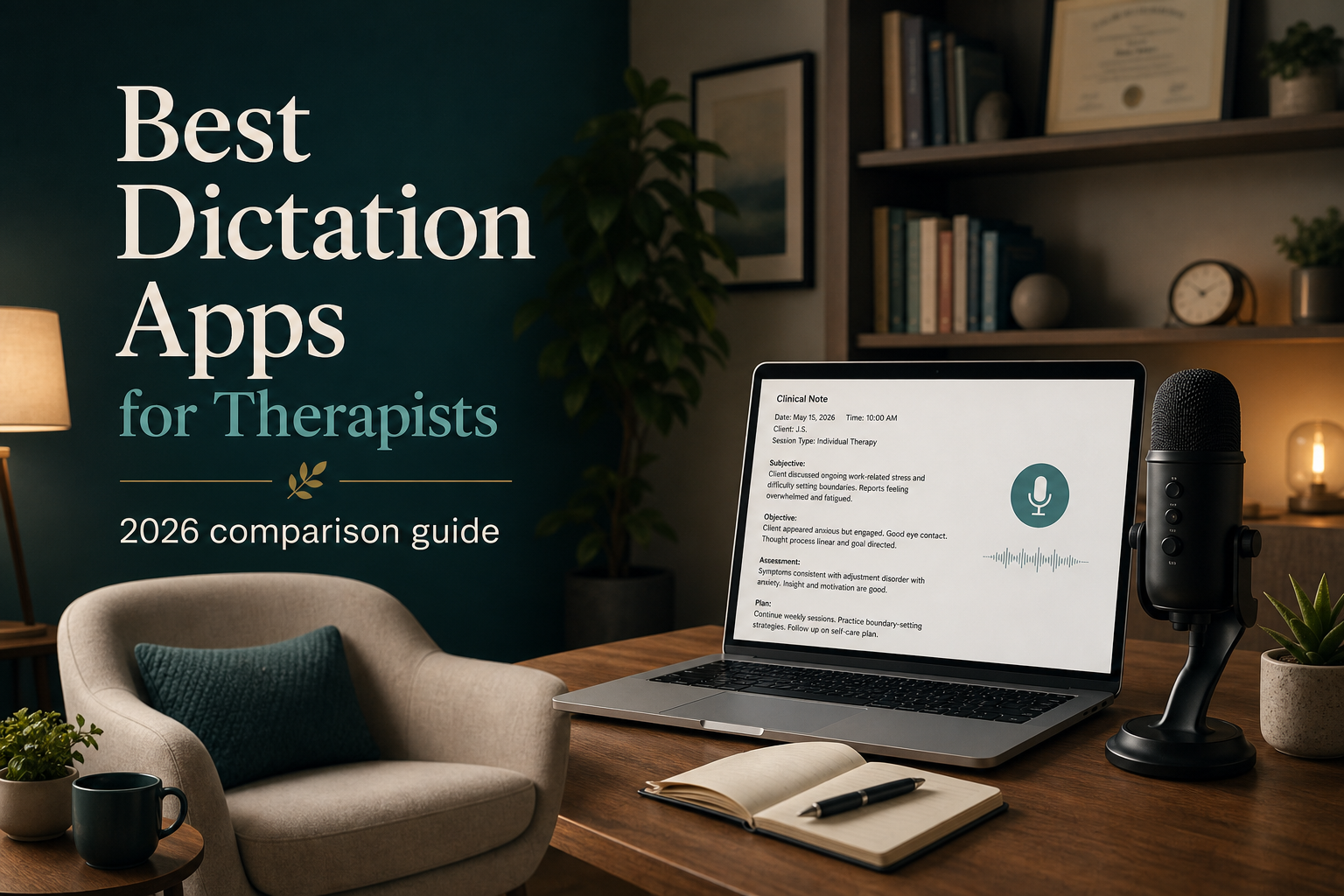
Therapists and psychologists spend more time on notes than almost any other clinical task. A typical therapy session runs 50 minutes, then there's another 10 to 15 minutes spent typing up a progress note, treatment plan update, or intake evaluation. Stack that across a week of back-to-back sessions and you're looking at hours of typing.
Voice dictation should fix that. But most dictation tools weren't built for mental health workflows. They trip over clinical terminology, can't work with the EHR systems therapists actually use, like TherapyNotes, SimplePractice, Epic, Cerner, and they raise real confidentiality questions when audio leaves the device.
Here are the best dictation apps for therapists and psychologists in 2026, ranked by how well they handle real clinical work.
1. DictaFlow Medical Pro - Best overall for therapists and psychologists
DictaFlow Medical Pro is a hold-to-talk medical dictation app for Mac, Windows, iPhone, iPad, and Android. Hold a hotkey, speak, and release it. Your words then appear wherever the cursor is in the active app. For therapists, here's why it's the best pick:
- Cross-platform. MacBook for telehealth, Windows desktop at the clinic, iPhone or Android for quick notes between sessions. One Medical subscription covers it all.
- Clear medical pricing: $39/user/month for 1-4 seats or $29/user/month for 5+ seats.
- Custom vocabulary and Knowledge Base. Add clinical terms, medication names, DSM-5 terminology, client initials and assessment names. DictaFlow learns them instead of turning "differential diagnosis of generalized anxiety disorder" into nonsense.
- Local Offline and controlled cloud processing. Practices can choose the workflow that fits their policies and BAA requirements.
- Typing Mode works in Citrix, VMware Horizon, and remote desktops. Test it in the practice's actual EHR and managed environment before rollout.
- Actually Override mid-sentence correction. Say your correction keyword while dictating and DictaFlow deletes back to the error, then keeps going. You stay in the flow instead of stopping to fix mistakes by hand.
- AI Cleanup keeps your clinical voice intact. It cleans up punctuation and filler words without turning your observations into something that sounds like it came from a template.
- Optional Ambient Scribe captures a visit and prepares a draft note for clinician review before chart entry.
The free tier includes 2,000 words each month, so practices can test non-PHI sample text before paying or completing vendor review.
Best for: Therapists and psychologists who work across devices, use EHR systems, and want a dictation tool that respects patient confidentiality without breaking the bank.
2. Dragon Medical One - Powerful but expensive and overbuilt for therapy
Dragon Medical One is Nuance's cloud-based medical dictation platform. It has deep medical vocabulary, specialty-specific profiles for psychiatry and behavioral health, and tight EHR integration. But for a therapy practice, it's usually more than you need:
- Enterprise pricing. Dragon Medical One costs $700-1,700+ per year per user. For a solo practitioner or small group practice, that's tough to justify compared to $7/month.
- Windows-only in practice. The desktop client requires Windows. Mac users are out of luck unless they run a virtual machine.
- Complex deployment. It's built for hospital IT departments with dedicated support staff. A therapist in private practice usually doesn't have that.
- No iOS support. You can't dictate a quick note from your phone between sessions.
Dragon Medical One is a strong product for large behavioral health departments in hospital systems. For an independent therapist or small group practice, it's too expensive, too complex, and too limited in where it works.
Best for: Hospital-based behavioral health departments with IT staff and enterprise budgets per seat.
3. Apple Dictation - Free but too limited for clinical notes
Apple Dictation is built into every Mac and iPhone. It costs nothing and works for short messages. For therapy documentation, the limitations pile up fast:
- No hold-to-talk hotkey. Tap a microphone button, speak, tap again. That breaks the flow of note-taking.
- No custom vocabulary. Apple Dictation will never learn "escitalopram" or your client's name. It keeps making the same mistakes.
- No correction keywords. Every error means manual editing, which kind of defeats the whole point.
- Mac and iPhone only. If your clinic uses Windows, you need something else.
- No EHR or remote desktop support. It doesn't type into TherapyNotes, SimplePractice, or any EHR running through Citrix.
- Audio processing happens on Apple's servers by default. For clinical notes containing PHI, that's a real confidentiality concern most therapists aren't aware of.
Apple Dictation is fine for a two-line text. It's not a tool for writing clinical progress notes.
Best for: Quick personal messages when nothing else is available.
4. Wispr Flow - Polished general dictation, not built for clinicians
Wispr Flow is a Mac and Windows dictation app with good transcription quality and a clean interface. For general productivity, it works well. For therapists, the gaps matter:
- $15/month. More than double DictaFlow. For a solo practitioner watching expenses, that price difference matters.
- Cloud-only processing. All audio goes to Wispr's servers. There's no on-device option. For clinical notes that contain PHI, that's a significant privacy issue unless you've reviewed their data handling and you're comfortable with it.
- No Citrix or remote desktop support. If your EHR runs through remote desktop, Wispr Flow won't type into it.
- Limited custom vocabulary compared to DictaFlow. It learns over time but doesn't have an explicit medical Knowledge Base you can pre-load with clinical terms.
Wispr Flow is a good general dictation app. It's not tuned for clinical workflows, and the cloud-only setup raises questions for patient data.
Best for: Mac-first therapists who don't use remote desktop EHRs and are comfortable with cloud processing of dictation audio.
5. Windows Voice Typing - Free, basic, and frustrating for clinical work
Windows Voice Typing, Win+H, is built into Windows 11. It's free and works for basic dictation. For therapy documentation, it falls short:
- No hold-to-talk. Win+H to start, Win+H to stop. That interrupts the rhythm of note writing.
- No custom vocabulary. Clinical terms get misrecognized over and over.
- No correction keywords, no remote desktop support, no iOS.
- Windows only. If you use a Mac for telehealth or an iPhone for quick notes, this won't help.
It's a free fallback for occasional short dictation on a Windows machine. For clinical notes day after day, it'll frustrate you pretty quickly.
Best for: Windows-only users who need free dictation for very short, occasional use and have very low expectations.
Which dictation app should therapists use in 2026?
If you only need free dictation for quick personal messages, Apple Dictation on Mac or Windows Voice Typing on PC are fine. They're built in, they cost nothing, and for two sentences they do the job.
If you’re a therapist or psychologist who handles clinical documentation or PHI, DictaFlow Medical Pro is the right DictaFlow product for you. It works on Mac, Windows, iPhone, iPad, and Android. It also includes medical vocabulary, Local Offline and controlled cloud processing, and Typing Mode for supported EHR and remote desktop workflows. Start with non-PHI sample text. Before using patient information, complete your practice’s privacy and BAA review.
For practices that need clinical workflows built around a BAA, DictaFlow Medical Pro costs $39/user/month for 1-4 seats and $29/user/month for 5+ seats. It includes dedicated medical models, plus optional Ambient Scribe with clinician review.
You can try DictaFlow Medical for free with 2,000 words a month and see whether dictation helps you finish documentation faster before you pay.
Related DictaFlow pages
More comparisons and setup guides for clinical professionals.