June 17, 2026
Best Medical Dictation Software in 2026
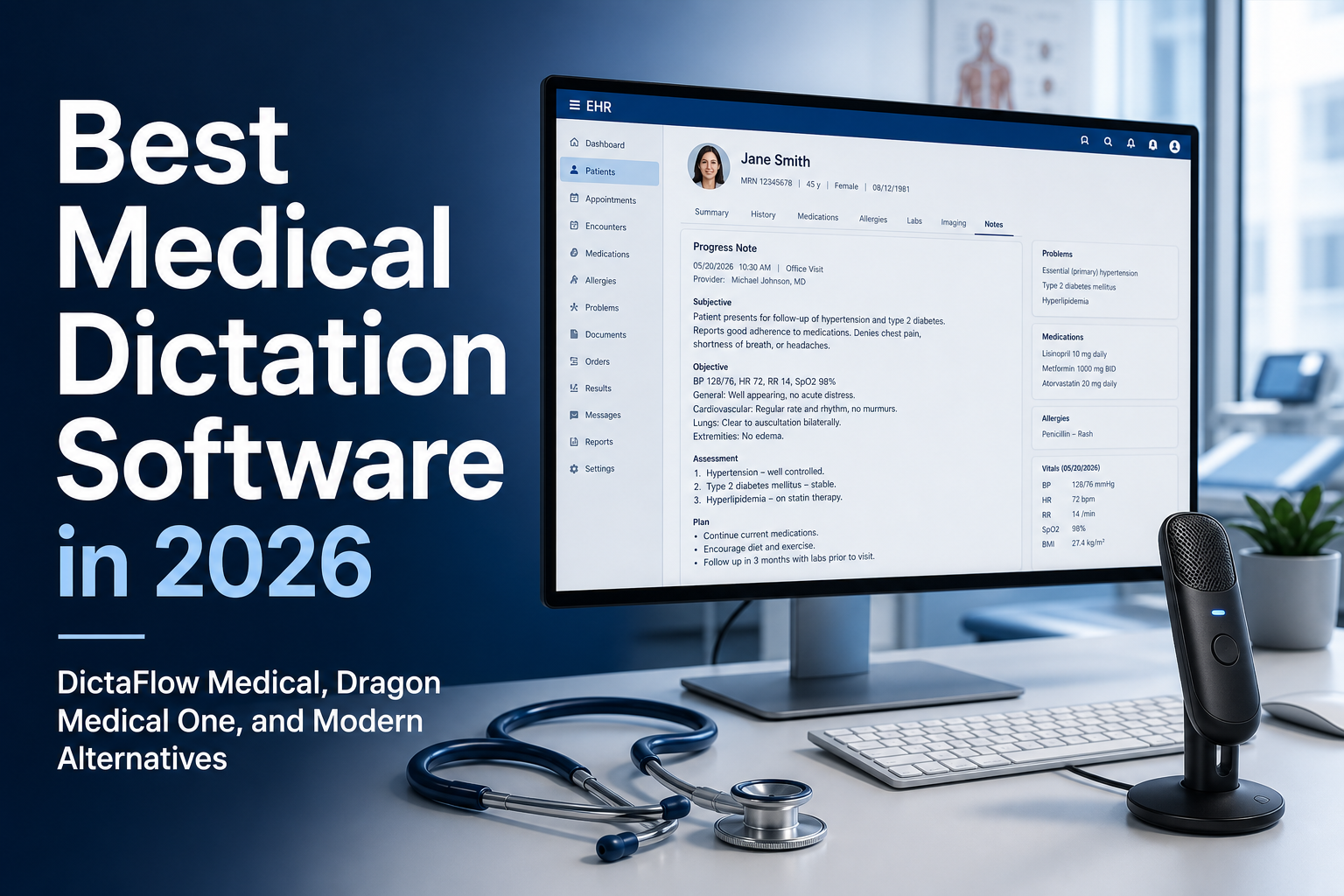
The best medical dictation software in 2026 has to do more than transcribe visits: it has to type accurately into your EHR between them. DictaFlow Medical Pro is our answer for clinicians who want hold-to-talk entry in EHR fields on Mac or Windows. Medical Pro costs $39/user/month for 1-4 seats and $29/user/month for 5+ seats. Dragon Medical One may fit an established enterprise rollout. If full-visit notes are your priority, compare ambient scribes, including Medical's optional Ambient Scribe. Test non-PHI sample text in your actual EHR and remote desktop fields. Complete the clinic's vendor review and any required BAA before entering patient information.
For small clinics, DictaFlow Medical Pro is the first option to test when direct EHR entry, custom medical vocabulary, transparent pricing, and cross-platform support matter. Choose Dragon Medical One when an approved Nuance deployment and enterprise IT support matter more. Choose an ambient-first scribe when full-visit capture is the main job. For doctors who use Apple computers, this Mac medical dictation guide compares native EHR entry with Dragon Medical One deployments.
Short answer
DictaFlow Medical is a hold-to-talk medical dictation app for Windows, Mac, iPhone, iPad, and Android. You hold a key, speak, and the text types into whichever field is active, including Epic, Cerner, Meditech, browser EHRs, and Citrix, RDP, and VMware Horizon sessions through Typing Mode. It is a separate product from consumer DictaFlow with its own BAA path. Medical Pro costs $39/user/month for 1-4 seats or $29/user/month for 5+ seats, and the free plan includes 2,000 words a month. It also has an optional Ambient Scribe for full visits, but it is built first as controlled dictation.
Plans and platforms at a glance
| Plan | Price | Platforms | Who it suits |
|---|---|---|---|
| Medical Free | $0, 2,000 words/month, no credit card | Windows 10 and 11, Mac (Apple silicon and Intel), iPhone, iPad, Android | Testing with non-PHI text in your real EHR fields |
| Medical Pro | $39/user/month for 1-4 seats | Same five platforms | Individual clinicians and small practices |
| Clinic Team | $29/user/month for 5+ seats | Same five platforms | Clinics standardizing on one tool; vendor review and BAA support |
How the main options compare
These tools do different jobs, so the table is a map, not a ranking. Dictation tools put your words in the field you point them at. Ambient scribes listen to the whole visit and write a draft. Dragon Medical One sits between them with enterprise deployment and years of clinical vocabulary behind it.
| Option | What it is | Platforms and integrations (vendor sources) | Published pricing | Fits best when |
|---|---|---|---|---|
| DictaFlow Medical | Hold-to-talk dictation, optional Ambient Scribe | Windows, Mac, iPhone, iPad, Android; types into any field, including Citrix, RDP, VMware Horizon | Free tier; $39/user/month (1-4 seats); $29/user/month (5+) | Small clinics and solo clinicians who want text in the current EHR field |
| Dragon Medical One | Enterprise clinical dictation | Windows app; Microsoft documents Mac access through a published virtual app or a Windows virtual machine (Microsoft docs) | Quote-based; see our cost guide for reseller-advertised terms | A health system already standardized on Nuance or Microsoft with IT support |
| Freed | Ambient AI scribe | Pushes notes to browser-based EHRs; EHR push is in its Premier tier (pricing page) | Plans start at $39/month (Starter, up to 40 notes/month); higher tiers cost more | A solo clinician who wants a draft note for each visit |
| Heidi | AI scribe | Desktop apps for macOS and Windows (Heidi) | Free tier with one seat and limited usage; paid and team tiers on its pricing page | Trying an ambient scribe at no cost first |
| Suki | Ambient assistant for health systems | Integrations with Epic, Oracle Health, athenahealth, and MEDITECH (Suki) | Contact sales | Larger organizations on one of those EHRs |
Competitor details come from each vendor's own site, checked October 26, 2026. They change, so confirm current terms before you buy.
Best medical dictation software for Mac
Mac is where the choice narrows fastest. Dragon Medical One is a Windows product, and Microsoft documents Mac access through a published virtual app or a Windows virtual machine, and the virtual machine route does not support cursor dictation in native macOS apps. DictaFlow Medical has a native Mac app for Apple silicon and Intel. Heidi and Freed are ambient scribes rather than dictation into an open field. If most of your charting happens in a browser EHR on a MacBook, start with the Mac medical dictation guide and test one note in your real chart.
Medical speech to text software for everyday charting
Medical speech to text software turns spoken clinical language into text. Buyers also use medical speech recognition software to describe this step. For a referral or patient message, transcription alone isn't enough. Check where the text goes and how much correction it needs. Test a drug name, a specialty abbreviation, and a plan edit in the actual destination field. Use fictional examples during setup.
Best medical dictation software: compare the workflow
DictaFlow Medical Pro fits clinics that need hold-to-talk voice recognition in Epic, Cerner, Meditech, browser EHRs, referrals, patient messages, and SOAP notes. It works on Mac and Windows, along with Citrix, RDP, and VMware Horizon typing. Medical Pro costs $39/user/month for 1-4 seats and $29/user/month for 5+ seats. Clinics should use it according to their privacy policies and BAA requirements.
Dragon Medical One is still worth considering if a hospital already has a Nuance or Microsoft procurement path, an approved EHR deployment, and IT support for an enterprise rollout. Pricing is usually quote-based, so clinics should compare licensing, setup, training, EHR testing and remote-desktop requirements. For a smaller clinic that wants to try a more direct workflow first, DictaFlow Medical is the lighter option to look at.
Dictation and ambient scribes solve different jobs
An ambient scribe solves a different problem. It listens to a patient visit and drafts a note for the clinician to review. Controlled dictation is better for the short writing that fills a normal day: a referral, an inbox reply, a plan edit, a prior-authorization note, or a correction inside an existing chart. A clinic can use both. The important part is not buying an ambient product and then realizing it doesn’t help with all the text fields outside the visit note.
Test insertion where the work happens
Getting text into the right field matters as much as transcription. Test a note, referral, and patient message in the EHR and remote sessions your team uses. DictaFlow Medical offers Typing Mode for fields where clipboard-based paste may fail. Compatibility depends on the application and your IT setup. A successful demo doesn't prove that every field will work.
Medical vocabulary is a workflow test
Medical vocabulary matters for the same reason. Every specialty has drug names, abbreviations, clinician names, local procedures, and phrases that general dictation gets wrong. A custom vocabulary or Knowledge Base is only useful if it cuts down on the repeated cleanup in the note itself. Test the terms that make your team stop and fix a transcript, not some generic demo paragraph.
Who should choose each option
The best choice depends on the clinic. Go with Dragon Medical One when your organization needs an approved enterprise deployment and has the IT support for it. Pick an ambient scribe when a reviewed full-visit note is the main job. Choose DictaFlow Medical Pro when clinicians need controlled hold-to-talk dictation that types into EHR fields, including Citrix, RDP and VMware Horizon workflows, with Mac and Windows support plus clear monthly pricing.
A clinic buying checklist
- Dictate into the real EHR note field, not a demo box.
- Test a referral, patient message, and plan edit.
- Use the actual Citrix, RDP, or VMware Horizon workflow if the clinic has one.
- Try the medical terms, abbreviations, and names that usually need cleanup.
- Confirm the privacy and BAA path that applies to the clinic.
Before you buy, run the same practical test with every finalist: dictate a progress note, a referral, a patient message, and a short plan edit. Try it on the computers and remote desktops people actually use. See how quickly medical terms get corrected and whether the clinician can review the text before it lands in the chart. That tells you more than a polished demo ever will.
FAQ
What is DictaFlow Medical?
DictaFlow Medical is a hold-to-talk medical dictation app for Windows, Mac, iPhone, iPad, and Android. It types into the active EHR or remote desktop field, supports custom medical vocabulary, and has an optional Ambient Scribe. Medical Pro costs $39/user/month for 1-4 seats or $29/user/month for 5+ seats, and the free plan includes 2,000 words a month. Complete your clinic's vendor review and any required BAA before using it with PHI.
Which dictation software for medical professionals should a clinic test first?
Test DictaFlow Medical Pro first if clinicians need controlled hold-to-talk entry in EHR fields on Mac or Windows. Medical Pro costs $39/user/month for 1-4 seats and $29/user/month for 5+ seats. Keep an approved Dragon Medical One deployment if enterprise support and procurement matter most. For full-visit drafts, compare ambient scribes. DictaFlow Medical also offers an optional Ambient Scribe. Test non-PHI sample text in your actual fields and remote sessions. Complete the vendor review and any required BAA before using PHI.
What is the best medical speech to text software for a small clinic?
DictaFlow Medical Pro is a strong option for small clinics that need controlled hold-to-talk dictation into EHR fields, Mac and Windows support, Citrix/RDP/VMware Horizon typing, and clear pricing. It costs $39/user/month for 1-4 seats or $29/user/month for 5+ seats. Use it according to your clinic's privacy policies and BAA requirements.
How does medical speech recognition software differ from an ambient scribe?
An ambient scribe listens to a full patient visit and drafts a note for clinician review. Medical dictation is controlled input: the clinician chooses when to speak and where the text goes.
How should clinics compare Dragon Medical One with alternatives?
Test the actual EHR field, referrals, patient messages, medical vocabulary, remote desktop behavior, clinician review, rollout support, and monthly cost. Dragon Medical One is often quote-based and can fit organizations with an established enterprise deployment.
Can DictaFlow Medical type into Citrix and remote desktops?
DictaFlow Medical offers Typing Mode for Citrix, RDP, and VMware Horizon workflows where paste may fail. Compatibility depends on the field and your IT setup. Before rollout, test fictional sample text in the exact remote session.
How can a clinic compare the cheapest medical dictation software?
Compare the workflow's full cost, not just its subscription price. Include setup, support, clinician correction time, and the clinic's privacy review. DictaFlow Medical Pro costs $39/user/month for 1-4 seats and $29/user/month for 5+ seats. Ask other vendors for current quotes, then test the same fictional note with each one. A lower price only helps if the text reaches the right field and the workflow meets your clinic's requirements.
Related DictaFlow pages
More specific guides for clinical workflows and medical dictation buying.