July 07, 2026
When AI Cleanup Prompts Answer Instead of Transcribe in 2026
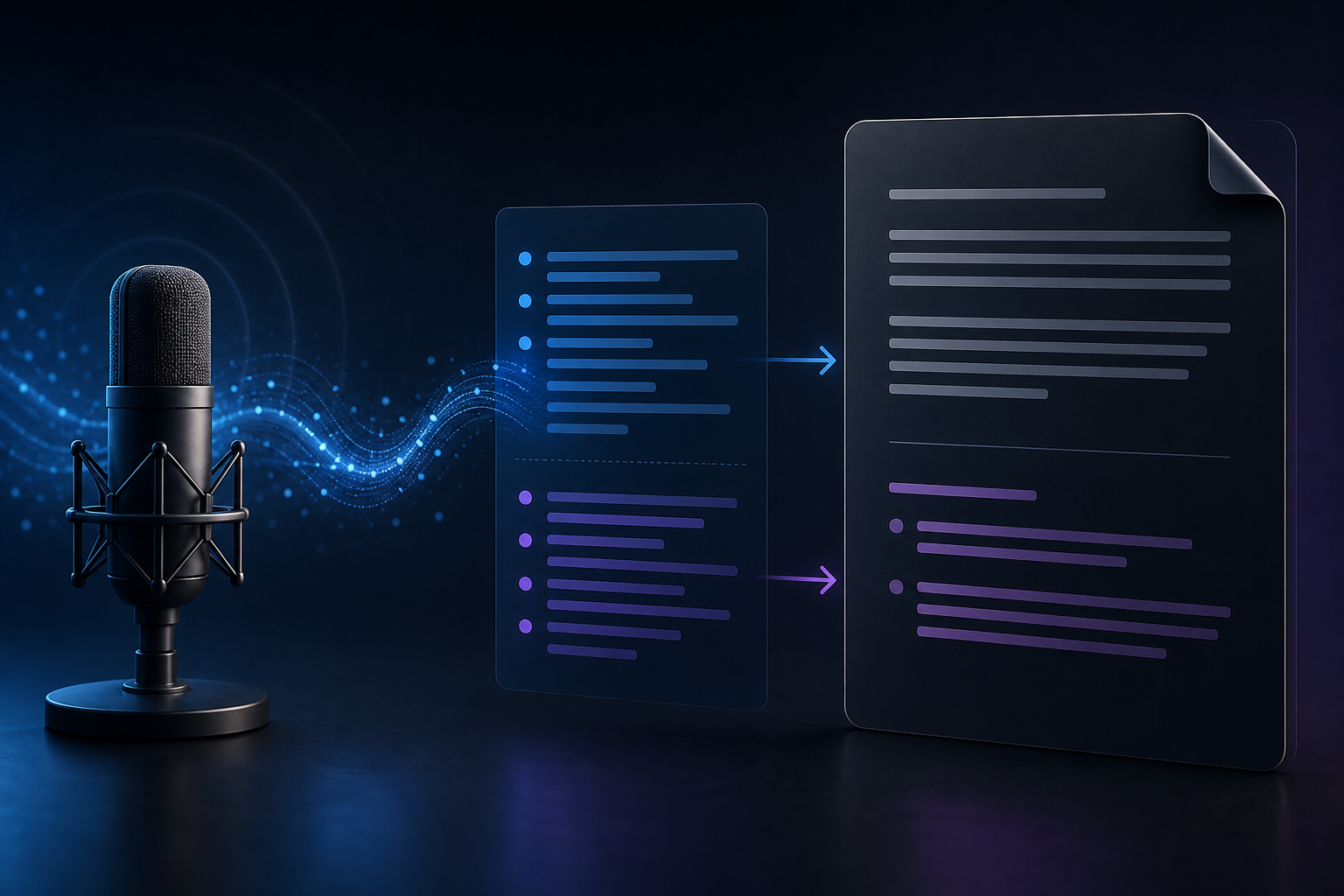
Pain point logged: LLM cleanup prompt confused about its role and answers the user instead of transcribing.
A weird failure mode shows up in AI dictation tools: the cleanup model forgets it is supposed to clean the transcript and starts answering the speaker instead.
You dictate “remind me to send the contract after lunch,” expecting clean text. The model treats it like a command. Or you dictate a question for an email, and the cleanup layer responds to the question instead of preserving it. That is not a small formatting bug. It changes the work.
This is one of the reasons dictation needs stricter product design than a normal chatbot wrapper.
Dictation cleanup is not conversation
A chat model is trained to be helpful. That is useful when the user wants an answer. It is dangerous when the user wants faithful text.
In dictation, the speaker is not always talking to the AI. Often they are drafting a message to someone else, writing a note, capturing a thought, or composing text that belongs in another app. The cleanup layer has one job: make the dictated text cleaner without changing intent.
If the model answers instead, it breaks trust. The user has to inspect every output for role confusion instead of only checking normal transcription errors.
Why this gets worse with agentic tools
Modern AI tools blur the line between text input and action. That is powerful, but it makes dictation riskier. A phrase that should be written down can look like an instruction. A note can look like a command. A question meant for a client can look like a question for the model.
That is why a dictation system should not behave like an always-on assistant. It should respect the active text field and the user’s explicit trigger. Hold, speak, release, insert. No hidden interpretation unless the user asks for it.
DictaFlow is built around controlled dictation instead of ambient guessing. The goal is to help you get clean text into the app you chose, not to decide what you secretly meant to do.
The right cleanup rules are boring and strict
Good dictation cleanup should fix punctuation, spacing, obvious filler, casing, and repeated terms. It should not add facts. It should not answer questions. It should not turn a draft into advice. It should not invent context.
The best rule is simple: preserve speaker intent unless the user explicitly asks for rewriting. That sounds conservative because it is. Dictation is an input layer, and input layers should be predictable.
This matters even more in legal, medical, and business workflows where a subtle meaning change can create real problems.
How to test your dictation tool
Try dictating sentences that sound like questions, commands, reminders, and rough thoughts. A reliable dictation tool should write them as text. It should not respond to them.
Then test the same habit across apps: email, notes, browser fields, chat, and your AI tool. If the cleanup layer behaves differently depending on where you are, you will never fully trust it.
If you want controlled dictation that stays in its lane, try DictaFlow free. The point is not to make the AI more eager. The point is to make your text entry calmer, faster, and easier to trust.
Related pages
Useful next stops if you want setup help, comparisons, or nearby workflow guides.