July 07, 2026
Dictation Accuracy Problems in 2026: Why Voice Tools Still Miss the Point
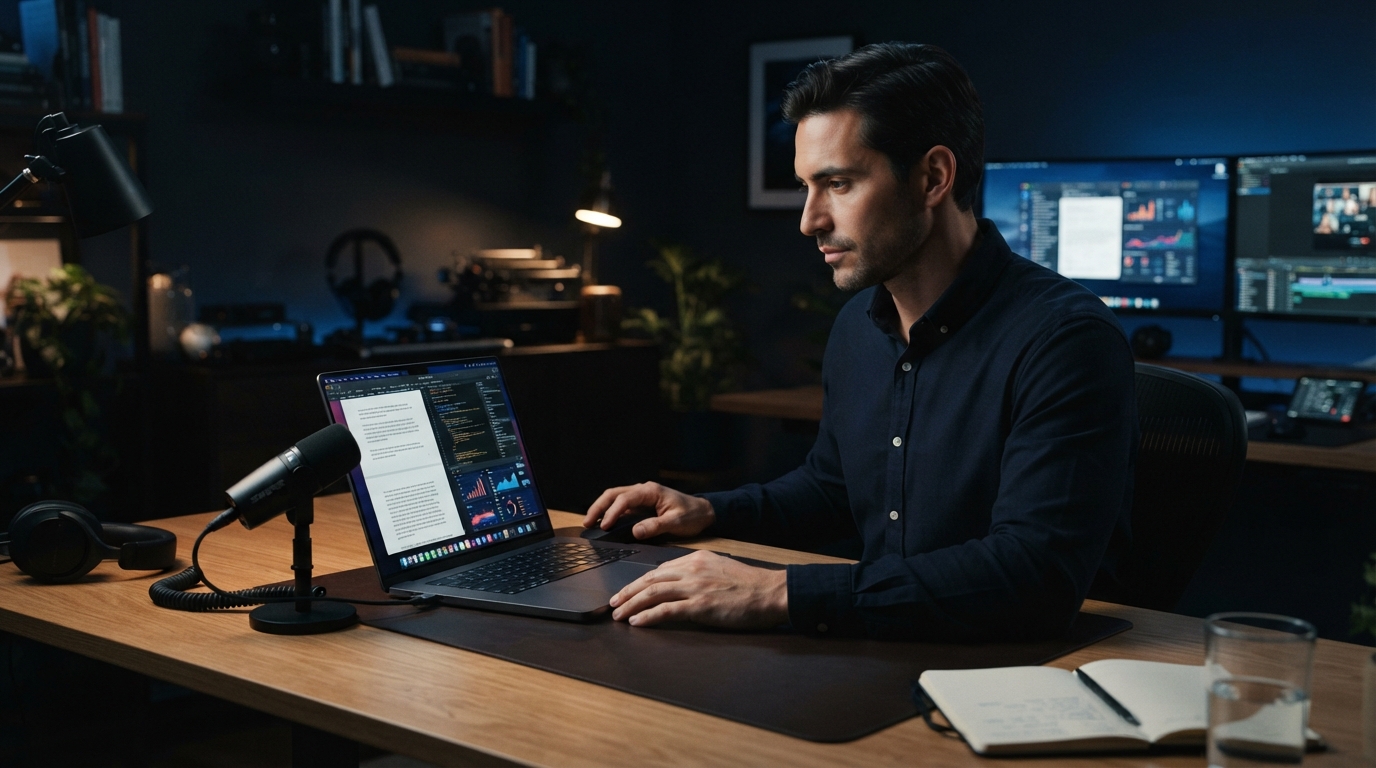
Dictation accuracy problems in 2026 aren’t just about the speech model hearing the wrong word. The bigger failure is when the tool misses the point of the job. It drops key bits, turns pauses into garbage, catches filler words, or lets an AI cleanup step start answering the speaker instead of transcribing them.
That last one is the failure that bothers me most. If someone says “create tests and ensure all tests pass,” a dictation tool should type those words. It should not decide that it’s being asked to create tests. Once a voice tool starts treating dictated text like a prompt, trust is gone.
DictaFlow is built around a stricter idea: speech should become the text you meant to type at the cursor. Cleanup should fix transcription quirks, not invent a better personality for your sentence.
The real accuracy problem is intent
A lot of voice tools talk about accuracy as if word error rate is the only thing that matters. It matters, sure, but that’s not enough. People are running into something messier: the tool doesn’t understand whether they’re dictating a sentence, giving an instruction, thinking out loud, or correcting themselves halfway through.
This is why AI cleanup can backfire. A model sees something that looks like a command and tries to be helpful. For writing assistants, that might be fine. For dictation, it’s a bug. The output should stay tied to what the user actually said unless they explicitly ask for a rewrite.
Good dictation needs a clear line between transcription and transformation. First, capture the words. Then clean up only what the user would expect, punctuation, repeated filler, obvious false starts, and formatting commands like new paragraph.
Why people still go back to typing
The pain point that keeps coming up is simple, voice transcription still misses key content, so people end up typing by hand. That’s brutal, honestly, because the whole point of dictation is to cut friction. If you have to proofread every sentence like it’s a legal contract, the speed advantage is gone.
The worst misses usually aren’t random. They’re names, product terms, acronyms, code symbols, medication names, client details, and phrases that are normal in your work but rare for a generic model. Built-in dictation tools are especially weak here because they don’t know your vocabulary.
This is where custom vocabulary and a local knowledge base matter. DictaFlow lets users teach the app the words they actually use, so it’s not guessing from scratch every time you say a client name or technical term.
Pauses, filler words and backtracking need a better model
Real speech is messy. People pause, restart sentences, say "uh," change direction, and correct themselves. A dictation app that captures all of that word for word might be accurate in the narrowest sense, but it can still spit out text nobody can really use.
But the opposite is risky too. If cleanup gets too aggressive, the tool starts rewriting your voice. Then the output sounds fake, and in professional settings it can change the meaning. The goal is smaller, remove the obvious transcription noise while keeping the user’s wording.
DictaFlow’s positioning here is deliberate. AI cleanup should keep the voice intact. It shouldn’t turn a dictated Slack reply, clinical note, or legal thought into bland marketing copy.
Accuracy also depends on control
Always-on dictation sounds convenient until it catches the wrong thing. Push-to-talk is less flashy, but it fixes a real accuracy problem: the app only listens when you actually mean for it to listen.
Hold a key, speak, release, and the text appears where the cursor is. That simple boundary reduces accidental audio, background chatter, partial thoughts, and half-spoken corrections. It also makes correction feel natural because the user controls the start and end of every dictation burst.
For developers, doctors, lawyers, and anyone writing in high stakes fields, control is part of accuracy. The tool should not be guessing when you are done or what app you meant to send text into.
What to look for in a more accurate dictation workflow
If you’re comparing dictation tools, don’t just test them with a clean paragraph in a quiet room. Try the annoying cases, names, acronyms, app-specific text boxes, short corrections, long pauses, and a sentence where you say a command-like phrase that should stay literal.
A good tool should keep command handling separate from transcription. It should support custom vocabulary. It should let you dictate in short controlled bursts. It should work across the apps where you actually write, not only inside a polished demo editor.
That is the bar DictaFlow is aiming at: not magic, just fewer places where voice input betrays you.
Bottom line
Dictation accuracy problems in 2026 are less about one perfect model and more about product discipline. Do not let cleanup become hallucination. Do not force users to speak like robots. Do not make them copy text between apps. And do not call it accurate if it drops the parts that mattered.
The practical fix is controlled dictation, custom vocabulary, conservative cleanup, and text insertion that works wherever the cursor already is. That is a boring answer, but boring is exactly what you want from a tool you use all day.
Related DictaFlow pages
These pages go deeper on the workflows behind this article.