September 23, 2026
Typeless Help Me Write: The Review Step Still Matters
A new voice-writing feature is useful, but it still needs a human review pass.
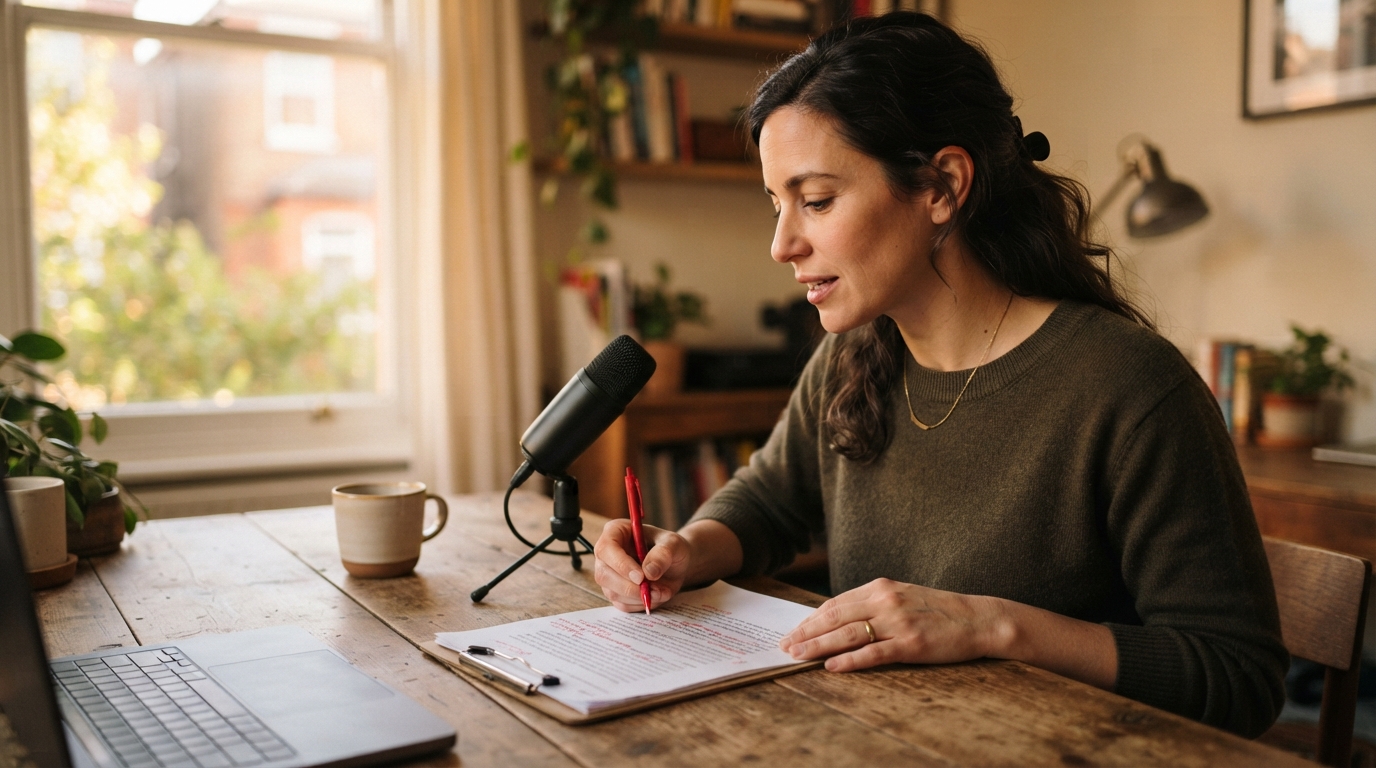
Voice dictation is moving past transcription. Typeless released Help me write for iOS on September 22. Instead of starting with a rough spoken draft, a person can say who a message is for, what it needs to say, and any constraints. The app writes the first version directly in the active text field.[1]
That sounds like a small feature. It changes the job, though. Dictation used to mean getting your words onto the screen faster. This kind of tool turns spoken intent into a draft. The screen can fill up fast, but the real work shifts to checking whether the draft says what you meant.
What Typeless actually shipped
The release notes describe Help me write as a way to create a reply, email, post, or document from a few spoken details. The documented flow is simple: tap a field, start the feature, say the request, then finish it. The app writes the result in the field.[1]
This is different from asking a dictation tool to clean up filler words or add punctuation. The user is not supplying the sentence. They are supplying the brief. That is useful when the blank page is the problem. It is less useful when exact wording, source material, or a specific professional voice matters more than speed.
Typeless already positioned its keyboard around dictated text, voice editing, a personal dictionary, and app-aware tone. Its current Google Play listing also says it works across messaging, email, notes, and chat tools. Help me write is an expected next step, not a random side feature.[2]
Why this is getting attention now
Typeless published the iOS release notes on September 22. The feature also showed up in next-day voice-writing coverage, which described it as a move from editing existing text to generating a draft from spoken intent.[3]
There is a practical reason this category keeps expanding. Plenty of work starts with a low-stakes blank field: a follow-up email, a status update, a request for a meeting, or a first pass at a short post. Talking through the basics is easier than composing the opening sentence. A voice-first drafting button gives people a way to begin without switching into a separate chat window.
But the easy start creates a tempting mistake. A polished paragraph can look finished before it has earned that status. A tool may pick a more formal tone than you wanted, soften a boundary, leave out an awkward fact, or add a promise you did not intend to make. Those are not grammar errors. They are judgment errors.
Speaking text and speaking a brief are different jobs
I keep separating these two workflows because they need different checks.
When you dictate text, you are responsible for the words. The tool mainly needs to preserve them. The review is about recognition, names, punctuation, and whether the cursor got the text.
When you dictate a brief, you are responsible for the decision behind the words. The tool has to choose an order, a tone, transitions, and sometimes an implied conclusion. The review has to ask a harder question: would I send this if I had typed it myself?
That question matters most when a message has stakes. A client email can accidentally sound more certain than the underlying work. A note to a coworker can turn a quick ask into a formal request. A medical, legal, HR, or financial document may need exact language that a general writing tool cannot infer safely. Faster drafting does not lower the cost of being wrong.
A five-minute test before you trust it
Try the feature on a message that is useful but harmless. Give it a brief with one constraint that would be easy to miss, such as a hard deadline, a limit on what you are offering, or a sentence you need included verbatim.
Then check four things before you send it:
- Did it preserve the constraint, not merely mention the topic?
- Did it invent any certainty, promise, or personal detail?
- Does the opening sound like you, or like a generic customer-support reply?
- Can you correct the draft quickly without starting over?
Run the same test in the places where you actually write. A tool can look perfect in a demo but add friction when you have to move among a browser, email, chat, notes, and a remote work app. The editing loop is the product, not just the first draft.
Where DictaFlow fits
For people who want to say the actual text and keep control over the final wording, DictaFlow is built around hold-to-talk dictation: hold a hotkey, speak, release, and text appears at the cursor. Its cleanup is meant to fix transcription quirks such as filler, repeats, and punctuation without turning every sentence into a new generated draft. That is a better fit for a sensitive reply, a detailed note, or any workflow where the wording is already in your head.
It is also worth keeping the categories separate. A voice drafting assistant can be good at getting an email started. A system-wide dictation tool can be better when you are thinking aloud in the actual application and need the text to stay recognizably yours. For locked-down remote desktops or apps that dislike clipboard workflows, DictaFlow can type at the cursor through keystroke simulation. That detail decides whether a voice tool is usable in the places where the work happens.
Use the draft, then own it
Help me write is a sensible expansion of voice input. It removes the first-sentence problem for people who already prefer to speak. The catch is simple: a clean draft is not evidence that it is right.
The useful habit is to speak the brief, read the result once as the recipient, and make the hard edits yourself. If the message needs your judgment, do not outsource the final pass.