July 07, 2026
Private Dictation in 2026: Why Local, Offline, and Sensitive Voice Data Still Matter
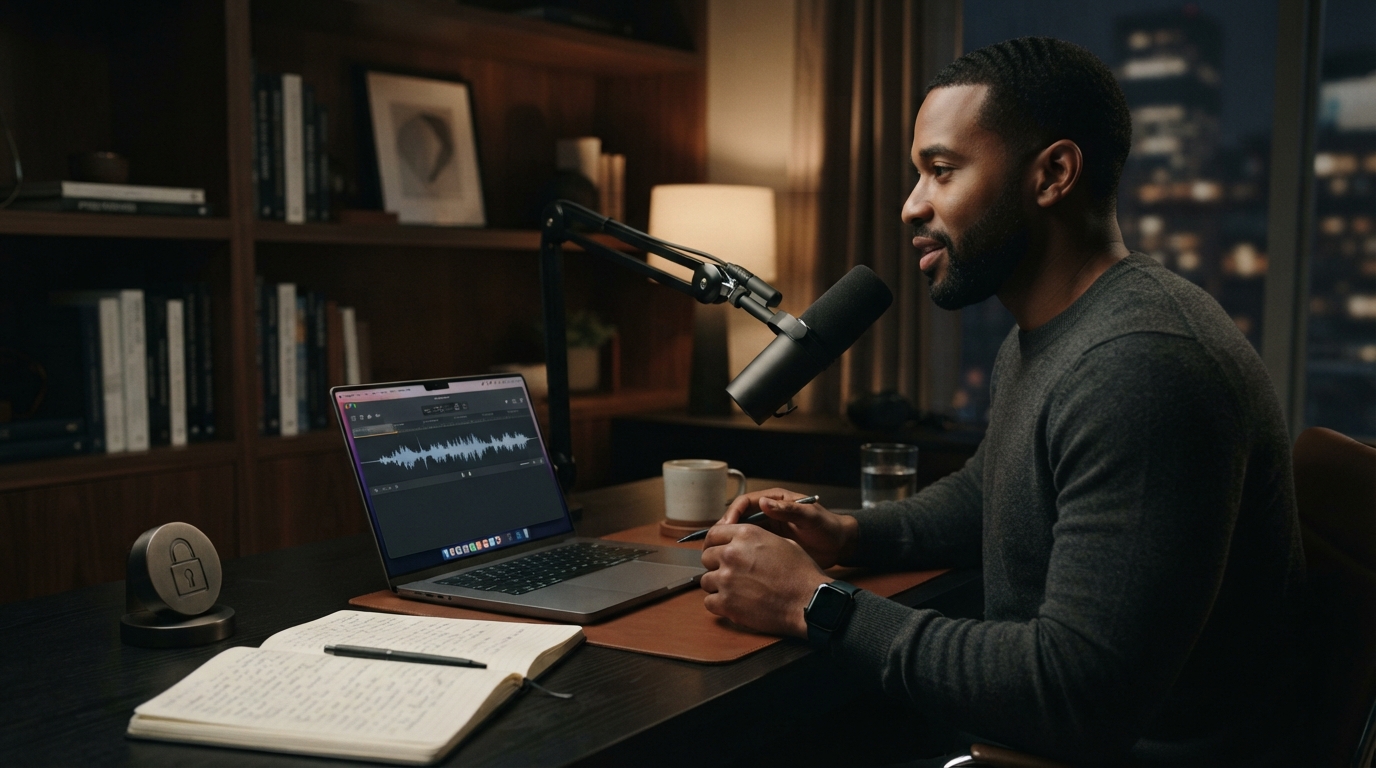
Voice data feels different from typed text. It’s not just words. It’s your voice, your room, your hesitation, your client details, your patient note, your half-formed thought before you clean it up.
That is why privacy shows up as a recurring dictation pain point. People are not being dramatic. They are reacting to a real risk: many voice tools send audio to cloud services, store transcripts, or give vague answers about retention.
For casual notes, that may be acceptable. For professional work, vague is not good enough.
Privacy pain is not paranoia. Dictation captures the kind of raw material people do not always want saved, forwarded, trained on, or routed through a stack they cannot explain. The product has to earn trust before it earns habit.
Sensitive work changes the standard
Doctors, lawyers, therapists, finance teams, founders, and support teams do not dictate the same way someone sends a grocery list.
The content can include names, diagnoses, legal facts, contract language, refund disputes, personal stories, or internal strategy. Users need to know what leaves the device, what gets stored, and what controls exist.
A dictation product that dodges those questions is gonna lose serious users.
Local is useful, but not magic
Local dictation has an obvious appeal. It can reduce exposure and work without internet. But local-only setups can be slow, hard to install, heavy on storage, or weaker at cleanup.
The practical answer is not always pure local or pure cloud. It is transparent control: clear processing modes, clear retention behavior, and a workflow that fits the sensitivity of the task.
DictaFlow is strongest when users want practical voice typing with professional controls instead of a mystery box.
The privacy buying checklist
Ask where audio goes. Ask whether text is stored. Ask how corrections and vocabulary are handled. Ask whether the tool is appropriate for the kind of work you dictate.
If the answer is hand-wavy, do not use it for sensitive material.
Where DictaFlow fits
DictaFlow is for people who want voice typing to feel like a reliable input layer, not yet another place to write. It gives you hold-to-talk control, insertion in the active app, corrections while you speak, custom vocabulary, and the same workflow across Mac, Windows, iPhone, and iPad.
That does not mean every user needs a dedicated dictation app. If you only send a few casual texts, built-in dictation may be enough. But if voice input is supposed to replace a meaningful chunk of your typing, the tool has to remove the cleanup and workflow tax.
Why this matters for serious users
Light users can tolerate friction. Heavy users cannot. If you dictate once a week, you might forgive a weird correction or a slow paste step. If you dictate every day, that same tiny problem becomes the reason you abandon the habit.
That is the line these pain points keep crossing. People are not asking for novelty. They want a boring, dependable way to get words into their work without turning every sentence into a cleanup project.
The practical takeaway
The right test is boring but useful. Pick a real task, dictate in the app where the work normally happens, and count how many things you still have to fix before you can send it.
If the answer is "too many," the problem is not that you failed at dictation. The product failed to fit your workflow. Try DictaFlow free and test it in the exact place where voice typing currently breaks.