August 18, 2026
Nabla Dictation for Mac in 2026: What Clinics Get Now
Nabla built a serious on-device Mac option. Clinics still need to compare fleet coverage, EHR insertion, remote desktops, and price.
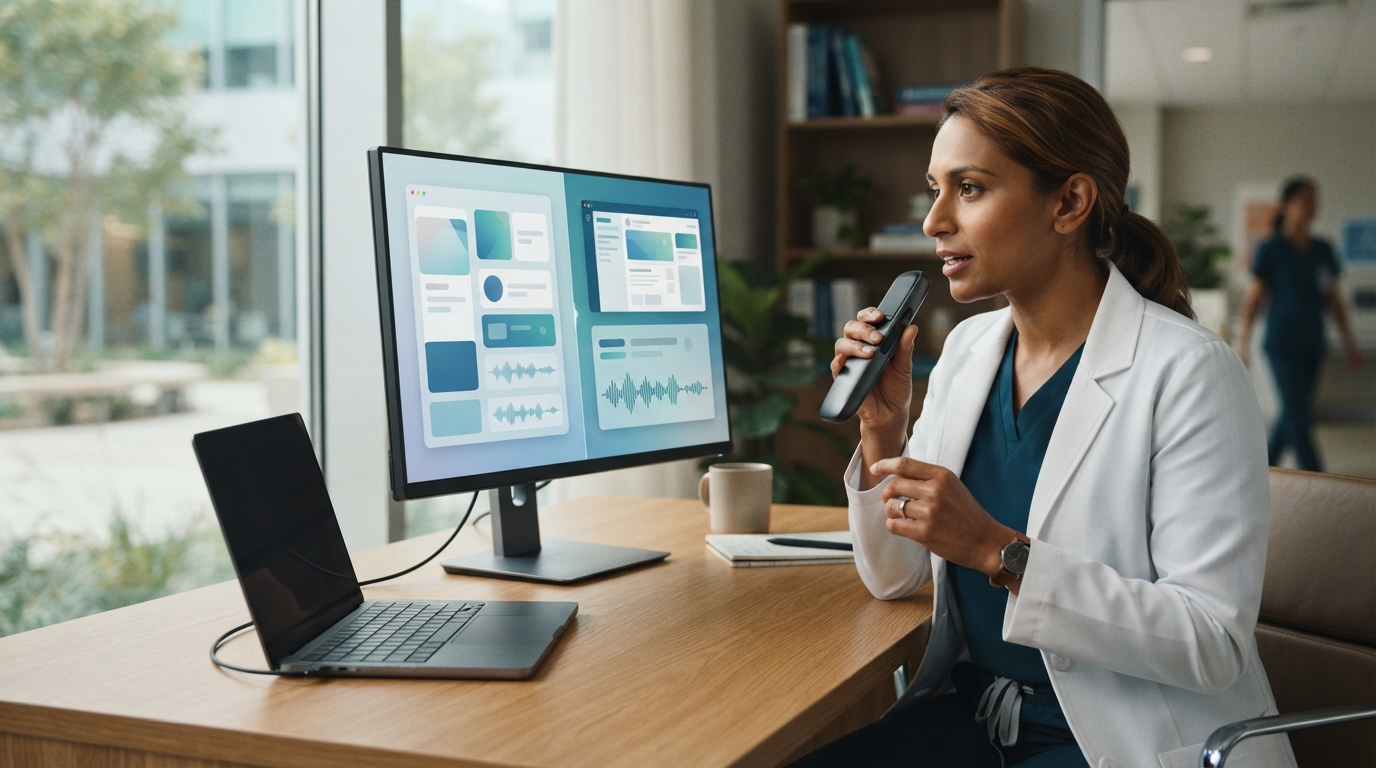
Nabla Dictation for Mac in 2026 is a new on-device clinical dictation tool built for Apple Silicon. It gives clinics a serious Mac-native alternative to older medical speech tools, especially for clinicians who already work in Epic.
The launch also clarifies the buying decision. Nabla's new Mac app processes speech locally, while its broader dictation product supports Windows and cloud-connected clinical workflows. DictaFlow Medical works on Windows, Mac, and iOS, with controlled dictation, optional local processing, and a separate medical backend for reviewed cloud routes. The products overlap, but they aren't identical.
If your clinic is comparing them, start with the hardware, EHR workflow, deployment control, and pricing. Don't choose based on the terms "AI" or "on-device" alone.
What Nabla launched for Mac
Nabla announced Nabla Dictation for Mac on July 28, 2026. The company says it rebuilt voice activation, speech recognition, and medical post-processing with Swift and Core ML. The models run on Apple Silicon and use the Apple Neural Engine. Audio doesn't need to leave the Mac for transcription.
The app handles clinical work outside patient visits, including inbox replies, referrals, chart updates, orders, and other short documentation tasks. It supports at-cursor dictation in Epic and other desktop apps. Nabla also says the Mac product works with PowerMic and SpeechMike hardware, so health systems can keep using familiar handheld microphones.
That distinction separates it from an ambient scribe. Ambient documentation listens to the visit and creates a note from the conversation. Active dictation starts when the clinician decides to speak and ends when they finish. It works better for a short message, a corrected assessment, or a field that needs exact wording.
The strongest reason to choose Nabla
Nabla fits well when a clinic already uses its ambient documentation platform and wants dictation from the same vendor. Its product page presents ambient documentation and active dictation as one clinical voice layer. For an Epic organization, this can mean fewer contracts, fewer support channels, and a more consistent clinical interface.
The Mac app also has a clear hardware focus. It is built for Apple Silicon rather than treated as a port of a Windows product. Local speech processing removes the network requirement for transcription and keeps audio off external servers. That can help in rooms with poor connectivity and reduce delays caused by a slow network.
The limit is just as clear: this specific on-device release is for Apple Silicon Macs. A mixed fleet still needs a Windows option, and an iPhone workflow may serve a different job than desktop dictation at the cursor. Nabla's help center says its wider dictation product is available on PC and Mac, but clinics should confirm exactly which features run locally on each platform.
Where DictaFlow Medical differs
DictaFlow Medical uses controlled hold-to-talk dictation. Hold a hotkey, speak, and release it to place the text in the active field. It works on Windows, Mac, and iOS. On Android, install the native DictaFlow app from Google Play.
The main difference is how broadly it can be deployed. DictaFlow Medical works across regular desktop apps and hosted environments such as Citrix, VMware Horizon, and Remote Desktop. On Windows, Typing Mode sends keystrokes instead of using clipboard paste. This helps when an EHR accepts keyboard input but blocks pasted text.
DictaFlow also supports app-aware formatting and includes a Knowledge Base for names, drug terms, abbreviations, and recurring phrases. Local Offline helps when you don't have an internet connection. Reviewed cloud models provide the full feature set through the separate Medical backend. DictaFlow's cloud processing is private, so judge local mode by its offline access and deployment control, not as evidence that cloud mode is unsafe.
DictaFlow Medical Pro costs $39/user/month for one to four seats, or $29/user/month for 5+ seats. A BAA comes standard. Clinics should still review the exact configuration, data path, security terms, and customer responsibilities before using the product with protected health information.
Nabla vs DictaFlow Medical by workflow
Choose Nabla if your organization already uses Nabla ambient documentation, has a large Apple Silicon fleet, and wants deep Epic alignment from one clinical AI vendor. Its on-device Mac architecture and support for existing dictation microphones are its main strengths.
Choose DictaFlow Medical when the clinic needs one controlled dictation workflow across Windows, Mac, and iOS, or when clinicians use Citrix, VMware Horizon, or Remote Desktop. It is also a better fit when staff need the same hold-to-talk behavior in the EHR, email, referral portals, and other apps.
Neither decision should come from a polished transcription demo. Test the actual chart, device, and microphone. A sentence may look correct in a text editor but still fail in an EHR field if focus shifted, paste was blocked, or the remote session handled input differently.
A five-part clinic pilot
Start with ten synthetic cases. Include medication names, clinician names, local facilities, abbreviations, numbers, and one long assessment. Don't use real patient data during an early product comparison.
First, test recognition accuracy. Track corrected words, missed negations, number errors, and punctuation fixes. Record how long corrections take instead of relying on a vendor’s headline accuracy rate.
Second, test insertion. Dictate into the exact Epic, Cerner, Jane, Accuro, inbox, referral, and remote-desktop fields your staff uses. Move between fields and applications. Check whether the text appears where you placed the cursor.
Third, test how it handles failures. Disconnect the network, switch microphones, lock the screen, and let a remote session time out. Check what stays on the device and what the user sees when processing stops.
Fourth, test administration. Ask how dictionaries, dot phrases, templates, updates, and user access are managed. A tool that works for one physician may create more support work when rolled out to fifty.
Fifth, review the contract and architecture. Confirm the BAA, subprocessors, retention, logging, data location, deletion, incident response, and which features use local or cloud processing. "On-device" describes one technical path, but it doesn't replace the rest of a healthcare security review.
The practical choice in 2026
Nabla Dictation for Mac shows that medical dictation is moving back toward active, at-cursor control alongside ambient AI. That is good for clinics. A visit summary and a short referral message are different tasks, so they don't need the same input method.
Nabla has the clearer pitch for Apple Silicon health systems already using its clinical AI platform. DictaFlow Medical supports more platforms and remote desktops, with transparent self-serve pricing for smaller clinics and teams.
Review the broader options in the DictaFlow dictation software comparison. The getting started guide explains the hold-to-talk workflow before a clinic pilot. For clinical use, review DictaFlow Medical and its security terms instead of installing the consumer app for patient information.