Medical dictation software for PC and Windows in 2026
May 14, 2026
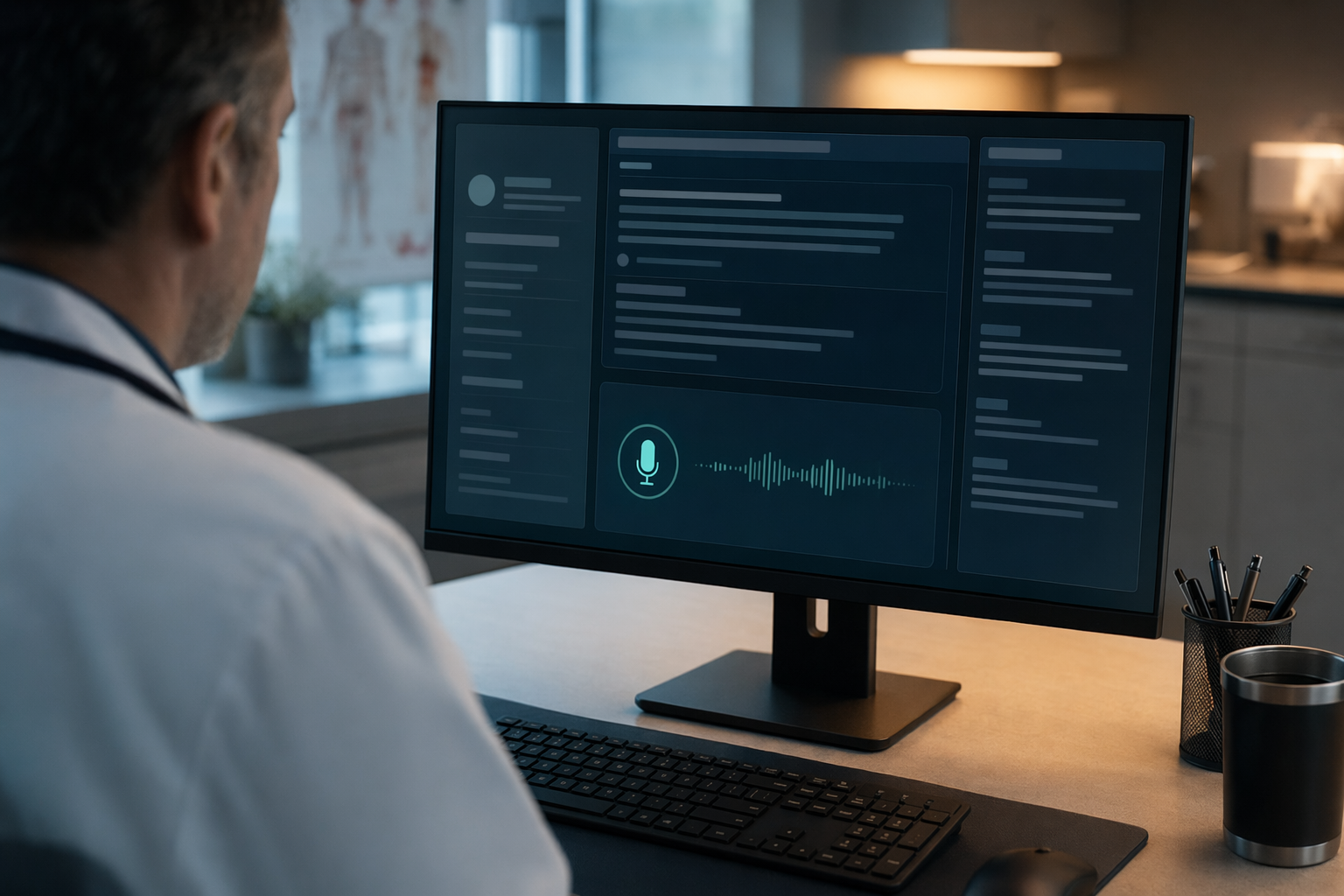
If you search that phrase, you usually end up in two camps: ambient scribes that listen to the whole visit, and old dictation software that still expects IT to babysit every workstation. The useful middle is simpler than the marketing noise makes it sound. You want to speak into Epic, Cerner, Outlook, or a remote desktop, have the text land where your cursor is, and move on.
What actually matters
- the text has to land in the app you're already using
- remote desktop and Citrix need to work without some weird clipboard dance
- custom vocabulary has to stick
- correction shouldn't force you back to the keyboard
1. DictaFlow Medical
Best for: clinicians who want direct dictation into any PC app, including Citrix and VDI, without clipboard drama.
DictaFlow Medical is about as close as you get to a modern default for this workflow. You hit a hotkey, speak, let go, and the text shows up at the cursor. It uses keystroke simulation, so the remote session sees actual typing instead of a paste event. That matters more than it sounds, because the clipboard is where a lot of medical workflows quietly fall apart.
The part I like most is Actually Override. If you say the wrong drug name or mess up a sentence halfway through, you can fix it by voice instead of grabbing the mouse. That sounds small until you spend a day in charting software and realize how much time gets eaten up by tiny fixes.
It also has AppAware context, so the app you're in can change the formatting and cleanup rules. Epic is not Outlook. A med list is not a patient portal message. The tool should know that. A lot of dictation apps still don't.
Pricing is refreshingly boring: DictaFlow Medical Pro is $39/user/month for 1-4 seats, or $29/user/month for teams of 5+ seats. It supports BAA-oriented clinical workflows. If you're not handling PHI, the regular Pro plan is $7 a month. DictaFlow also works across Mac, Windows, iPhone, iPad and Android. The comparison page is still the fastest place to compare the rest of the field.
If your day runs through Citrix, VMware Horizon, or some other remote desktop setup, the Citrix page is the one that explains why the typing approach matters.
2. Dragon Medical One
Best for: legacy hospital environments that already have Dragon wired into the workflow.
Dragon Medical One is still the safe choice in a lot of big health systems. People know it, it's been around a while, and anyone who already knows the commands can move fast with it. If your IT team already has it deployed and supported, you've basically won half the battle.
The tradeoff is that it feels like enterprise software from another era. It's Windows only, the licensing is expensive, and setting up Citrix can be a pain. If your environment is already locked in, Dragon may be the path of least resistance. If you're starting from scratch or trying to modernize a messy workflow, it's hard to see it as the best answer anymore.
3. Ambient scribes like Freed, Suki, Abridge, and Commure Scribe
Best for: clinicians who want the note pulled from the encounter instead of dictating it themselves.
This is a different category, and it's worth saying plainly. Ambient scribes are not a direct replacement for dictation. They listen to the visit and produce a note afterward. That's useful if your main headache is after-hours charting, not text entry.
Freed is a solid choice for solo and small practices. Suki and Abridge make more sense when you want deeper EHR integration. Commure Scribe is built for speed. All of them can save time, but none of them really solve the exact problem of, "I need to speak into this field right now and have the text land there cleanly."
If that's your pain, you want dictation, not a scribe.
What I would pick
- If you want to dictate straight into Epic, Cerner, Outlook, or a remote desktop, start with DictaFlow Medical.
- If your hospital already runs Dragon well, keep it. Don't break a setup that's working just to chase something new.
- If you want the note pulled from the conversation, check out Freed, Suki, Abridge, or Commure Scribe instead.
- If your biggest annoyance is Citrix, clipboard failures, or correction friction, DictaFlow is the better fit.
Bottom line
Most people looking for medical dictation software for PC aren't really shopping for transcription. They want less friction. Fewer tiny failures, fewer weird app edge cases, and less time spent fighting the tools.
That's why I keep coming back to DictaFlow Medical. It's built for the boring part that actually hurts, getting the right words into the right app without making the day harder.
If you want to sanity-check the alternatives, the comparison page and the Citrix page cover the tradeoffs pretty well.
Related DictaFlow pages
- → DictaFlow Medical — HIPAA-conscious medical dictation for PC and Windows
- → Getting started with DictaFlow