July 07, 2026
iPhone Dictation Friction in 2026: Why Mobile Voice Typing Still Feels Clunky
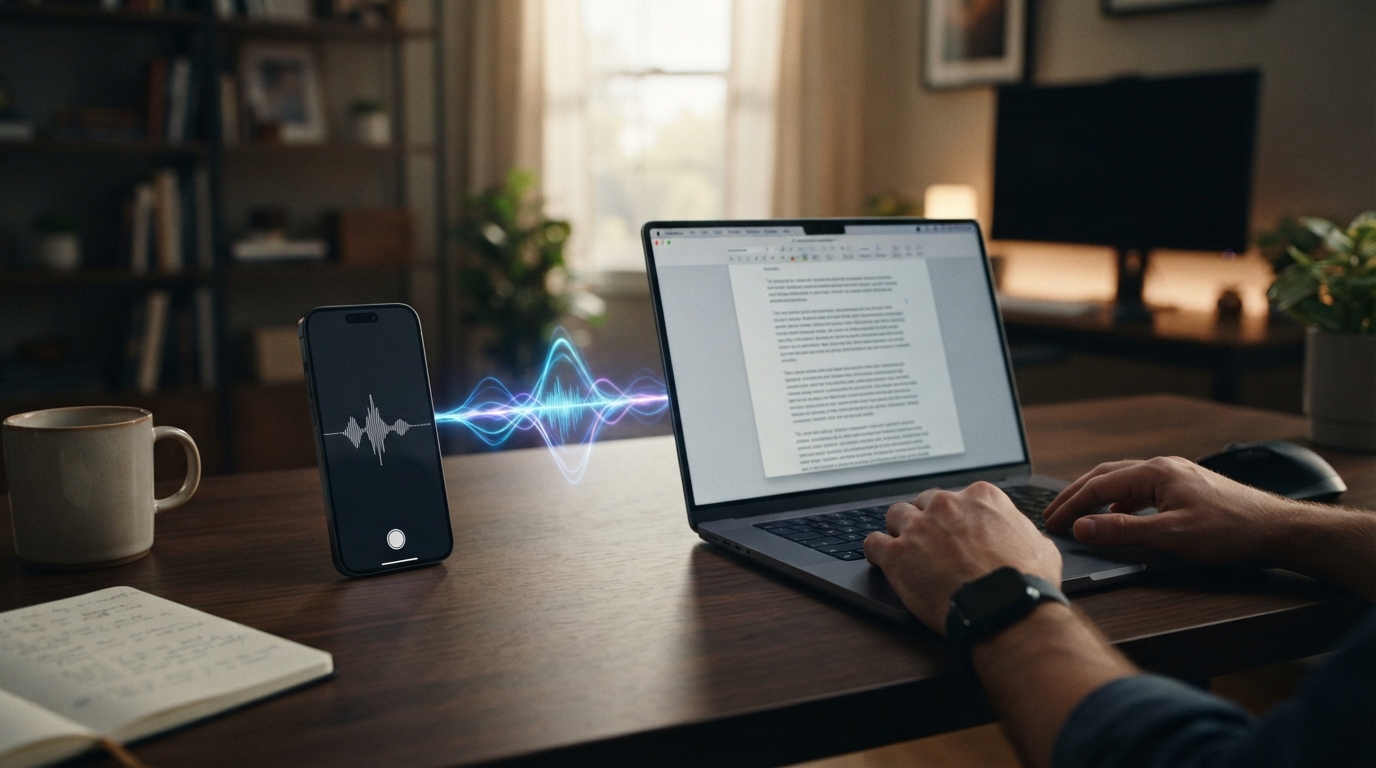
iPhone dictation should be the easiest win in voice typing. The microphone is right there, the keyboard has a dictation button, and people already talk into their phones all day.
And yet mobile dictation pain shows up constantly. The keyboard handoff feels awkward. The app switches at the wrong time. The screen sleeps. Battery drains. Autocorrect rewrites a correct word into the wrong one. A longer thought gets lost because the workflow was not designed for longer thoughts.
Mobile voice input is convenient until the moment it becomes fragile.
The mobile problem is extra punishing because the phone is supposed to be the convenient device. If voice input feels fragile on the device that is always in your hand, users stop trying quickly.
The phone is not just a tiny desktop
On mobile, every extra tap hurts. If someone has to start dictation, jump back to another app, wait for the text, fix the keyboard state, and hope the app didn’t lose focus, the habit breaks.
Short messages survive that friction. Serious writing does not.
That is why mobile dictation needs to connect cleanly with desktop work. People start on the phone, finish on the computer, and move between both all day.
Why Apple Dictation is not enough for heavy users
Apple Dictation is fine for casual messages. The complaints start when people need consistency: names, technical terms, longer paragraphs, corrections, and cross-device habits.
Autocorrect can make the experience worse because it changes text after the user thought dictation got it right.
The result is pretty familiar: you talk because typing on a phone is slow, then you use the time you saved to clean up the text.
What a better mobile workflow looks like
A better mobile dictation workflow keeps the habit simple. Speak in short bursts. Preserve text. Sync the account. Use the same vocabulary and correction expectations across phone and desktop.
DictaFlow matters here because the product is not only a desktop dictation box. It is built around the same writing habit across Mac, Windows, iPhone and iPad.
Where DictaFlow fits
DictaFlow is built for people who want voice typing to feel like a dependable input layer, not another writing destination. It gives you hold-to-talk control, active-app insertion, correction while speaking, custom vocabulary, and the same habit across Mac, Windows, iPhone and iPad.
That does not mean every user needs a dedicated dictation app. If you only send a few casual texts, built-in dictation may be enough. But if voice input is supposed to replace a meaningful chunk of your typing, the tool has to remove the cleanup and workflow tax.
Why this matters for serious users
Light users can tolerate friction. Heavy users cannot. If you dictate once a week, you might forgive a weird correction or a slow paste step. If you dictate every day, that same tiny problem becomes the reason you abandon the habit.
That is the line these pain points keep crossing. People are not asking for novelty. They want a boring, dependable way to get words into their work without turning every sentence into a cleanup project.
The practical takeaway
The best test is boring, but it works. Pick a real task, dictate in the app where you normally do the work, and count how many things you still have to fix before you can send it.
If the answer is "too many," the problem is not that you failed at dictation. The product failed to fit your workflow. Try DictaFlow free and test it in the exact place where voice typing currently breaks.