October 20, 2026
Dragon Medical One vs DictaFlow Medical in 2026
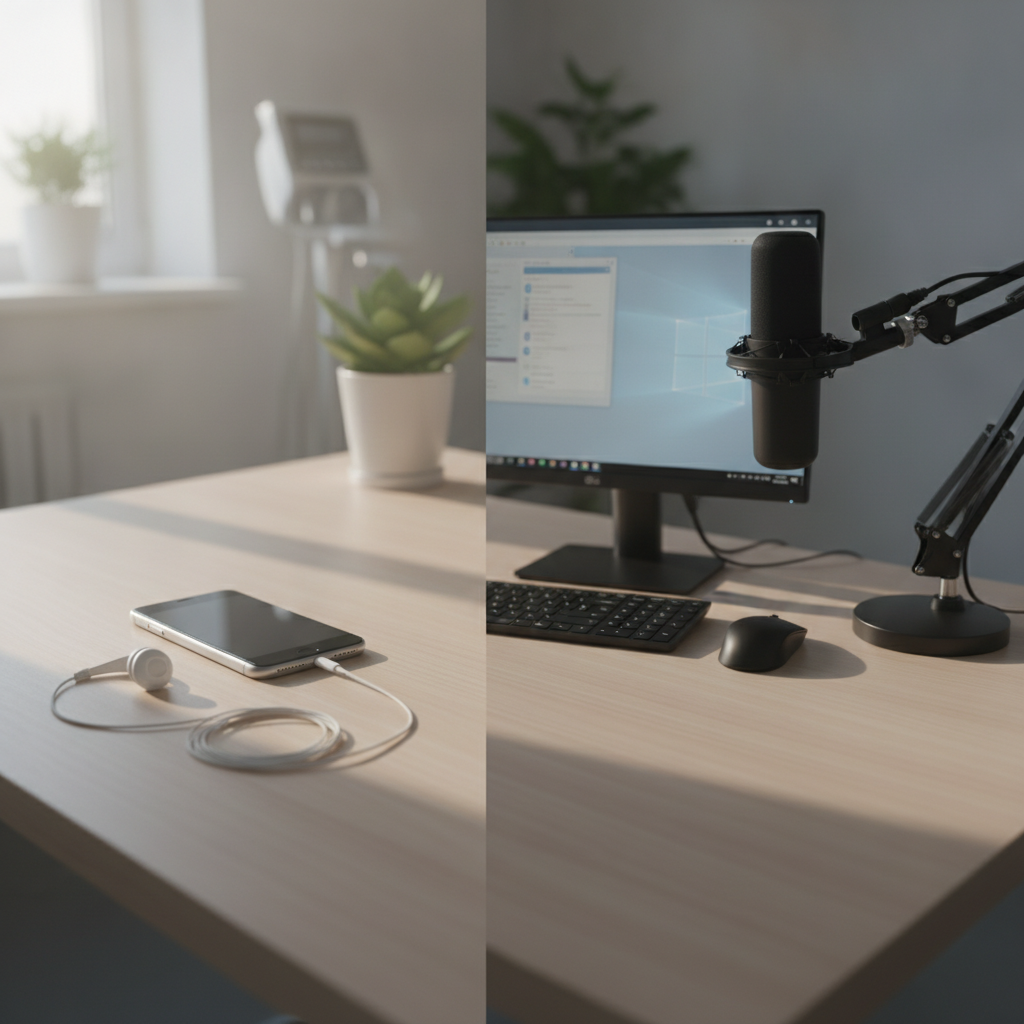
I've lost count of how often I see some version of this question: "We're outgrowing our Dragon Medical One rollout. Is switching even realistic?" It comes up in clinician forums, procurement checklists, and the search terms that bring people to our site. The answer isn't just about price.
Looking at it that way does both products a disservice.
So here's the comparison I wish I'd had to share with clinics: what each product does, what switching involves, and when I'd tell a clinic to stay with Dragon.
What Dragon Medical One actually is
Dragon Medical One is an enterprise clinical documentation platform built around a Windows desktop client. Your IT team deploys it, clinicians use roaming profiles, and administrators manage everything centrally. Nuance and its resellers sell it through per clinician quotes.
On iPhone, PowerMic Mobile turns the phone into a wireless microphone for the desktop client. It's a mature system with deep integrations.
If your organization already uses Dragon Medical One and has procurement and support in place, that investment matters. It may be worth protecting.
The tradeoffs come with that maturity. There's no Mac client, and the iPhone app is a microphone rather than a dictation product. Pricing also stays unclear until you speak with sales.
Clinics commonly report per clinician costs in the four figures each year. For a solo practitioner or small clinic, paying for an enterprise platform just to dictate into an EHR can feel like renting a hospital wing to see outpatients.
What DictaFlow Medical is
DictaFlow Medical Pro is a smaller, more direct product. You press and hold to dictate, and the text appears wherever your cursor is active. It runs on Mac and Windows, and it now has a native iPhone app.
Pricing is public: $39/user/month for 1-4 seats and $29/user/month for 5+ seats. Clinics can use a BAA path, add specialty terms through custom vocabulary, and use typing mode in Citrix and remote desktop sessions where pasting doesn't work. There's also an optional Ambient Scribe for clinics that want a visit turned into a draft note hands-free.
So you get both: ambient capture when you want it, and hold-to-talk dictation when you don't. Either way, the clinician stays in control of when to speak and where the text goes.
That makes it a better fit for clinics that want dictation within their existing documentation process, rather than a separate note generation system.
The honest comparison
The price difference is clear. Dragon Medical One uses a sales process, while DictaFlow publishes per seat pricing. The published DictaFlow prices are a fraction of what clinics report paying for DMO.
DictaFlow also runs natively on Mac and iPhone. Dragon Medical One offers neither as a dictation product. DMO has the stronger enterprise setup.
It includes profile management, organization wide deployment, and the integration footprint of a Microsoft owned platform. A smaller vendor doesn't replicate all of that. The workflow question is more specific than most comparison articles admit: do you need text in fields you already use, or do you need an enterprise documentation system?
Dictating into an EHR field, referral letter, or patient message is the kind of job DictaFlow handles well. Organization wide deployment, IT governance, and roaming profiles are where DMO fits better.
When I would tell a clinic to stay on Dragon
If you have DMO running across dozens of clinicians, with procurement, support contracts, and configured clinician profiles, switching costs are real. Many of those costs don't become obvious until the change is underway. Retraining staff, rebuilding vocabulary profiles, and checking each workflow can take months.
If the system works and the problem isn't urgent, staying with it is a reasonable choice.
When switching makes sense
Solo and small group practices often pay enterprise prices for features they never use. Mac users have also been paying for a Windows problem since Apple support ended. Clinics that want dictation on both a desktop and an iPhone, without buying two separate products, have one option on this list that offers both natively at a published price.
The easiest way to decide is to test both products. Dictate the same referral note into the same EHR field, using the device you actually carry. Then time how long cleanup takes.
That result will settle the question faster than any comparison table, including this one.