July 07, 2026
Dictation Workflow Friction in 2026: Why Voice Typing Still Feels Slower Than Typing
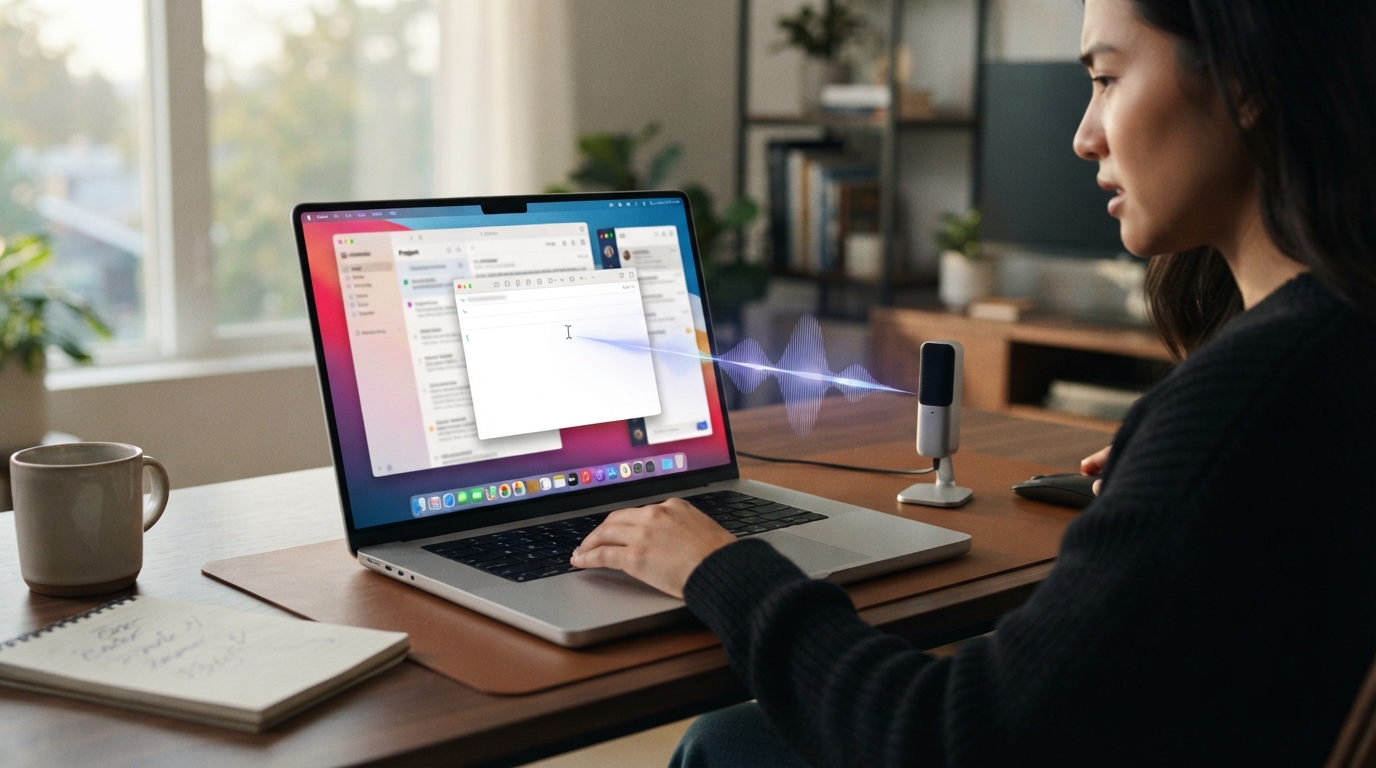
Dictation should feel faster than typing. That’s the point, really. You hit a key, say what you need, and the words appear right where you were already working.
The problem is, the promise usually falls apart once the transcript shows up. You copy the text from a floating window, paste it into Slack, fix the punctuation, remove some weird phrase the app invented, then realize the cursor was in the wrong field. At that point, voice typing didn’t save time. It just gave you another chore.
This is the most common pattern in the DictaFlow pain point database. People aren’t rejecting dictation because they hate speaking. They’re rejecting it because the workflow around dictation keeps getting in the way.
Good dictation should just disappear into the work. You shouldn’t have to juggle files, windows, modes, buffers or cleanup steps before you can send the sentence you just said.
The fix is not "try harder at dictating." The fix is to judge dictation by the whole loop. If the words do not land in the right place with minimal cleanup, the product is still making you do clerical work.
The hidden cost is everything after recognition
Most dictation tools get judged by the first transcript. That’s too generous. The real test is the whole loop: speak, review, fix, insert, send, keep going.
A transcript that’s 95 percent accurate can still feel bad if that last 5 percent keeps showing up in names, punctuation, formatting or the final sentence right before you hit send.
This is why people call voice tools magical in a demo and annoying in day-to-day use. The speech model may be fine. The workflow isn’t.
What workflow-native dictation should do
It should type into the active app. It should keep the cursor where the work is happening. It should let you correct without starting over. It should work in short bursts because most professional writing happens in short bursts.
That means Gmail, Slack, Notion, Obsidian, Word, Google Docs, browser fields, internal tools, remote desktops, and whatever weird enterprise app someone is stuck with. If dictation only works in its own nice text box, it is not replacing typing.
DictaFlow is built around that practical idea: voice input should behave more like a keyboard than a destination.
The buying test
Do not test dictation in a blank demo page. Test it in the app you actually dread typing in.
Write a support reply, a clinical note, a Slack update, a pull request comment, or a client email. Count the cleanup steps. If you have to move the text by hand, the tool is still making you pay a workflow tax.
Where DictaFlow fits
DictaFlow is built for people who want voice typing to feel like a dependable input layer, not another writing destination. It gives you hold-to-talk control, active-app insertion, correction while speaking, custom vocabulary, and the same habit across Mac, Windows, iPhone and iPad.
That doesn’t mean every user needs a dedicated dictation app. If you only send a few casual texts, the built-in dictation might be enough. But if voice input is meant to replace a big chunk of your typing, the tool has to cut out the cleanup and workflow tax.
Why this matters for serious users
Light users can tolerate friction. Heavy users cannot. If you dictate once a week, you might forgive a weird correction or a slow paste step. If you dictate every day, that same tiny problem becomes the reason you abandon the habit.
That is the line these pain points keep crossing. People are not asking for novelty. They want a boring, dependable way to get words into their work without turning every sentence into a cleanup project.
The practical takeaway
The right test is boring, but useful. Pick a real task, dictate in the app where the work normally happens, and count how many things you still have to fix before you can send it.
If the answer is "too many," the problem is not that you failed at dictation. The product failed to fit your workflow. Try DictaFlow free and test it in the exact place where voice typing currently breaks.