July 07, 2026
Dictation Latency in 2026: Why Waiting for Words Breaks Voice Typing
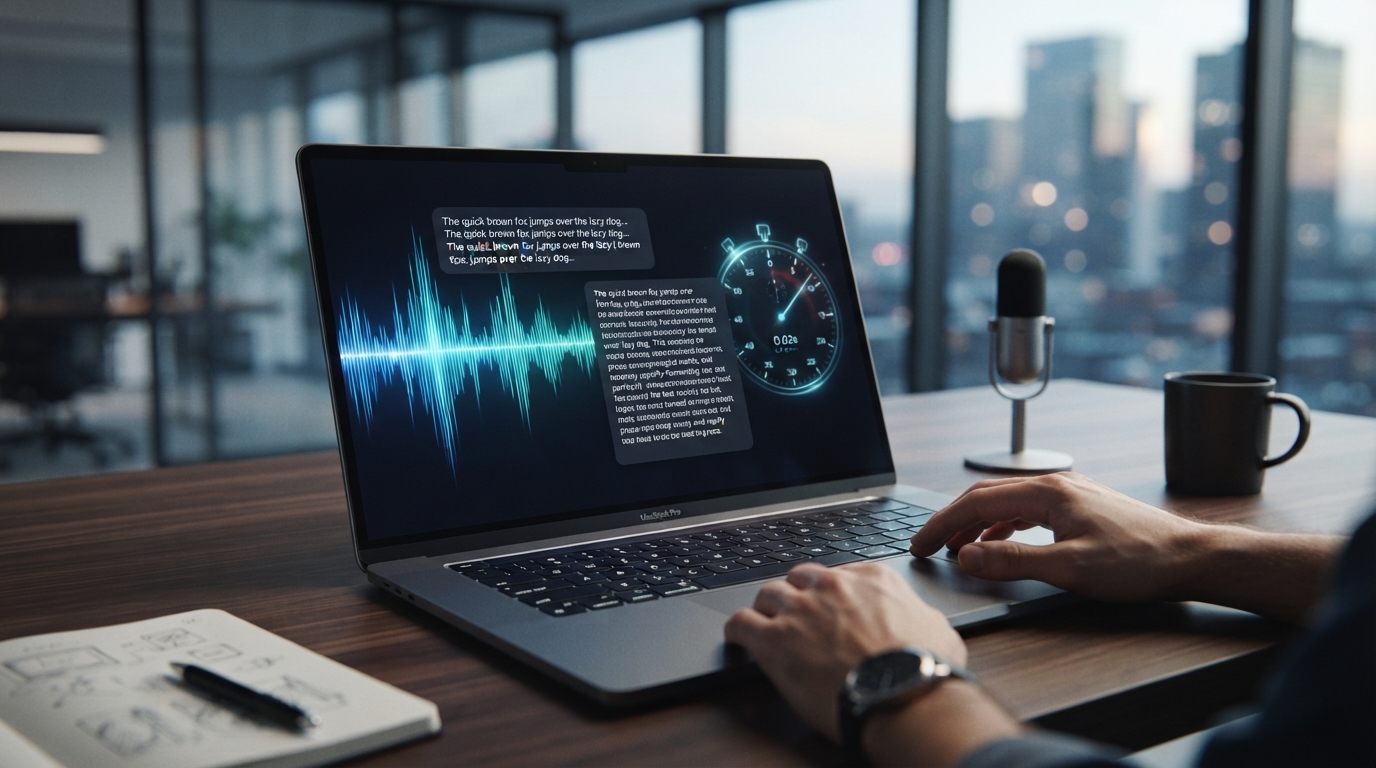
Dictation latency isn’t just a performance metric. It changes how people think.
When text appears quickly, you keep talking. When it appears five seconds later, you pause and wonder whether the tool heard you. When it appears only after you stop, you lose the feedback loop that makes writing feel safe.
That is why users complain about slow dictation even when the final transcript is decent. The delay breaks the rhythm.
Speed matters because voice input is tied to thought. If the feedback arrives late, the user starts managing uncertainty instead of writing. That tiny hesitation is enough to break the habit.
Voice input needs a feedback loop
Typing gives instant feedback. You see letters appear as your thought becomes text. Dictation has to earn the same trust.
If the tool hides everything until the end, the user is basically talking into a void. Longer thoughts get risky fast.
People start shortening sentences, over-enunciating, or stopping after every phrase. That defeats the point of voice input.
Slow cleanup is still latency
Some tools transcribe quickly but then spend time on formatting, rewriting, or AI cleanup. The user does not care which stage is slow. They care when usable text appears.
A "smart" cleanup step that adds delay can feel worse than a simpler transcript that lands immediately and lets the user keep moving.
The best workflow balances speed and quality instead of chasing one at the expense of the other.
Where DictaFlow focuses
DictaFlow is built for short, controlled bursts of dictation into the active app. That matters because most real work is not a thirty-minute monologue. It is a sentence here, a reply there, a paragraph in the middle of another task.
The faster that loop feels, the more likely people are to build the habit.
Where DictaFlow fits
DictaFlow is built for people who want voice typing to feel like a dependable input layer, not another writing destination. It gives you hold-to-talk control, active-app insertion, correction while speaking, custom vocabulary, and the same habit across Mac, Windows, iPhone and iPad.
That does not mean every user needs a dedicated dictation app. If you only send a few casual texts, built-in dictation may be enough. But if voice input is supposed to replace a meaningful chunk of your typing, the tool has to remove the cleanup and workflow tax.
Why this matters for serious users
Light users can tolerate friction. Heavy users cannot. If you dictate once a week, you might forgive a weird correction or a slow paste step. If you dictate every day, that same tiny problem becomes the reason you abandon the habit.
That is the line these pain points keep crossing. People are not asking for novelty. They want a boring, dependable way to get words into their work without turning every sentence into a cleanup project.
The practical takeaway
The right test is boring but useful. Pick a real task, dictate in the app where the work normally happens, and count how many things you still have to fix before you can send it.
If the answer is “too many,” the problem isn’t that you failed at dictation. The product didn’t fit your workflow. Try DictaFlow free and test it right where voice typing is breaking down now.