July 07, 2026
System-Wide Dictation in 2026: Why Voice Typing Has to Work Across Every App
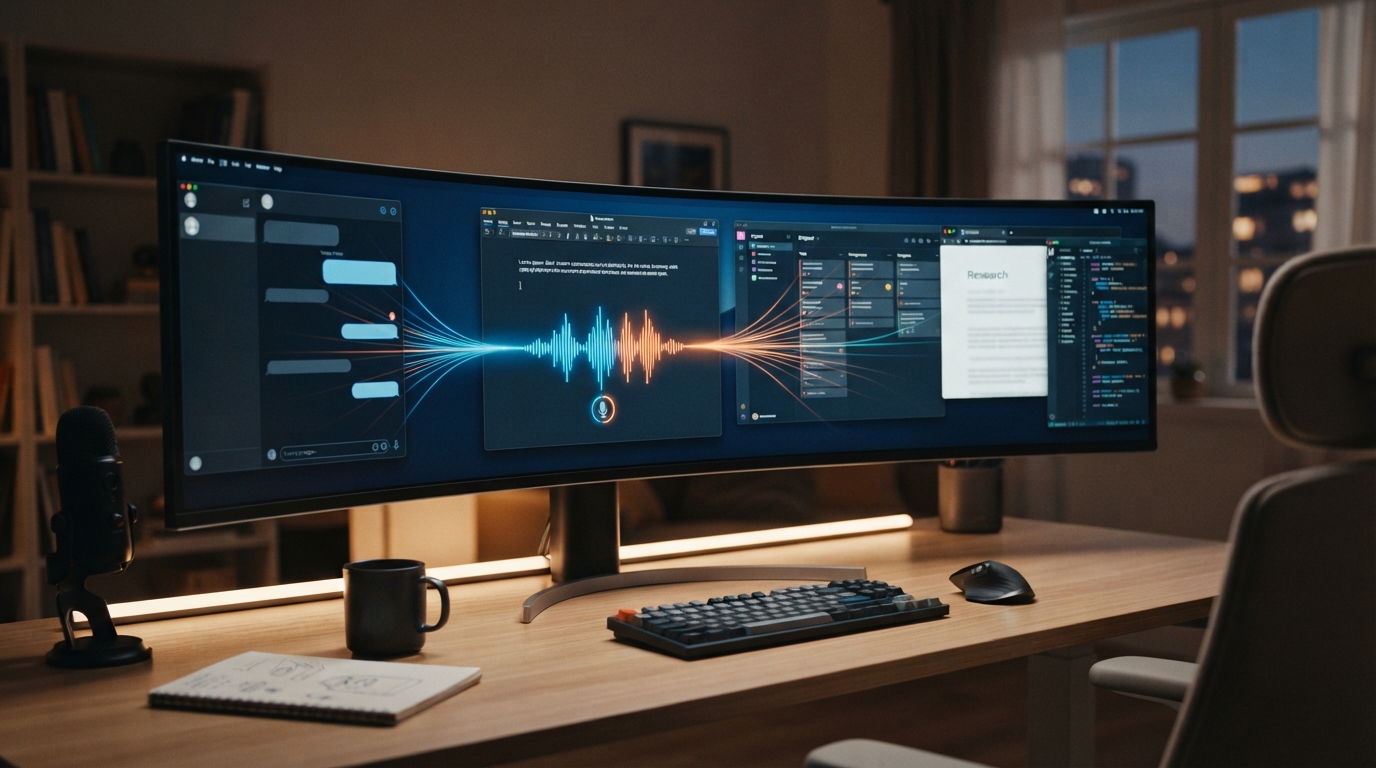
Most people don’t have one writing app, they have a messy day.
A reply starts in Gmail. A note goes into Obsidian. A quick message goes into Slack. A task lands in Notion. A bug note goes into Cursor. A form sits inside a browser. Some poor soul is still typing into a remote desktop app from 2009.
That’s why system-wide dictation keeps coming up as a pain point. People don’t want yet another place to type. They want voice typing to follow the cursor.
That is the real promise of system-wide dictation. The user should not have to ask, "which app am I allowed to speak in?" The answer should be: the one they are already using.
Single-app dictation creates another inbox
If dictation only works inside its own editor, the user has to move the text afterward. That sounds minor until you do it fifty times a day.
The copy-paste step also breaks attention. You stop thinking about the sentence and start managing the tool.
For casual use, that might be fine. For daily professional use, it kills the habit.
The app list is the product
A serious dictation tool has to work where people already write: browsers, email, docs, chat, notes, code editors, CRMs, EMRs, remote desktops and internal admin tools.
That doesn’t mean every app needs a special integration. It means the dictation layer just needs to insert text reliably into whatever app is active.
DictaFlow is built around that layer. It is meant to sit above the app mess, not ask the user to move all writing into DictaFlow.
What users should test
Open the five apps where you type the most. Dictate one real paragraph in each. Do not use a demo sentence.
If the tool fails in the second or third app, that is the answer. The problem is not your microphone. The tool does not fit your work.
Where DictaFlow fits
DictaFlow is built for people who want voice typing to feel like a dependable input layer, not another writing destination. It gives you hold-to-talk control, active-app insertion, correction while speaking, custom vocabulary, and the same habit across Mac, Windows, iPhone and iPad.
That doesn’t mean every user needs a dedicated dictation app. If you only send a few casual texts, the built-in option may be enough. But if voice input is meant to replace a real chunk of your typing, the tool has to cut out the cleanup and workflow tax.
Why this matters for serious users
Light users can tolerate friction. Heavy users cannot. If you dictate once a week, you might forgive a weird correction or a slow paste step. If you dictate every day, that same tiny problem becomes the reason you abandon the habit.
That is the line these pain points keep crossing. People are not asking for novelty. They want a boring, dependable way to get words into their work without turning every sentence into a cleanup project.
The practical takeaway
The right test is boring but useful. Pick a real task, dictate in the app where the work normally happens, and count how many things you still have to fix before you can send it.
If the answer is "too many," the problem is not that you failed at dictation. The product failed to fit your workflow. Try DictaFlow free and test it in the exact place where voice typing currently breaks.