August 5, 2026
Dental Dictation Software in 2026: 3 Voice Workflows
Ambient notes, voice charting, and controlled dictation solve three different dental documentation jobs.
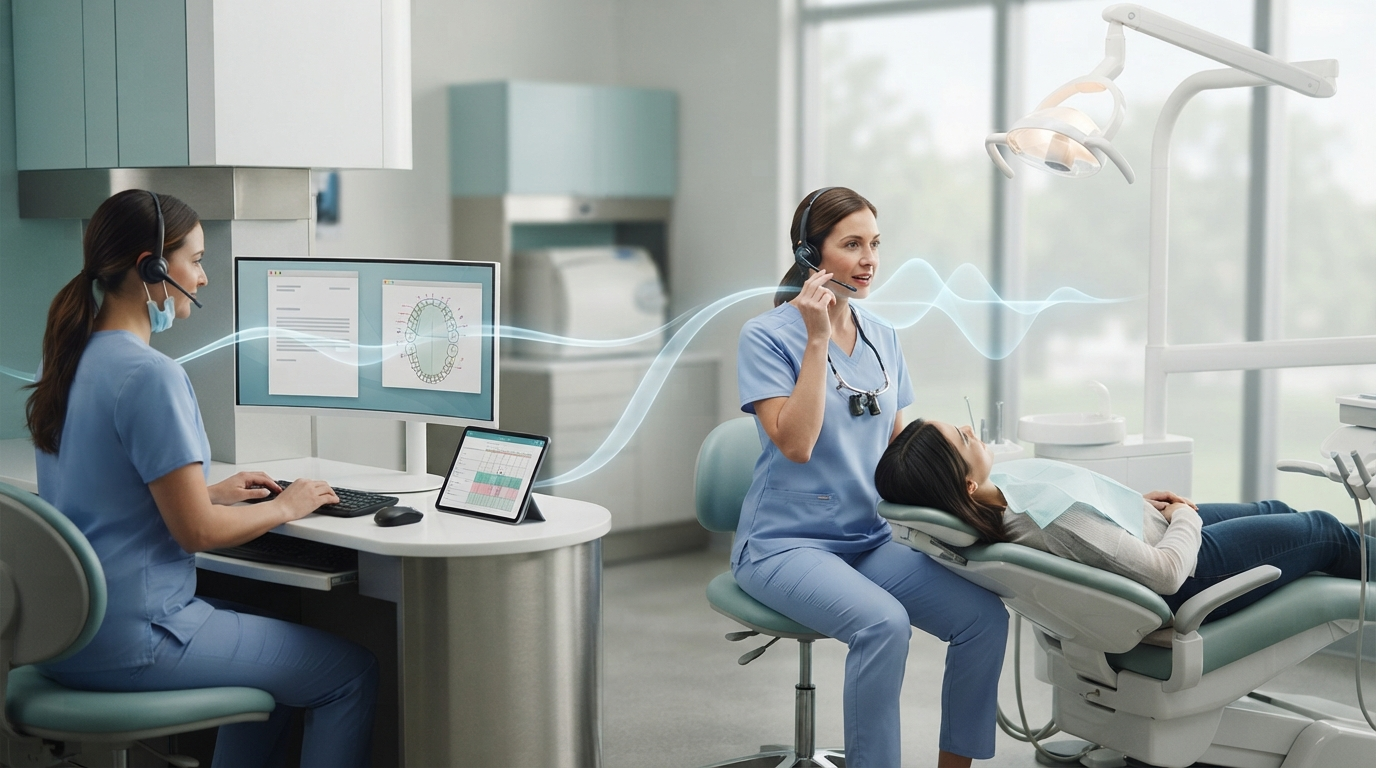
Dental dictation software isn't just one category anymore. A dental team can now pick an ambient scribe, a voice charting tool, or controlled dictation that types into the field already on screen. They all use speech, but each one solves a different job.
That split got a lot clearer in July 2026. Dentistry Today reported that Curve Dental launched Curve Care+ with three separate voice features: Notes+ for ambient clinical notes, Charting+ for odontogram updates, and Perio+ for periodontal measurements. Speechmatics also released a new dental transcription offering built around dental terminology, masked speech, suction noise, speaker separation, and custom vocabulary.
Those new products are useful signs, not a reason to buy the newest bundle. A clinic should first decide which of the three voice workflows is slowing the team down.
Workflow 1: Ambient notes from the appointment
An ambient dental scribe listens during a visit and turns the conversation into a draft note. It works well for long consults, treatment-plan talks, or any appointment where the dentist would otherwise have to piece the story back together from memory.
Its biggest advantage is coverage. It can catch the history, findings, options discussed, and follow-up instructions without making the clinician dictate a finished paragraph. The downside is review. A draft built from a conversation can mix up the speaker, miss a quiet detail, or give too much weight to a side comment. The clinician still needs to check the record before signing.
Consent and data handling matter too. Ask where the audio and text are processed, whether recordings are kept, which vendors can receive protected health information, and whether the clinic has the required agreements in place. An ambient feature inside a practice management system may feel seamless, but the compliance questions are still there.
Workflow 2: Voice charting for teeth and perio exams
Structured charting is a different job from note dictation. If a hygienist calls out pocket depths, the software has to place each value on the right tooth and surface. If a dentist updates an odontogram, they need commands for conditions, restorations, missing teeth, and shortcuts. A clean transcript by itself won't be enough.
That's where dental-specific tools have a real edge. Curve's July launch split Charting+ and Perio+ from its note feature for a reason. Each task has its own rules, and each one carries its own risk when something goes wrong. A dropped number in a paragraph is annoying. A number tied to the wrong site can change the clinical record.
Test voice charting in the exact practice management system and template your team uses. Run a full perio exam at normal speed. Add bleeding, recession, mobility, furcation, and corrections. Then compare the voice result with manual entry. If the tool only works in a vendor demo or needs constant command repetition, it's not ready for a busy operatory.
Workflow 3: Controlled dictation across the rest of the day
Dental work does not end with a note or odontogram. Teams still write referral letters, insurance narratives, patient messages, lab instructions, post-op directions, internal notes, and email. Those tasks often happen outside the charting tool.
Controlled dictation is the simplest fit for this. Put the cursor in the right field, hold a hotkey, speak the sentence, then release. The text appears in the app you are using. The clinician decides what gets recorded and when the microphone is on.
This works well when a clinic moves between a practice management system, a browser, Outlook, Word, and a remote desktop. It also gives the user a steady way to dictate a short correction without recording the whole room. DictaFlow is built for this controlled, cross-app job. It supports Windows, Mac, and iOS, with custom vocabulary for dental terms and app-aware formatting. Its keystroke-style insertion can handle Citrix, RDP, VDI, and fields where normal clipboard paste fails.
Medical Pro uses the Medical build and backend for HIPAA-compliant workflows under a customer BAA. It costs $39 per user each month, or $29 per user for teams of five or more.
It is not a replacement for a purpose-built perio charting engine. That matters. A clinic may use structured voice charting for pocket depths and controlled dictation for the referral, clinical narrative, and follow-up message.
What to test before choosing dental dictation software
Do not compare tools in a blank document. Use a test patient with synthetic information and run the real workflow from start to finish.
- Say tooth numbers, surfaces, materials, medications, provider names, and common abbreviations.
- Dictate through a mask with suction and normal operatory noise.
- Correct a wrong number or term without restarting the note.
- Move from the dental record to a referral letter and patient message.
- Test any hosted desktop, Citrix session, or clipboard-restricted field the clinic uses.
- Measure review time, not just transcription time.
Custom vocabulary should be part of the first test. Terms such as buccal, mesial, distal, occlusal, zirconia, caries, endodontic, and clinic-specific shorthand should not create the same correction every day. Speechmatics now markets a custom dictionary for this exact problem. DictaFlow includes a Knowledge Base for specialized terms and recurring text.
The insertion method deserves equal attention. Some products create a polished note in their own window, then leave the user to copy it into the record. That can be fine for one long note. It is painful when the team has to move six short pieces of text across several systems.
A practical buying order for a dental clinic
Start with the biggest measurable backlog.
If dentists are finishing long notes after closing, trial an ambient scribe on one appointment type. If hygienists lose time waiting for someone to enter pocket depths, trial a dental voice charting tool. If the friction is spread across notes, referrals, email, insurance narratives, and remote apps, test controlled dictation first.
Keep the pilot narrow for one week. Track minutes saved, corrections per document, unfinished records at the end of the day, and how often staff fall back to the keyboard. A tool that saves four minutes in a demo but adds three minutes of review has not solved much.
Clinics comparing broader dictation options can use the DictaFlow comparison guide. For a non-PHI setup test, the getting started guide covers the hold-to-talk workflow and app setup. Patient information should only go through the Medical build under the clinic's BAA and approved configuration.
Choose the voice workflow before the vendor
The newest dental releases make the direction pretty clear: one voice tool for passive notes, another for structured charting, and controlled dictation for anything that still needs exact text at the cursor.
Forcing all three jobs into one feature usually means more cleanup later. Start by finding the clinic's slowest documentation step. Then test the voice tool made for that step in the real software, with the real noise, terminology, and review process the team deals with every day.