August 9, 2026
Court Reporter Dictation Software in 2026: New Options
What the new CATalyst VP integration changes for voice writers, offline reporting, and the legal work around the official record.
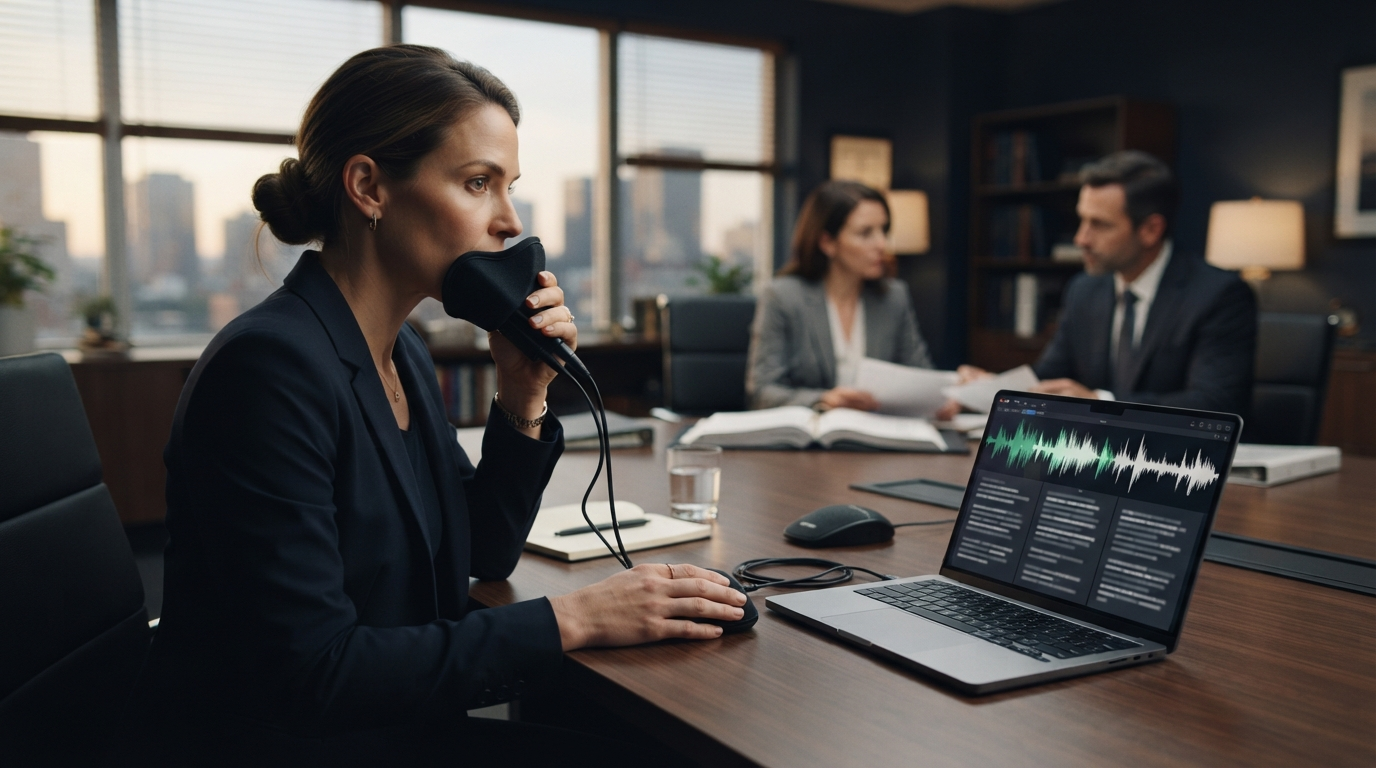
Court reporter dictation software used to mean a voice writer running one speech engine alongside separate CAT software. That setup works, but every extra app adds another login, update, audio setting, and possible point of failure during a live proceeding.
A July 2026 announcement gives court reporters a new option. Stenograph and Speechmatics are bringing on-device, real-time speech recognition directly into CATalyst VP. The main change is not another accuracy claim. It is that the handoff between the speech engine and the CAT tool is gone.
This guide explains what changed, which voice writers should test, and where regular legal dictation still fits around the official record.
What changed for court reporter dictation software
Stenograph's July 22 announcement says Speechmatics will run inside CATalyst VP, not as a separate third-party speech engine. The companies say the integration is meant to cut latency, version conflicts, and system instability. Because recognition runs on the reporter's computer, it can keep working in an offline deposition or a courtroom with unreliable internet.
The integration was still being presented as an upcoming product change, not a feature every CATalyst VP user already had that day. Buyers should check the release version, hardware requirements, language support, licensing, and training process with Stenograph before changing a production setup.
The direction still matters. Court reporting is unusually sensitive to small technical failures. A five-minute outage is not a small inconvenience when the job is to preserve the record in real time. Bringing recognition into the CAT environment cuts down the number of parts that can fail.
Voice writing is not ordinary voice typing
A voice writer repeats testimony, questions, objections, speaker names, and relevant nonverbal events into a stenomask. The mask picks up the reporter’s voice and keeps the dictation quiet in the room. Speech recognition turns that repeated speech into text, and CAT software helps build and edit the legal transcript.
Steno's July 2026 explanation of voice writing says the reporter creates the same legal record as another certified court reporter, using dictation rather than a stenotype writer. It also points to NVRA credentials and jurisdiction-specific licensing. This is a trained reporting method, not someone turning on a laptop microphone and asking generic AI to summarize a deposition.
That distinction should shape every software test. Smooth prose is not the goal. The goal is a complete, attributable, reviewable record that preserves what happened.
Why on-device recognition is useful in court and depositions
Offline operation is the obvious benefit. A reporter should not lose recognition because a courthouse network is congested or a deposition room has weak Wi-Fi. Local processing can also keep proceeding audio and the working transcript on the reporter's machine instead of sending them to a cloud speech service.
The second benefit is simpler troubleshooting. A separate speech engine and CAT application can disagree about microphone access, audio devices, updates, shortcuts, or text handoff. A native integration does not remove every failure, but it gives the vendor a smaller and more controlled system to support.
The third benefit is consistency. A reporter can use the same recognition path in a connected courtroom and an offline deposition. That reduces the temptation to keep several emergency workflows that each behave differently.
On-device does not automatically mean compliant or secure. Reporters and agencies still need to check local transcript storage, backups, device encryption, access controls, update policy, and retention. A transcript saved as plain text on an unlocked laptop is still exposed even if the speech never touched the cloud.
What to test before changing a reporting setup
Do not replace a known production workflow after one clean demo. Build a controlled test set with synthetic names and case details, then run it through the actual stenomask, microphone, laptop, and CAT configuration.
- Test fast exchanges, interruptions, numbers, dates, citations, names, and technical terms.
- Include speaker changes and the parenthetical phrases used in your normal record.
- Run one test without internet access.
- Measure correction time, not only first-pass recognition.
- Confirm the transcript survives an application restart and an unexpected audio-device change.
- Check CPU, memory, heat, and battery use during a long session.
- Practice the fallback procedure before a live matter.
Guideflow's July 2026 court reporting software guide makes a useful point: this category covers several different products. CAT software, digital recording, transcript search, remote deposition platforms, agency management, and managed reporting services each handle a different part of the job. A strong speech engine does not replace the rest of that stack.
Keep a fallback that does not depend on the same failure
A backup is only useful when it can survive the problem that stopped the primary system. A second shortcut inside the same frozen application is not a fallback. Neither is a cloud service when the likely failure is no network.
The exact plan depends on the reporter's method, certification rules, and agency policy. It may include a separate recording path, a spare microphone, a tested prior software version, a second machine, or another approved capture method. The plan should define who gets notified, how the record is reconciled, and where recovery files are stored.
Practice the transition with synthetic material. The middle of a deposition is a terrible time to discover that the spare microphone uses the wrong connector.
Where everyday legal dictation fits
Court reporter dictation software should own the official record. General system-wide dictation should not be used as a substitute for CAT software, reporter training, certification, or the controls required for a legal transcript.
There is still plenty of writing around the record. Reporters and legal teams handle scheduling notes, cover emails, exhibit logs, billing descriptions, internal messages, research notes, and follow-up tasks. Those short pieces of text often move across Outlook, Teams, browser portals, case platforms, and remote desktops.
DictaFlow is built for that second workflow. Hold a hotkey, speak, release, and the text appears in the active field. It works on Windows, Mac, and iOS, with native Android app access. Custom vocabulary and the Knowledge Base help with recurring names and legal terms. Keystroke-based insertion can also help in Citrix, RDP, VDI, and clipboard-restricted fields.
DictaFlow Pro costs $7 per month or $69 per year. It is not court reporting software and should not be presented as one. It is the everyday dictation layer for the messages and notes that happen before and after the certified record. The DictaFlow comparison guide covers the differences between system-wide dictation, built-in voice typing, Wispr Flow, Dragon, and Superwhisper. The getting started guide explains the hold-to-talk setup.
A practical buying decision for 2026
If you are a certified voice writer evaluating CATalyst VP, the Speechmatics integration is worth watching because it attacks a real operational problem: too many applications in the live reporting path. Confirm availability and requirements, then test it against your current Dragon or other approved workflow with the same synthetic proceeding.
If you are a court, agency, or litigation team, start by naming the job. Do you need record capture, certified reporting, CAT production, remote deposition tools, transcript search, agency operations, or everyday drafting? Buying one product because it says "AI voice" will not cover those separate needs.
The strongest setup may be deliberately boring: specialized court reporter dictation software for the official record, a tested independent fallback, and a separate system-wide dictation tool for ordinary legal work. Fewer improvised handoffs means fewer ways to lose time when the room is waiting.