August 4, 2026
Best Veterinary Dictation Software for Clinics in 2026
Controlled dictation and ambient scribes solve different parts of veterinary documentation. This guide shows where each one fits.
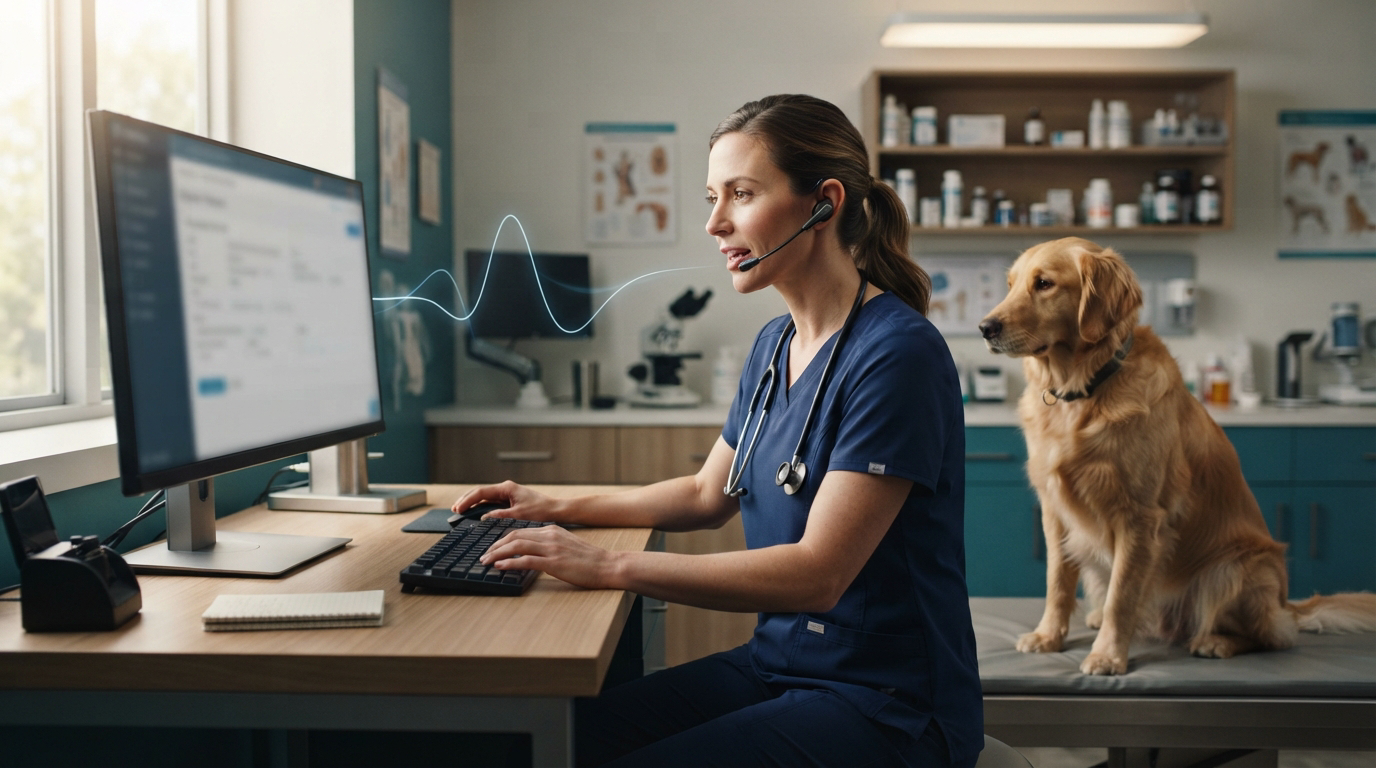
Veterinary dictation software is getting a lot of attention, but most of it is going to ambient AI scribes. A July 2026 Veterinary Practice News article said vets were staying one or two hours late to finish records, then trying tools that listen during visits and draft SOAP notes. In early August, dvm360 covered PetDesk Scribe, another veterinary scribe built to cut down after-hours charting.
The demand is real. The buying decision is still messy. An ambient scribe records a client conversation and decides what belongs in the note. Controlled dictation starts when the veterinarian presses a key, speaks the exact findings or plan, and lets go. One is passive capture. The other is direct authorship.
For many clinics, the best setup uses both. Ambient capture can help with long consultations. Veterinary dictation software is often better for short notes, exact exam findings, discharge instructions, refill messages, surgery reports, and corrections inside the practice management system.
The two veterinary voice workflows are not interchangeable
An ambient veterinary scribe listens through an appointment and builds a draft from the conversation. That can save time when the visit has a long history and a detailed discussion. It also creates review work. The veterinarian has to check what the software included, left out, or got wrong before the draft becomes part of the medical record.
The Veterinary Practice News article makes that point plainly: human review is non-negotiable. The author also notes that an ambient microphone can pick up information from another patient and put it in the wrong note. That is not a small formatting mistake.
Controlled dictation works differently. You click the right field, hold a hotkey, say "BAR, mild dental calculus, body condition score five out of nine," then release. The text appears where the cursor is. The software does not need to guess whether a side conversation mattered because it only hears the words you meant to dictate.
That control matters most when the note is short, the wording has to be exact, or the record is already open in the right patient chart.
What veterinary clinics should test before buying
Do not judge veterinary dictation software from a clean demo in an empty document. Test it during the messy parts of a normal clinic day.
- Dictate species, breed, drug names, abbreviations, lab values, and client surnames.
- Enter text into the actual PIMS fields your team uses, not a vendor's sample editor.
- Try a remote desktop, hosted PIMS, or clipboard-restricted field if your clinic uses one.
- Correct a sentence without moving the whole note into another app.
- Switch between a SOAP note, an email, a discharge instruction, and an internal message.
- Turn off the internet and confirm what still works.
Vocabulary is the obvious test. Terms such as PU/PD, BCS, TPR, Cytopoint, Cerenia, Librela, and prednisolone should not turn into cleanup work after every appointment. A useful custom vocabulary or Knowledge Base should also learn clinic-specific shorthand, staff names, referral hospitals, and common client surnames.
Insertion is the less obvious test. Accurate transcription is useless if the app leaves the result in a separate window and makes the veterinarian copy it into every field. The best tool should type into the app already in front of you.
Best veterinary dictation software options in 2026
DictaFlow Medical Pro for controlled, cross-app dictation
DictaFlow Medical Pro fits veterinary clinics that need controlled dictation across practice-management systems, email, browsers, documents, and remote-work apps. Hold a hotkey, speak, and release it to type at the cursor. The Medical version works with Windows and Mac clinic setups and includes a native iPhone and iPad app for dictation on the go.
Its Knowledge Base can store veterinary terms and vocabulary specific to your clinic. App-aware formatting adjusts the output to the app you’re using. Citrix, RDP, and VDI typing mode can help when clipboard pasting fails. Before using PHI, clinics should test terminology accuracy and app behavior, then confirm their privacy and BAA requirements.
The tradeoff is simple: DictaFlow Medical Pro uses controlled dictation rather than automatically deciding what belongs in the record. The veterinarian still says what belongs in the note, then reviews it before chart entry.
DictaFlow Medical Pro costs $39/user/month for 1-4 seats or $29/user/month for 5+ seats. Clinics can try the free Medical build first, testing their actual PIMS workflow with synthetic text or text that contains no PHI.
Veterinary ambient scribes for long consultations
Tools such as Scribenote, VetRec, CoVet, and PetDesk Scribe are built around veterinary appointment capture. They are strongest at turning a longer conversation into a draft SOAP note or client summary. Some also offer PIMS integrations and veterinary templates.
They make the most sense when the main problem is a backlog of full appointment notes. They make less sense when the veterinarian mostly needs to enter a short finding, update a plan, write a refill message, or dictate into several apps outside the PIMS.
Compare them on note accuracy, patient separation, consent controls, PIMS transfer, pricing, and how much editing is left after each visit. A polished draft that takes five minutes to check may not beat a 60-second controlled dictation.
Built-in Windows and Apple dictation for basic use
Windows Voice Typing and Apple Dictation are free and already installed. They work fine for a clinic that only needs occasional plain-text entry.
Their limits show up with veterinary vocabulary, repeat corrections, app-specific formatting, and remote or hosted systems. They also do not give a clinic one steady workflow across Windows, Mac, and iPhone. Start free, but measure the cleanup time rather than the subscription price alone.
A practical clinic setup that avoids duplicate work
Pick one note type and test it for a week. Do not roll out a new voice tool across every doctor and every record on day one.
For example, use controlled dictation for physical exam findings, assessment updates, discharge instructions, and client emails. Keep ambient capture for longer consultations where rebuilding the full conversation is the bigger burden. Review every generated note before it enters the record.
Build a shared vocabulary list from real corrections during the pilot. Add drug names, abbreviations, referral centers, staff names, and the phrases your clinic uses every day. Track three numbers: minutes saved per appointment, corrections per note, and notes still unfinished at closing time.
That small test will tell you more than a vendor's accuracy percentage.
The best choice depends on who should control the note
The recent rush of veterinary AI scribes shows clinics are done accepting hours of after-work documentation. It does not mean every voice workflow should turn ambient.
Choose an ambient scribe when the full conversation is the source material and a draft is worth reviewing. Choose controlled dictation when the veterinarian already knows what the record should say and wants it entered right away in the correct field.
For many clinics, the answer is not one tool replacing the other. It is using passive capture for long visits and controlled dictation for everything that needs exact wording, fast correction, or reliable cross-app entry.