July 29, 2026
Best Radiology Dictation Software for Teams in 2026
Compare full PACS reporting platforms, AI-assisted tools, and flexible cross-app dictation before your team commits.
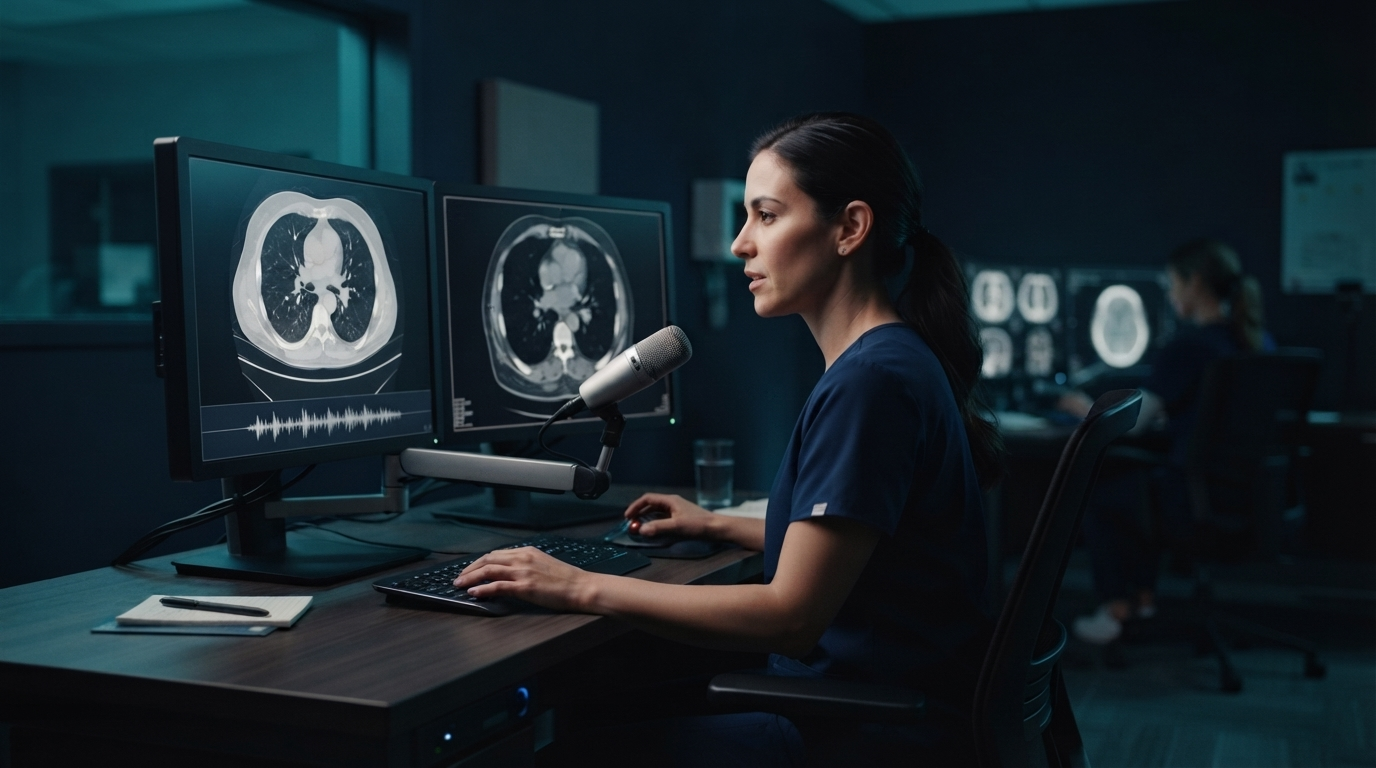
A June 2026 guide to the radiology reading workflow made an important point: radiology dictation is no longer one product category. There are full reporting platforms linked to PACS and RIS, AI-assisted reporting systems, and lighter dictation tools that put editable text into the apps a radiologist already uses.
That difference matters when you're choosing the best radiology dictation software for a team. A hospital department that is replacing its reporting stack has a very different job from a small imaging practice that needs faster text entry across an EHR, email, referral forms, and a remote desktop.
Start with the report destination
Before you book demos, decide where the final text needs to end up. If it has to be a structured report in PACS, with worklist context and delivery back to the EHR, look at an integrated radiology reporting platform. If it needs to fill several text fields across different apps, a system-wide dictation layer may solve it with much less setup.
The current Medicai overview of radiology dictation lays out a four-step reading process: worklist prioritization, image review, dictation, then report finalization and delivery. The software has to fit into that chain. Fast speech recognition alone won’t fix a bad handoff between PACS, the report editor, and the EHR.
For a first audit, list five destinations:
- Main findings section
- Impression section
- Comparison or prior-study note
- Message to the ordering clinician
- Follow-up task, email, or EHR field
Run the same test passage through each destination. The failures usually show up at insertion, template control, or exact terminology, not in a clean demo document.
PowerScribe One for integrated hospital reporting
Microsoft Nuance PowerScribe One is the obvious benchmark for hospital radiology groups. It combines radiology speech recognition with reporting workflows and broad PACS integration. It is designed for departments where the report, worklist, templates, and downstream delivery are part of one governed system.
That depth is both the benefit and the tradeoff. This is an enterprise procurement decision, not a lightweight voice typing subscription. Teams should ask which PACS and RIS versions they run, how they handle template and macro migration, what specialty vocabulary they support, how fast support responds, what analytics they offer, and the exact path from dictated finding to signed report.
PowerScribe is the strongest fit when replacing or standardizing the formal radiology reporting stack. It is overkill if the actual pain is typing short notes and messages outside that stack.
Fluency for Imaging for existing Solventum workflows
Fluency for Imaging is another enterprise reporting option. It makes the most sense when a health system already uses Solventum clinical documentation products or wants an integrated imaging workflow with structured reporting support.
The buying test is similar to PowerScribe. Do not stop at transcription accuracy. Ask the vendor to show your real templates, your modality mix, prior-study comparison text, amendments, critical-result communication, and downtime behavior. A radiologist should be able to move from image review to a signed report without rebuilding section structure after every case.
For a large team, consistency often matters more than a tiny benchmark difference. Shared templates, predictable support, and clean integration can save more time than another fraction of a percent in word accuracy.
Rad AI Reporting for AI-assisted report creation
Rad AI Reporting takes a different approach. The company positions it as a reporting layer that works with existing PACS, reporting, and voice-recognition systems. Its product page focuses on report generation, error checks, workflow automation, and measuring time saved.
That can be useful for groups that want AI assistance without replacing every existing system at once. It also changes the evaluation. Teams need to test more than whether speech becomes text. They need to test whether generated report content stays faithful to the study, how edits are tracked, how critical findings are handled, and what the radiologist must verify before signing.
AI can reduce repetitive report construction. It cannot own the clinical judgment. A useful pilot should measure editing time and error rate, not just how polished the first draft looks.
VoiceboxMD for a smaller radiology-specific setup
VoiceboxMD targets medical dictation with radiology vocabulary and reporting workflows. It may suit independent radiologists, teleradiology contractors, or smaller practices that want specialty speech recognition without a full hospital platform rollout.
Test its support for your report templates, microphone setup, remote access environment, and export path. Also confirm how the service handles audio and text, whether a Business Associate Agreement is available, and which features require cloud processing.
A smaller product can be faster to deploy, but only if it reliably reaches the actual report field. A browser tab that makes a good transcript still creates work if someone has to copy, paste, and rebuild the report afterward.
DictaFlow Medical for cross-app clinical dictation
DictaFlow Medical is the better fit when the problem is the text layer around radiology rather than a complete PACS reporting replacement. It uses hold-to-talk dictation and can type where the cursor is on Windows, Mac, and iOS. It also supports custom vocabulary, app-aware formatting, and local or cloud processing options.
The useful radiology cases are concrete: draft a finding in an editable field, answer a clinician message, add a follow-up note, write a referral response, or dictate inside a Citrix, VMware Horizon, or Remote Desktop session. Keystroke simulation helps in environments where clipboard paste is blocked or unreliable.
It is important to be clear about the boundary. DictaFlow does not replace a radiology worklist, PACS integration, structured template engine, or signed-report delivery system. It is a controlled system-wide dictation layer. For departments that already have reporting infrastructure but still type across many surrounding apps, that narrower job can be useful.
DictaFlow Medical costs $39 per user per month for one to four seats, or $29 per user per month for teams of five or more. A BAA is standard. The right first test is one radiologist, synthetic patient data, and the hardest remote field the team uses.
What to test before choosing
Use the same script and scoring sheet for every candidate. Include anatomy, pathology, measurements, laterality, modality terms, one uncommon clinician name, and one classification phrase used in your subspecialty.
Score these points:
- Corrections needed per 100 words
- Correct handling of measurements and laterality
- Template and section control
- Text insertion inside PACS, EHR, Citrix, or RDP
- Time from microphone press to editable text
- Behavior during network or service interruptions
- Audio retention, text retention, audit controls, and BAA coverage
- Admin effort for adding users and shared vocabulary
Keep accession numbers, patient identifiers, and exact codes on the keyboard during an early pilot. Voice is good for sentences. It is a bad place to gamble with a single character that changes the case record.
A practical decision for each kind of team
Choose PowerScribe One or Fluency for Imaging when you need an enterprise radiology reporting platform that connects closely with PACS, RIS, templates, and report delivery.
Consider Rad AI Reporting when the goal is to add AI-assisted report creation and quality checks around an existing imaging workflow.
Look at a radiology-specific standalone product such as VoiceboxMD when a smaller practice needs specialty recognition without a large platform rollout.
Use DictaFlow Medical when radiologists already have reporting systems but need faster, controlled dictation across the other clinical apps and remote fields that surround the report.
The best radiology dictation software is the one that removes editing and navigation from the real reading workflow. It is not necessarily the product with the most impressive blank-screen demo.
For a broader feature and pricing view, read the DictaFlow comparison guide. To run a small pilot, use the DictaFlow getting started guide and test with synthetic data before putting any real patient information through a new setup.