Best Otter.ai Alternatives for Real-Time Dictation in 2026
May 13, 2026
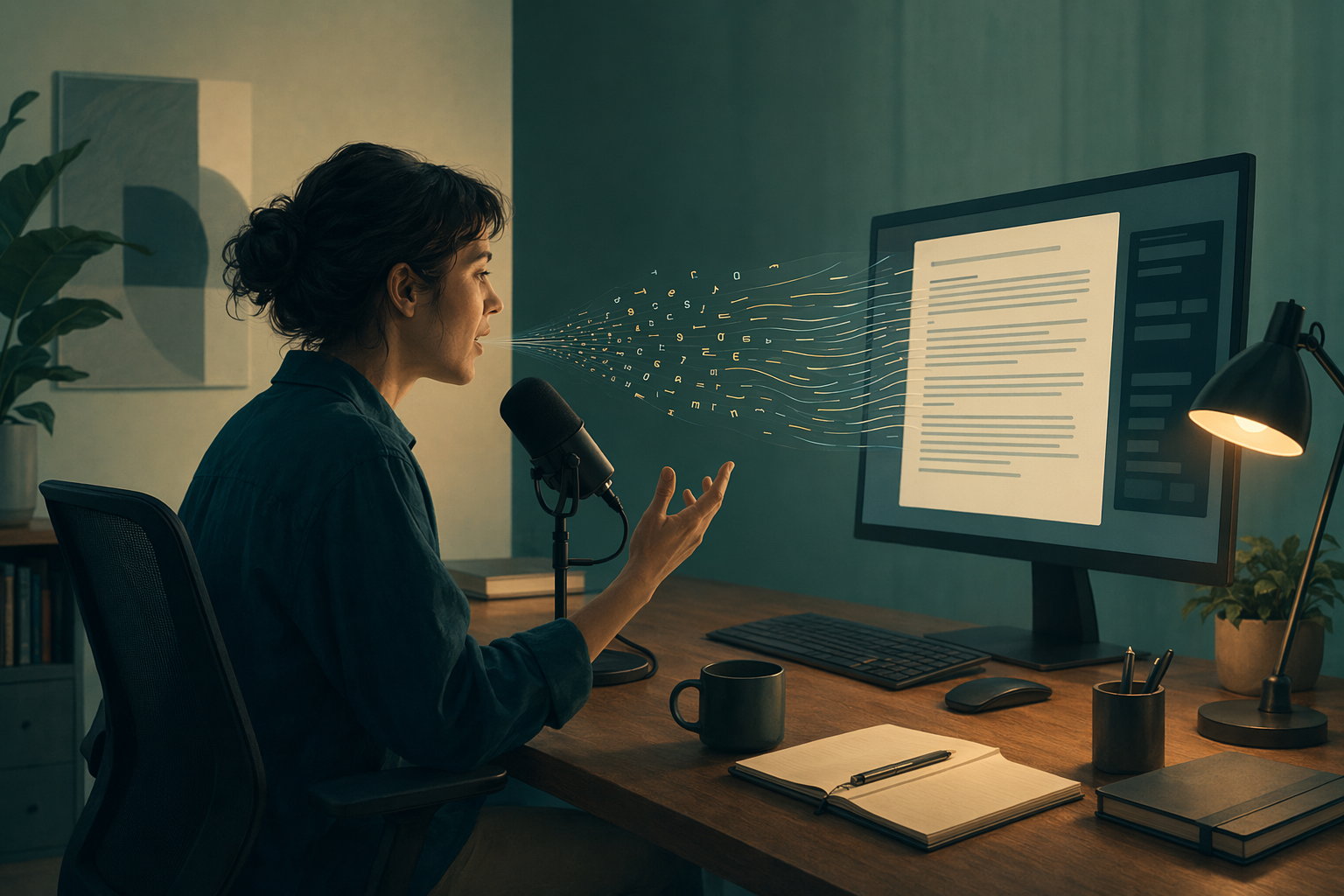
Otter.ai is known for meeting transcription. You record a conversation, it generates a transcript with speaker labels and timestamps. That's useful for teams who want searchable meeting records.
But Otter.ai isn't a dictation tool. It doesn't drop text into the app you're working in. It doesn't let you hold a key, speak, and have words appear at your cursor in real time. If you want to dictate documents, emails, code, or notes as fast as you speak, Otter is the wrong tool.
Here are the best alternatives if what you actually need is real-time dictation, not meeting transcription.
1. DictaFlow - best for real-time dictation across platforms
Best for: Anyone who wants to dictate text into any application as fast as they can speak, with AI formatting and correction.
DictaFlow is a hold-to-talk dictation tool. Press a hotkey, speak, release, and text appears at your cursor in whatever app is active. It works in email, documents, code editors, chat apps, and locked-down environments like Citrix that Otter can't reach.
The feature Otter doesn't offer is Actually Override. While dictating, if you misspeak, you say your correction keyword and DictaFlow rolls back to the mistake and keeps recording. No editing by hand.
DictaFlow also includes AppAware context: it knows which app you're in and adjusts formatting. Dictating into a terminal behaves differently than dictating into a medical chart or a Slack message.
Pricing: $7/month, free tier available. Mac, Windows, iOS, and Android.
2. Otter.ai - best for meeting transcription
Best for: Teams that need recorded, searchable meeting transcripts with speaker labels.
Otter joins your meetings, records audio, and generates timestamped transcripts. It highlights action items and integrates with Zoom, Google Meet, and Microsoft Teams. The searchable archive is genuinely useful for teams that reference past meetings.
The limitation is that Otter doesn't output text into the app you're working in. It produces a transcript in its own interface. If you need to dictate notes quickly without joining a meeting, Otter doesn't do that. Otter Pro costs $16.99/month.
3. Windows Voice Typing - free but basic
Best for: Casual Windows users who want free dictation for short text entry.
Windows Voice Typing (Win + H) is built into Windows 10 and 11. It's free and works okay for short emails and quick notes. It lacks hold-to-talk, mid-sentence correction, app awareness, and mobile support.
4. Apple Dictation - free for Mac and iOS
Best for: Mac and iPhone users who want free system-level dictation for light use.
Apple Dictation is reliable for short bursts on Mac and iOS. It's free, needs no setup, and works system-wide. It lacks the control and correction features of DictaFlow and doesn't work on Windows.
Which Otter alternative should you use?
If you need meeting transcription, keep using Otter. But if you found your way here looking for dictation, DictaFlow is the tool you actually want: real-time text entry anywhere on your system, voice correction, cross-platform support, and a much lower price for what it does.
Related DictaFlow pages
If you're comparing dictation tools, these pages have more detail.
Related DictaFlow pages
If this topic interests you, these pages have more detail.