August 8, 2026
Best Occupational Therapy Dictation Software in 2026
A practical guide to voice tools for SOAP notes, OT vocabulary, EHR fields, and hosted clinical systems.
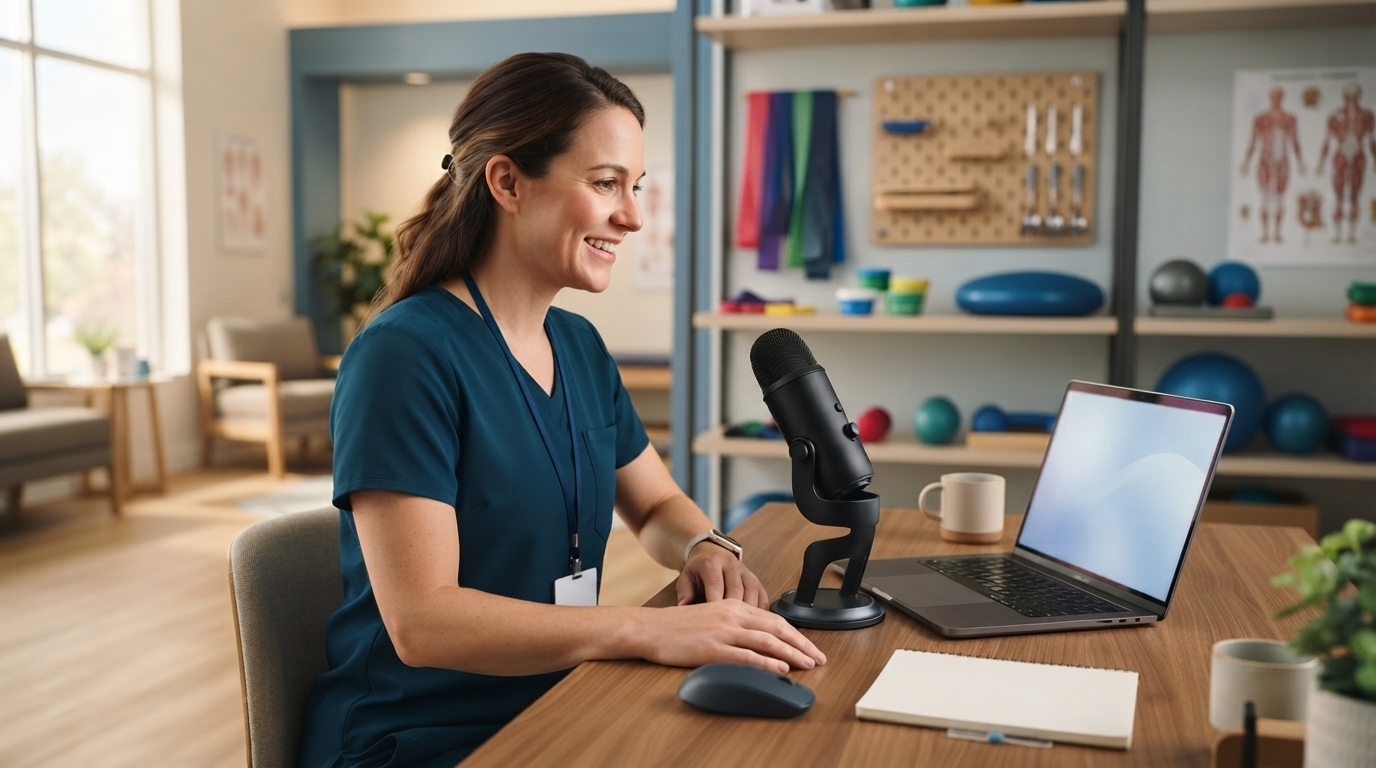
Occupational therapy dictation software should save time without stripping out the clinical reasoning that makes an OT note useful. That sounds obvious, but the category now includes several very different tools: free voice typing, dictation inside an EHR, ambient AI scribes, and system-wide medical dictation.
The right choice depends on the job. A therapist may need to document ADL performance in a SOAP note, update a functional goal, write a referral, send a caregiver summary, or add a short note to a hosted EHR. One voice product rarely handles every task equally well.
Why OT dictation is getting more attention in 2026
Recent occupational therapy software guides show how fast voice documentation is showing up in OT workflows. Physitrack’s July 2026 guide points to Zanda Health for practices that want spoken session details turned into structured notes. Ensora Health’s current Fusion page promotes OT-specific documentation, functional goal tracking, and AI documentation in one EHR.
That’s useful progress, but it also makes the buying choice less clear. An EHR assistant can build a note inside its own system. An ambient scribe can listen to a session and draft a summary. A system-wide dictation app puts editable text into the field where the cursor already sits. Those are different jobs.
OTs also need to think about consent and transparency. The AOTA 2025 Code of Ethics says that when AI tools are used during recorded sessions for transcription, documentation, or data analysis, the people involved must be told ahead of time. A tool that records a session needs a different consent process than controlled dictation done after the session.
The four types of occupational therapy dictation software
Built-in voice typing
Apple Dictation, Windows Voice Typing, and Google Docs Voice Typing are sensible starting points. They are free, quick to test, and often good enough for short non-clinical messages or rough drafts.
The limits show up with repeated clinical language. Built-in tools may keep missing client names, adaptive equipment, assessment names, abbreviations, and phrases tied to sensory integration or fine motor goals. They also do not give a clinic one consistent workflow across Windows, Mac, iPhone, remote desktops, and several EHRs.
Use built-in dictation for low-risk tests and occasional notes. Don't assume a free consumer voice service is approved for protected health information. The clinic still needs to review the vendor, how it handles data, and any agreement that's required.
OT-specific EHR documentation tools
An OT EHR is the best choice when the main goal is a structured clinical record inside one platform. Fusion by Ensora Health is built for OT, PT, and speech therapy. Its OT material emphasizes functional goal tracking, ADLs, sensory needs, billing, and documentation in a shared patient record.
Zanda Health takes a similar integrated approach. Its BizzyAI feature can draft treatment notes from typed or spoken information, while the broader platform handles scheduling, forms, billing, and clinical records.
The advantage is structure. The output can follow the templates and fields already used by the practice. The tradeoff is reach. Therapists still write outside the EHR: referral letters, insurer responses, caregiver emails, school notes, internal chat, and browser forms.
Ambient AI scribes
Ambient scribes are useful when a clinic wants the session conversation turned into a draft note. Products aimed at therapy workflows can separate sections, apply templates, and reduce the work of rebuilding a visit from memory.
They are not the same as dictation. An ambient product listens during the encounter. Controlled dictation starts when the therapist chooses to speak, often after the visit or while completing one field. Clinics should decide which workflow fits their consent policy, room setup, client population, and review process.
Generated notes still need clinician review. A fluent summary can leave out a cueing level, change who performed an activity, or make a goal sound more certain than the source supports.
System-wide medical dictation
System-wide dictation is the strongest fit when therapists move between several apps or use hosted software. Put the cursor in the EHR field, hold a hotkey, speak, release, and review the inserted text. The note remains editable in the destination.
DictaFlow Medical is built for this controlled workflow. It runs on Windows, Mac, and iOS. Its keystroke-based insertion can work in Citrix, RDP, VDI, and clipboard-restricted fields. App-aware formatting adapts cleanup to the active app, while the Knowledge Base can store recurring OT terms, assessment names, equipment, abbreviations, and clinic-specific language.
DictaFlow Medical is a separate Medical build and backend for HIPAA-compliant workflows under a customer BAA. Medical Pro costs $39 per user per month, or $29 per user per month for teams of five or more. The consumer DictaFlow app is not the right product for PHI.
The broader DictaFlow comparison guide explains how its workflow differs from Wispr Flow, Dragon, Superwhisper, and built-in voice typing. The getting started guide covers hold-to-talk setup before a clinic pilot.
Build an OT vocabulary before testing
Generic accuracy scores do not tell you whether a tool understands your caseload. Build a short synthetic vocabulary list before the first test:
- assessment names and common abbreviations
- adaptive equipment and orthosis terms
- ADL and IADL language
- sensory integration terminology
- fine motor and visual motor terms
- clinic names, school names, and referral sources
- recurring goal phrases and cueing levels
Start with 30 to 50 terms. Say them in full sentences, not as a plain word list. Check capitalization, plurals, numbers, and common sound-alike mistakes.
Use fictional clients and synthetic details during setup. Once the clinic approves the product and signs any required agreements, repeat the test in the real documentation environment under clinic policy.
Test the note where it will actually be entered
A clean demo in a blank document proves very little. Occupational therapy dictation software should be tested in the systems the therapist uses every day.
Try a short SOAP note in the EHR, a goal update, a caregiver email, a referral paragraph, and an insurer response. If the EHR runs through Citrix or Remote Desktop, test there too. Check whether the text reaches the correct field, preserves paragraph breaks, and remains easy to undo.
Use one difficult synthetic example across every product. Include a client name, an assessment, an assist level, a measured duration, an adaptive device, and a plan. Review exact errors rather than asking whether the note feels polished.
The best output is not the longest or smoothest. It is the one that preserves the therapist's meaning and needs the least clinical correction.
Run a one-week clinic pilot
Pick two therapists, three note types, and one week. Track total time from opening the record to signing it. Separate speaking time from review and correction time.
Also track repeated term errors, missing clinical facts, wrong field insertion, abandoned dictations, and notes finished after clinic hours. A tool that transcribes quickly but creates ten minutes of cleanup has not solved the problem.
Compare the results by task. The clinic may keep an EHR assistant for structured encounter notes and system-wide dictation for everything around them. That is often better than forcing one product into every workflow.
Which option should an OT clinic choose?
Choose built-in voice typing for basic, non-sensitive experiments. Choose an OT-specific EHR assistant when most documentation stays inside one supported platform. Choose an ambient scribe when the clinic wants session capture and has a clear consent and review process. Choose system-wide medical dictation when therapists need controlled text entry across EHR fields, email, referrals, browser forms, and hosted desktops.
The most useful occupational therapy dictation software is not the product with the broadest AI claim. It is the one that handles OT vocabulary, fits the clinic's privacy rules, puts text in the right place, and leaves the therapist in control of the final note.