August 26, 2026
Best Dictation Software for Speech Therapists in 2026
Test clinician dictation and child speech recognition as separate jobs before your clinic buys one tool for both.
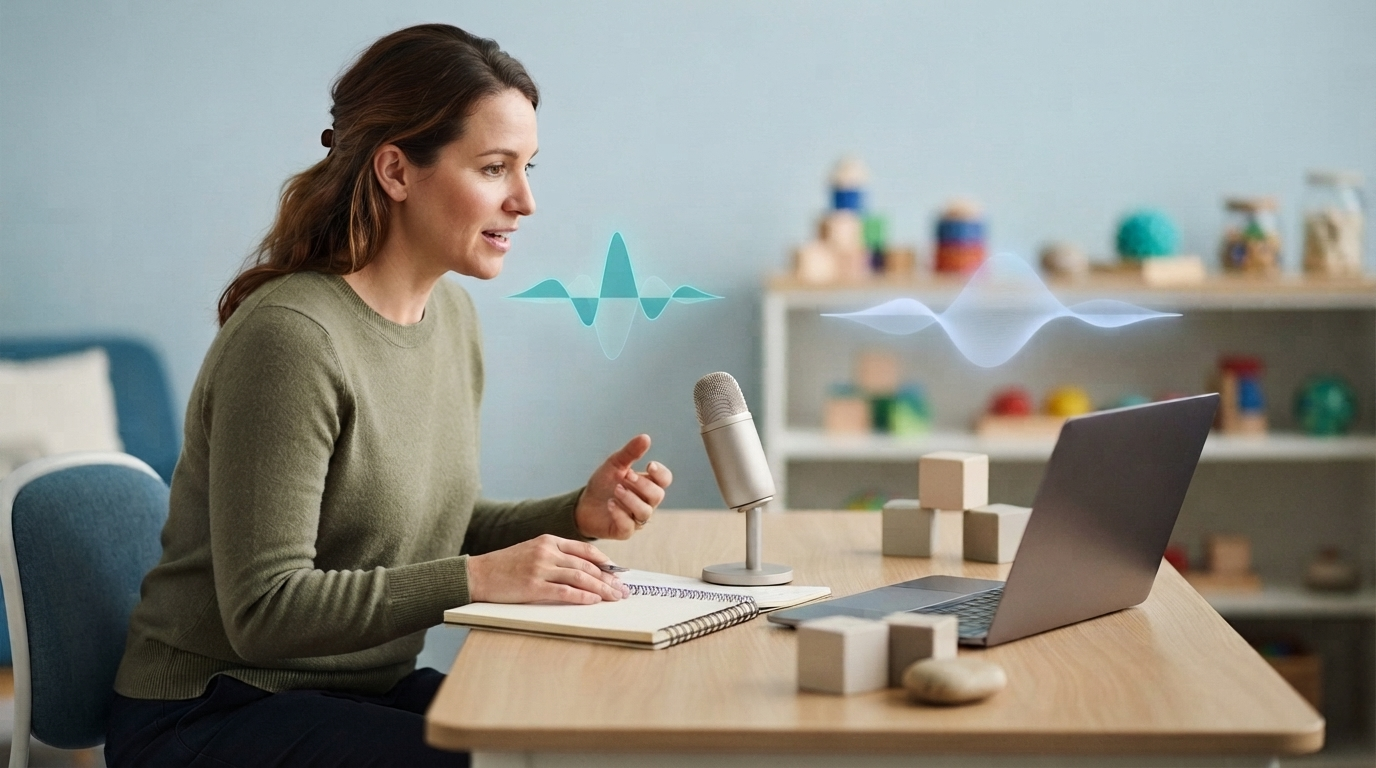
Speech therapists face a voice technology problem that many other clinicians don't. They need to dictate a clean note quickly, but sessions may include a child, an adult with dysarthria, or someone practicing sounds that standard speech recognition was not built to understand.
Those are two separate tasks. One tool needs to understand the clinician's voice after the session. Another may need to analyze or transcribe the client's speech. Clinics can waste money when they expect one product to do both jobs.
A recent Hacker News discussion raised a similar concern about local speech recognition and younger speakers. The commenter wanted a privacy-first option for educational use but noted that common transcription models may perform poorly with children's speech. Speech-language pathologists testing dictation software should keep that limitation in mind.
Start with the note, not the microphone demo
ASHA's guidance on health care documentation says notes should clearly explain the diagnosis, treatment, outcomes, and clinical reasoning. It also warns that vague or incomplete documentation can result in payer denials. The goal isn't simply to turn speech into text. Another clinician or claims reviewer should be able to read the finished note and understand what happened.
For most SLPs, clinician-authored dictation is the easiest place to start. After the session, place the cursor in the SOAP note or progress report, hold a key, and dictate what you observed. The software should recognize terms such as apraxia, AAC, phonological process, dysarthria, oral motor, and minimal pairs without filling the note with errors.
This gives you a fairer test than asking the software to recognize a five-year-old producing target sounds. Child speech recognition is a separate and difficult problem. A dictation tool can still save an SLP time, even if it isn't designed to score articulation or produce a word-for-word transcript of the child.
Three types of software get grouped together
Speech therapy documentation products can look similar on a pricing page, but they handle different parts of the workday.
An SLP practice system brings together scheduling, billing, templates, and patient records. Some also generate SOAP notes or include an ambient session assistant. This may help a clinic replace several systems at once, but it also creates a bigger operational change.
An ambient scribe listens during the encounter and drafts a note afterward. Before choosing one, clinics should test consent, speaker separation, accuracy with child speech, and how much editing the draft needs. A polished demo with adult conversation does not show whether the system can handle articulation exercises, several family members talking at once, or a noisy school room.
A system-wide dictation app focuses on the clinician's voice and places editable text in the active field. It should work in the EHR, email, referral forms, reports, and remote desktop sessions. This is the smallest change, so it is also the easiest to pilot.
What to test with real SLP vocabulary
Create a short script using the language your clinic uses every day. Don't rely on a generic paragraph from the vendor. Try something like this:
- Client produced initial /k/ with 70% accuracy given moderate verbal cues.
- Continue AAC modeling during preferred activities and caregiver coaching.
- Speech intelligibility decreased during multisyllabic words and connected speech.
- Recommend an instrumental swallowing assessment if symptoms persist.
Next, add names, assessment titles, school terms, and abbreviations from your own workflow. A useful custom vocabulary or Knowledge Base should let you teach the tool these terms once. You shouldn't have to correct the same words in every note.
Run the same script in at least three places: the normal note field, a long evaluation in Word or Google Docs, and an email or referral form. If the tool works only in its own editor, your clinic will spend the day copying and pasting.
Test child speech separately
Don't hide the hardest use case inside the main dictation test. Run a separate child speech trial with consent and an approved process for handling the data.
Use short recordings that reflect the clinic's actual patient population. Include younger voices, atypical speech sounds, background noise, and two people speaking near each other. Score proper nouns, target sounds, omitted words or sounds, and speaker attribution. Also record how much manual correction each transcript requires.
The results may show that one product works well for clinician dictation, but another is better for session transcription or speech analysis. That does not mean the pilot failed. It gives the clinic a more honest basis for choosing its system.
Local processing can help when internet access is unreliable, but it does not replace a product review. For clinical use, the clinic still needs the correct Medical build, an executed BAA, approved providers and routes, access controls, and a clear policy for recordings and notes. Do not use the consumer app for PHI.
Where DictaFlow Medical fits
DictaFlow Medical is designed for controlled medical dictation. Hold a hotkey, speak your note, and release the key. The text appears wherever the cursor is. It runs on Windows and Mac, includes a native iOS experience, and supports Citrix, RDP, and VMware Horizon through keystroke-based insertion.
For speech therapists, the main benefit is that one setup can support several types of documentation. The same custom vocabulary and hold-to-talk workflow can help with EHR notes, evaluation reports, referrals, and parent follow-ups. App-aware formatting adjusts the cleanup for the active app, so the clinician doesn't need to move the text into a separate editor.
DictaFlow Medical Pro costs $39 per user per month for 1-4 seats or $29 per user per month for 5 or more seats. Medical workflows require the Medical build and a customer BAA. Test it as the clinician's dictation layer. Don't market it as a guaranteed child speech recognition system.
For a broader product review, see the DictaFlow comparison page. The getting started guide covers a basic workflow test.
A one-week pilot that gives a clear answer
Choose two SLPs and three documentation tasks they repeat often. Track the time from the first spoken word to a reviewed note, not just the transcription speed. Also count terminology corrections, formatting changes, failed insertions, and copy-paste steps.
Track child or client speech recognition on a separate test sheet. This keeps one difficult recording from masking a useful clinician workflow. It also stops an easy clinician demo from making the system seem more capable with clients than it is.
By the end of the week, the buying decision should be clear. Keep the tool if it cuts reviewed documentation time in the software your SLPs already use. Reject it if it creates another inbox, editor, or cleanup queue.
The best dictation software for speech therapists isn't the one with the flashiest transcript. It's the one that helps clinicians finish accurate records without treating every voice in the room as the same problem.