June 25, 2026
Best Dictation Apps for Accountants and CPAs in 2026
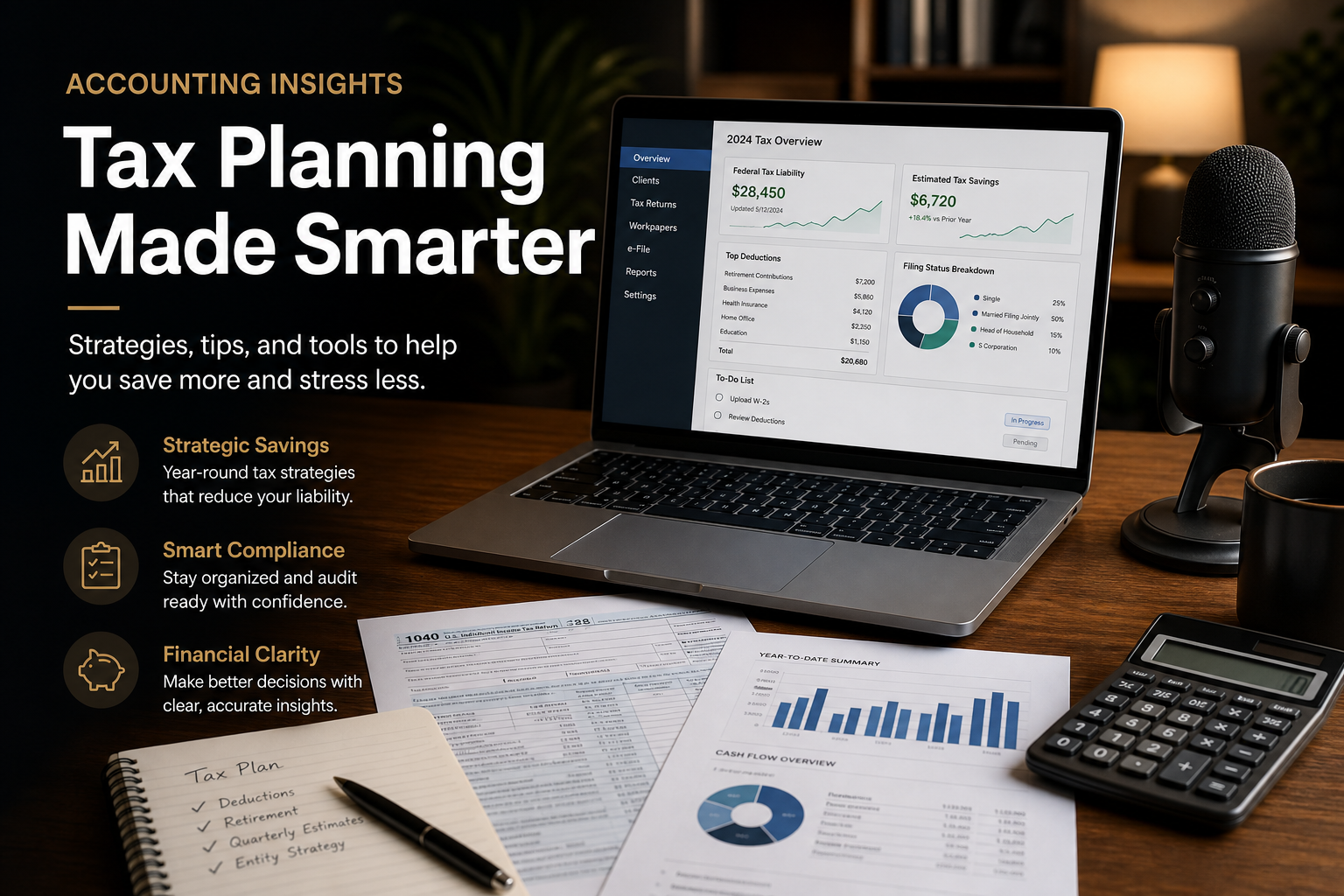
Accountants spend a ridiculous amount of time typing. Client emails, audit notes, engagement letters, tax memos, internal documentation, it adds up fast. A 2024 survey by the Journal of Accountancy found that CPAs spend roughly 40% of their workday on documentation and correspondence. That’s a lot of keystrokes. Voice dictation should be the obvious fix. Speak at 150 words per minute instead of typing at 40. But most accountants who try dictation quit within a week. The tools either can’t handle the vocabulary, try saying “Section 179 depreciation recapture” into Apple Dictation and see what happens, or they break inside the locked-down environments where accountants actually work: Citrix, VMware Horizon, remote desktops, and terminal servers. Here’s what actually works in 2026, ranked from best overall to niche options.
1. DictaFlow - Best Overall Dictation for Accountants
DictaFlow is the only dictation app that solves both of the accountant’s core problems: technical vocabulary and locked-down environments. The vocabulary issue is handled through a custom Knowledge Base. You can add client names, tax codes, firm-specific jargon, and software terms once, and DictaFlow gets them right every time. No more “depreciation” turning into “depreciation” or “amortization” turning into “amortization.” The local AI model runs on your device, which means it works offline and your client data never leaves your machine. The Citrix problem is solved through keystroke simulation. Most dictation tools paste text via the clipboard, which breaks inside Citrix, VMware Horizon, and Windows Remote Desktop. DictaFlow types text as if it were a physical keyboard, so it works inside QuickBooks Online, Sage, CCH Axcess, UltraTax, and any other remote-hosted accounting software without IT needing to change anything. The hold-to-talk mechanic is a better fit for accounting than always-on ambient tools. Press a hotkey, dictate a tax memo or client email, release, and the text appears at your cursor. No accidental transcription of phone calls or background conversation. Pricing: $7/month monthly or $5.75/month annually, billed $69/year. Cross-platform: Mac, Windows, iOS, and Android. Best for: CPAs and accountants who work in Citrix, RDP, or remote desktop environments and need reliable technical vocabulary dictation.
2. Dragon Professional - The Legacy Standard
Dragon Professional has been the gold standard for professional dictation for decades. It has excellent accuracy for legal and medical terminology, and you can train it on your voice for even better results. The problem is the price. Dragon Professional costs $699 and up, with some editions reaching $1,700. It is Windows-only, Nuance discontinued the Mac version years ago. And while Dragon does work in Citrix environments, the setup is notoriously complex and often requires IT involvement. For the accounting firm that already owns Dragon licenses and has IT support, it still works. For everyone else, there are better options at a fraction of the cost. Best for: Large firms with existing Dragon licenses and dedicated IT support.
3. Wispr Flow - Mac + Windows, Cloud-First
Wispr Flow is a popular dictation app at $15/month. It works on Mac and Windows and has a clean, modern interface. The accuracy is solid for general dictation. The catch for accountants: Wispr Flow is cloud-only, meaning all your audio gets processed on remote servers. That is a non-starter for firms handling sensitive financial data under SOC 2 or IRS requirements. It also does not support Citrix, RDP, or VMware Horizon, the clipboard-based text insertion fails in those environments, same as most dictation tools. If you work exclusively on a local Windows or Mac machine and do not need custom vocabulary for tax and accounting terms, Wispr Flow is a good option. But for most accountants, the Citrix gap and cloud-only architecture are dealbreakers. Best for: Accountants who work entirely on local machines and do not need Citrix or custom vocabulary.
4. Apple Dictation - Free, But Limited
Apple Dictation is built into every Mac and iPhone. It is free, requires no setup, and works offline on Apple Silicon Macs. For quick emails and short notes, it is fine. The limitations show up fast. Apple Dictation has no custom vocabulary, so it keeps mangling accounting terms. It has no hold-to-talk mechanic, so you have to tap the microphone button every time. It times out after about 30 seconds of silence, which means you can’t pause mid-thought without losing your place. And it does not work in Citrix, RDP, or any remote desktop environment. It is a decent starting point if you have never tried dictation before. But most accountants outgrow it within a week. Best for: Casual dictation on a Mac or iPhone, not for professional accounting work.
5. Windows Voice Typing - Free on Windows
Windows Voice Typing (Windows + H) is Microsoft’s built-in dictation tool. It is free, works offline on newer Windows 11 machines, and has decent accuracy for general English. The same limitations apply: no custom vocabulary, no hold-to-talk, and it breaks inside Citrix and RDP sessions. It also has no punctuation commands, so you have to say “period” or “comma” out loud, which is awkward in the middle of a professional memo. If you are on a Windows machine and want to test whether dictation fits your workflow, start here. If you stick with it for more than a week, you’ll want something better. Best for: Trying dictation for free on Windows before committing to a paid tool.
The Bottom Line
Accountants have specific dictation needs that most general-purpose tools do not address. You need custom vocabulary for tax codes and client names. You need it to work inside Citrix and remote desktop environments where most of your accounting software lives. And you need it to be fast enough that it actually saves time instead of creating more work. DictaFlow is the only option that checks all three boxes at a price that makes sense for individual CPAs and small firms, $7/month monthly or $5.75/month annually, less than half of what Wispr Flow charges. If you’re still typing everything manually, try the free tier and see how much faster your documentation gets.
Related pages
More resources for professional dictation workflows.