May 28, 2026
Why Apple Dictation Still Can't Learn Your Custom Vocabulary in 2026
# Why Apple Dictation Still Can’t Learn Your Custom Vocabulary in 2026
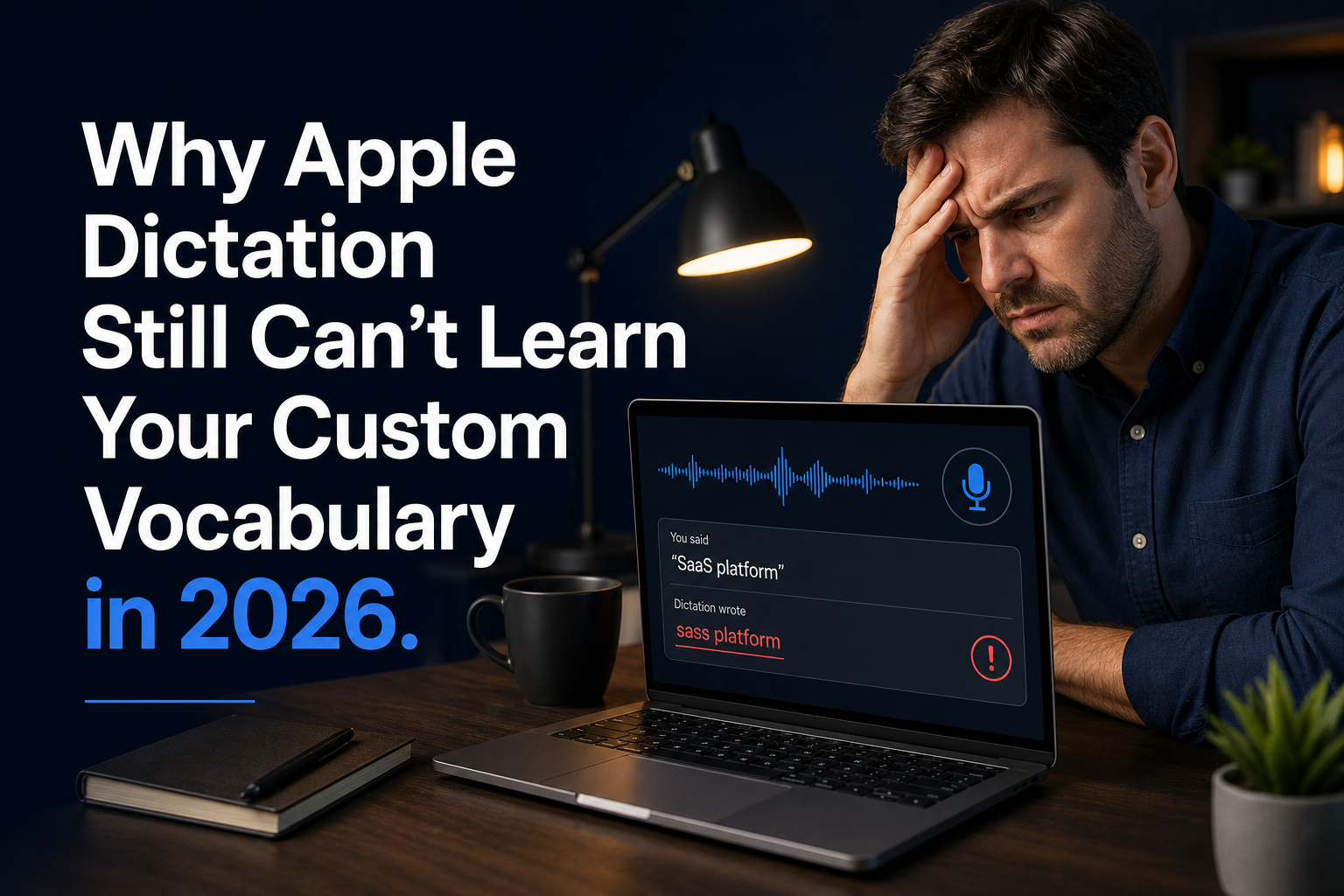
If you’ve corrected “SaaS platform” so it stops turning into “sass platform” for the hundredth time this year, you already know the problem. Apple Dictation is free, fast, and built into every Mac and iPhone you own. But it also has the memory of a goldfish when it comes to the words you actually use.
The issue isn’t accuracy. For everyday conversation, Apple Dictation is perfectly fine. It handles “let’s grab coffee Thursday” without breaking a sweat. The problem is custom vocabulary. Product names, client names, industry jargon, technical terms, place names, and any word with weird capitalization or spelling all end up in the same bucket of repeated mistakes it never seems to learn. You fix it. It ignores the fix. Next time, same mistake.
This isn’t a bug, it’s a design choice. Apple deliberately doesn’t build per-user vocabulary models into Dictation because of its privacy stance. On-device processing means your speech data stays on your device, which is good. But it also means there’s no persistent learning layer that remembers what you taught it. Every dictation session starts fresh, with no memory of the fifty corrections you made yesterday.
For casual users, this is annoying. For professionals, it’s a real productivity problem. Lawyers dictating case names and statutes watch “res ipsa loquitur” turn into “rest IPA loquitur.” Developers talking about API endpoints hear “REST API endpoint” come out as “rest a pie endpoint.” Marketers dropping product names into a pitch see brand names mangled beyond recognition. Recruiters dictating candidate names into ATS systems end up with gibberish they have to type again by hand. And honestly, the correction loop eats into the time savings dictation is supposed to give you.
A recent survey of 800 knowledge workers found that 62% have tried dictation tools, but only 18% use them every day. The main reason people gave for dropping dictation wasn't accuracy on common words. It was having to fix the same specialized terms again and again. When you spend more time correcting the output than you save by speaking, the tool just ends up being a net negative.
Wispr Flow and Superwhisper both have the same gap. They’re built on general-purpose speech models with no persistent vocabulary layer, so they transcribe what they hear phonetically. If “Atlassian” sounds like “a classy in,” that’s what you get. Dragon had vocabulary management a decade ago, but it costs $699 and up, runs on Windows only, and feels like software from 2012. The alternatives are either too generic or too expensive, and outdated to boot.
What really fixes the custom vocabulary problem comes down to three things.
1. A persistent knowledge base that remembers what you’ve taught it
The dictation tool needs a custom vocabulary system that sticks around across sessions. Not a one-time fix that disappears when you close the app. It should be a living knowledge base where you can add your go-to terms, product names, client names, and technical vocabulary, and have the system lean toward those words when it hears something similar. Fifty or a hundred terms covers most people’s day-to-day needs. Once those terms are in there, “res ipsa loquitur” stays “res ipsa loquitur.” The tool should also learn from repeated manual corrections so you don’t have to babysit the word list yourself.
2. Keystroke Simulation So It Actually Works in Every App
A lot of dictation tools depend on clipboard paste to insert text. That falls apart in remote desktop sessions, Citrix environments, locked-down corporate apps, and EHR systems. If you're a lawyer dictating into a case management system through VMware Horizon, or a recruiter typing into Greenhouse through RDP, clipboard-only insertion is basically useless. The tool needs to type straight in as keystrokes into whatever app has focus. No clipboard dependency, no paste permission issues.
3. Local Processing That Keeps Your Data on Your Device
Privacy matters when you’re dictating client names, patient info, internal project names, or anything covered by an NDA. Apple made the right call by keeping dictation on-device. The fix is to keep the local processing and add a vocabulary layer that also stays on-device. Your custom word list should never leave your machine unless you choose to sync it across your own devices. No cloud upload of your vocabulary, no training data extraction, no privacy tradeoff.
DictaFlow tackles this head-on. It gives you a custom Knowledge Base where you can add the terms you use most, and the system leans toward those words when it transcribes. It runs local Whisper models on your device, so your audio stays private unless you choose cloud refinement. It types text as keystrokes into any app, including Citrix, RDP, and VMware Horizon sessions where clipboard paste is blocked. And it costs $7 a month, which is about half of what Wispr Flow charges for a tool with the same vocabulary problem.
If you’ve corrected the same client name or product term in Apple Dictation more times than you can count, try DictaFlow free. Add your twenty most-mangled terms to the Knowledge Base and see whether your dictation finally stops fighting you on the words you actually use every day.
Related: Full dictation software comparison · Citrix and RDP dictation · Epic EMR dictation