Ali Abdaal's Triage System Is Great, But Typing Is Still the Productivity Bottleneck
June 10, 2026
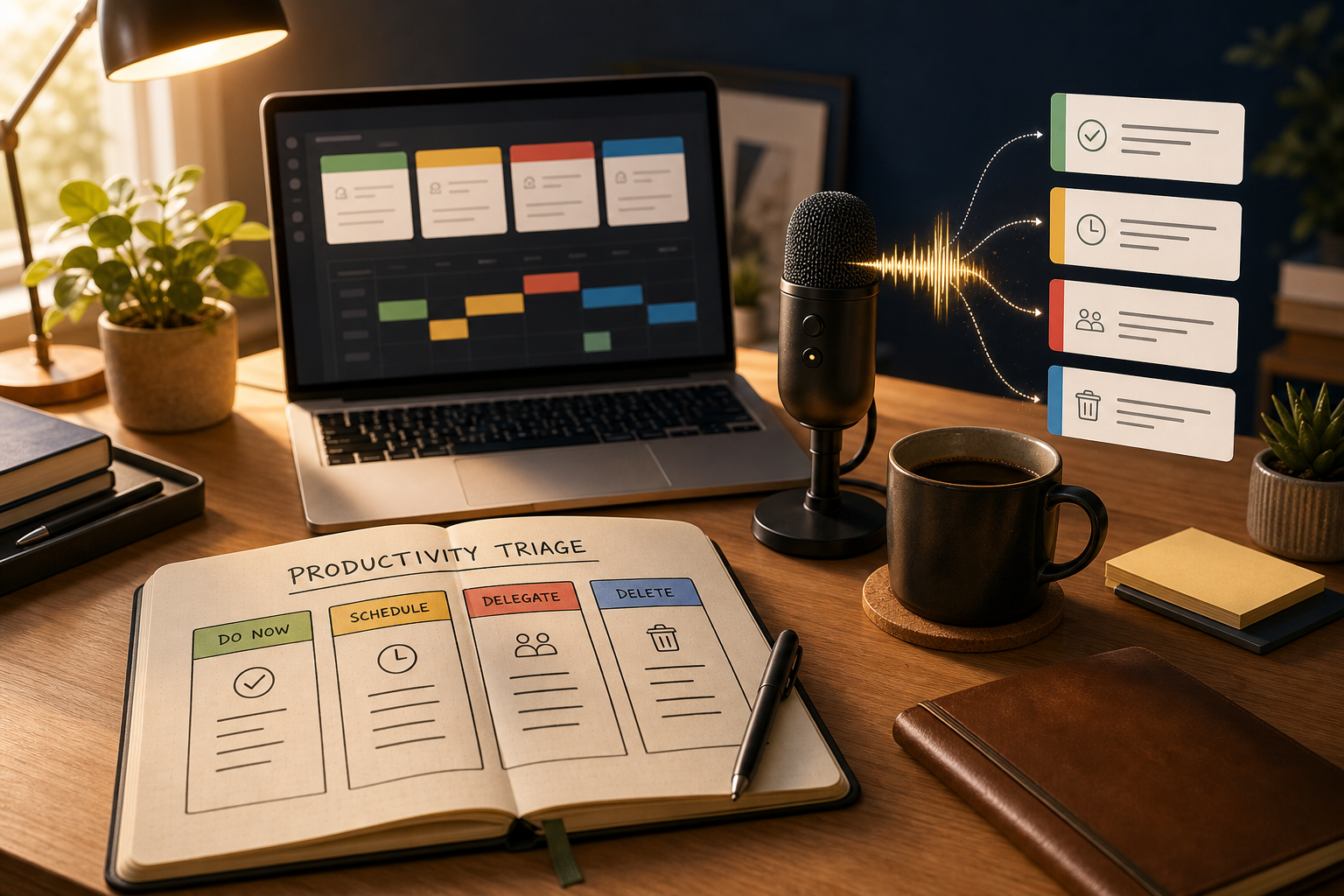
Ali Abdaal has a comforting take on productivity: your to-do list is infinite, and you are not supposed to finish it.
That sounds bleak for about three seconds. Then it becomes a relief.
Most productivity advice quietly assumes that if you had the right app, the right morning routine, or the right amount of discipline, you would eventually clear the whole list. Ali's triage system starts from the opposite premise. There will always be more work than time. The job is not to do everything. The job is to choose what matters, move it forward, and let the rest wait without turning it into a moral crisis.
That is the part I think he gets exactly right.
But there is one productivity bottleneck that even a good triage system does not remove: typing.
Once you know what matters, you still have to write the plan, send the update, capture the idea, draft the email, document the decision, and turn the next action into actual words. That is where the productivity system stops being elegant and starts feeling like work again.
Ali Abdaal's triage system solves the right problem
The best part of Ali's time management framework is that it borrows from medicine. In an emergency room, doctors do not pretend every patient can be handled at once. They triage. They scan the situation, decide what needs attention now, and accept that lower priority work may have to wait.
That maps cleanly to knowledge work. Your inbox, Slack, Notion, calendar, projects, ideas, and half-finished documents are the modern waiting room. It will always be full.
The useful move is to stop treating the full waiting room as proof that you are failing.
Ali's system has a few practical pieces that make this real:
- A daily reset, where you start the day by deciding what matters now instead of staring at the entire backlog.
- A single most important task, sometimes framed as today's adventure, so the day has a center of gravity.
- A handwritten task list with boxes that move from started to halfway done to complete, which gives work a visible state instead of a vague sense of guilt.
- A weekly project review, where every active project gets a status and a next action.
- Intentional incompletion, the adult admission that leaving work unfinished is normal when the input stream never stops.
- The 2-for-1 hour rule, which protects high energy morning time for the work that matters most.
None of this is fluffy. It is practical. It is also why the system is so appealing for founders, creators, writers, students, and anyone trying to build something while life keeps throwing more tasks at them.
The hidden problem: productivity systems create writing
Here is the part people skip: almost every productivity system creates more writing.
A daily reset means writing priorities. A project review means writing next actions. A task manager means writing task names, notes, statuses, and follow ups. A calendar block usually needs a description. A delegated task needs context. A decision needs documentation. A creator workflow needs outlines, scripts, emails, captions, briefs, and drafts.
Better prioritization does not remove the need to express the work. It makes the writing more important.
That is why typing becomes such a strange bottleneck. It is boring enough that nobody wants to call it a bottleneck, but it sits inside nearly every part of a modern workday.
If your best ideas arrive faster than your fingers can move, you pay for that gap all day. You shorten notes. You delay emails. You avoid documenting decisions. You keep next actions fuzzy because writing them out feels like admin. You leave useful context in your head because typing it feels slower than thinking it.
That is not a discipline problem. It is an input problem.
Daily resets are better when capture is fast
The daily reset is one of the strongest parts of Ali's system. Start fresh. Look at your goals. Pick the most important task. Check whether it has real time on the calendar.
But the reset only works if it is easy enough to do every day.
If writing the plan takes too much friction, the reset quietly becomes another thing you avoid. You open the template, stare at the boxes, type a few clipped phrases, and move on. The system still exists, but it stops getting the full thought.
Voice dictation changes that. You can talk through the plan at the speed you actually think:
- What matters today?
- What is the one task that would make the day feel successful?
- What can wait?
- What needs a reply but not a whole project?
- What am I avoiding because the next step is unclear?
Those questions are easier to answer out loud than by pecking at a keyboard first thing in the morning.
The ward round protocol needs better next actions
Ali's ward round idea is probably the most useful part of the whole system. Every project gets checked. Every project gets a status. Every project gets a next action.
The line that matters is simple: continue is not a plan.
That is painfully true. A project called "continue website redesign" or "keep working on launch" is basically a fog machine. It creates the feeling of progress without giving your future self anything concrete to do.
A real next action sounds more like this:
- Draft the first 500 words of the Bootcamp article about Ali Abdaal's triage system.
- Send Sarah the three pricing questions before Friday.
- Record a two minute product demo showing hold-to-talk dictation in Gmail.
- Review the landing page headline and pick one version by 10 AM.
The problem is that writing good next actions takes language. You have to explain the context, the verb, the object, and the stopping point. That is exactly the kind of small writing task people underinvest in because typing it feels annoying.
So they write vague tasks. Then the next review is harder. Then the system decays.
Typing taxes the best parts of knowledge work
Typing is not bad. Keyboards are still great for editing, shortcuts, code symbols, navigation, and small corrections.
But using a keyboard for every piece of text in your workday is a weird default. It forces your thinking through the narrow pipe of finger speed.
That matters most for the exact work productivity systems are supposed to protect:
- Planning, because your thoughts are still rough and moving quickly.
- Email, because the hard part is deciding what to say, not physically entering every word.
- Project updates, because context lives in your head until you write it down.
- Creative drafts, because momentum matters more than sentence polish at the start.
- Meeting follow ups, because the details fade while you are still organizing them.
- Customer replies, because speed and clarity both matter.
A productivity system tells you where your attention should go. A faster input method helps you get the work out before the thought cools off.
Where DictaFlow fits into this workflow
This is where DictaFlow makes sense. Not as a gimmick. Not as a futuristic "talk to your computer" demo. As a practical input layer for people who already know what they need to write and want less friction getting it onto the screen.
DictaFlow lets you hold a hotkey, speak, release, and have clean text land where your cursor already is. That matters because real work does not happen in one perfect writing app. It happens in Gmail, Slack, Notion, Linear, Google Docs, Word, CRMs, browsers, desktop apps, and random text boxes that were clearly designed by someone who hates writers.
The useful part is not only speed. It is the drop in activation energy.
When the next action is fuzzy, you can talk it out. When an email needs nuance, you can say the first version out loud. When a project review needs context, you can dictate the actual reasoning instead of leaving a cryptic task name. When a morning reset needs honesty, speaking is often less stiff than typing.
For productivity workflows, the most important DictaFlow features are boring in the best way:
- Hold-to-talk, so dictation feels intentional instead of always listening.
- Cross-app insertion, so text lands in the app you are already using.
- Custom vocabulary, so names, product terms, and internal jargon stop getting butchered.
- Actually Override correction, so you can fix a misspoken word without breaking the whole flow.
- Mac, Windows, and iOS support, so the habit is not trapped on one device.
- Citrix and VDI support for work environments where normal dictation tools often fail.
That is the kind of tool that fits inside a triage system instead of trying to replace it.
The best productivity stack is priority plus bandwidth
Ali's system is strong because it deals with priority. It helps you choose what deserves attention when the list is endless.
But priority is only half the equation. The other half is bandwidth.
If you pick the right task and then spend the next hour slowly typing notes, context, drafts, updates, and replies, you still lose a lot of the day to the mechanics of expression. That is especially painful during your best creative hours, the ones Ali argues you should protect before the rest of the world starts making withdrawals from your brain.
The better move is simple: use your productivity system to decide what matters, then use voice dictation to move through the writing faster.
Use your keyboard for editing. Use your voice for the heavy text.
That split is much more realistic than trying to go fully hands free. It also maps to how work actually feels. Thinking and drafting are high bandwidth. Editing and polishing are precise. Voice is better for the first part. Keyboard is better for the second.
A simple way to try it tomorrow
If you want to test this without rebuilding your whole workflow, try one day like this:
- Do your morning reset by voice. Dictate the plan, then clean it up with the keyboard.
- During your project review, dictate one concrete next action for every active project.
- Use voice for the first draft of every email longer than three sentences.
- Dictate meeting follow ups immediately after the call while the context is still fresh.
- At the end of the day, dictate what is intentionally incomplete and why.
That is enough to feel the difference. You do not need a perfect system. You need less friction in the part of the system where thoughts become words.
Ali Abdaal's triage system helps solve the infinite to-do list problem. DictaFlow helps with the part that comes after: writing the work down, moving it forward, and getting your hands out of the way when typing is the slowest part of the day.
If typing is the bottleneck in your productivity system, try DictaFlow free and run tomorrow's daily reset by voice.
Related DictaFlow pages
If you are trying to cut typing out of your productivity workflow, these pages have more detail.