July 14, 2026 · Updated October 13, 2026
AI Medical Dictation Software for Clinics in 2026
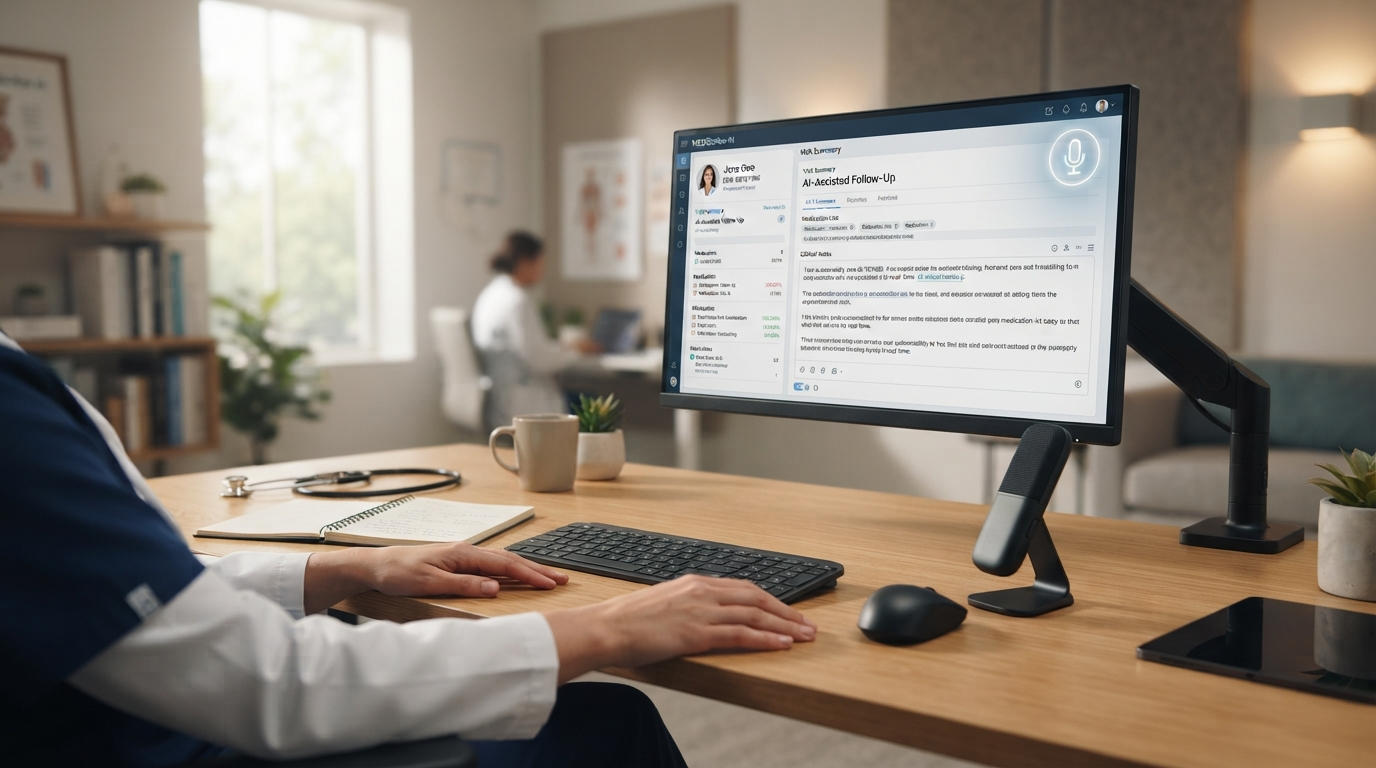
Disclosure: Ryan Shrott founded DictaFlow. This guide was published by the vendor. It isn't an independent review or a head-to-head benchmark.
AI medical dictation software in 2026 fits into three main groups: controlled dictation, ambient scribes, and enterprise voice recognition. DictaFlow Medical Pro suits clinics that want hold-to-talk dictation in EHR fields, with an optional Ambient Scribe in the same medical product. Dragon Medical One fits organizations already using Nuance and planning a large enterprise deployment. Choose an ambient-first product when capturing the full visit is the main need.
The software matters less than how it works in practice. A clean transcript in a separate window doesn’t help if the clinician still has to move protected health information through extra apps or struggle with Citrix. Test it in Epic, Cerner, Meditech, a browser EHR, referrals, patient messages, and the clinic’s everyday remote desktop setup.
What AI medical dictation software includes
Medical dictation once meant speech recognition built around clinical terms. Today, the category includes more types of products. Some tools type a clinician’s words into the active field. Others listen to the visit and draft a note afterward. Enterprise systems may also include EHR controls, managed deployment, and administration for the whole organization.
These workflows serve different needs. Hold-to-talk dictation is useful for a specific HPI sentence, an assessment edit, a referral, or a patient message. Ambient Scribe is a better fit when a clinician wants a draft based on the full encounter. Enterprise voice recognition makes sense for a health system that has standardized templates, integrations, support, and procurement around one vendor.
DictaFlow Medical Pro: controlled dictation plus optional scribe
DictaFlow Medical Pro includes hold-to-talk dictation and an optional Ambient Scribe. On desktop, hold the shortcut, speak, then release it to insert text into the focused field. Review the inserted draft before saving or signing. Ambient Scribe follows a different process. Review and edit the generated note before copying or typing it into your EHR. These workflows are separate, so their review steps aren't interchangeable.
On Mac and Windows, DictaFlow Medical can enter text into compatible Epic, Cerner, Meditech, and browser EHR fields. Typing Mode sends keystrokes when clipboard paste is blocked or unreliable. Test your actual field and remote session. A product name on a compatibility list doesn't guarantee support for every setup. Custom vocabulary and Knowledge Base can help with specialty terms and preferred spellings, but they don't verify clinical meaning. See the remote desktop dictation guide and the comparison of Dragon Medical alternatives for Mac.
Medical Pro costs $39/user/month for 1-4 seats or $29/user/month for 5+ seats. It’s separate from regular DictaFlow Pro. Clinics should choose the Medical product based on their privacy policies and BAA requirements. The consumer Pro plan is not the PHI product.
DictaFlow Medical Pro is a strong choice for independent clinicians and small teams that want clear pricing, support for both Mac and Windows, direct EHR field entry, and remote desktop typing. It may not suit hospitals that require a specific enterprise EHR integration or only want an ambient recording product.
Dragon Medical One: enterprise voice recognition
Microsoft's Dragon Medical One Quick Reference Guide covers navigation commands, custom vocabulary, auto-texts, and step-by-step commands. It may be worth considering if your team relies on those commands or already has an enterprise deployment. Ask Microsoft or your reseller for the configuration and written quote your clinic needs. An app that types wherever the cursor sits does not automatically replace existing EHR commands, templates, or administrative tools.
For doctors comparing Dragon Medical One, look beyond the license price. Factor in implementation, EHR testing, Citrix or VDI support, training, account administration, contract terms, and clinician adoption. Dragon makes sense when enterprise controls and existing integrations matter more than clear self-serve pricing or a native Mac workflow.
Ambient medical scribes: full-visit note generation
Ambient scribes solve a different problem. They record the patient visit and create a draft note afterward. This can cut down on charting after hours when visits follow a predictable format and the clinic has a clear process for consent, review, and PHI.
They’re less useful for the smaller writing tasks around a visit. Clinicians still write referrals, inbox replies, patient instructions, edits, billing notes, and short updates across different fields and apps. A clinic might use an ambient scribe for encounters and controlled dictation for the rest.
Choose an ambient-first tool if capturing the entire visit is your main need. Choose controlled dictation if the clinician wants to decide exactly when recording starts, where the text goes, and what gets entered. If the clinic needs both workflows, choose a product that offers both in one reviewed medical setup.
The clinic buying checklist: a practical pilot
Start with the Medical app, an active Medical account, and a working microphone. Practice in a blank document that contains no PHI. Then repeat the test in an approved EHR sandbox or a fictional chart. Complete the clinic's vendor review and any required BAA before using patient information. Confirm the vendor's audio and text routing, retention, support access, and subprocessors. A public security page does not complete the review. Use the Medical security overview and subprocessor list as starting points.
Use a short fictional sample that tests important details: 'No known drug allergies. Follow-up with Dr. Marin on November 6. The patient denies shortness of breath.' Add a specialty term used by your clinic. Compare the result with the original, paying close attention to the negation, name, and date. This is an input test, not clinical advice. Repeat the test with your usual microphone and speaking style before deciding whether the recognition is accurate enough.
Keep the target field focused until insertion is complete. Test both an empty field and one that already contains text. Make sure the new words appear at the cursor without replacing unrelated content. Try Paste Mode first. If a Citrix or RDP field rejects pasted text, try Type characters instead. If letters go missing, increase Typing Delay and test the same sentence again. Reconnect to the remote session and repeat the test. Recognition can work even when insertion fails. The Medical Quick Start Guide explains these output settings.
For Ambient Scribe, use a consented simulated conversation with no patient data. Include a symptom the speaker explicitly denies, and clearly separate a past event from today's plan. Check the transcript and generated note for omissions, invented facts, and speaker confusion. Edit the note before sending it to the EHR. Passing a hold-to-talk test does not prove that encounter-note generation is ready.
Measure the time from starting speech to a corrected, usable draft. Compare it with the time needed to type the same task. Record missing text, misplaced text, and corrections separately. Expand use only after the clinician can reliably complete the tasks that matter in the actual setup. This guide does not claim an accuracy score or time savings benchmark. The goal is to gather your own evidence before buying.
Who should choose which tool
Choose DictaFlow Medical Pro if you need hold-to-talk dictation, optional Ambient Scribe, Mac and Windows support, clear pricing, custom medical vocabulary, and direct typing into EHR or remote desktop fields.
Choose Dragon Medical One if your organization already uses a Nuance-centered setup, needs its required EHR integrations, and is ready for quote-based purchasing and managed deployment.
Choose an ambient-first scribe if you want draft notes from full patient encounters and your clinic has approved its recording, consent, review, and BAA process.
AI medical dictation software FAQ
How can a clinic test AI medical dictation software before buying it?
Use fictional text in a blank document and an approved EHR test field. Check negations, names, and dates. Then test cursor placement and existing text. In remote sessions, try Paste Mode before Typing Mode. Test Ambient Scribe separately with a simulated encounter. Review both the transcript and the note. Measure correction time and insertion failures. Complete the vendor review and any required BAA before using PHI.
What is the best AI medical dictation software for clinics?
Choose based on how your clinic works. DictaFlow Medical Pro suits clinics that need controlled dictation, optional Ambient Scribe, direct EHR typing, Mac and Windows support, and Citrix/RDP workflows. Dragon Medical One is a better fit for established enterprise deployments. Clinics focused mainly on generating full-visit notes may prefer an ambient-first scribe.
How much does DictaFlow Medical Pro cost?
DictaFlow Medical Pro costs $39/user/month for 1-4 seats or $29/user/month for 5+ seats. It’s a separate medical product from regular DictaFlow Pro.
Is regular DictaFlow Pro suitable for PHI?
No. Regular DictaFlow Pro is for consumers and professionals. Clinics that handle PHI should evaluate DictaFlow Medical Pro and use it according to their privacy policies and BAA requirements.
Does AI medical dictation work in Citrix or RDP?
It can, but the clinic should test it in the actual hosted environment. DictaFlow Medical Pro includes typing mode for Citrix, RDP, and VMware Horizon fields where clipboard pasting may fail. Settings and field behavior can vary, so a pilot using real workflows is still important.
Compare the broader dictation software market, review DictaFlow Medical Pro, or read the Dragon Medical One cost guide.
Sources checked October 13, 2026: DictaFlow Medical pricing and workflow, the Medical Quick Start Guide, Medical security documentation, and Microsoft's Dragon Medical One Quick Reference Guide. Confirm plan allowances, deployment details, and contract terms before rollout.