July 24, 2026
I Built Dictation That Works Offline. Wispr Flow Doesn't
After wiring local speech recognition into Windows, Mac, and iPhone, the cloud started looking like an option instead of a requirement.
By Ryan Shrott, founder and developer of DictaFlow
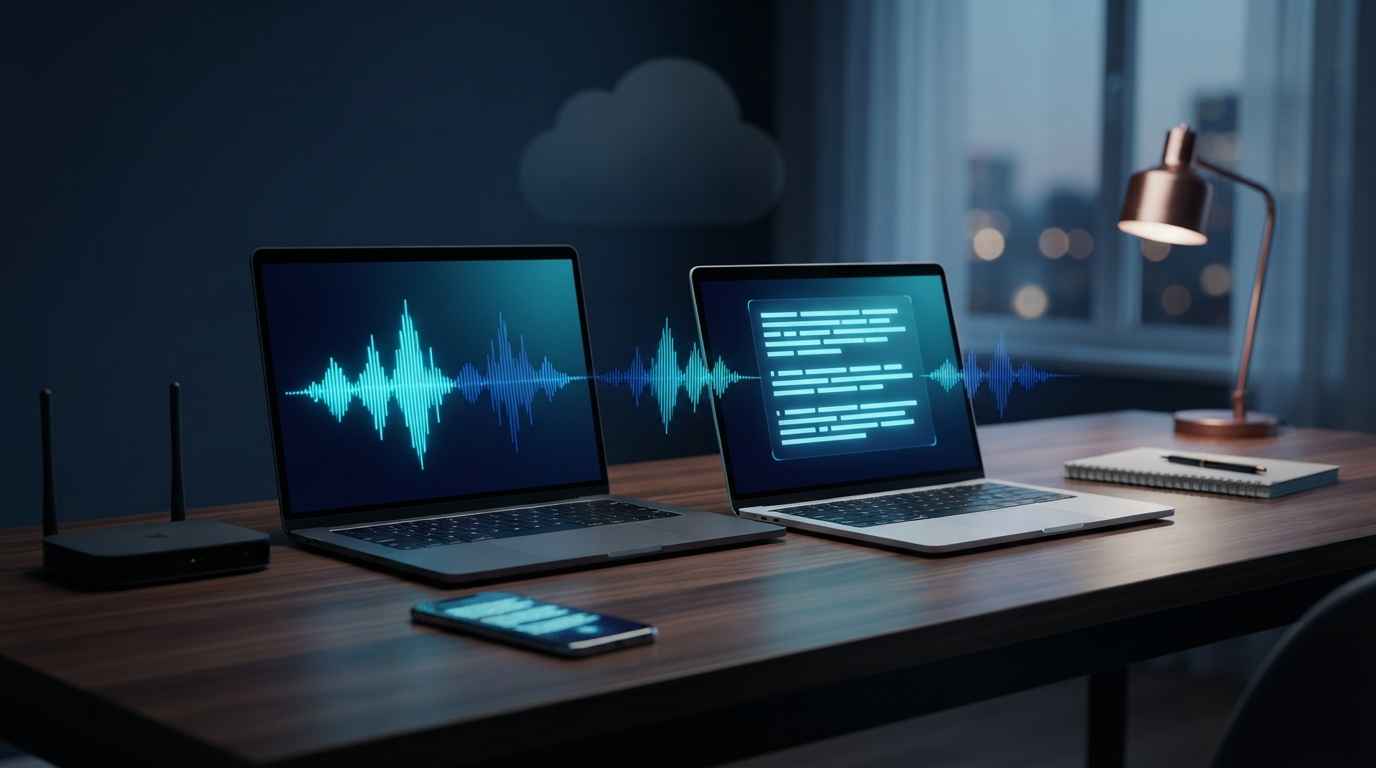
Here is a quick test for any dictation app. Turn off Wi-Fi, keep talking, and see what still works. Years ago, that would have ended the test.
Dictation used to follow a simple path. The microphone recorded your voice, a server listened, and the app waited for text. While building DictaFlow's Local Offline Mode, I saw a different path work on three normal devices. My Windows laptop kept transcribing with Parakeet running on the laptop.
The Apple silicon Mac kept working too. So did an iPhone using its Neural Engine. My voice became text without a server in the middle.
Wispr Flow takes a different route. Its iPhone guide says the keyboard needs Wi-Fi or mobile data and will not work offline. Its Android guide also says transcription needs an internet connection.
Wispr Flow is fast and polished. It has apps for Mac, Windows, iPhone, and Android. But it still needs a network for dictation, even though speech models can now run on the device in your hand.
Why cloud dictation used to make sense
Cloud dictation made sense when speech models were too large or slow for a normal computer. Your device recorded the audio. A remote server did the hard work and sent back the text. The wait gave you something your own device could not do.
Today, normal devices can do much more. NVIDIA's Parakeet TDT 0.6B v3 is a fast speech model with 600 million parameters. OpenAI's Whisper comes in several sizes. It can cover more languages and gives you more control over words, but it may run slower.
Core ML, ONNX Runtime, WhisperKit, whisper.cpp, and sherpa-onnx can run these models on devices people already own. The cloud still helps with harder cleanup. It does not have to handle every first draft. Cloud dictation is no longer the technology. It is a deployment choice.
Where the sentence travels
Cloud processing can remain available for optional cleanup without controlling the core microphone-to-text path.
What runs on each device
Local mode uses the engine that fits each device. On x64 Windows, DictaFlow runs an INT8 Parakeet model through sherpa-onnx and ONNX Runtime.
The Windows model is about 500 MB. It runs inside the app and stays ready between recordings, so you do not wait for it to load each time. Apple silicon Macs and supported iPhones run Parakeet through Core ML and the Apple Neural Engine.
Whisper is a second choice on supported Apple devices. It can help when language, accents, or word prompts matter more than speed. Download the model once, and normal dictation keeps working without a connection.
Local dictation is unlimited for DictaFlow Pro users. Free users keep the normal free allowance.
| Platform | Fast local path | Flexible local path | Core hardware |
|---|---|---|---|
| x64 Windows | Parakeet INT8 | Not currently shipped | CPU via ONNX Runtime |
| Apple-silicon Mac | Parakeet | Whisper Small | Neural Engine and Metal |
| Supported iPhone | Parakeet | Whisper Small | Apple Neural Engine |
DictaFlow's currently shipped Local Offline choices. AI Refine and Email mode still use cloud processing.
This works on normal hardware. Windows uses an ordinary x64 laptop. Apple devices use the Neural Engine already built into current Macs and iPhones.
What still worked without Wi-Fi
Open-source speech models have worked offline for years. Building a useful app takes more. The download must be safe, the model must start quickly, and the text must appear in the app where you are working.
The app checks the model, loads it before the first recording, and keeps it ready without freezing the screen. It also records the microphone, applies dictionary changes, keeps corrections, and puts the text in the active field. If a cloud request fails, the basic dictation path still has to recover.
Once those parts worked together, standard transcription no longer needed Wi-Fi. DictaFlow's Local Offline Mode does that today.
AI Refine, email rewriting, Notes, and Ambient Scribe still use the cloud. I want to be clear about that. If a cleanup feature contacts a server, that step is online.
Most daily dictation does not need that extra step. Messages, searches, notes, prompts, Word documents, and Slack replies often just need accurate text. Sending every sentence to a remote model would add work with little benefit.
What Wispr Flow still does well
Wispr Flow's cloud setup can work the same way across devices. Its cleanup tools also get the power of large remote computers. Wispr says Privacy Mode and Private Cloud Sync can offer zero data retention.
Zero retention is not the same as local processing. With zero retention, the service says it deletes the audio and text after the job is done. With local transcription, the audio does not need to reach the service at all. Wispr Flow Pro is listed at $15 per month, or $12 per month with yearly billing.
DictaFlow Pro costs $9 per month or $84 per year ($7 per month with annual billing). It includes unlimited local dictation. Price is not the only issue, but a required server trip is harder to defend when the phone or laptop can do the main job itself.
Local dictation is ready for daily use
Open-source speech models are ready for daily use. The software that runs them has caught up too. Local transcription now works on normal hardware, and an app can set it up without making the user build anything.
Cloud services still help with large rewrites and hard cleanup. Basic speech to text should not stop working because the router goes down.
Sending audio to a server should add something the device cannot do well. A network can add extra features without deciding whether the microphone works.
A simple test before you pay
Turn off Wi-Fi and dictate a rough paragraph in the app you use every day. Say a name and an acronym. Correct yourself once. Leave one sentence with bad punctuation. Then check four things:
- Did the app capture and transcribe the recording?
- Did the audio stay on the device?
- Could it insert the result into the real application?
- Which features stopped when the network disappeared?
Those four answers show how the app works. I built DictaFlow, so this is a builder's view.
I added local mode because basic dictation should work through a bad connection. Today's devices are fast enough to make that normal. DictaFlow's Local Offline Mode works on supported Windows, Mac, and iPhone devices.
The download is about 500 MB. Standard dictation runs on the device. Pro users get unlimited local dictation. See how DictaFlow combines local processing with cloud cleanup in the full dictation comparison.