Why DictaFlow Beats Wispr Flow in 2026
May 13, 2026
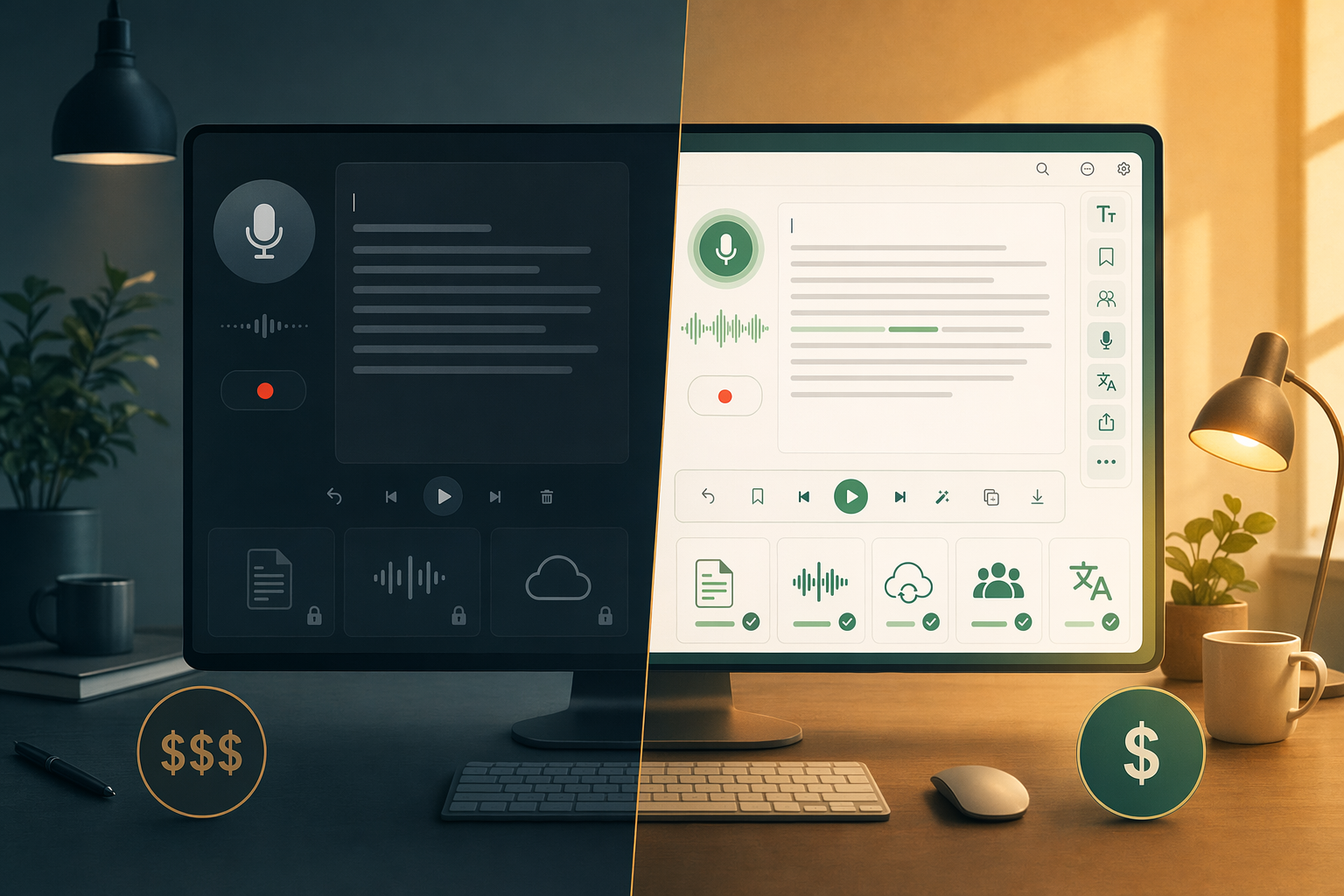
Wispr Flow is the closest thing DictaFlow has to a real rival. Both apps use hold-to-talk dictation, work across desktop apps, and include AI cleanup. But once you start using them every day, the differences matter. Here's a direct look at where DictaFlow pulls ahead and where Wispr Flow comes up short.
Price difference
Wispr Flow costs $15/month. DictaFlow costs $7/month. Same basic workflow, same cross-platform support, but DictaFlow is less than half the price.
That's $132 a year in savings. Over a full year, that gap alone makes it worth looking at the features a lot more closely.
Actually Override makes Wispr Flow feel dated
Wispr Flow transcribes your speech and pastes it at the cursor. If you mess something up, you stop dictating and fix it by hand. That's basically the same workflow Dragon users have lived with for twenty years.
DictaFlow's Actually Override changes that. While you're dictating, if you say the wrong word, you say your correction keyword and DictaFlow jumps back to the mistake and keeps going. No keyboard, no mouse, no breaking your flow.
This is the biggest gap between the two tools, by far. If you dictate more than a few sentences at a time, Actually Override saves more time than anything else.
Citrix and VDI support
Wispr Flow uses clipboard injection to move text into apps. That works in most normal desktop apps. But it breaks in Citrix, VMware Horizon, RDP, and any locked-down corporate setup that blocks clipboard access between local and remote sessions.
DictaFlow uses keystroke simulation instead of clipboard injection. The remote session sees DictaFlow's text as if you typed it on a physical keyboard. So it works in Citrix, VDI, and RDP environments without IT changes or special setup.
If you ever dictate into a remote desktop, a virtual app, or a hospital system like Epic through Citrix, DictaFlow is the only one here that works out of the box.
AppAware context and custom prompting
DictaFlow learns which app you're using and adjusts. It knows when you're in VS Code versus Outlook versus a medical chart. You can set custom prompts for each app, so the AI formats code in your IDE, skips emoji in professional email, and uses the right terminology in Epic.
Wispr Flow uses the same transcription settings everywhere. It doesn't tell apps apart.
Pricing breakdown
DictaFlow: $7/month, free tier available. Mac, Windows, iPhone, iPad, Android. All features unlocked.
Wispr Flow: $15/month, no permanent free tier. Mac and Windows only. No mid-sentence correction, no Citrix support, no AppAware context.
The bottom line
Wispr Flow is a solid dictation app with a polished Mac experience. But DictaFlow matches it on core functionality, beats it on price, and adds features Wispr Flow doesn't have at all: Actually Override, Citrix and VDI support, and AppAware per-app context.
For Windows users especially, DictaFlow is the better pick. And at $7/month instead of $15/month, the choice is pretty straightforward.
Related DictaFlow pages
If you're comparing dictation tools, these pages have more detail.
Related DictaFlow pages
If this topic interests you, these pages have more detail.