Voice coding tools 2026: why they still feel clunky
May 19, 2026
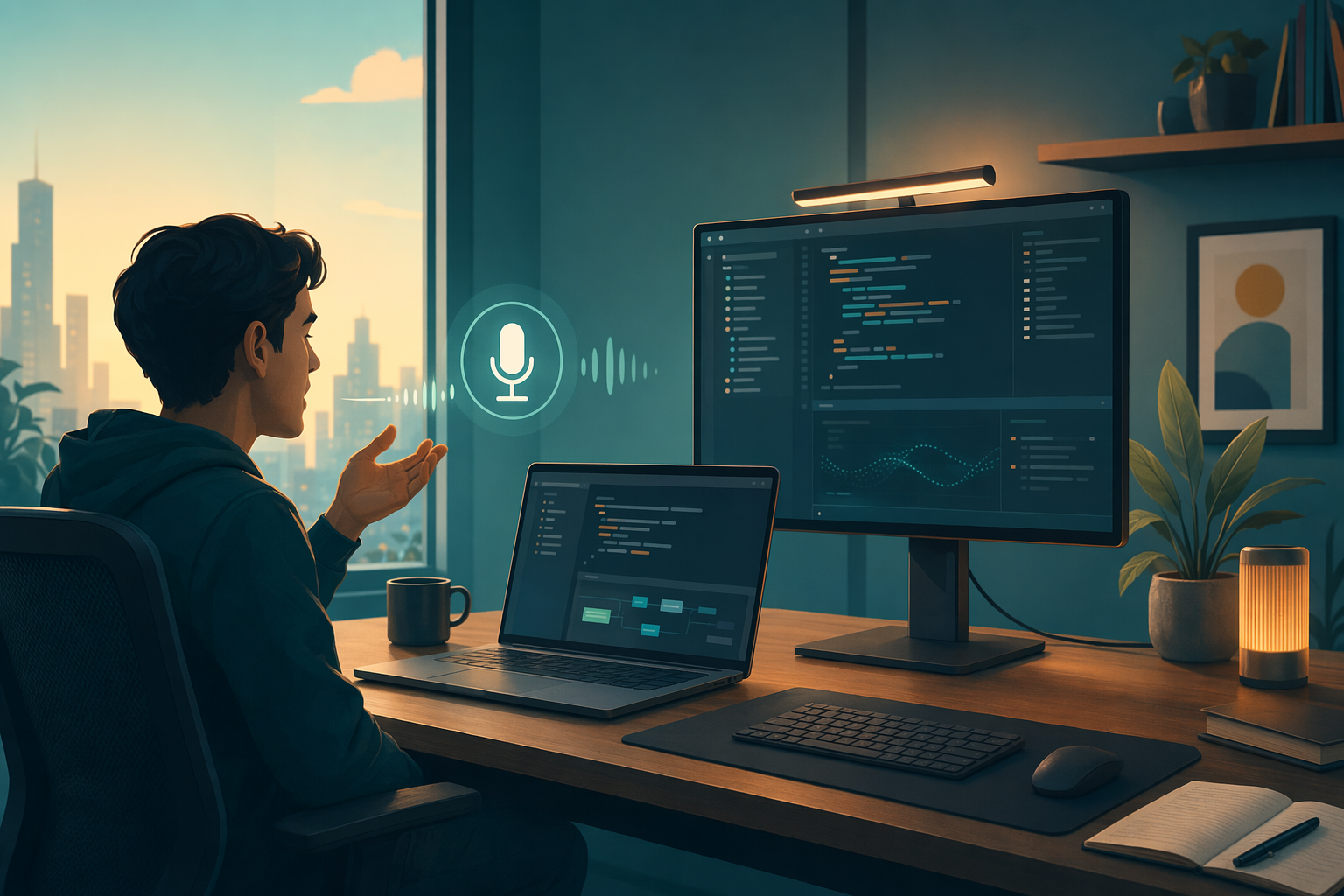
Voice coding is back in the conversation. There are guides, demos, and enough people saying maybe I should stop typing that it doesn’t sound weird anymore. The annoying part is that most setups still fall apart on the same boring stuff, latency, correction and getting the text into the right place.
Developers don’t need a talking assistant that can chat about code. They need a fast way to enter prompts, comments, tickets, and all those little in-between notes that keep breaking your flow whenever you have to touch the keyboard.
That’s why voice coding tools in 2026 still feel clunky. The model can be smart and the workflow can still be a mess.
Why voice coding feels slower than it should
A second or two of lag is enough to ruin it. If you're trying to stay in a coding groove, that delay feels way longer than it sounds on paper.
Feedback matters too. If text only shows up after you stop speaking, you lose the loop that makes writing feel natural. You say a line, see it, adjust it, keep going. When the text waits for you, the flow gets weird.
Correction is the other trap. A tool can get the words right and still fail if fixing one bad term means grabbing the mouse or backspacing through half the paragraph. That’s where a lot of voice coding setups quietly give up.
Command layers and input layers aren’t the same thing.
A lot of developers get drawn to tools like Talon or Cursorless because they’re powerful. And they are. Command layers can launch things, jump around editors, and make voice feel like part of the shell.
But command systems and dictation do different jobs. Commands are great when you already know the exact action you want. Dictation is for the messy part, when you're still shaping the sentence and don't want to stop and think about syntax.
Built-in dictation on macOS or Windows is fine for a quick note. It’s not enough when you’re writing code comments, prompt drafts, GitHub issues or a Slack reply every ten minutes.
What developers actually need
The best voice coding tools don’t need to be flashy. They need to be predictable.
- Hold-to-talk lets you control exactly when transcription starts and stops.
- Text can be inserted anywhere, not just inside some fancy app.
- In-voice correction so one wrong word doesn’t send you back to the keyboard.
- Cross-platform support if you move between Mac and Windows.
- Privacy that doesn’t feel like a gamble.
If a tool can't survive an hour with a terminal, a browser, and Slack open, it's not really a voice coding tool. It's just a demo.
Where DictaFlow fits
DictaFlow is useful because it’s trying to be the input layer, not the whole voice IDE. That sounds less flashy than a big AI coding platform, but it’s the part people actually trip over.
You press and hold, say the prompt, let go, and the text appears right where your cursor already is. That matters in Cursor, Claude Code, VS Code, the terminal, Slack, docs, and whatever weird web app your team still uses for tickets.
If you misspeak, the correction flow stays in voice instead of turning into a keyboard rescue mission. That’s the whole point. Less fiddling, less context switching, less of that little friction that makes voice dictation feel like a chore.
DictaFlow is also $7/month. That’s cheap enough that developers will actually try it on a real workflow instead of tossing it into the maybe later pile.
The boring features are the ones that really matter
The flashy pitch is always the same. Talk to your computer, move faster, get more done, maybe feel like you’re living in the future for five minutes.
The useful version is a lot less dramatic. It starts and stops cleanly. It puts the text in the right place. You can fix a mistake without touching the mouse. And it works in the apps you already use.
That’s why I keep going back to DictaFlow. It handles the boring part really well, and honestly, that’s about the best compliment a dictation tool can get.
If you want the broader feature grid, the DictaFlow comparison page Get Started Free has the full breakdown.