Outlook DMARC Bounces: Save Your Work Email in 2026
What the November 9 reporting establishes, what remains uncertain, and how to preserve a finished message while delivery gets fixed.
November 09, 2026
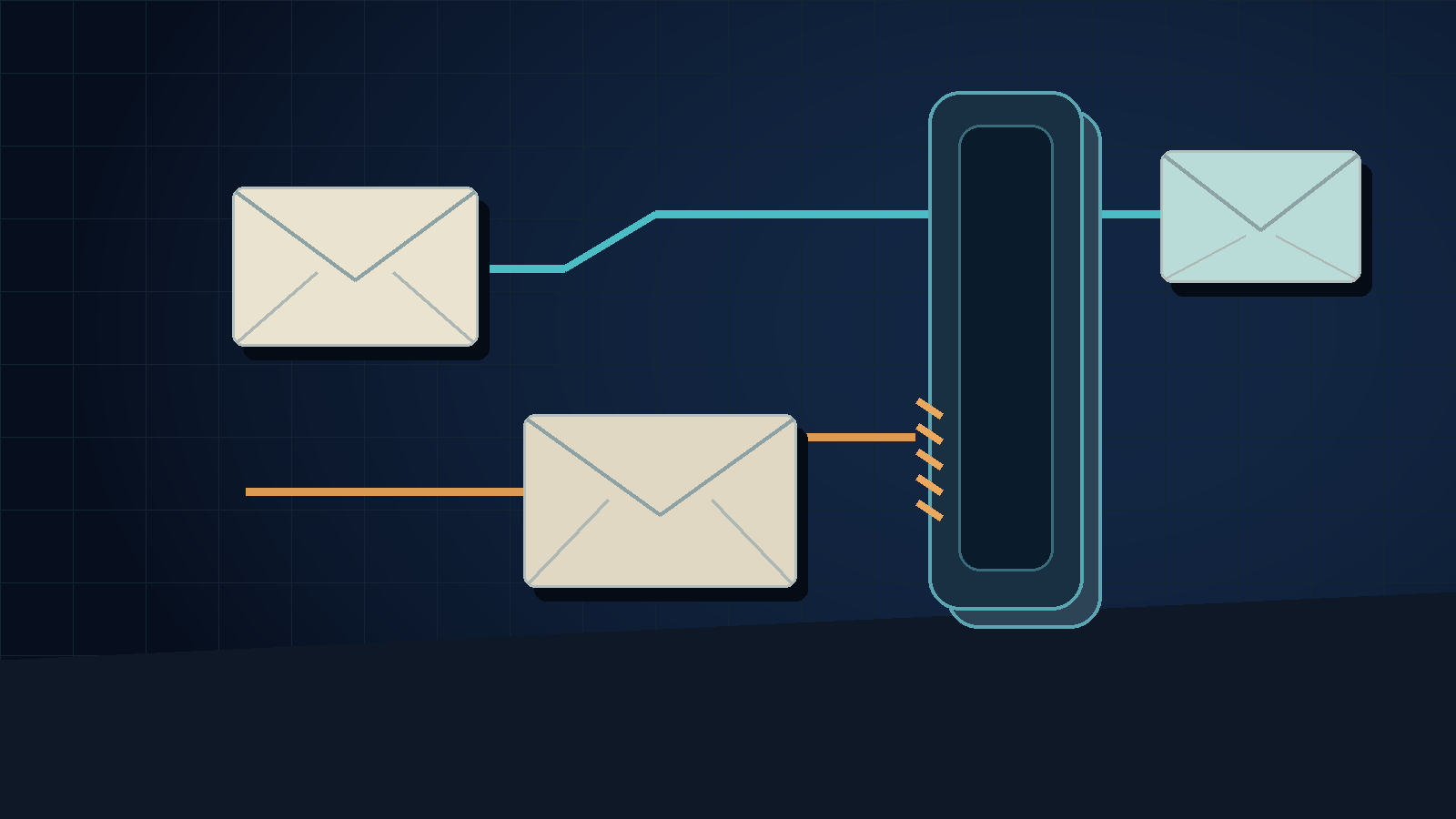
Outlook DMARC bounces are affecting some routine work emails, according to reports published this week. Save the rejected message and full delivery report before changing anything. Ask your mail provider to check authentication and alignment. Rewriting the email or switching dictation apps won't fix a problem with the sender's domain.[1][2]
These reports cover Microsoft's consumer mail services, such as Outlook.com and Hotmail, not every mailbox accessed through the Outlook app. MailRoute says it first saw bounces on November 5. The Register reported intermittent rejections on November 9 and said Microsoft hadn't answered its request for details.[1][2]
The advice is where I hesitate. Missing authentication deserves a fix. But some senders say their setup already passes. Before an office starts changing DNS records, its provider needs to explain what failed on the actual message.
What the current reports establish
MailRoute reports that Outlook.com rejects some messages from domains without a DMARC record, even when SPF passes. Its report shows this error: 550 5.7.1 Message rejected: Message lacks SPF/DKIM/DMARC Auth Records (AS9031519). Some messages are accepted, while others are rejected.[1]
This deserves attention, but Microsoft hasn't announced one rule for every sender. Its April 2025 post covered domains sending more than 5,000 messages a day. Those domains had to pass SPF and DKIM, and use DMARC set to at least p=none, with alignment through SPF or DKIM.[3]
In a two-person office, that difference matters. You may have taken the announcement as a rule for bulk senders. You still need working authentication, but the announcement alone doesn't explain what changed last week.
The Register reports that some complainants said their authentication already met the requirements. It also quotes a Microsoft forum moderator who said the company was investigating a service degradation. That is a reported acknowledgment of an investigation. It doesn't provide a detailed engineering report or show that all the bounces had the same cause.[2]
Keep these findings separate. They come from provider observations, user reports, an older official policy, and current independent reporting. There still isn't a full public explanation that ties them together.
Keep the message, then collect the failure
Consider a hypothetical design studio sending a homeowner a revised estimate. Someone dictates an explanation, checks the amount, attaches the estimate, and sends the email. Later, the message is rejected. The first reaction may be to shorten the email, remove the attachment, and try again.
Save the original first. Leave the approved text and attachment version unchanged so troubleshooting doesn't alter the offer. Log the failed attempt separately from any later successful resend. Note when each attempt occurred and which sending service handled it.
The full non-delivery report gives you the clearest evidence. A screenshot saying "delivery failed" may not include the receiving server's response. Send the complete report privately to whoever manages your domain. Don't post a client conversation in a public support thread just to show an error code.
If the handoff is urgent, use another contact method you already use to confirm they received it. A successful resend won't explain why the first message was rejected. An email in Sent doesn't mean the recipient has read it. If they receive two copies, clearly label the current version so they know which attachment to use.
This is a troubleshooting tip, not a claim that changing a message can never affect delivery. In this case, the authentication-related rejection means you should check how the message was sent before spending another hour polishing the wording.
A DNS record is a check, not a universal cure
If you don't have a DMARC record, MailRoute recommends adding a TXT record at _dmarc with the value v=DMARC1; p=none. MailRoute also says SPF or DKIM must align with the visible From domain. The record alone won't make a misaligned sender pass.[1]
Ask the administrator to check the domain and service that sent the message. A company may send personal replies through its mailbox provider and estimates through separate software. Checking one sending route doesn't clear the other. Microsoft's guidance says domain owners still need to coordinate authentication with providers that send mail on their behalf.[3]
If your domain already has a DMARC policy, keep it and its reporting settings while your administrator investigates. Don't switch to p=none just because a blog calls it a quick fix. Microsoft recommends tightening enforcement gradually, after checking legitimate sending sources.[3]
A brief support request can help keep the investigation on track:
- Include the full rejection message, when you sent it, and the recipient's domain.
- Provide the From address and say which app or service sent the message.
- Ask whether SPF, DKIM, and DMARC passed for that attempt and whether they aligned.
- Mention any successful comparison attempt, but don't present it as proof that the issue is fixed.
Once your provider confirms the route is set up correctly, ask whether that matches the reported Outlook.com degradation. You shouldn't need to keep changing DNS records to show there's an intermittent issue on the receiving side. Still, a reported service issue doesn't excuse leaving a confirmed configuration fault unfixed.
Dictation ends before delivery troubleshooting begins
Voice input can help you write both the original message and the support request. On desktop, DictaFlow lets you hold a shortcut and speak to add text where your cursor is. It helps you enter text, but it isn't an email authentication service.[5]
If the draft correctly reflects what you said, leave it as is. Switching dictation apps won't change the sending domain's DNS or the receiving server's response. Our Outlook dictation guide covers how to compose a message. This issue starts after the draft is ready.
Save the next affected email with its delivery report. If your provider finds a fault, have them check a fresh attempt after the fix. If they can't explain the rejection yet, keep that uncertainty in the support ticket alongside the original error.
Disclosure: Published by DictaFlow with AI assistance from the linked sources. The design-studio scenario is hypothetical. We did not reproduce the reported rejection.
Sources
[1] Outlook.com Is Quietly Rejecting Email From Domains Without DMARC | MailRoute
[2] Outlook.com bounces legit emails as Microsoft's authentication crackdown goes sideways
[5] DictaFlow: Consumer Facts on Mac, Windows, Mobile, and Pricing