NYT Cooking AI Recipe Customization: 2026 Edit Check
A useful recipe edit can leave an old instruction behind. Read the whole method before following the customized version.
November 08, 2026
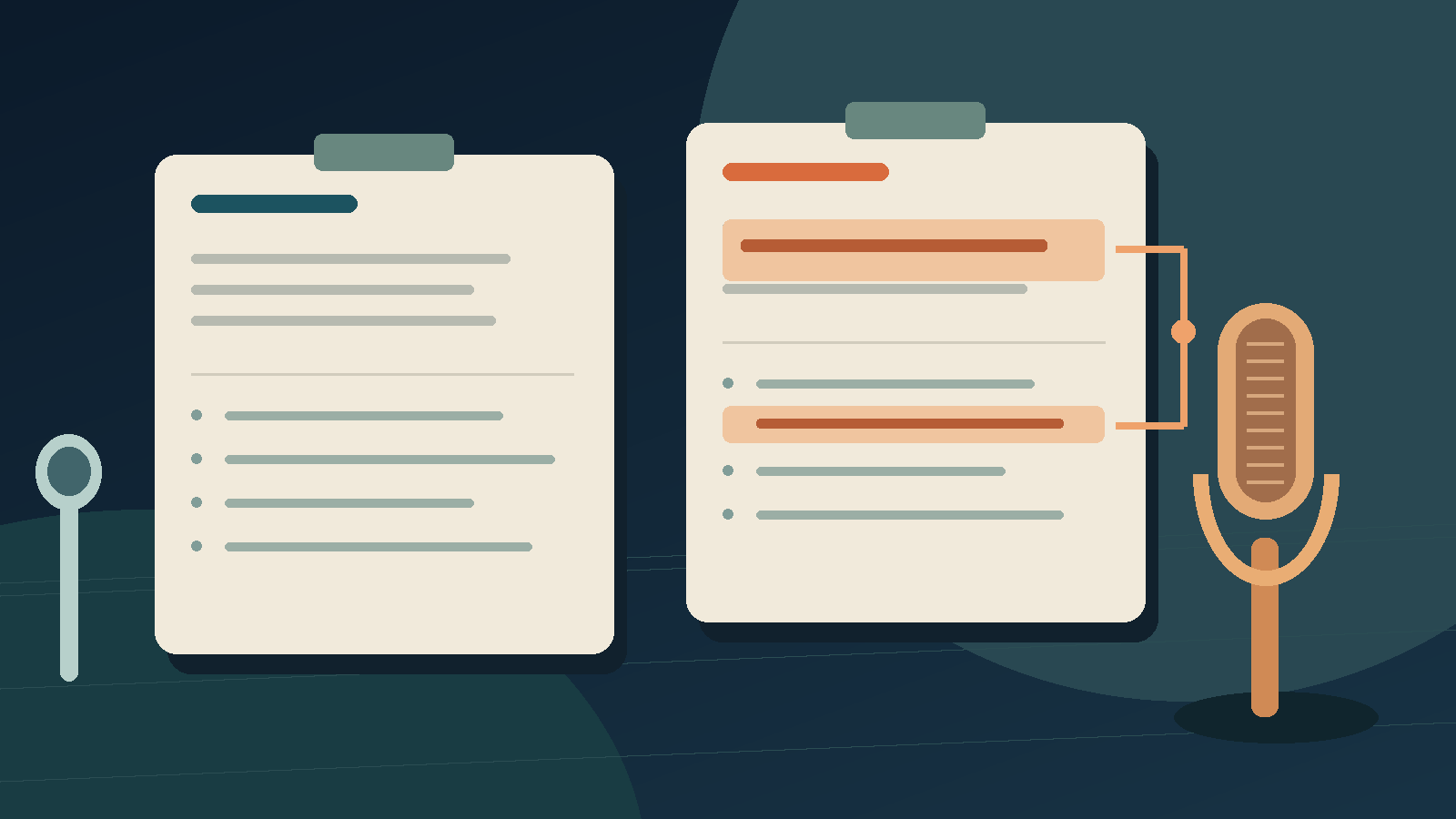
NYT Cooking AI recipe customization lets you ask for changes and compare the result with the original. Treat each version as an untested adaptation. Before cooking, read all the instructions, including any parts that weren't highlighted. The Times says its team hasn't checked customized recipes.[3]
Joe Ray's November 8 WIRED review shows the problem. He replaced chicken thighs with breasts, and the assistant changed some directions but left a long cooking step later in the recipe. Ray kept most of the meat out himself, and the portion that cooked longer was less succulent.[1] He still liked the tool overall. The example shows that a helpful edit can leave an instruction worth questioning.
I haven't cooked with this feature or tried it myself. The useful question after reading Ray's review is how an edit affects the instructions that surround it. That applies to a workshop handout as well as dinner. I want an editing interface to help me notice the passage I still need to question.
Orange changes help you find the edit
The official guide says changed text appears in orange, and you can switch between the original recipe and your customized version. A Sources dropdown explains the basis for the customization. Each chat keeps one customized version and updates it as you continue, instead of making a new version for every message.[3]
Those controls give readers a starting point. They can find the requested substitution without remembering every word of the original. That seems sensible when a long recipe fills a small phone screen.
The unchanged text matters too. An orange ingredient name shows what the assistant replaced, but not whether a later instruction still makes sense. The highlight can draw your attention away from the paragraph that depends on it.
That is my interpretation of the reading workflow. We did not reproduce a failure. Ray's report covers his own cooking test. It doesn't show that every adaptation fails or that the assistant can't suggest useful substitutions.
Read forward from the thing you changed
If a recipe calls for equipment you don't own and you're thinking of using a substitute, read from the first mention of that equipment to the end. Look for steps that still assume you have the original. Does a later step tell you to use it again or use an attachment you don't own?
This is a proposed reading check, not cooking advice. I'm deliberately not suggesting substitutions or changes to cooking times. A paragraph can sound plausible without showing that an untested adaptation will work.
Ask the assistant which later steps might change because of the equipment swap. Keep the original open while you read the answer. If the assistant only mentions the ingredient list or first step, check the rest of the method yourself.
The same approach works when you replace an ingredient. Search for the original name, then read the surrounding instructions, even if it doesn't appear there. A later step may still depend on how you prepared it earlier. For example, the original tool might have been used to prepare something carried into a later step, even though that step never names the tool again.
As you learn the interface, ask for one change at a time. If you request a new pan, different ingredients, and a larger batch all at once, it's hard to tell which change led to an unexpected instruction. Smaller requests make the results easier to question, but they don't guarantee accuracy.
A work instruction can have the same loose end
In a fictional volunteer workshop, a setup guide tells the organizer to put display stands around the room and attach sample sheets. The venue has no stands, so someone asks an AI editor to replace them with clipboards.
The revised equipment list looks fine, but later the activity still tells volunteers to walk between the displays. An editor could remove every use of "stand" and leave an activity that still depends on a fixed display. A word search would pass.
The organizer still needs to decide how to use the clipboards. Volunteers might pass them around, or the leader might give each group a sample. Since that choice affects how the activity runs, the rewrite shouldn't decide for them.
I'd leave that part open and ask the organizer a quick question before rewriting it. Once they decide, I'd reread the whole activity, including the setup instructions. Replacing equipment may call for a practical choice the original request didn't address.
This example is made up, not an incident at NYT Cooking, a customer story, or a benchmark. It shows the kind of dependency a writing tool should help you spot.
Speak the revision separately from the instructions
Put spoken editing requests in the editor's notes, not the finished handout for volunteers. Keep "Use clipboards instead" beside the source passage, and note which decisions still need answers.
DictaFlow, which publishes this blog, lets you dictate into the active text field on your desktop by holding down a key.[4] You can say your question for the organizer, check it, and send it from the app you're already using. This is a proposed input workflow. We're not claiming an NYT Cooking integration or an automatic dependency checker.
Dictating a note won't settle how to design the workshop. It can help you capture the open question as you read the passage. Keep the note separate until someone answers it, then revise the handout based on that answer.
Before cooking a recipe customized with NYT Cooking's AI, compare the original with the revised version. Check the highlighted changes, then read the rest of the method. If a step still uses an ingredient or tool you replaced, ask a specific follow-up question first. If you still can't figure it out, use a tested recipe you can follow.
Disclosure: Published by DictaFlow with AI-assisted research and drafting. We have not tested NYT Cooking's customization feature. The volunteer workshop is fictional.
Sources
[1] WIRED: Joe Ray's hands-on recipe customization review