November 17, 2026
macOS 27.3 Ask First: Test Dictation App Access (2026)
A beta test plan for limited app control, interrupted insertion, and fresh approvals. Existing permissions can hide a new setup problem.
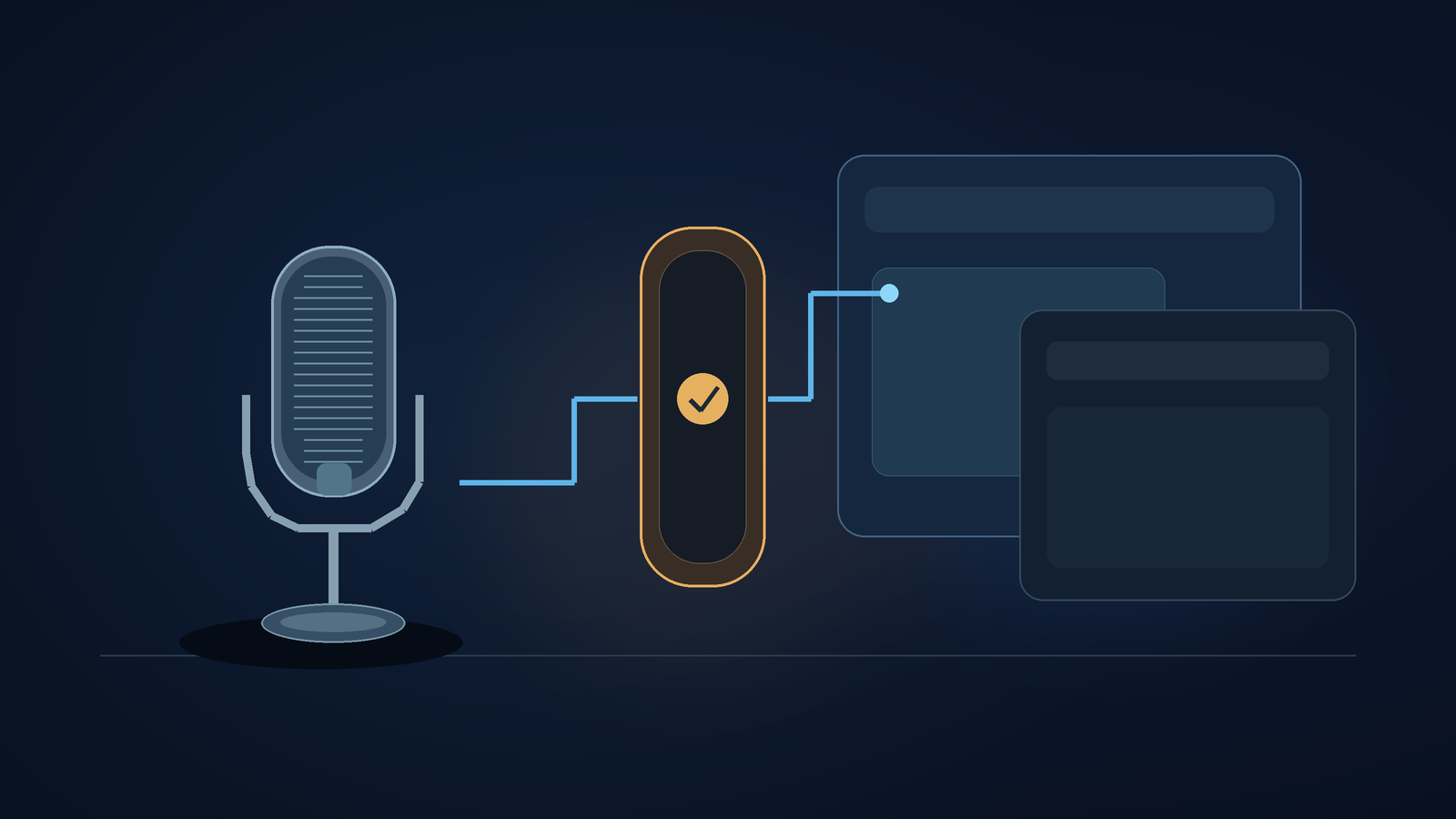
macOS 27.3 Ask First lets you request approval before an app controls each app you select in System & App Protection Override. Test the first dictated sentence, repeated sentences, and app switching separately. Apple introduced these controls in beta 2 on November 16, 2026. Existing approvals remain in effect.[1][2]
That last detail changes how I judge a compatibility claim. An old approval on a developer's everyday Mac can survive the update, letting the demo succeed without exercising the new setup path a customer faces after a fresh install. A demo that works on the first Mac doesn't test the second setup path.
When I checked on November 17, Apple's support page was on Hacker News' front page, with 190 points and 101 comments. Those numbers show how much attention it had then, not that anything was defective. I'd want a specific answer from a beta test: after the approval prompt closes, where did my spoken sentence go?[6]
Ask First has a specific scope
Apple's instructions list Ask First and At Any Time beside each app selected under System & App Protection Override. Full Disk Access has a separate option for choosing folders. Apple is splitting the old Device Control and Data Access setting into Accessibility and System & App Protection Override.[1][2]
Include those names in your support request. Saying "I allowed access" gives a developer little to go on. "I selected the notes app and chose Ask First under System & App Protection Override" tells them which setting they can try to reproduce. Use that wording only if it matches what you see on your screen.
9to5Mac describes the new controls for individual apps and notes that older approvals remain in place. The article explains the settings, but doesn't show how an individual dictation app behaves when an approval request interrupts text insertion. Apple asks developers to handle limited access gracefully. Apps still need to do that work.[2][3]
This guide covers a beta compatibility test. We haven't tested DictaFlow on macOS 27.3 or confirmed which prompts its current Mac build shows. Tools that use a different permission path need a test for that path. Your installed version may not offer Ask First. Follow the permission path it actually presents.
Compare a fresh approval with the working installation
If you use voice input, keep your current setup. For beta testing, use a spare machine or a test environment managed by a developer. Don't block a screen reader or change an employer-managed work Mac just to get a cleaner screenshot.
Before starting, note the exact macOS build, writing app, and target editor versions. Keep results from the old working installation separate from those collected after fresh approval, since Apple says existing permissions remain in effect.[2]
Follow the app's current setup instructions. If macOS offers the choice, select one harmless target app with Ask First. Stop there. Apple also documents how to change selected access using the Info button in Privacy & Security. To narrow an existing broad grant, you can remove the app and add it again. Apple documents these options, but don't try them casually with an essential tool.[1]
Use made-up text throughout. The beta test doesn't need access to your inbox or a client document.
For a hypothetical run, open a blank note and dictate: "Move the design review to Thursday afternoon." Before responding to an approval prompt, check where the text appears. Record whether the dictation tool shows a completed transcript and whether the target note is still empty. Don't assume both observations have the same cause.
Approve the action if you meant to take it. Check whether the sentence appears once or the tool asks you to repeat it. If the app offers a retry, make sure it hasn't already inserted the sentence before trying again.
If you see the sentence twice, repeat the harmless test to check whether the duplication happens again. Leave the cause open. One possibility is that the tool queued another attempt while approval was pending. Report what appeared and in what order.
Stay in one editor, then change apps
Dictate two short additions in the same note. Start each with a different word so you can tell them apart. Count the approval prompts and note when they appear. Don't assume Ask First will show one prompt for every dictated sentence. Apple's label means it asks permission before controlling an app. What you see depends on how your tool works and what action you ask it to take.[1]
Try an unapproved editor next. Dictate another test sentence, but don't send or submit it. Note whether the tool explains that it can't access the editor and saves your words so you can recover them.
If insertion stops, go back to the editor that was originally approved and try a new sentence. Tell the developer which editor still accepts text. Neither may work by this point. Include that result, too. Include any recovery steps in the report, even if you restarted the dictation app.
Once the prompt closes, check which field is focused. Before trying again, click the field you want and make sure the cursor is there. If the words appear in another window, record exactly where they went. Changing the microphone won't explain why correctly recognized words ended up in the wrong place.
Apple also describes an indicator that appears when an app controls another app through System & App Protection Override. Note whether it appears during your test, but its absence doesn't provide a general privacy verdict on tools that use other paths.[2]
Send the failure sequence, not your private document
A useful report can be short. Include the build numbers and permission name, then describe the steps that came before the problem. For example, a hypothetical report might say:
- Selected editor A with Ask First, then dictated a harmless sentence.
- The dictation tool showed the transcript, but editor A remained empty.
- Approved the prompt, and the sentence appeared twice in editor A.
- Repeated the steps and noted whether it happened again.
These bullets describe an example to investigate, not a confirmed macOS or DictaFlow bug. Include a screenshot only if it adds information. Crop it to show the prompt and test note, and leave out account details.
DictaFlow supports hold-to-talk dictation in supported text fields, so interrupted text insertion matters for our product, too.[5] That doesn't show it works with this beta. DictaFlow published this article on its site with AI assistance. The article proposes a test plan based on the linked documentation, not a hands-on review.
Our earlier Mac Full Disk Access guide explains how to choose the access a writing task needs. This check focuses on what happens after you choose limited approval: does the tool explain when it blocks an action and keep your spoken sentence intact? Save the fresh-approval result beside the old installation's result before saying the beta is ready for daily writing.
Sources
[3] macOS 27.3 includes new privacy controls for Full Disk Access and more - 9to5Mac
[5] DictaFlow - AI Dictation for Windows, Mac, iPhone & Android