How to Test a README With Real Spoken Feedback in 2026
A practical think-aloud test for setup instructions, with exact evidence and a careful role for observer dictation.
October 11, 2026
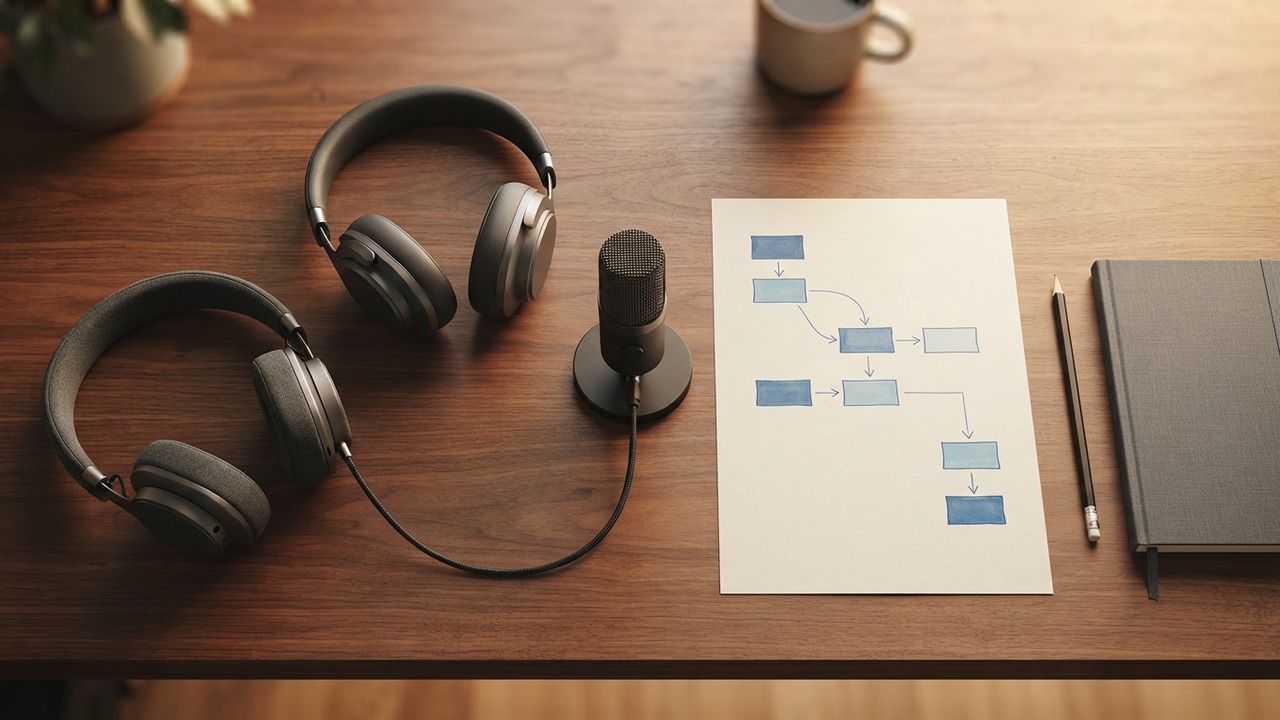
To test a README, ask someone unfamiliar with the project to complete a real setup task. Have them explain their choices as they work. Note where they get stuck, revise the instructions, and test them with someone else. Reading your own guide won't show you all the knowledge you fill in without realizing it.
An October 11 post about paying people to follow a README[1] put a real budget behind that old advice. The author paid €25 for an hour of feedback on ActivityBot's first-run experience, spending about €150 altogether. Participants shared their screens and explained what they were doing. After each session, he revised the instructions.
As of this morning, the Hacker News discussion[4] had 115 points and 73 comments. Those numbers show interest, not that the method works for every project. The part worth copying is the willingness to watch someone struggle without quietly filling in the missing step.
Give the reader an outcome, then watch the detour
For a test, imagine a small command-line project that imports a fictional CSV file. Give a new user the repository and sample file, then ask them to create a local preview. Don't give them the exact command. They should figure it out themselves.
If you tell readers to copy the example config, change the port, and run the preview command, you've already shown them what to do. A successful run then says little about whether the README explains the process.
GOV.UK's guidance on moderated usability testing[3] recommends giving participants believable tasks with clear goals. Instructions should remain neutral and avoid hints that give away the answer. Researchers should also reassure participants that the test is about the service, not them.
Put that reassurance near the beginning of the README test. You wrote the instructions, so people shouldn't have to apologize if they get stuck or find a gap.
A technically skilled friend can still give useful feedback if they match the intended audience. A guide for administrators can assume more knowledge than one for someone installing their first desktop app. Decide who the document is for before asking people familiar with your stack to review it.
Listen for the guess before the error message
Suppose the guide says, "copy the configuration file." The participant opens the sample and edits it instead. Later, the software can't find a local configuration file. The terminal error is easy to record, and their earlier assumption explains the cause.
Write the guess on its own line. In this fictional case, the reader understood "copy" to mean transferring the contents. The author meant creating another file with a different name. Explain that beside the file operation, not in a troubleshooting section several screens later.
The ActivityBot account[1] describes problems with renaming files, a broken demo link, and technical terms that needed explanation. I wouldn't treat it as a ranking of the most common README problems. It's one author's account of a single project. Still, it shows how everyday instructions can hide several assumptions.
Nielsen Norman Group's explanation of thinking-aloud testing[2] also warns that facilitators can influence participants. Even a simple question can affect what someone does. "What are you looking for?" leaves the answer open. "Did you notice the setup section?" points them toward the section you wanted them to find.
If someone needs help recovering, provide it so the rest of the session remains useful. Record the intervention. From then on, count the task as completed with help, and let the next reader try the repaired step without assistance.
Keep exact evidence apart from the rewritten note
A spoken comment, an observer's summary, and an error message are separate records. Keep them that way. Otherwise, a tidy issue description can hide the uncertainty you were trying to understand.
Here is an invented observation: "The reader expected the preview to open automatically. After setup finished, they waited without clicking the local address. I asked what they expected to happen." This note supports a small documentation change. It doesn't support a claim that every user needs the browser to open automatically.
Keep commands and filenames exactly as written. Paste the error into the issue instead of recreating it from memory. If you record a participant's exact words, mark them as a quote. Keep paraphrased notes outside quotation marks.
For each proposed fix, say what instruction the reader saw and where they stopped. Then describe the change you want to test. "Make onboarding clearer" leaves the next editor guessing. "Explain that the preview runs locally and place the address beside the start command" gives them something specific to check.
AI editing can tighten a sentence once you know what it needs to say. Check the result against the problem you found. More confident wording won't fix the wrong path or a missing prerequisite.
Use dictation after the participant has finished speaking
We make DictaFlow, so we have a commercial connection to it. Its role here is limited. After a session, an observer can dictate an editable follow-up note directly into an issue or document. On desktop, hold the shortcut and release it to insert the dictated text at the cursor.[5]
Don't talk over the participant's live commentary. You might confuse the voices or interrupt the thought you wanted to hear. Take brief notes during the task, then expand them afterward. Use dictation to record your own interpretation, and check it against the evidence you saved.
Type terminal commands or copy them from the captured output. Use speech to explain why a step failed. Handle exact punctuation and filenames separately. The DictaFlow getting-started guide explains how to enter input, but the app doesn't validate a README or determine what a participant meant.
Some participants may already use voice input. GOV.UK's accessibility guidance[3] says that people who use assistive technology may need to use their own devices. If your intended users navigate by voice or with a screen reader, test that process from the start instead of treating it as a final optional check.
After you update the guide, give the next participant the same goal and revised instructions. Keep the earlier observation next to the new result. If they still pause at the configuration step, revise that part before spending another afternoon polishing the introduction.
Sources
[1] Original ActivityBot README testing account, October 11, 2026
[2] Nielsen Norman Group: thinking-aloud usability testing
[3] GOV.UK: moderated usability testing and assistive technology