How to Dictate in Multiple Languages Without Losing Your Flow in 2026
May 11, 2026
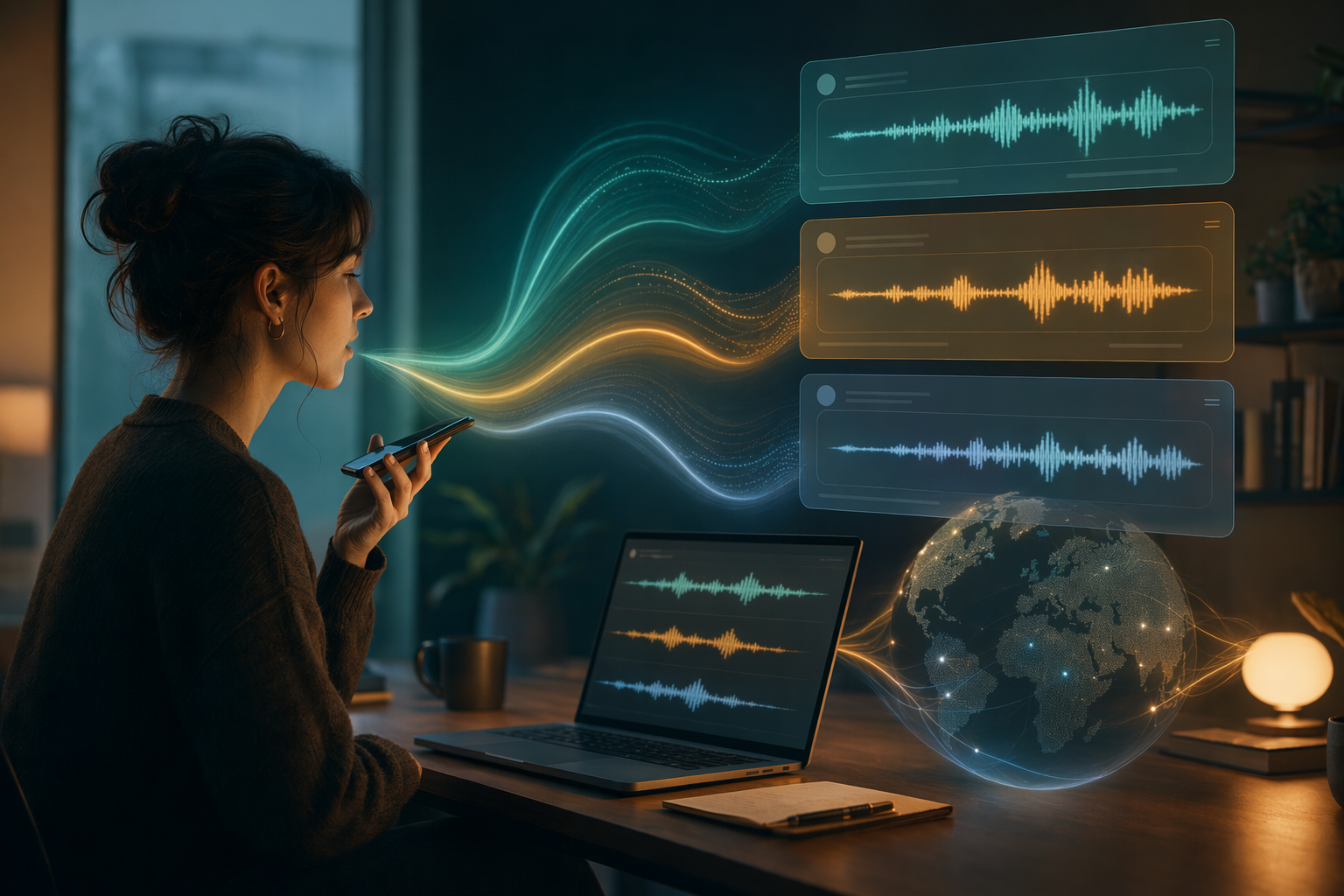
Multilingual dictation sounds easy until you actually try to use it for real work. One sentence is English, the next one is French or Hindi or Spanish, then you toss in a proper name, then a technical word, then you keep going. That is normal speech. It is also where a lot of voice tools start acting weird.
The complaints are pretty consistent. Apple dictation users say the autocorrect suggestions feel erratic and language switching is clumsy. Windows dictation gets called out for weak language support. People who mix languages in the same conversation keep running into the same problem, the tool handles the clean demo sentence and then falls apart on the actual sentence they meant to say.
That is why the real issue is not transcription alone. It is recovery. If the app makes you stop, reach for the keyboard, and fix every miss, you are not really saving time. You are just moving the pain around.
What breaks first when you switch languages
Most dictation tools are fine when the input is slow, clean, and predictable. Real speech is not like that.
- auto-detect works until you start code-switching mid-thought
- names and technical terms get mangled faster than ordinary words
- accent changes can throw off the whole sentence
- if correction means leaving voice mode, the workflow is already broken
That is the part people complain about most. Not one bad word. The whole rhythm goes sideways because the app does not know how to stay out of the way.
What actually helps
If you want multilingual dictation to feel usable, the fix is not a clever setting hidden in a menu. It is a better habit and a better insertion model.
- Speak in shorter chunks instead of trying to machine-gun one giant paragraph.
- Use hold-to-talk so the app only listens when you mean it.
- Choose a tool that types at the cursor instead of relying on clipboard tricks.
- Fix mistakes without leaving voice mode when you can.
- Pick something that works across the devices you actually use.
That sounds obvious. It is also the difference between a dictation tool you tolerate and one you keep using.
Where DictaFlow fits
I keep coming back to DictaFlow for this problem because it is built around control, not just transcription. Hold-to-talk keeps you in charge of when it listens. Actually Override lets you correct mid-sentence without bailing out to the keyboard. And the app types where your cursor already is, which matters when you are moving between docs, email, chat, and whatever else is open.
It also supports 100+ languages, which is the part that makes it relevant here. If your day includes mixed-language notes, regional speech, or technical vocabulary that built-in dictation keeps mangling, that matters a lot more than a pretty interface.
The DictaFlow comparison page Get Started Free is the quickest place to sanity check the usual alternatives. The short version is simple: the cheapest tool is not always the one that saves the most time, and the fanciest one is not always the one that survives real workflow.
Which tools are still worth a look
Apple Dictation is fine if you only need a quick note in one language and you do not care much about cleanup. Windows Voice Typing is fine for basic English input, but people keep complaining that it feels limited as soon as the language mix gets more complicated.
Wispr Flow is the polished option and it has real fans, but the price is hard to ignore if your main job is just getting text onto the page. If you only need something occasional, that may not matter. If you dictate every day, it starts to matter a lot.
That is the pattern I keep seeing. The tool either gets out of the way or it does not. Multilingual workflows make the difference obvious fast.
The practical test
If your voice tool only works when the sentence is slow, clean, and in one language, it is not really ready for actual work. It is a demo that behaves nicely in a demo.
The useful test is simpler. Can you keep talking, switch languages when you need to, fix the miss, and keep moving without breaking your flow?
That is the bar. And it is exactly why DictaFlow exists in the first place. It is not trying to be clever. It is trying to get out of the way.
If multilingual dictation keeps slowing you down, start with a tool that respects the way people actually speak. That usually saves more time than chasing the one with the biggest marketing promise.