July 31, 2026
Home Inspection Dictation Software: 2026 Field Guide
Compare report AI, built-in voice typing, and system-wide dictation for faster field notes and cleaner inspection reports.
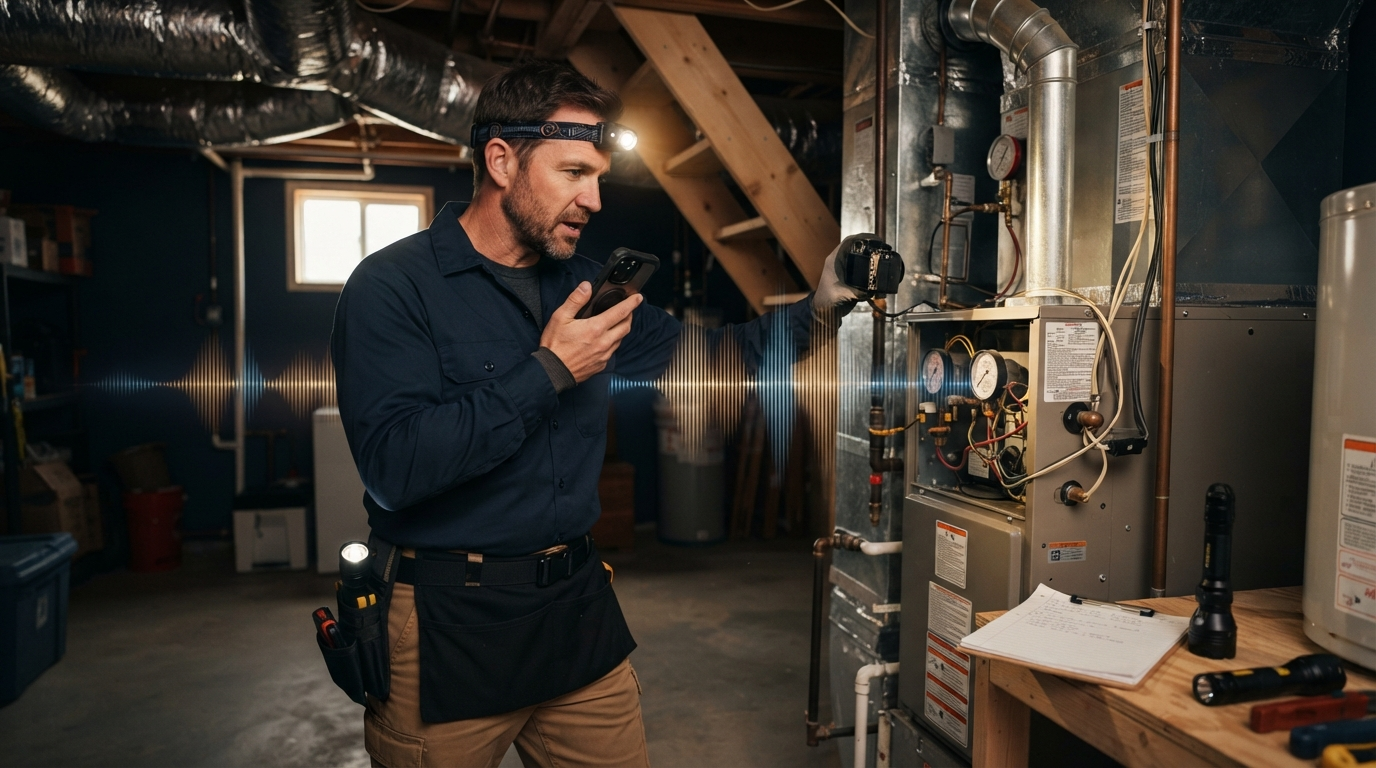
Home inspection dictation software has one simple job, record an accurate finding while the inspector is still looking at it. That sounds easy until one hand is on a ladder, the other is taking photos, and the final comment has to go into a structured report instead of a random voice memo.
The category is changing fast. In June 2026, Spectora announced new AI tools, including an early-access Report Assist feature that lets inspectors speak their observations and take photos. The system then matches those inputs with comments the inspector has already reviewed in a template. Spectora says early users are cutting inspection time by about 25% and finishing more reports on site. That’s a vendor claim, not an independent benchmark, but it points to the real problem: the bottleneck is often turning field notes into report language you can use.
There are now two useful layers to compare. AI built into inspection platforms can organize findings inside a report. General dictation software can help with everything around that report: emails, repair summaries, CRM notes, invoices, follow-ups, and any report field that accepts normal keyboard input. Most inspectors need both layers to work together.
Start with the field workflow, not the transcript demo
A clean transcript in a quiet office proves very little. Home inspectors dictate beside HVAC equipment, outdoors near traffic, in echoing basements, and while moving between rooms. They also repeat model numbers, material names, measurements, directional locations, and defect language that general voice typing often mangles.
Test home inspection dictation software with a real sequence:
- Dictate a roof note with the measurement and location.
- Add a crawl-space note while a fan or dehumidifier is running.
- Make a correction without deleting the whole comment.
- Move from the report writer to an email, then to a scheduling note.
- Finish a short summary after the inspection without copying text between apps.
The winner is not the app with the prettiest sample paragraph. It is the one that loses the fewest details during those handoffs.
What Spectora's AI announcement changes
Spectora's June release is useful because it treats voice as part of a larger inspection workflow. Its AI Report Assist pairs spoken observations and photos with an inspector's approved template comments. The company also announced an AI phone answering tool and analytics features. Together, those products aim to reduce report work, missed calls, and business admin.
That is different from ordinary speech to text. A report assistant knows where findings belong and can reuse approved language. This may save more time inside an inspection than a blank dictation box ever could.
It also creates a clear review requirement. A matched comment can still be wrong for the property in front of you. Inspectors should confirm the component, location, severity, recommendation, and photo before delivering the report. Fast drafting helps. Final judgment still belongs to the inspector.
Built-in phone dictation is the free baseline
Apple Dictation and Google's voice typing are reasonable starting points for short notes. They cost nothing extra and work on devices inspectors already carry. For a quick reminder such as "north bedroom outlet loose," that may be enough.
The limits show up when the workflow gets longer. Built-in dictation may not preserve specialized terms, behave consistently across report fields, or follow the inspector from mobile capture to desktop cleanup. It also gives you little control over app-specific formatting.
Use the free option first. If you keep correcting the same terms or retyping notes after every inspection, the free tool is costing time instead of saving it.
Report software should remain the system of record
HomeGauge describes a split workflow that many inspectors will recognize. Its Companion app collects information in the field, while its desktop report writer handles finishing and formatting. Spectora takes a mobile-first, web-based approach with offline capabilities, templates, scheduling, payments, and automated messages.
Whichever platform you use, keep the inspection report software as the system of record. Dictation should feed it, not create a second pile of unstructured notes that must be reconciled later.
A good setup gives each tool one job:
- The inspection platform stores findings, photos, templates, and the final report.
- Dictation captures and cleans short observations wherever the cursor is active.
- The inspector reviews every material finding before delivery.
This division is boring, and that’s a good thing. It makes audits easier and makes it much harder to miss details.
Where system-wide dictation earns its place
Inspection work does not end when the report is complete. There are appointment confirmations, access instructions, agent questions, repair-summary discussions, bookkeeping notes, and follow-up emails. A report-specific voice feature usually stops at the edge of its own app.
System-wide dictation covers those gaps. DictaFlow uses a hold-to-talk shortcut, then inserts text at the active cursor when the key is released. It works on Windows, Mac, and iOS, with native Android app access. Custom vocabulary and the Knowledge Base can help with recurring manufacturer names, neighborhood names, inspection phrases, and technical terms.
Its app-aware formatting is useful when the same observation needs different treatment in different places. A report comment should be concise and factual. An email to an agent may need a complete sentence and a little context. A private follow-up note can be shorter. The dictation layer can adapt without forcing the inspector to switch tools.
DictaFlow costs $9/month or $84/year ($7/month billed annually). The free tier is enough to test the workflow before paying. If an inspector only needs voice inside one supported report platform, that platform's built-in tools may be the better buy. If speech needs to follow the whole workday, system-wide dictation is easier to justify.
A practical buying test for home inspectors
Do not compare apps with one perfect sentence. Run a ten-task test across an actual inspection day:
- Two exterior or roof observations
- Two interior defect comments
- One equipment label or model number
- One correction made mid-dictation
- One summary paragraph
- One agent email
- One scheduling or CRM note
- One comment entered with weak or no internet access
Count the corrections, missing details, failed insertions, and minutes spent moving text. Also check whether local processing is available when privacy or unreliable connectivity matters.
Then compare the result with the tool's price. A cheap app that creates five minutes of cleanup per report is not cheap. A more capable tool that saves ten minutes across two inspections may pay for itself quickly.
The best setup in 2026 is usually a stack
The newest inspection AI tools are not replacing dictation. They are making the report layer smarter. That is useful, but inspectors still need a fast way to capture language across every other app involved in the job.
Start with the report platform you already trust. Test its voice and AI features on real inspections. Add system-wide dictation only if notes, emails, scheduling, or desktop cleanup still take too much typing.
The DictaFlow comparison guide explains how local processing, platform support, pricing, and cross-app insertion differ from other dictation tools. The getting started guide shows how to test hold-to-talk dictation in the apps you already use.
DictaFlow and other home inspection dictation software should reduce the distance between seeing a defect and recording it clearly. If the tool adds another inbox of voice notes, it has missed the point.