Gemini Dictation in Gboard: Setup and Limits (2026)
May 13, 2026
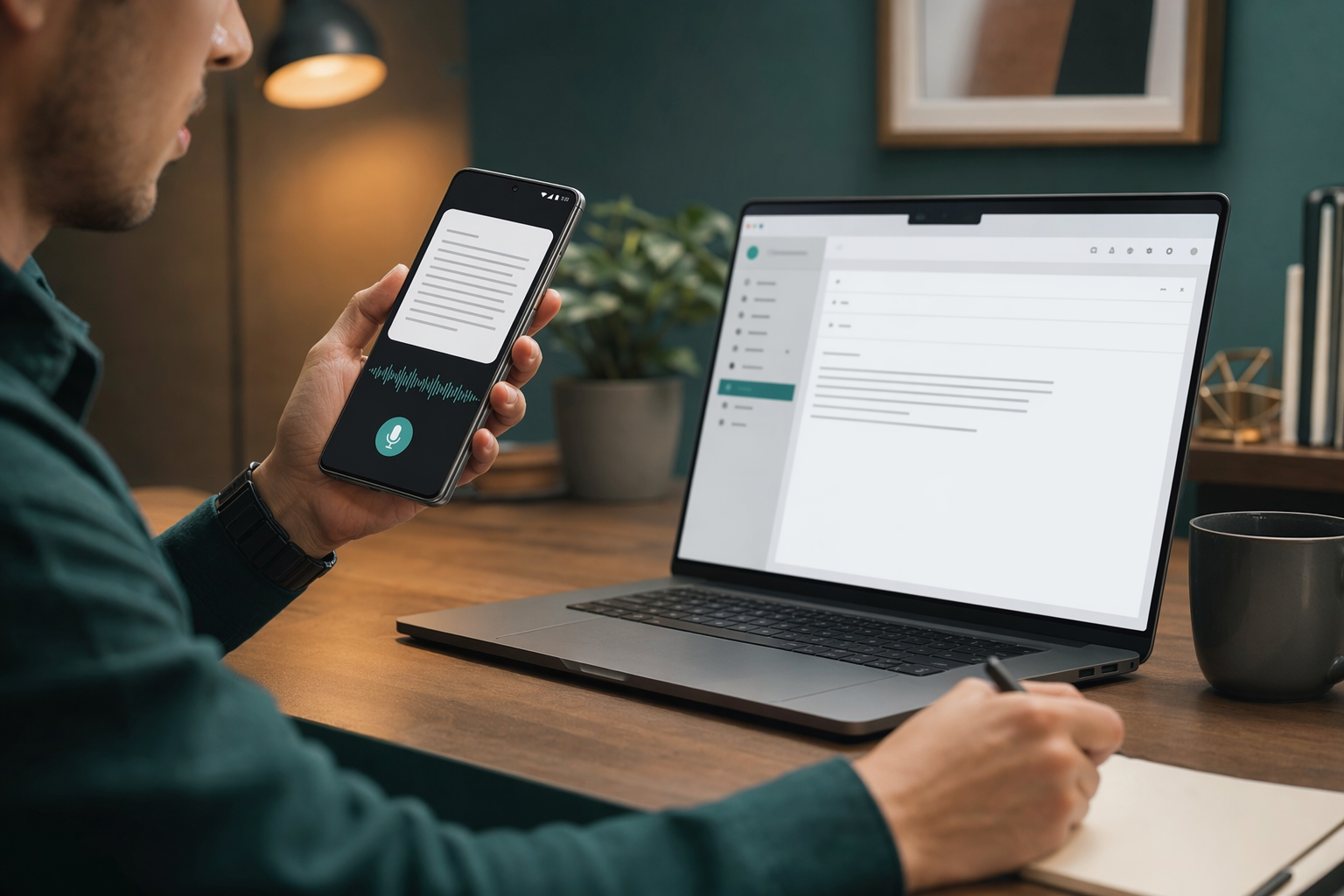
Google just did something that should make every dictation app pay attention. TechCrunch reported that Gboard now has a Gemini-powered voice feature called Rambler that cleans up speech, handles code switching, and tries to smooth over the ums, pauses, and half-finished thoughts that make normal dictation annoying.
That is a real improvement. Most voice typing tools are still fine only when you speak like a demo clip. Real speech is messier. People restart sentences. They change languages. They remember a better wording halfway through a thought. That is where dictation starts feeling slower than typing.
So yes, this matters for Android. It is the clearest sign yet that voice input is moving past raw transcription and into something closer to actual editing. But it also makes the remaining problem obvious. Cleaning up speech is only part of the job.
What Gboard gets right
Google is basically admitting that plain word-for-word dictation is not enough anymore. If the keyboard can understand filler words, pauses, and language switches, the result will feel more natural and less like audio capture.
- It should handle mixed-language speech better than basic dictation.
- It should be less annoying when you ramble or restart a sentence.
- It lives inside the keyboard people already use on Android.
That last part matters more than people want to admit. If a feature is built into the keyboard, it feels frictionless. No extra app. No extra setup. No excuse not to try it.
What it still does not fix
This is where the shine wears off. Gboard is still a keyboard feature. It is useful, but it is still trapped inside one surface on one platform. It does not solve desktop dictation. It does not help when you need text to land in the right app right now. It does not make weird fields, remote desktops, or broken paste flows magically disappear.
The real pain points are boring and familiar. Names get mangled. Custom vocabulary gets forgotten. A correction works once and then disappears. And if cleaning up a sentence means stepping out of voice mode to fix it manually, the whole point starts to evaporate.
That is why people end up saying dictation can take more time than typing. They are not talking about the first pass. They are talking about the cleanup.
Why this still matters for people who write all day
If you only need a quick Android note, Gboard may be enough. If you are trying to move through email, docs, Slack, CRM notes, or code comments without fighting the tool, you will feel the limits fast.
That is the part a lot of polished dictation launches skip. They make the speech sound cleaner, then act like the job is done. It is not. The job is getting the right text into the right place without breaking your flow.
That is also why I keep coming back to DictaFlow. It is built around the annoying parts Google is not trying to own. Hold-to-talk keeps it from listening when you do not want it to. Actually Override lets you fix a mistake in the middle of speaking instead of dropping into the keyboard. And because DictaFlow types at the cursor, it works across the apps you already use instead of treating every app like a special case.
The comparison page is the fastest way to sanity check the usual options. If you want the short version, DictaFlow is the better fit when you care about correction, cross-platform use, and not getting trapped inside one keyboard vendor's workflow.
It also covers Android, so you are not stuck waiting on a single keyboard app to decide what voice typing should look like.
A better test for voice typing
Here is the test I care about now: can you keep talking, fix the miss, and keep moving without thinking about the tool? If the answer is no, it may be a nice feature, but it is not a real workflow.
That is why the new Gboard feature is interesting, but not the finish line. It is a sign that the market is finally admitting the obvious. Voice typing is not just transcription. It is cleanup, placement, and recovery.
If that is the part that keeps slowing you down, try DictaFlow free. It is made for the boring, messy, daily stuff where dictation usually falls apart.
Related DictaFlow pages
More info on dictation tools and workflows.