Elgato Wave Go Dictation: What the Mic Does in 2026
A phone-recording microphone, a separate dictation app, and a test before you buy.
October 13, 2026
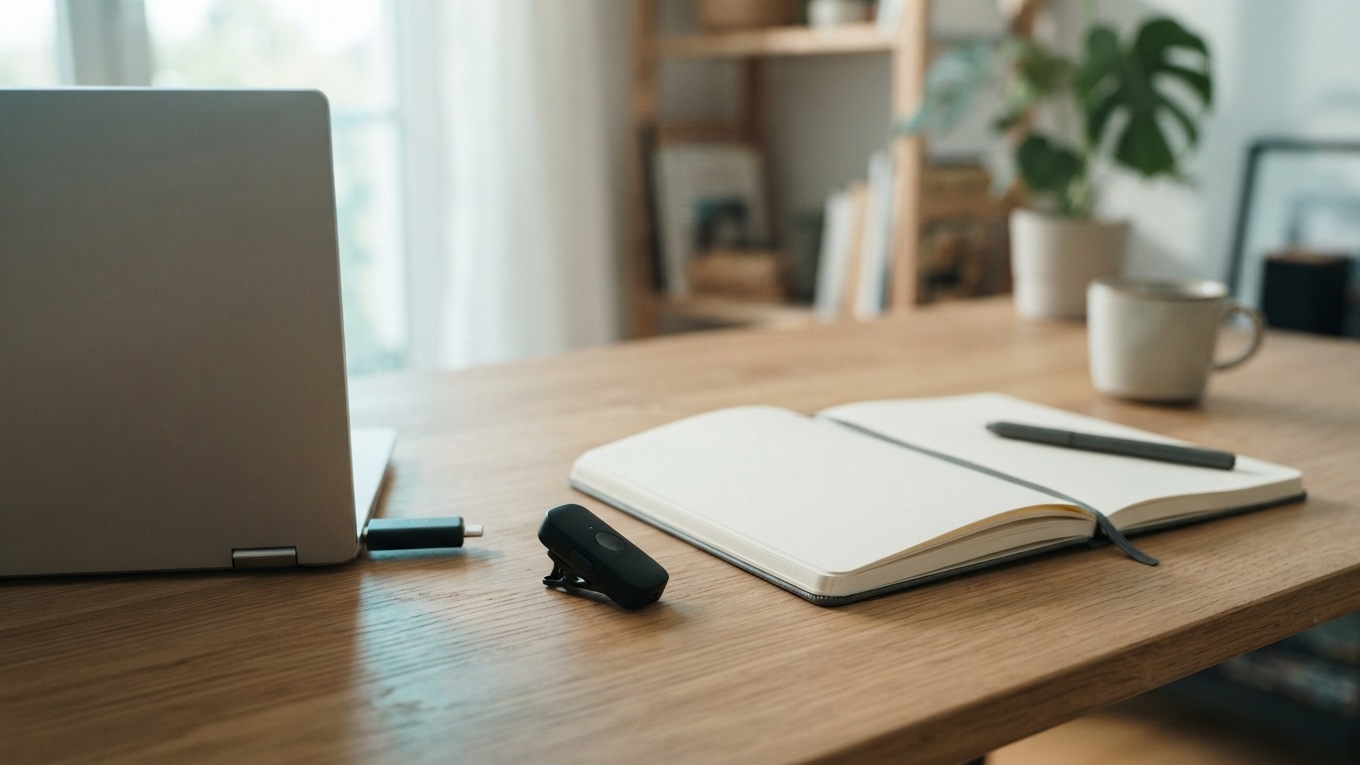
Elgato Wave Go dictation needs a speech-to-text app. Its wireless microphone sends audio through a USB-C receiver, but it can't turn speech into editable text by itself. For creators who dictate emails or production notes, the question is whether one mic can handle both jobs without making recording more complicated.[1]
Elgato launched Wave Go on October 13, 2026. The complete kit costs $99.99 on Elgato's US store. You can clip the transmitter to your clothing or place it in the included Smart Handle for handheld recording. Elgato's announcement and GamingTrend's coverage from the same day describe Wave Go as a move from phone recording to desktop work.[2][4]
I read the launch materials for the desktop details, which sit below the phone-recording pitch. Elgato lists voice-to-text alongside calls and podcasting, so it's worth considering for dictation. That doesn't mean it will outperform your current microphone. I haven't tested the hardware, and the launch coverage isn't a speech recognition benchmark.[1][4]
What the receiver does, and what it leaves to software
Wave Go sends audio to its USB-C receiver over a dedicated 2.4 GHz connection. Bluetooth links the optional companion app for settings and updates. Elgato says older Lightning iPhones aren't supported. Elgato also says the microphone is not designed for direct use with DSLR or mirrorless cameras.[1]
That difference matters when you're planning a purchase. A USB-C microphone can send audio to a compatible phone or computer, but your recording or dictation app must also support it. A connector that fits doesn't mean the app will use the microphone. Check the device and app together.
The launch materials also mention desktop integration with Wave Link and Stream Deck. Elgato lists Windows 11 or newer and macOS 15 or newer as requirements for Wave Link. Since these requirements apply to the software, they may not cover every receiver-only use.[1][2]
On October 13, the product page said Apple was still reviewing the iOS companion app. It listed iOS 17, iPadOS 17, and Android 8 as requirements. If you want to change settings from an iPhone, check the current app listing before ordering. The microphone's availability and the companion app's approval are separate issues.[1]
For the first desktop check, leave out the mixer. Connect the receiver, open the system input list, and select it in the app if you can choose an input there. Make a short recording, then dictate the same sentence into a disposable document. This will show whether the problem is audio selection or text entry before you add effects.
The two limits worth checking before a shoot
The advertised 48 hours is total runtime across charges. CORSAIR says the transmitter lasts up to eight hours per charge, and the handle stores enough power for five full recharges. That means the tiny clipped transmitter won't run continuously for 48 hours without being placed back in the handle.[2]
Elgato's product page says Wave Go can't record audio onboard. Instead, the audio goes straight to the connected phone or computer. That matters when you're recording an interview you can't redo. If the receiver disconnects or the recording app stops, the transmitter won't have a separate audio file stored inside.[1]
The company deserves credit for making this clear in its FAQ. A small wireless mic can be exciting, but it's easy to overlook the rest of the setup. You still need enough storage on the receiving device, a recording app that's running, and a way to confirm it's capturing audio. Play back a short clip before an important session.
For dictated text, use a simpler check. Focus a blank field and say a harmless sentence. Confirm that the text appears there before dictating anything sensitive or lengthy. A live input meter shows that audio is being received somewhere, but it doesn't confirm that text will appear in the right field.
Try a production note, not just a sound check
Picture a creator finishing a location shoot. They need a note for the editor and an email requesting a pickup. This fictional spoken note makes the difference clear.
"Use the second courtyard take. The bus covers the first answer in take one. Keep the pause before the final sentence. We still need permission for the shop sign."
The transcription must keep the permission warning. If cleanup changes it to "the shop sign is cleared," it adds extra work and gives a false instruction, even if the recording sounds great. Check the take numbers too. These details make a better dictation test than repeating the same familiar sentence about the weather.
Record the note with your usual microphone, then record it again through the receiver input. Keep the app and cleanup settings the same. This isn't a lab accuracy test. It will show the errors that matter for your work. Don't use the results to publish a percentage or claim that one option works best for everyone.
After checking the words, open the email composer. Click the right field and speak a new request. See whether switching apps changes the selected microphone or where the text appears. If the transcript is accurate but doesn't reach the composer, check the dictation app's permissions and output method before buying new audio gear.
Elgato says the device includes automatic gain, a limiter, and audio processing for different modes. Those manufacturer claims about audio handling do not establish better recognition of take numbers or names. I'd start with the default settings and adjust one control at a time if needed.[2]
Dictation software is a separate choice
If your dictation app already works well, keep using it. Buying a microphone doesn't mean you need new software. Built-in dictation may be enough for a simple document or message.
I build DictaFlow, so I have a commercial interest in this article. Its desktop hold-to-talk workflow inserts text at the cursor when you release the shortcut. That may help with the production note and follow-up email mentioned above. It doesn't include onboard audio backup or remove Wave Go's hardware limits.[5]
I haven't verified this microphone with DictaFlow. Treat the receiver as a possible audio input, and run the same short test before relying on it. The desktop setup guide can help you check the app's workflow, but it doesn't confirm Wave Go compatibility.
Buy Wave Go if its recording setup works with your phone and the way you shoot. If you only need to turn spoken notes into a document, try software with your current microphone first. Before using the new kit on a real shoot, make a test recording, play it back, and confirm that the destination app saved it.
Sources
[1] Elgato Wave Go product specifications and FAQ
[2] CORSAIR October 13 launch announcement via Business Wire